


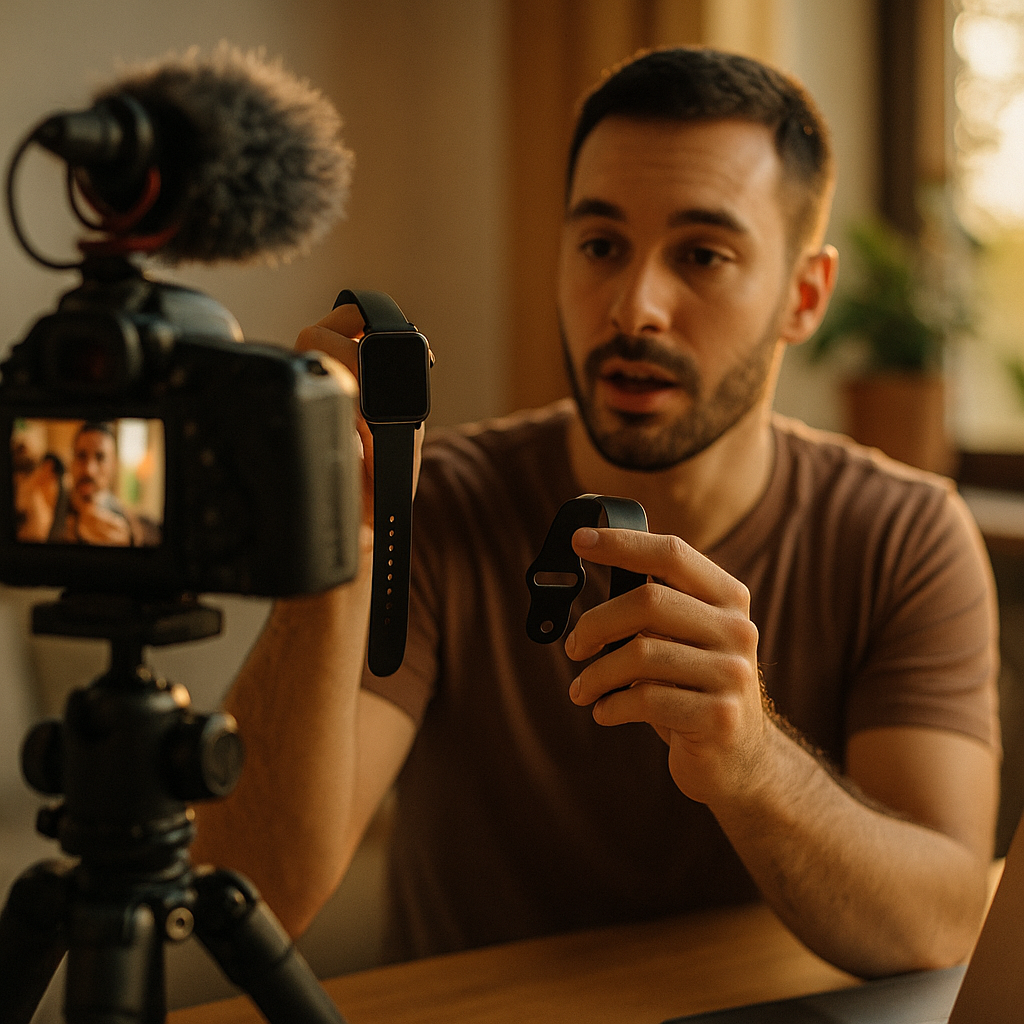
Building high-impact creator product walkthroughs is essential for capturing attention and driving engagement in 2025’s competitive creator economy. By showcasing features in an effective, relatable format, creators help audiences achieve better outcomes with digital products. Ready to make your walkthroughs unforgettable? Discover actionable tips and proven strategies for creator-first product demonstrations below.
Why Effective Creator Product Demo Videos Matter
Product demo videos have become non-negotiable in the creator economy. Recent research by Sprout Social found that 87% of consumers consider video to be the most helpful content type during purchasing. High-quality walkthroughs reduce user confusion, improve product adoption, and ensure audiences clearly see the product’s value in action.
Effective demo videos accomplish more than just displaying features:
- Build trust and credibility by letting creators showcase authentic experiences
- Simplify onboarding for users who prefer step-by-step visual instructions over written guides
- Reduce churn by proactively addressing common pain points and FAQs
- Encourage sharing and advocacy through memorable, easy-to-follow narratives
Most importantly, creator-driven demos use relatable language and context, ensuring viewers feel seen and understood. This empathy-driven approach sets high-impact walkthroughs apart from generic corporate tutorials.
Planning High-Impact Creator-Focused Walkthrough Content
Before recording your walkthrough, purposeful planning is vital. Successful creator product walkthroughs start with thorough audience research and a narrative mindset. Here’s how to ensure your content resonates:
- Define your audience: Identify their pain points, technical comfort level, and product expectations. Use recent customer feedback to tailor your focus.
- Align with creator goals: Are you highlighting monetization features, creative controls, community tools, or something else? Map these priorities to your script outline.
- Sketch your structure: Plan a clear intro, a logical feature sequence, and a tangible outcome or call-to-action.
- Script for clarity and relatability: Avoid jargon. Use real use-cases and common creator workflows to ensure authenticity.
- Prioritize accessibility: Consider captioning, descriptive audio, and elements that support users of all abilities.
Careful planning ensures your walkthrough remains focused, actionable, and tailored for greatest impact—rather than getting lost in feature overload.
Best Practices for Recording Creator Product Tutorials
Video production quality can make or break your walkthrough’s effectiveness. It’s important to balance professional standards with creator-led authenticity. To build stronger product understanding and trust, consider these production best practices in 2025:
- Capture your screen crisply: Use high-resolution screen recording tools to highlight menus, interactions, and subtle UI elements.
- Add face-cam for authenticity: Creators who show their faces build rapport and credibility. Small picture-in-picture layouts let audiences read facial cues alongside the walkthrough.
- Ensure high-quality audio: Clear, conversational audio fosters engagement. Eliminate background noise and consider using a lapel or condenser microphone.
- Keep pacing tight: Edit out pauses, mistakes, or repetitive steps. Optimal walkthroughs clock in at 2-8 minutes per key feature or flow.
- Demonstrate real workflows: Instead of generic clickthroughs, use actual creator scenarios such as uploading content, enabling monetization, or customizing profiles.
- Personalize with on-screen annotations: Call out tips, shortcuts, and “pro” moves that experienced creators will appreciate.
This streamlined, creator-first production approach boosts user confidence and helps ensure audiences actually retain what they’ve learned.
Leveraging Storytelling and Relatable Creator Use-Cases
The highest-impact creator product walkthroughs leverage storytelling to demonstrate value. In 2025, creators who weave product features into real-life stories sustain attention—while dry technical demos risk losing viewers fast. Here’s how to maximize engagement:
- Start with a creator’s challenge: Set the stage by presenting a relatable, common obstacle facing your audience.
- Show the product as the solution: Seamlessly introduce product features as essential tools in resolving the challenge.
- Highlight surprising or unique benefits: Demonstrate what differentiates your solution from competitors, using firsthand creator experience.
- Wrap up with a real-world outcome: Conclude with a completed project, improved results, or positive community reaction.
For example, a walkthrough for a new video-editing app might feature a creator trying to combine vertical and horizontal footage for TikTok and YouTube Shorts. By showing how the tool speeds up this process (and sharing end results), viewers stay connected and inspired to try it themselves.
Optimizing for Engagement and SEO in Creator Walkthroughs
Even the best walkthroughs need smart optimization to reach their audience. To boost discoverability and drive engagement, apply these 2025 SEO and platform strategies:
- Keyword optimize your title and description: Use the primary phrase—“creator product walkthrough”—early, plus long-tail variations like “how to use [product] for creators.”
- Add chapters and timestamps: Help viewers – and search engines – jump to most relevant sections.
- Leverage video schema and transcriptions: These help Google index your content, making it easier to rank in search and video results.
- Encourage interaction: Embed prompts for viewers to comment, share unique tips, or ask questions for future demos.
- Promote across communities: Share walkthroughs on Substack, Discord, YouTube, and relevant industry forums for maximum reach.
- Track feedback and iterate: Measure watch time, drop-off points, and repeat questions to inform future walkthroughs.
By thinking like both a creator and an SEO strategist, you set your product tutorials up for sustained impact long after the initial launch.
Measuring the Impact of Your Creator Product Walkthroughs
Continuous improvement relies on clear data and feedback. Modern analytics tools let creators and brands track exactly how walkthroughs influence onboarding, retention, and advocacy. Prioritize these metrics to evaluate real impact:
- Viewer retention: Are audiences watching the full walkthrough? Where do they drop off?
- Engagement rates: Monitor likes, comments, shares, and follow-up questions.
- Conversion rates: Track the percent of viewers who take action (free trial, download, subscribe) after watching.
- Support ticket trends: Note if common user questions decrease post-walkthrough.
- Community sentiment: Analyze feedback on social channels and creator communities for qualitative insights.
With data in hand, continue refining your process. The best creator product walkthroughs aren’t “one and done”—they evolve with audience needs and real-world learning.
Conclusion
Mastering the art of high-impact creator product walkthroughs means blending storytelling, audience empathy, technical quality, and actionable SEO. In 2025’s creator-centered economy, such content fuels discovery, trust, and results. Plan thoughtfully, produce with authenticity, and measure impact—your product walkthroughs will drive growth and loyalty with every new release.
FAQs About Building High-Impact Creator Product Walkthroughs
-
What’s the ideal length for creator product walkthrough videos in 2025?
For maximum retention, aim for 2-8 minutes per key product feature or workflow. Shorter videos (under 10 minutes) keep viewers engaged without overwhelming them.
-
How do I make my walkthroughs more relatable to creators?
Speak in everyday language, use real creator scenarios, and show your face if possible. Address actual pain points faced by your specific audience.
-
What equipment do I need to record high-quality walkthroughs?
Use a high-resolution screen recording app, a decent microphone (such as a lapel or USB condenser), and optional webcam. Good lighting and a quiet environment also help.
-
Should I use captions and accessibility features?
Yes. Captions, descriptive audio, and accessible design ensure your walkthrough reaches creators of all abilities and complies with modern accessibility standards.
-
How do I optimize creator walkthroughs for SEO?
Use relevant keywords in the title and description, add structured data and timestamps, and upload full video transcripts to aid search visibility.
-
How can I tell if my walkthrough is actually effective?
Track metrics such as view completion rates, engagement (comments, shares), conversion rates, and any drop in support tickets for the featured product.