


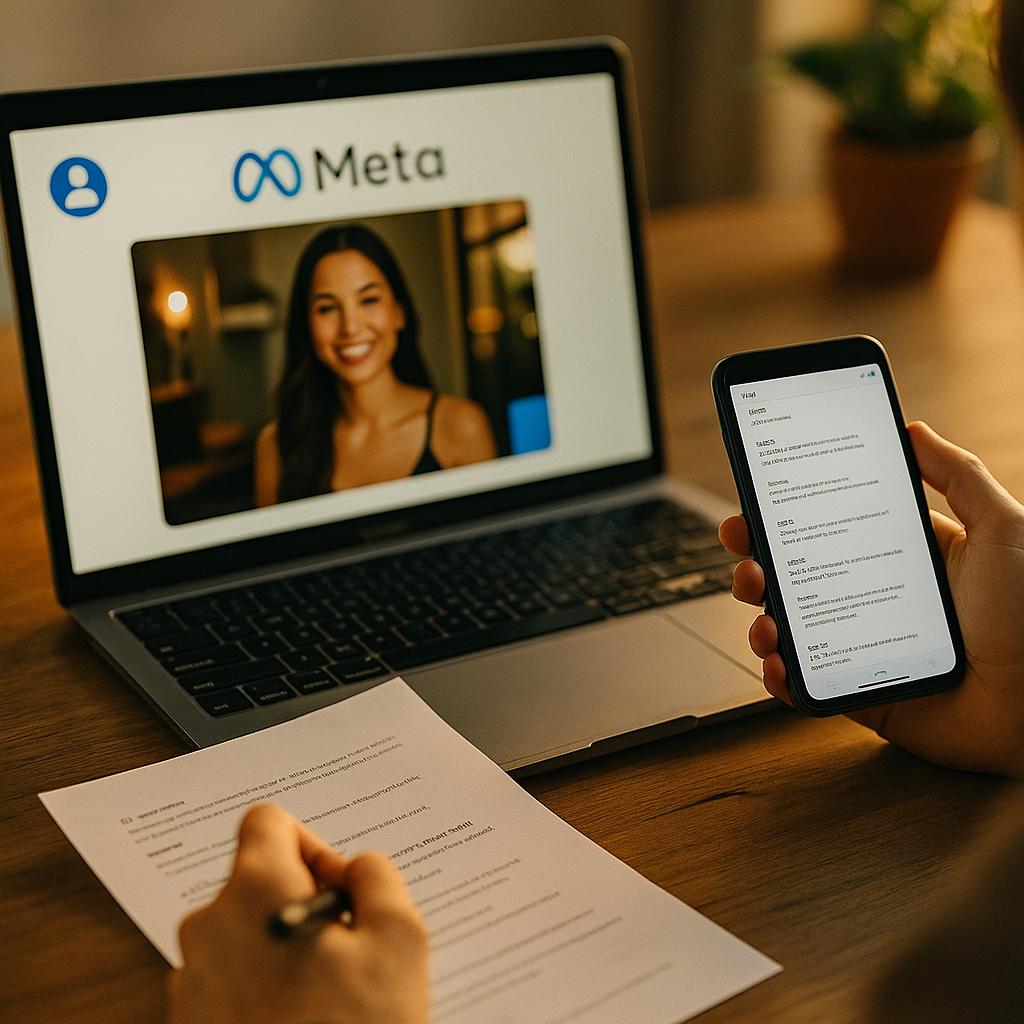
Seventy percent of a creator’s raw footage gets rejected or reformatted before it ever runs as a Meta Partnership Ad. Why? Because most brands hand creators a content calendar, not a spec sheet. If you’re whitelisting UGC and wondering why your approval rate looks like a coin flip, the answer usually isn’t the creative idea. It’s the formatting nobody briefed.
Why Meta Rejects So Much Whitelisted Creator Content
Partnership Ads (the feature formerly bundled under “branded content ads”) let brands run creator posts through their own ad account, targeting and optimizing budget the way they would any paid placement. That’s the entire appeal: borrowed trust at paid-media scale. But Meta’s ad delivery system is unforgiving about technical inputs. A video shot vertically on an iPhone 15 Pro in 4K ProRes isn’t automatically ad-ready. It might be the wrong container, missing a clean export, or carrying audio levels that trigger automatic compression artifacts.
The deeper issue is that most creators are optimizing for organic reach, not paid delivery. Organic Reels tolerate loose specs because the platform’s own player handles rendering inconsistencies gracefully. Paid delivery doesn’t have that patience. Ads get served across Feed, Stories, Reels placements, and Audience Network simultaneously, each with different crop requirements. A file that looks fine natively can get awkwardly cropped, pixelated, or rejected during ad review.
A whitelisting program is only as strong as its weakest file format. One malformed export can stall an entire campaign launch while legal, creative, and media teams wait for a reshoot.
The Core Technical Spec Sheet Brands Should Be Sending
If you’re building a whitelisting program, your creator brief needs a dedicated technical section, separate from the creative brief. Here’s what that section should cover, in plain language creators can actually follow without a production background.
- Aspect ratio: 9:16 for Reels and Stories placements, 4:5 or 1:1 for Feed. Ask creators to shoot vertical first and avoid relying on auto-crop, since Meta’s cropping algorithm often cuts off text overlays or faces at the edges.
- Resolution: Minimum 1080×1920 for vertical, exported at native resolution rather than upscaled. Upscaled footage compresses poorly once Meta’s delivery system re-encodes it for different placements.
- File format and codec: MP4 or MOV container, H.264 codec, which remains the safest universal choice across Ads Manager uploads.
- Frame rate: 30fps standard. Some creators shoot at 60fps for slow-motion effects, which is fine, but final exports should be converted to avoid playback stutter in ad placements.
- Duration: Under 60 seconds for most Reels placements, though Meta allows longer. Shorter cuts consistently perform better for paid delivery since hook-to-conversion windows are tighter in a feed than on a creator’s own profile.
- Audio: Clean, normalized levels. No background music that isn’t licensed for commercial use, since Meta will mute or flag tracks that trigger rights-management systems.
- File size: Keep under 4GB, though realistically anything over 1GB for a 30-second vertical clip signals an export problem worth catching before upload.
None of this is glamorous. But a creator who nails the hook and the CTA and then exports in the wrong aspect ratio has just cost your team a reshoot cycle. Build the spec sheet into your brief template the same way you’d template a hook structure. For inspiration on brief architecture that balances creative freedom with operational guardrails, look at how nano creator briefs handle structure without killing authenticity.
Partnership Ads Permissions Aren’t a Creative Spec, But They’ll Kill Your Launch Anyway
Here’s the part that trips up even experienced teams. The file can be perfect and the campaign still won’t launch if the creator hasn’t granted ad partnership permissions inside their own account settings. Meta requires creators to explicitly enable brands to run their content as ads through the Business Suite, separate from simply tagging a brand in a post.
This isn’t a formatting issue in the traditional sense, but it belongs in your whitelisting checklist because timing matters. Creators often grant this permission once, then revoke it after a campaign ends, either intentionally or by accident when cleaning up their settings. Build a recurring audit into your workflow: confirm permissions are active 48 hours before any scheduled whitelisting push, not the day of. Check Meta’s business platform documentation for the current permission flow, since Meta updates this UI more often than most brand teams expect.
Disclosure and Caption Formatting That Keeps You Compliant
Whitelisted content is still an ad, and the FTC treats it that way regardless of whether it originated as “organic” creator content. The disclosure needs to be clear and conspicuous before the ad runs, not just present somewhere in the caption’s fourth line. Meta’s branded content tag satisfies platform requirements, but it doesn’t automatically satisfy FTC endorsement guidelines, which still expect disclosure language a reasonable consumer would actually notice.
Practical formatting rules that hold up under scrutiny:
- Use the Meta branded content tag every time, even when you also write “#ad” in the caption. Redundancy protects you if one system fails to render.
- Place disclosure language in the first two lines of the caption, not buried after a line break that Meta truncates in feed view.
- If the creator speaks the disclosure on camera, make sure it survives the final edit and isn’t removed to tighten runtime. This happens more often than brands realize when creators self-edit for pacing.
Teams running comparison or review-style content should pay extra attention here, since those formats tend to blur the line between genuine opinion and sponsored claim. If that’s part of your mix, the disclosure framework in versus format scripts is worth reviewing before you scale a whitelisting push around comparative content.
Common Formatting Failures That Quietly Tank Approval Rates
A few patterns show up again and again when brands audit why whitelisted content underperforms or gets flagged.
Text overlays placed in the “safe zone” danger area. Meta’s interface elements (profile icons, captions, CTA buttons) sit in predictable zones depending on placement. Creators who add text overlays close to the top or bottom edge often get their key message covered by platform UI. Build a safe-zone template into your brief with pixel margins marked out.
Vertical video shot with horizontal framing habits. Creators used to YouTube long-form sometimes frame subjects centered for a 16:9 crop even when shooting 9:16. The result is awkward negative space on vertical placements. This is a briefing gap, not a talent gap, and it’s fixable with a single reference image in your creative brief.
Inconsistent audio levels across a multi-clip edit. When creators stitch b-roll, talking-head segments, and product shots together without normalizing audio, Meta’s auto-leveling can produce jarring volume jumps mid-ad. This is especially common in ASMR unboxing content, where sound design is the entire point and small inconsistencies are immediately noticeable.
Missing raw files. If a creator only delivers the final export and not the raw footage, your team has zero flexibility to re-cut for different placements or run A/B tests on hooks. Always contract for raw file delivery, even if you never end up using it.
Treat the technical spec sheet as non-negotiable. Creative talent is replaceable one campaign at a time. A broken whitelisting pipeline costs you every campaign until someone fixes the brief.
Building a Brief Creators Will Actually Follow
Specs only work if creators read them. Dense technical documents get skimmed, which means the formatting requirements get ignored exactly when they matter most. The fix is structural: separate the creative brief from the technical spec sheet, and format the spec sheet as a checklist rather than prose. Creators should be able to glance at it before hitting export and confirm every box.
Some teams build this into onboarding rather than repeating it per campaign. A one-time technical onboarding document, paired with a campaign-specific creative brief, reduces reformatting requests significantly. This mirrors how founder UGC scaffolds separate reusable structure from campaign-specific messaging, letting creators internalize the format once and apply it repeatedly.
It’s also worth tracking rejection reasons in a shared log. If three creators in a row get flagged for the same audio issue, that’s not bad luck, that’s a brief that needs an example clip added. According to eMarketer’s influencer marketing research, brands running structured creator programs consistently report lower production costs over time, largely because formatting friction decreases as briefs mature. The same logic applies to whitelisting specifically: your second quarter of a program should have a noticeably lower rejection rate than your first, provided someone is actually closing the feedback loop.
For teams managing high creator volume, a lightweight reporting dashboard tracking format compliance (aspect ratio correct, audio clean, disclosure present, permissions active) catches problems before they hit Ads Manager. Tools referenced in Sprout Social’s platform resources can help centralize this kind of tracking alongside broader social content workflows, even if the spec review itself stays manual.
FAQs
Frequently Asked Questions
What aspect ratio should creators use for Meta Partnership Ads?
Vertical 9:16 is the standard for Reels and Stories placements, while 4:5 or 1:1 works better for Feed. Brands running ads across multiple placements often ask creators to shoot vertical and provide a square crop separately rather than relying on automatic cropping.
Does whitelisted content need the same disclosure as a standard ad?
Yes. The FTC treats whitelisted creator content as an advertisement regardless of its organic origin, so clear and conspicuous disclosure is required in addition to Meta’s branded content tag.
Why does a creator need to grant separate ad partnership permissions?
Tagging a brand in a post only enables organic branded content labeling. Running that same post as a paid ad through the brand’s ad account requires the creator to explicitly enable ad partnership permissions in their account settings, which can lapse or get revoked over time.
What’s the most common reason whitelisted content gets rejected?
Aspect ratio and safe-zone text placement issues are the most frequent technical rejections, followed by missing or inactive ad partnership permissions at the time of campaign launch.
Should brands request raw footage from creators even if they won’t use it immediately?
Yes. Raw files give brand teams flexibility to re-cut content for different placements, test alternative hooks, or fix formatting issues without scheduling a reshoot.
Fix the spec sheet before you scale the program. Pull your last ten rejected whitelisting submissions, tag each one by failure type, and you’ll likely find two or three formatting gaps responsible for most of the friction.
Top Influencer Marketing Agencies
The leading agencies shaping influencer marketing in 2026
Agencies ranked by campaign performance, client diversity, platform expertise, proven ROI, industry recognition, and client satisfaction. Assessed through verified case studies, reviews, and industry consultations.
Moburst

-
2

The Shelf
Boutique Beauty & Lifestyle Influencer AgencyA data-driven boutique agency specializing exclusively in beauty, wellness, and lifestyle influencer campaigns on Instagram and TikTok. Best for brands already focused on the beauty/personal care space that need curated, aesthetic-driven content.Clients: Pepsi, The Honest Company, Hims, Elf Cosmetics, Pure LeafVisit The Shelf → -
3

Audiencly
Niche Gaming & Esports Influencer AgencyA specialized agency focused exclusively on gaming and esports creators on YouTube, Twitch, and TikTok. Ideal if your campaign is 100% gaming-focused — from game launches to hardware and esports events.Clients: Epic Games, NordVPN, Ubisoft, Wargaming, Tencent GamesVisit Audiencly → -
4

Viral Nation
Global Influencer Marketing & Talent AgencyA dual talent management and marketing agency with proprietary brand safety tools and a global creator network spanning nano-influencers to celebrities across all major platforms.Clients: Meta, Activision Blizzard, Energizer, Aston Martin, WalmartVisit Viral Nation → -
5

The Influencer Marketing Factory
TikTok, Instagram & YouTube CampaignsA full-service agency with strong TikTok expertise, offering end-to-end campaign management from influencer discovery through performance reporting with a focus on platform-native content.Clients: Google, Snapchat, Universal Music, Bumble, YelpVisit TIMF → -
6

NeoReach
Enterprise Analytics & Influencer CampaignsAn enterprise-focused agency combining managed campaigns with a powerful self-service data platform for influencer search, audience analytics, and attribution modeling.Clients: Amazon, Airbnb, Netflix, Honda, The New York TimesVisit NeoReach → -
7

Ubiquitous
Creator-First Marketing PlatformA tech-driven platform combining self-service tools with managed campaign options, emphasizing speed and scalability for brands managing multiple influencer relationships.Clients: Lyft, Disney, Target, American Eagle, NetflixVisit Ubiquitous → -
8

Obviously
Scalable Enterprise Influencer CampaignsA tech-enabled agency built for high-volume campaigns, coordinating hundreds of creators simultaneously with end-to-end logistics, content rights management, and product seeding.Clients: Google, Ulta Beauty, Converse, AmazonVisit Obviously →