


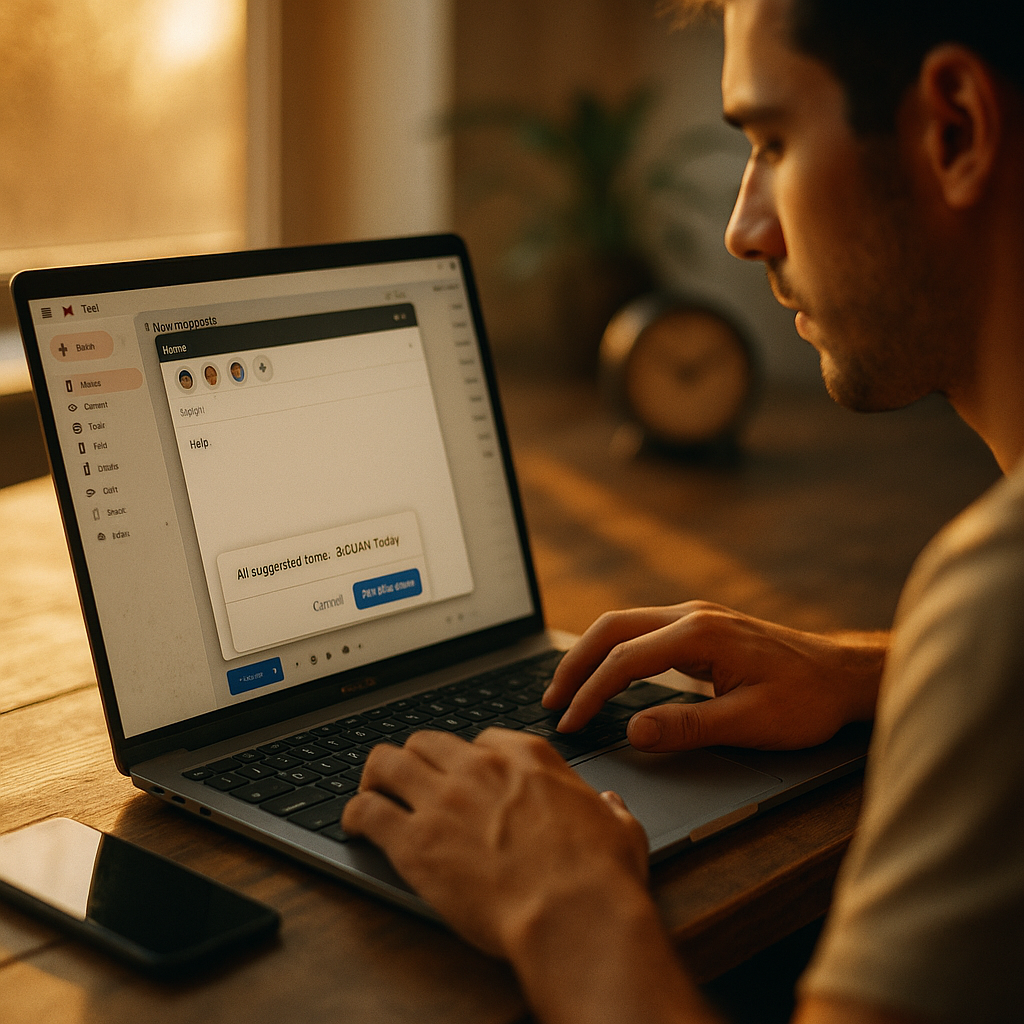
Using AI to Optimize Email Send Times for Global Freelance Workforces is no longer a “nice to have” in 2025. When contractors span time zones, cultures, and work styles, a single blast schedule wastes attention and delays decisions. AI-driven timing aligns messages with real behavior, not assumptions, boosting replies without adding pressure. Ready to see how timing becomes a competitive advantage?
Why email send time optimization matters for distributed freelancers
Global freelance teams run on asynchronous communication. The problem is that inboxes are not neutral: they are crowded, filtered, and shaped by habits. If your email lands while a contractor is commuting, asleep, in a deep work block, or offline by choice, you may wait a full day for a simple confirmation.
Email send time optimization aims to place messages at the top of the inbox when the recipient is most likely to engage. For freelance workforces, that translates into:
- Faster cycle times: approvals, file handoffs, and clarifications move sooner.
- Higher response rates: fewer “lost” messages reduce follow-ups and tension.
- Less coordination overhead: project managers stop guessing who is awake.
- Better freelancer experience: communication feels considerate rather than intrusive.
Timing is also a deliverability and reputation issue. Frequent “ignored” emails can reduce future inbox placement, especially if recipients consistently do not open or quickly delete. Even when content is excellent, poor timing can silently tax performance.
Readers often ask: “Can’t we just send during the recipient’s morning?” Not reliably. Morning differs by locale, role, and personal preference. Many freelancers start later, batch email twice daily, or keep client work separate from admin time. AI is useful because it learns these patterns per person, per segment, and per message type.
How AI-driven send time models work (and what data they need)
AI-driven send time systems predict the window when each recipient is most likely to open, click, or reply. The best tools treat send time as a probability problem: “If we send now, what’s the likelihood of engagement within the next X hours?”
Common signals include:
- Historical engagement: open/click/reply timestamps, recency, frequency, and session length.
- Time zone and locale: local time, weekends, and holidays relevant to the freelancer.
- Role and workflow: editors may check email early; developers may check after standups; creatives may batch later.
- Message context: urgency, thread history, and whether it’s a new request or a follow-up.
- Channel preference: if a person replies faster in a project tool, email timing should adapt or defer.
Under the hood, solutions typically use one of three approaches:
- Heuristic rules: simple “send at 9:30 AM local” logic. Fast to deploy, limited personalization.
- Per-recipient predictive models: learn each person’s engagement curve across the week and day.
- Contextual bandits or reinforcement learning: continuously tests timing “arms” and reallocates toward the best-performing windows.
Because freelancers can be seasonal or sporadic, cold-start handling matters. Strong systems begin with segment-level priors (for example, “APAC designers” or “US-based QA contractors”) and then personalize as data accumulates. If you have low email volume per person, prioritize models that can learn from sparse data and borrow strength from similar recipients.
Follow-up question: “Do opens still matter with privacy features?” They matter less alone. In 2025, robust systems lean more on replies, link clicks, and downstream actions (task completion, document review, calendar booking) to avoid false signals and optimize for business outcomes.
Building a global workforce communication strategy around timing
Timing optimization works best when it supports a broader global workforce communication plan. That plan defines what belongs in email, how fast you expect responses, and what “good” looks like across time zones.
Start with message taxonomy. Separate emails into categories because optimal send windows differ:
- Operational requests: approvals, access, invoice clarifications. Measure by reply speed and completion time.
- Project updates: weekly summaries, roadmap notes. Measure by read depth and follow-up questions.
- Engagement and retention: policy changes, community updates, new opportunities. Measure by click-through and conversions.
Next, define service levels that respect independence. Freelancers are not employees; “always on” expectations backfire. Set explicit norms such as:
- Response windows by urgency: “24 hours for non-urgent,” “4 hours for blockers,” with clear escalation channels.
- Local quiet hours: avoid sending outside agreed ranges unless marked urgent.
- Thread hygiene: one request per email, clear subject lines, and concise next steps.
Then, align timing with the rest of your stack. If you use a project management tool for assignments and email for confirmations, use AI to time the confirmation after the assignment is likely viewed. If you use email to drive meeting scheduling, time it when calendar actions are most common for that recipient segment.
Finally, protect creative and deep-work time. A practical approach is to bias “FYI” updates toward low-interruption windows and reserve prime engagement windows for requests that truly need attention. This creates a rhythm freelancers can trust.
Choosing predictive email analytics and integrating with your tools
When evaluating platforms for predictive email analytics, focus on capabilities that matter for global freelance operations, not just marketing campaigns.
Key selection criteria:
- Outcome optimization: can it optimize for replies and task completion, not only opens?
- Per-recipient personalization: supports individualized send windows and adapts quickly.
- Time zone accuracy: handles travel, daylight savings changes, and correct locale mapping.
- Frequency controls: caps sends to prevent overload and supports “digest” modes.
- Experimentation framework: A/B or multi-armed bandit testing with statistically sound reporting.
- APIs and integrations: CRM, ATS, HRIS/contractor management, helpdesk, project tools, and email providers.
- Privacy and governance: data minimization, retention controls, and audit logs.
Integration patterns that work:
- Campaign scheduling layer: the AI selects the send time; your email platform executes.
- Workflow-triggered messaging: events (contract signed, milestone submitted) trigger an email that the AI delays into the best window.
- Recipient-level profiles: store preferred windows and update them continuously; share across systems to keep timing consistent.
Readers often worry about complexity. A lightweight rollout can still deliver value: start by optimizing only two email types (for example, “approval requests” and “weekly briefs”) and only for freelancers in three major regions. Expand after you validate lift.
Measuring freelancer response rates and business impact
To prove value, tie timing to outcomes that stakeholders care about. For global teams, the north star is usually “time to unblock work.” Freelancer response rates are helpful, but they should be part of a broader scorecard.
Recommended metrics:
- Median time to first reply: more stable than averages; track by region and message type.
- Reply rate within SLA: percentage responding within your defined window (for example, 24 hours).
- Task cycle time: time from request to completion (approval granted, asset delivered, invoice corrected).
- Follow-up volume: number of nudges required per request; should fall if timing improves.
- Inbox fatigue indicators: unsubscribe rate, spam complaints, or drop in engagement over time.
How to test send-time AI properly:
- Holdout groups: keep a portion on your current schedule to measure incremental lift.
- Stratify by region and role: avoid letting one high-volume segment dominate results.
- Use consistent content: change timing, not copy, during timing experiments.
- Measure downstream outcomes: if replies rise but completion time does not improve, your email might be unclear or the process is broken.
Also account for cultural and regional work patterns. Some regions have different weekend days, and local holidays can sharply change engagement. AI should incorporate these calendars, but you should validate them. A simple governance step is maintaining an “exceptions” calendar for each major freelancer market and ensuring your model respects it.
Ensuring AI email compliance, privacy, and trust across borders
Timing optimization touches behavioral data, so trust is a core requirement. AI email compliance in 2025 means meeting legal obligations and earning recipient confidence through transparent practice.
Practical compliance and trust checklist:
- Purpose limitation: use engagement data strictly to improve operational communication, not unrelated profiling.
- Data minimization: store only what you need (timestamps and outcomes), avoid sensitive content analysis unless justified.
- Retention controls: set clear limits for how long engagement data is kept, especially for inactive freelancers.
- Access controls: restrict who can view recipient-level analytics; audit access.
- Explainability: be able to state “we send when you’re most likely to see it” and provide opt-out options.
- Fairness: watch for systematic disadvantages (for example, always deprioritizing certain regions because of lower historical engagement caused by language barriers or message relevance).
One overlooked risk is over-optimization that feels manipulative. If freelancers perceive “behavioral nudging,” it can reduce goodwill. Keep the goal operational: reduce delays and unnecessary pings. Make it clear that the system optimizes when a message is sent, not how often they are contacted.
Another frequent question: “Should we tell freelancers we use AI for timing?” If you have an established privacy notice, add a plain-language line about using engagement patterns to schedule messages more conveniently. Transparency prevents surprises and supports long-term collaboration.
FAQs
What is the best send time for freelancers in multiple time zones?
There is no single best time. The best send time depends on each freelancer’s local schedule and behavior. AI improves results by learning per-recipient engagement windows and adjusting for role, region, and message type.
Does AI send-time optimization still work if open tracking is unreliable?
Yes, if you optimize for stronger signals such as replies, link clicks, file views, form submissions, or task completion. Mature systems use multiple signals and can downweight opens when they are noisy.
How quickly can AI learn optimal send times for a new freelancer?
Many tools start with segment-based averages (region + role) and personalize after a handful of interactions. You can speed learning by tagging message types consistently and ensuring replies are captured as outcomes.
Will optimizing send times increase email volume?
It should not. Timing optimization changes when you send, not how much you send. Pair it with frequency caps and clearer message design to reduce follow-ups and total volume.
How do we avoid sending emails during local holidays?
Use localized holiday calendars and maintain an override list for key freelancer markets. Your AI tool should support calendar-based suppression or shifting to the next suitable window.
What email types benefit most from send-time AI in freelance operations?
Time-sensitive requests with clear next steps usually see the biggest lift: approvals, clarifications, access requests, invoice corrections, and deadline confirmations. “FYI” newsletters benefit too, but operational emails often deliver the most measurable business impact.
How do we measure success beyond opens and clicks?
Track median time to first reply, reply-within-SLA rate, number of follow-ups per request, and end-to-end cycle time for key workflows. The goal is faster, smoother project delivery with less chasing.
AI timing works best when it supports respectful, well-structured communication. By modeling real engagement patterns across regions, roles, and message types, you can send fewer follow-ups, accelerate approvals, and keep projects moving without expecting anyone to be online at the same time. In 2025, the winning approach combines predictive scheduling, clear norms, and strong privacy controls. Implement it thoughtfully, and your inbox becomes an asset, not a bottleneck.