


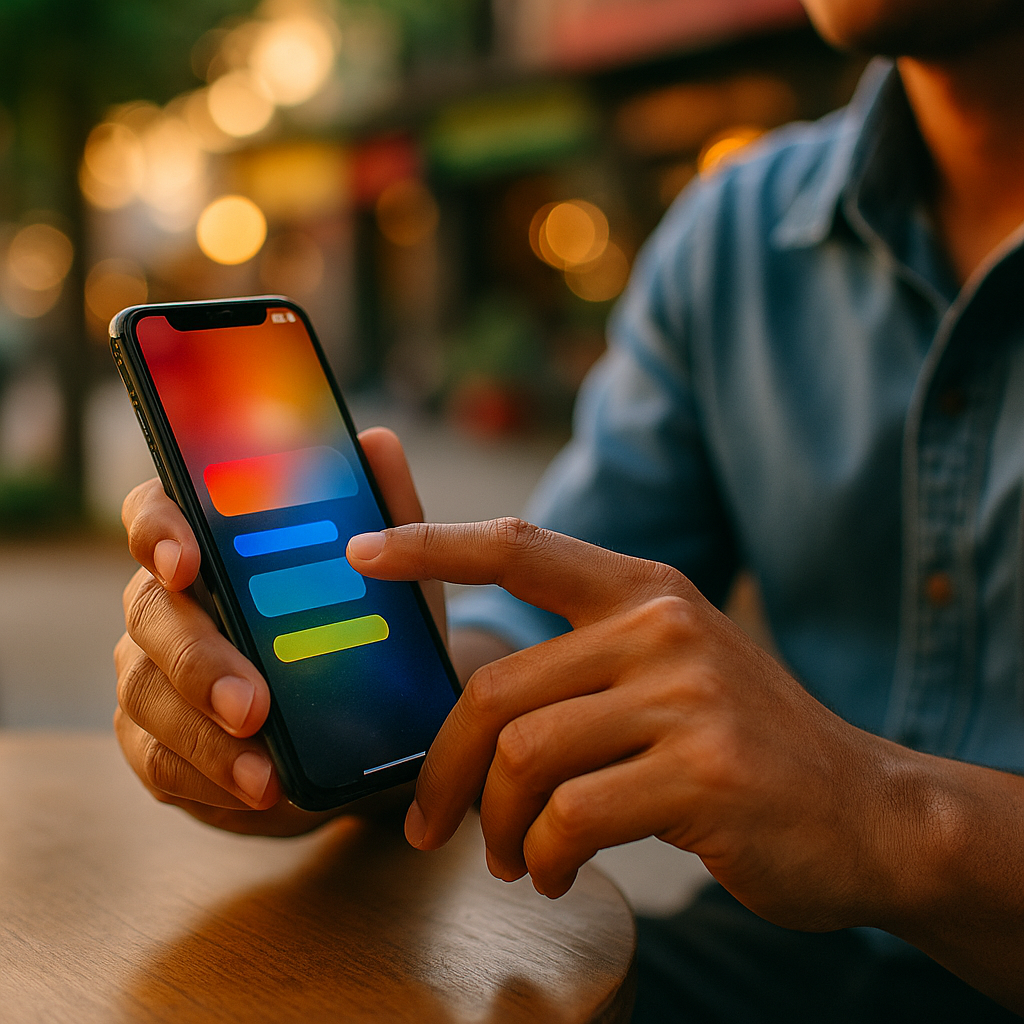
The Future Of Haptic Marketing is moving fast as mobile experiences shift from visual-first to multi-sensory design. Touch feedback can guide attention, confirm actions, and create memorable brand moments without adding screen clutter. In 2025, better vibration APIs, wearables, and accessibility expectations are pushing teams to treat haptics as content, not decoration. What happens when every tap can communicate?
Haptic marketing on mobile: what it is and why it works
Haptic marketing uses tactile feedback—most often phone vibrations and micro-taps—to reinforce a message, guide behavior, or deepen emotional connection. In mobile content, haptics can act like a subtle “second channel” alongside visuals and audio. When implemented well, it improves clarity and confidence without demanding extra attention.
Touch works because it is immediate and hard to ignore. A short pulse can confirm “Payment sent,” a soft tick can acknowledge “Added to cart,” and a patterned buzz can signal urgency more effectively than a banner that users might miss. Haptics also reduce cognitive load: users do not need to interpret extra text if the interface speaks through consistent tactile cues.
To stay credible and user-first, treat haptics as a functional layer:
- Reinforce meaning: pair one tactile pattern with one outcome (success, warning, error) and keep it consistent.
- Support, don’t distract: use short, precise cues that complement the UI instead of competing with it.
- Respect context: quiet environments, accessibility needs, and user preferences matter more than novelty.
Many teams ask, “Is this just a gimmick?” It becomes a gimmick only when it is random. When haptics reduce friction, increase confidence, or make content easier to navigate, they become measurable UX improvements—and the marketing impact follows.
Mobile haptic feedback: where it fits in content, UX, and conversion
Mobile haptic feedback performs best at moments of decision and confirmation. These are the points where users hesitate, double-check, or abandon. Haptics can shorten that hesitation by providing immediate reassurance that the system understood them.
High-value placements include:
- Micro-conversions: saving, liking, subscribing, bookmarking, adding to cart.
- Form completion: field validation, error states, and “all set” confirmations.
- Navigation: subtle ticks when snapping to a carousel item or reaching the end of a list.
- Content interactions: interactive stories, product configurators, quizzes, and polls.
From a conversion perspective, haptics act like an “interaction receipt.” Users often tap twice when they are unsure an action registered. A crisp, consistent pulse reduces mis-taps and repeat actions, which also reduces frustration. That matters for paid traffic: if the user experience feels responsive, users attribute competence and trust to the brand.
To keep the experience brand-safe, define a small haptic vocabulary. For example, one short pulse for selection, two light pulses for success, and a longer, softer rumble for warnings. When this vocabulary maps cleanly to UI states, users learn it quickly—no onboarding needed.
Measurement is a common follow-up question: “How do we prove it works?” A/B test with and without haptics on the same UI, tracking mis-taps, completion rates, and time-to-confirmation. Also monitor complaint signals such as rapid toggling off of vibration-related settings, increased bounce on key flows, or negative feedback mentioning “annoying vibration.”
Tactile user experience design: principles, patterns, and accessibility
Tactile user experience design requires the same discipline as visual design: hierarchy, consistency, restraint, and inclusivity. Haptics should communicate state and intent, not just add flair.
Core principles for 2025 product teams:
- Meaningful mapping: each pattern equals one message. Avoid reusing the same buzz for both “success” and “error.”
- Minimum effective intensity: if a light tick works, do not escalate to a strong vibration. Preserve intensity for truly important events.
- Short durations: micro-haptics (very brief cues) are usually more premium and less intrusive than long vibrations.
- Predictable placement: keep feedback tied to direct manipulation (tap, swipe, drag) rather than surprising users after a delay.
Accessibility is not optional. Many users rely on haptics for confirmation when audio is off or when visual attention is limited. At the same time, some users are sensitive to vibration or use devices in environments where vibration is disruptive.
Build for control and clarity:
- Respect system settings: if the user disables haptics at OS level, do not re-enable them inside the app.
- Offer in-app controls: provide a simple “Haptic feedback: On/Off” toggle and, for advanced users, intensity options.
- Don’t encode meaning in haptics alone: always pair touch cues with visual and/or textual feedback so the message is accessible across abilities and contexts.
- Avoid “always-on” vibration: repeated haptics can feel like nagging and may reduce trust.
Design teams often ask how to keep a “brand feel” without harming usability. The answer is to brand the moments, not the volume. Let the interface remain calm, then use a distinctive but subtle tactile signature at the point of delight—like completing a goal, unlocking a reward, or confirming a premium purchase.
Vibration advertising and brand touchpoints: campaigns people can feel
Vibration advertising is evolving beyond novelty buzzes into purposeful, opt-in interactions. The strongest use cases connect tactile feedback to a user-controlled action, a real value exchange, or a physical metaphor that matches the message.
Practical campaign patterns:
- Interactive product reveals: as users scroll through a product story, tactile cues “snap” to key features (durability, engine power, bass response) without needing extra text.
- Try-before-you-buy demos: a phone case brand can simulate “click” satisfaction for buttons; a sports brand can pair a training plan with rhythmic haptics for pacing.
- Loyalty and rewards: distinct confirmation cues for earning points, reaching tiers, and redeeming benefits build habit loops without pushy notifications.
- Live experiences: event apps can provide seat navigation cues or timing prompts, reducing reliance on audio in loud venues.
To keep campaigns trustworthy, prioritize user consent. Tie haptics to a clear prompt such as “Enable touch feedback for guided browsing” rather than surprising users with vibration. This aligns with EEAT expectations: transparency, control, and helpfulness.
A common concern is whether haptics work across devices. They vary, but you can still design robustly by focusing on relative differences (light vs. strong, single vs. double pulse) rather than ultra-precise patterns that only feel right on one model. Always test on a representative device set and validate with user research, especially if your audience skews toward specific regions or device types.
App haptics integration: tools, performance, privacy, and QA
App haptics integration succeeds when product, design, and engineering treat it as a system with standards—similar to typography or color tokens. In 2025, most mobile platforms provide haptic frameworks that support common feedback types (selection, impact, notification) while respecting device capabilities.
Implementation best practices:
- Create haptic tokens: define named feedback types (e.g., “ConfirmSuccess,” “SoftWarning,” “SelectionTick”) and map them to platform primitives.
- Centralize triggers: implement haptic calls in shared UI components to avoid inconsistent behavior across screens.
- Guard for context: do not trigger haptics during passive content playback unless the user initiates an action.
- Optimize performance: avoid heavy, repeated vibrations that can impact battery and create a low-quality feel.
Privacy is a frequent follow-up: “Do haptics create tracking risk?” Haptic feedback itself does not require personal data, but the events you choose to trigger and measure can. Apply data minimization: track only what you need to evaluate usefulness (completion rates, errors, drop-offs), and avoid collecting sensitive behavioral signals without a clear purpose and user notice.
Quality assurance matters more than teams expect. Haptics can feel inconsistent depending on device motors, cases, and user settings. QA should test:
- OS-level vibration disabled: ensure the app stays silent.
- Battery saver modes: confirm behavior remains appropriate.
- Latency: haptics must align with UI changes; delayed buzzes feel broken.
- Edge cases: rapid taps, gesture cancellations, multi-step forms, and interrupted flows.
Finally, document your haptic guidelines in the design system. When new marketers or product managers join, they should be able to choose from approved tactile patterns instead of improvising.
Multisensory mobile marketing trends: AI, wearables, and what’s next
Multisensory mobile marketing is expanding as phones connect to wearables and as personalization becomes more adaptive. The future is less about stronger vibrations and more about smarter, context-aware touch that feels intentional.
Key 2025 trends shaping next-step strategies:
- Contextual haptics: feedback adapts to what the user is doing—short cues for quick actions, calmer patterns at night, reduced intensity during meetings when the device suggests quiet modes.
- Wearable extensions: smartwatches and bands provide discreet touch cues that can guide shopping lists, ticketing, and location-based experiences without pulling out a phone.
- AI-assisted interaction design: teams can use AI to analyze friction points (rage taps, repeated actions) and recommend where tactile confirmation could reduce uncertainty.
- Haptics as trust signals: consistent tactile confirmations for identity checks and payments can reduce perceived risk—especially when paired with clear on-screen explanations.
Teams often ask, “Will users get tired of haptics?” They will if haptics behave like ads. The winning approach is to make touch feedback feel like craftsmanship—quiet, consistent, and earned. Treat it as part of your brand’s interaction quality, not a loud attention-grab.
Another practical question: “What should we build first?” Start with one high-impact journey such as checkout, subscription, or onboarding. Implement a small haptic vocabulary, test it, and expand only after you can prove it reduces errors or improves completion and satisfaction.
FAQs
What is haptic marketing in simple terms?
Haptic marketing uses touch feedback—usually phone vibrations—to support a message or action. It can confirm taps, highlight important moments, and make mobile experiences feel more responsive and memorable.
Does haptic feedback improve conversions?
It can, especially in high-friction flows like checkout and sign-up. Haptics reduce uncertainty (“Did my tap work?”), lower repeat actions, and help users complete steps with confidence. You should validate impact with A/B testing on completion rate, error rate, and time-to-confirm.
How do I keep haptics from feeling annoying?
Use short cues, limit frequency, and reserve stronger patterns for important events. Provide user controls, respect OS settings, and avoid triggering haptics without a user-initiated action.
Are haptics accessible?
Yes, they can support accessibility by providing non-visual confirmation. However, do not rely on haptics alone to convey meaning. Pair them with clear visuals/text and include opt-out and intensity controls for users who are sensitive to vibration.
What are the best use cases for haptics in marketing content?
Interactive product stories, configurators, quizzes, loyalty journeys, guided browsing, and confirmations for offers or redemptions. The best cases connect touch feedback to a clear user action and a tangible benefit.
How do we implement haptics consistently across iOS and Android?
Create a cross-platform “haptic token” system (named patterns like Selection, Success, Warning) and map each token to platform-native feedback types. Test across multiple devices, account for OS settings, and document standards in your design system.
Integrating touch into mobile content is no longer experimental; it is a practical way to reduce friction and add meaning without adding noise. The brands that win in 2025 will treat haptics as a disciplined design language—consistent, accessible, and user-controlled. Start with one journey, define a small haptic vocabulary, test results, and scale thoughtfully for experiences people trust and remember.