


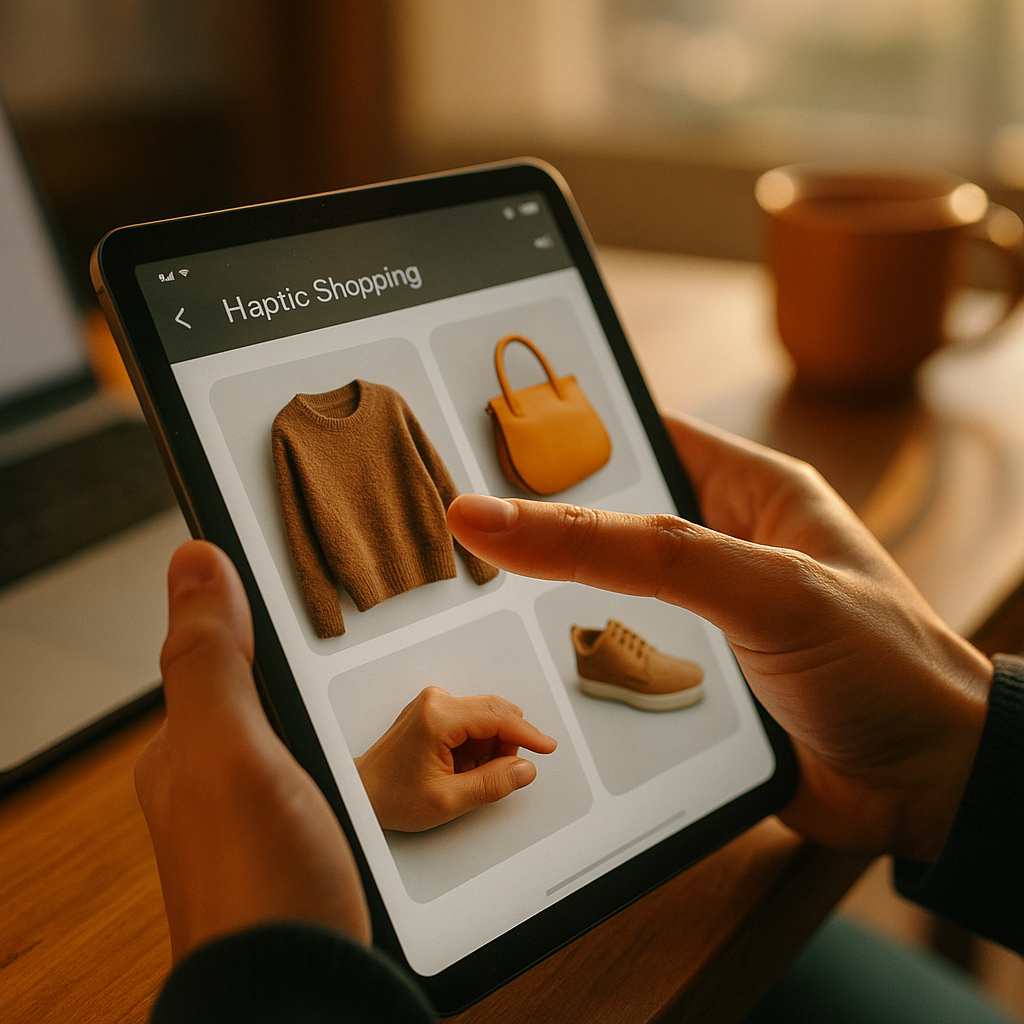
The future of haptic marketing is arriving fast as brands move beyond sight and sound to deliver content people can physically feel. In 2025, touch-enabled experiences are no longer limited to gaming; they show up in ads, apps, retail, and product education. When executed with care, haptics can increase clarity, confidence, and emotional resonance. But how do you integrate touch without gimmicks?
Haptic marketing strategy: why touch belongs in modern content
Touch is a high-trust sense. People rely on tactile feedback to confirm actions, evaluate quality, and reduce uncertainty. Digital content historically lacked this layer, which is why many experiences still feel “flat” even with premium visuals.
A strong haptic marketing strategy treats touch as functional communication, not decoration. The most effective haptic patterns do at least one of the following:
- Confirm an action (payment accepted, booking secured, form submitted) with a short, distinctive pulse.
- Guide attention (subtle micro-bursts that indicate where to swipe, press, or hold).
- Differentiate states (error vs. success vs. warning) using clearly separated rhythms and intensities.
- Convey product attributes (e.g., “textured” vibration for ruggedness, smooth ramp-up for premium feel) when paired with accurate visuals and copy.
Marketers often ask whether touch “really” changes outcomes. Evidence is moving from anecdote to measurement. A 2024 peer-reviewed meta-analysis in Psychological Bulletin (64 studies) reported that haptic cues can increase perceived psychological closeness and improve evaluations in contexts where touch signals certainty and realism. The takeaway for content teams: haptics work best when they reduce ambiguity, not when they try to substitute for product reality.
To keep this helpful and credible (Google’s EEAT), document your intent: what user problem does haptic feedback solve, what behavior should it support, and how will you measure impact (conversion, error rate, time to task completion, or retention)?
Tactile user experience: where haptics fits across the customer journey
Great tactile user experience design is consistent across touchpoints. Users should learn your “touch language” the way they learn iconography or tone of voice. In 2025, the most practical integration points are:
- Top-of-funnel mobile ads: haptic “tap to feel” moments that reinforce a single claim (e.g., a crisp click for a camera shutter feature). Keep it short and optional.
- Landing pages and app onboarding: confirmation pulses for progress steps and successful completions reduce drop-off caused by uncertainty.
- Commerce and checkout: tactile confirmation on address validation, payment success, and order placed. This is where touch can increase confidence at the moment of highest anxiety.
- Post-purchase education: haptics paired with tutorials (e.g., device setup, maintenance) can guide sequencing and reduce support tickets.
- Customer support: in-app troubleshooting flows can use haptics to signal “correct step done” vs. “try again,” lowering cognitive load.
Many teams struggle with how to avoid sensory overload. A simple rule: use haptics for state changes, not for decoration. If nothing meaningful changed, don’t vibrate. Align tactile cues with accessibility needs too: users who rely on non-visual feedback benefit when haptics and audio cues are consistent and user-controlled.
Follow-up question readers often have: “Should haptics be consistent across iOS and Android?” Aim for semantic consistency rather than identical vibration waveforms. Hardware differs. Define a small set of tactile “tokens” (success, error, warning, boundary, selection) and adapt intensity and duration per device guidelines and user settings.
Mobile haptics and wearables: the channels shaping adoption in 2025
Mobile haptics and wearables are the main distribution rails for touch-based content because they already sit on the body. Smartphones deliver vibration patterns at scale, while wearables add proximity and persistence—ideal for navigation, fitness, payments, and notifications that need to be felt discreetly.
Three developments make 2025 different from early “buzz on tap” implementations:
- Richer haptic engines: many modern devices can render nuanced taps, rumbles, and textures, allowing more precise meaning.
- API maturity: platform frameworks increasingly support standardized haptic patterns that are easier to implement and less likely to feel inconsistent.
- Context-aware content: location, motion, and engagement signals help determine when touch will help vs. distract (e.g., avoid intense haptics when a user is walking and needs attention on safety).
For marketers, the practical implication is that distribution is no longer the limiting factor; design discipline is. Build with constraints: short durations, clearly distinct patterns, and strict throttling so users never feel “pestered.” In wearables, prioritize subtle cues and ensure users can mute or scale intensity.
When stakeholders ask about ROI, answer with channel-appropriate metrics. On mobile, measure task completion rate, form error reduction, add-to-cart rate, and checkout completion. On wearables, measure dismissal rate, response time, and opt-out rate to ensure touch is adding value rather than annoyance.
Multisensory content design: pairing touch with audio, visuals, and story
Multisensory content design means touch should reinforce the same message your visuals and copy communicate. When touch contradicts the story—premium visuals with cheap-feeling buzz—trust drops.
Use this framework to integrate touch into content without turning it into a gimmick:
- Claim: Identify one user-relevant promise (speed, precision, safety, comfort).
- Moment: Choose the exact interaction point where the promise becomes believable (focus lock, confirmation, boundary, or reveal).
- Haptic signature: Design a pattern that matches the claim (e.g., quick, clean click for precision; smooth crescendo for comfort).
- Redundancy: Pair haptics with a clear visual and/or short microcopy so meaning is never ambiguous.
- Control: Respect user settings; never override system vibration preferences. Provide in-app intensity options for experiences where touch is core to usability.
Readers often wonder how to apply this in B2B content. The same principles work in product-led growth experiences: dashboards can use haptics (on mobile) for critical thresholds, alerts, and acknowledgments, helping busy operators act quickly. In training content, guided steps with tactile confirmation can reduce errors for field teams.
Keep EEAT strong by validating your haptic “language” with usability testing. Even a small, diverse test group can reveal whether patterns are distinguishable and whether users interpret them as intended. Document results and iterate—this is how you show expertise rather than preference.
Privacy, accessibility, and ethics in haptic advertising: building trust with touch
Privacy, accessibility, and ethics in haptic advertising matter because touch is intimate. Users tolerate it when it serves them, and reject it when it serves only the brand. Trust is the currency of haptic experiences.
Use these standards to stay user-first:
- Consent and control: Do not auto-enable aggressive haptic effects in ads or apps. Let users opt in, and make opt-out easy to find.
- Respect system settings: If a user disables vibration, your experience should adapt gracefully.
- Accessibility alignment: Offer alternatives and redundancy—audio captions, clear visuals, and readable copy. Ensure haptic signals don’t become the only path to understanding.
- Avoid manipulative patterns: Don’t use haptics to simulate urgency or alarms to pressure purchases. If it would feel unethical as a sound, it will feel worse as touch.
- Sensitivity and safety: Some users are sensitive to vibration frequency/intensity. Provide intensity controls and avoid long, repetitive patterns.
Brands also ask: “Is haptic data personal data?” Haptics themselves are usually output, but systems that personalize haptics may rely on behavioral signals (engagement, location, health context on wearables). Treat those inputs as sensitive. Minimize collection, explain purpose in plain language, and retain data only as long as necessary. This is both good practice and good marketing.
Measuring haptic engagement: experiments, KPIs, and practical implementation
Measuring haptic engagement requires more than counting taps. Because haptics often reduce uncertainty and errors, your best wins may appear as fewer abandonments and fewer mistakes—not necessarily more time spent.
Set up measurement in three layers:
- Behavioral KPIs: conversion rate, checkout completion, bounce rate, time to completion, error rate, refund rate, and support contacts.
- Experience KPIs: perceived ease, confidence, clarity, and trust (measured via short post-task surveys).
- System KPIs: battery impact, performance overhead, and opt-out/mute rates.
Run clean tests:
- A/B test haptic vs. no haptic for one key flow (e.g., checkout confirmation).
- Multivariate test only after you have a baseline; test intensity and pattern length cautiously.
- Segment results by device type, accessibility settings, and user intent (new vs. returning).
Implementation questions come up quickly. Start with a small “haptic design system”:
- Token library: success, error, warning, selection, boundary, progress complete.
- Guidelines: maximum duration, throttling rules, and when not to use haptics (e.g., passive scrolling).
- QA checklist: interpretability, consistency, device variability, and settings compliance.
Finally, treat touch as content. Assign ownership the same way you would for copy: someone should be accountable for quality, consistency, and user impact. That ownership is a key EEAT signal internally and externally—your haptic choices reflect your brand’s competence.
FAQs
What is haptic marketing?
Haptic marketing uses tactile feedback—typically vibrations or force feedback—to communicate meaning, guide actions, or reinforce a brand message in digital experiences. The best implementations support usability (confirmation, warnings, boundaries) and make content feel more real without distracting the user.
Does haptic feedback improve conversions?
It can, especially in high-friction moments like checkout, onboarding, and form completion. Haptics often improve conversions indirectly by reducing uncertainty and errors. Measure results with A/B tests and track error rates, abandonment, and confidence scores rather than expecting time-on-page to rise.
Where should I start integrating touch into content?
Start with one critical flow on mobile: payment success, booking confirmation, or account creation. Add a single, distinct success pattern and an error pattern, then test whether task completion improves and whether opt-out rates remain low.
How do I keep haptic advertising from feeling intrusive?
Use haptics only when the user initiates an action, keep patterns short, respect device settings, and provide an easy way to mute or disable. Avoid “alarm-like” vibrations that create artificial urgency.
Is haptic marketing accessible?
It can be, when haptics are optional and paired with clear visual and/or audio cues. Never make haptics the only way to understand content. Offer intensity controls when touch is central to the experience.
What devices support haptic marketing in 2025?
Most modern smartphones support nuanced haptic patterns, and wearables add discreet touch cues on the wrist. Advanced haptics also appear in gaming controllers and some AR/VR systems, but mobile remains the most scalable channel for marketing use cases.
How do I design a “brand haptic signature” responsibly?
Create a small set of semantic patterns (success, error, warning) that are easy to distinguish and tied to user benefit. Test with users, document the patterns, and avoid overuse. A responsible signature improves clarity without trying to manipulate emotions.
Conclusion
Touch is becoming a practical content layer in 2025 because it can reduce uncertainty, clarify actions, and strengthen perceived quality when it matches the story your brand tells. The winners will treat haptics as a disciplined design system—measured, accessible, and user-controlled—not as a novelty. Integrate touch where it solves real friction, test outcomes, and earn trust with restraint.