


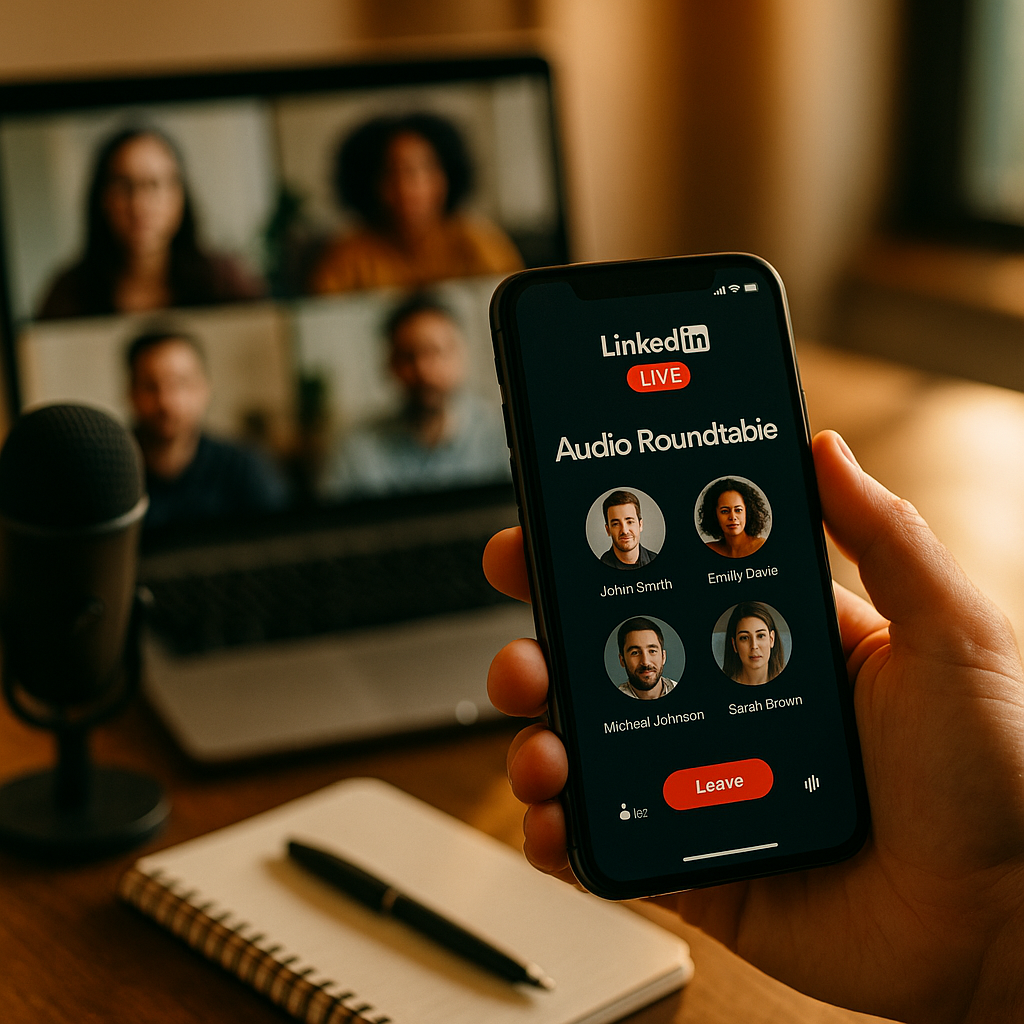
LinkedIn Live Audio is revolutionizing professional networking by allowing businesses and thought leaders to host interactive, industry-specific roundtables. Engage your target audience, build authority, and grow your professional community in real-time. Discover how this powerful tool can elevate your brand presence, spark dynamic conversations, and open doors to new opportunities—find out how to harness LinkedIn Live Audio roundtables below.
Why LinkedIn Live Audio Roundtables Are Transforming Industry Networking
In the evolving landscape of professional networking, LinkedIn Live Audio roundtables are emerging as a game-changer. Unlike traditional webinars or static posts, these audio events facilitate authentic, real-time conversations between industry experts, stakeholders, and audiences. The intimacy of audio, without the formality of video, breaks down barriers—enabling richer discussions and more engaged participation.
Data from LinkedIn indicates a 55% higher engagement rate on audio events compared to video counterparts. Audio-only formats let attendees tune in during daily tasks, leading to greater accessibility and inclusion. By leveraging this format, organizations and individuals can share expertise, demonstrate thought leadership, and foster communities rooted in genuine, value-driven dialogue.
Planning a Successful LinkedIn Industry Roundtable: Best Practices
Success begins with careful planning. Identify a trending, relevant topic in your niche—one that sparks curiosity and has broad appeal among your target audience. This ensures your roundtable stands out in a crowded LinkedIn feed and attracts both high-quality speakers and listeners.
- Select Engaging Moderators: Choose moderators skilled in steering conversations, encouraging questions, and keeping discussions on track.
- Curate Diverse Perspectives: Invite panelists representing different roles, backgrounds, or regions to provide a balanced and comprehensive discussion.
- Set Clear Objectives: Whether your goal is education, community networking, or lead generation, clarity helps you structure the event and measure success.
- Schedule Strategically: Analyze your LinkedIn insights for peak audience times; afternoon sessions on Tuesdays and Thursdays typically see higher attendance.
Draft a concise agenda and sample questions, and share promotional graphics across your LinkedIn Company Page, Groups, and personal networks. Encourage speakers to amplify the event to their followers for maximum reach.
Fostering Engagement During Live Audio Discussions
Driving meaningful interaction is the key to a standout LinkedIn Live Audio roundtable. Begin by welcoming attendees and setting expectations—remind the audience how to use LinkedIn’s interactive features, like emoji reactions and the “raise hand” tool.
- Prompt Participation: Pose open-ended questions to listeners periodically, inviting live commentary and questions via chat or audio.
- Moderate Inclusively: Ensure all panelists and diverse voices are heard, redirecting conversations as needed to stay on topic.
- Highlight Audience Insights: Acknowledge notable audience contributions and invite participants onto the virtual stage when appropriate, fostering a sense of community.
- Leverage LinkedIn Polls: Incorporate real-time polls to spur quick feedback and segment audience interests during the discussion.
Actively monitor chat and cue panelists ahead of time about audience participation segments. Post-event, consider sharing a recording or key takeaways with attendees to keep the conversation going and extend the event’s value.
Showcasing Thought Leadership and Building Authority on LinkedIn
Hosting industry roundtables via LinkedIn audio broadcasts positions you and your organization as trusted experts. Each session is an opportunity to share proprietary insights, spotlight innovation, and build top-of-mind awareness in your field.
By voicing informed opinions, discussing research findings, and engaging with challenging questions, you nurture authority in your niche. Regular participation in such conversations signals expertise to both your audience and to LinkedIn’s algorithm, increasing the visibility of your content and Company Page.
For even greater impact, summarize your roundtable’s core insights in a LinkedIn post or article, contributing to the knowledge base of your industry and encouraging further dialogue. Tag participants and organizations to amplify reach and demonstrate thought leadership to a broader segment.
Measuring ROI: Evaluating the Impact of Your LinkedIn Live Audio Roundtable
Understanding the outcomes of your LinkedIn Live Audio industry roundtable is crucial for refining future strategies. Start by tracking real-time analytics such as peak attendance, listening duration, total participant count, and chat activity.
- Network Growth: Assess the number of new connections, followers, and relevant partnership opportunities generated post-event.
- Qualitative Feedback: Review chat comments, direct messages, and post-event surveys for actionable insights and testimonials.
- Content Amplification: Measure sharing, reposting, and engagement metrics for follow-up content summarizing roundtable highlights.
- Business Outcomes: Track inquiries, lead conversions, or job applications stemming from the event, especially for B2B firms.
Use these insights to fine-tune your event formats, speaker selection, and marketing approaches. With ongoing optimization, every roundtable can become a cornerstone of your digital marketing and community-building efforts.
LinkedIn Live Audio Tools and Features for Impactful Roundtables
Modern LinkedIn event features make it simple to manage successful audio roundtables at scale. Use the built-in scheduling tool to notify your network and automate reminder messages, boosting session attendance. The platform’s analytics dashboard provides granular reporting on audience demographics and engagement, supporting further refinement.
- Event Promotions: Pin your roundtable to your Company Page and cross-promote in relevant LinkedIn Groups and Communities for organic reach.
- Co-Host Mode: Enable co-hosts to assist with moderation, technical troubleshooting, and audience management during live sessions.
- Event Replay: Offer on-demand access to audio recordings for registrants, increasing the lifespan and impact of your roundtable.
- Third-Party Integrations: For large-scale or branded events, connect with CRM or email tools for streamlined post-event follow-up and analytics.
Stay updated with LinkedIn’s latest event feature releases to continually enhance your roundtable’s effectiveness and accessibility.
FAQs: Hosting Industry Roundtables on LinkedIn Live Audio
-
Who can host an audio event on LinkedIn Live?
Any user or Page with access to LinkedIn Live can host audio events, provided they meet the platform’s community guidelines and application criteria. -
How do I attract more attendees to my LinkedIn audio roundtable?
Promote early and often: use Company Pages, sponsored content, personal profiles, Groups, and speaker networks. Clear topic titles and featured guest announcements drive interest. -
What topics work best for LinkedIn industry roundtables?
Focus on trending industry issues, actionable best practices, emerging technologies, or regulatory updates—subjects that naturally foster discussion and learning. -
Can I record and repurpose my LinkedIn Live Audio roundtable?
Yes, event hosts can provide recordings post-event (with participant consent). These can be shared as LinkedIn posts, podcasts, or embedded on your website. -
How do I ensure my roundtable stands out?
Feature industry-recognized panelists, promote compelling agendas, and prioritize attendee interaction via live Q&A, polls, and exclusive post-event networking opportunities.
LinkedIn Live Audio roundtables empower you to spark meaningful conversations and showcase expertise in your industry. With strategic planning, engaging content, and smart use of LinkedIn’s features, you can amplify your professional influence and create lasting business connections in 2025 and beyond.