


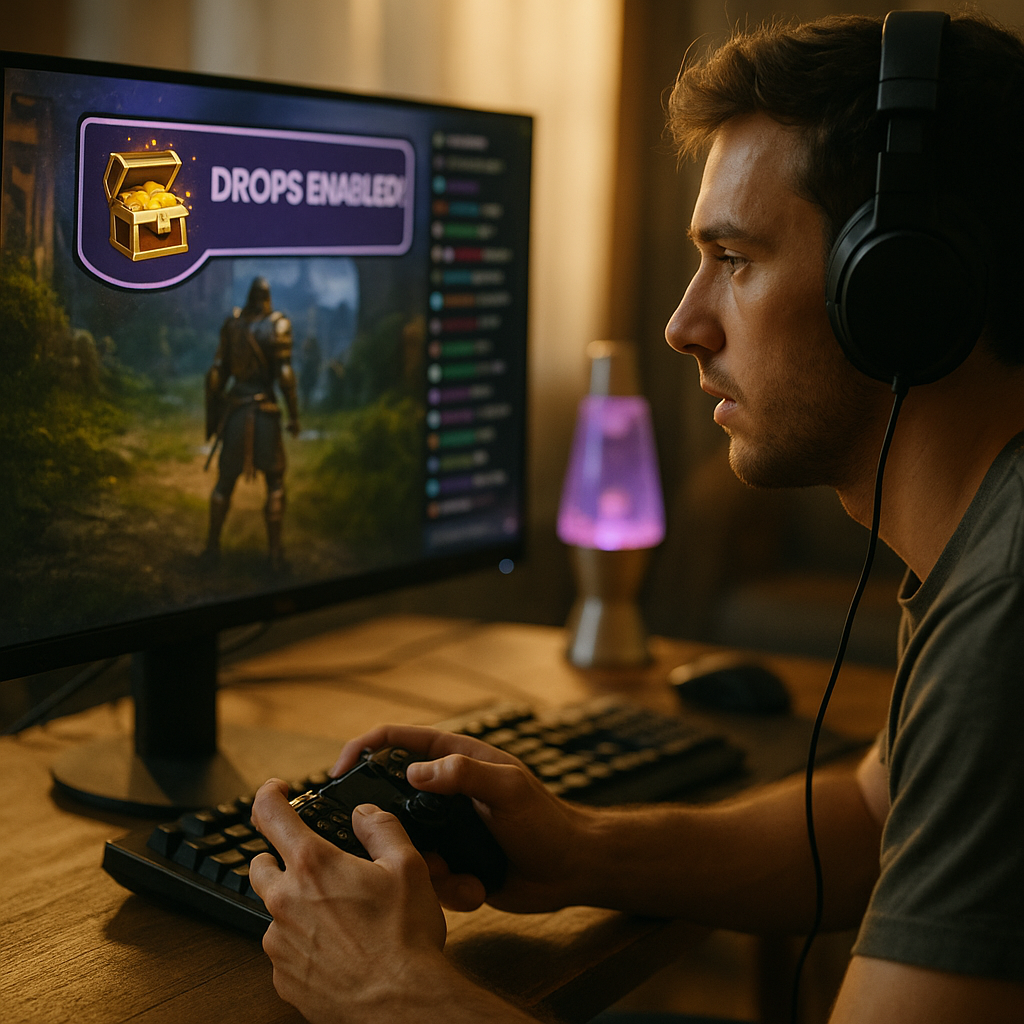
Twitch “Drops” have revolutionized the way streaming platforms incentivize viewership by offering exclusive in-game loot to dedicated fans. As game developers look for innovative ways to drive engagement, Twitch Drops remain a powerful tool for both streamers and audiences. But how does this enticing system really work—and what makes it so impactful for gamers and broadcasters alike?
Understanding Twitch Drops Mechanics: In-Game Rewards for Loyal Viewers
Twitch Drops are a unique reward system, allowing viewers to earn in-game loot simply by watching live streams. When partnered with a specific game event or release, developers enable Drops through the Twitch platform. Viewers link their game accounts with Twitch, then tune in to participating channels. After meeting the viewing requirements, viewers automatically receive digital items, cosmetics, or even rare characters in their linked gaming accounts.
The process has grown increasingly seamless in 2025, thanks to robust integrations between Twitch, game publishers, and backend authentication services. Most modern games, from big AAA titles to indie favorites, support Drops campaigns—fundamentally changing how gamers interact with both games and streams.
How Twitch Drops Incentivize Engagement And Community Growth
The heart of Twitch Drops’ success is its ability to blend entertainment and incentives. By offering in-game loot as a reward for watching, developers and streamers tap into gamers’ natural desire for rare or exclusive items. This creates a win-win dynamic:
- For Viewers: Entertainment is rewarding, both socially and materially. Fans support their favorite streamers while collecting valuable, sometimes time-limited items.
- For Streamers: Channel metrics—like watch hours, average viewers, and chat engagement—often skyrocket during Drops campaigns. This can attract sponsorships, partnership opportunities, and organic growth for channels.
- For Developers: Drops foster re-engagement. Lapsed players return to games to secure new loot, while curious newcomers explore a title after seeing it in action.
This potent blend of incentives encourages longer viewing sessions, richer community interaction, and memorable shared experiences during high-stakes events or major game launches.
Types of In-Game Loot: What Rewards Do Twitch Drops Offer?
The variety and appeal of in-game loot are central to Twitch Drops’ enduring popularity. In 2025, developers craft reward pools designed to be enticing but balanced, ensuring no content gatekeeping for non-viewers. Common types of Twitch Drops rewards include:
- Cosmetic Items: Exclusive skins, emotes, banners, or weapon models allow viewers to show off their loyalty in-game.
- Consumables & Boosters: XP boosts, health packs, or in-game currency to speed progress or unlock items faster.
- Playable Content: Limited access to characters, trial passes to new game modes, or early-beta invitations make Drops even more alluring.
- Event-Specific Loot: Unique rewards tied to esports championships or seasonal events.
The flexibility of loot types enables developers to carefully calibrate player motivation without disrupting game balance or alienating those who choose not to participate in Drops campaigns.
Optimizing Your Channel: Streamer Strategies For Maximizing Drops Campaigns
For streamers in 2025, Twitch Drops offer significant potential for audience growth and engagement. Top-performing channels follow a set of strategic best practices:
- Promotion and Communication: Announce Drops eligibility early and often, using social media and Discord to keep your audience informed.
- Consistent Streaming Schedule: Align your streaming times with Drops window periods to capture peak traffic.
- Interactive Content: Use gameplay tips, Q&A sessions, and real-time community shoutouts to drive active participation.
- Transparency: Explain how viewers can earn Drops and help troubleshoot any account-linking issues live on stream.
- Collaborations: Host joint streams with fellow creators or participate in event “raid trains” to network and cross-pollinate viewers seeking Drops.
Building trust and clarity during Drops events creates satisfied, returning viewers who are more likely to subscribe or support your channel in the long run.
Developer Perspective: Engaging Audiences Through Smart Drop Design
For game developers, Drops are more than simple giveaways—they’re an engine for player engagement and brand visibility. Successful Drops campaigns usually hinge on:
- Reward Relevance: Prizes should be desirable but not pay-to-win, ensuring positive reception within the player community.
- Accessibility: Clear instructions for account-linking and redeeming rewards, with ample support for troubleshooting.
- Integration With Releases: Pairing Drops with major updates, DLC launches, or esports tournaments to maximize buzz.
- Scalability: Ensuring backend infrastructure can handle sudden surges of account logins and reward redemptions.
Data from recent campaigns indicates that player retention can increase by up to 22% when Drops are thoughtfully integrated with content updates or competitive events. Developers increasingly use Drops as part of wider live-service strategies, powering both short-term excitement and long-term loyalty.
Potential Pitfalls: Fair Use, Fatigue, And Avoiding Exploitation
While Twitch Drops are a powerful engagement tool, they’re not without challenges. In 2025, some viewers “farm” Drops by lurking in streams on mute or running multiple tabs, potentially skewing engagement metrics and diminishing true community interaction. Developers and broadcasters must:
- Set Sensible Drop Rates: Prevent inflation and maintain perceived value by limiting high-tier rewards.
- Monitor Viewer Behavior: Use analytics to spot and address spikes in “passive viewing.”
- Encourage Active Engagement: Some Drops now require periodic interaction—such as chat participation or brief quizzes—to qualify for rewards.
- Avoid Over-Saturation: Excessive or continuous Drops can lead to fatigue and decreased event impact over time.
Transparency about Drop mechanics and the purposeful curation of rewards contribute to healthier experiences for both viewers and creators, setting the groundwork for sustainable growth on the platform.
Conclusion: Leveraging Twitch Drops For Game Community Success
Twitch Drops have reshaped how streamers, viewers, and developers connect, building passionate communities through shared rewards. When implemented thoughtfully, they drive genuine engagement, boost channel metrics, and deepen player loyalty. Whether you’re a broadcaster or a gamer, savvy participation in Drops campaigns can transform your streaming and gaming experiences for the better.
FAQs
-
How do I claim Twitch Drops in 2025?
First, connect your Twitch account to the corresponding game account (usually via the developer’s website). Watch an eligible stream during a Drops-enabled event. Once you meet the viewing criteria, you’ll receive a notification and your rewards will be automatically delivered in-game, or you may claim them from your Twitch inventory page.
-
Can I get Drops by watching VODs?
No, regular Twitch Drops typically require watching live streams. Some special campaigns or unique events may offer VOD eligibility, but most rewards are tied to active, live viewership.
-
Do all games on Twitch support Drops?
No, only games whose developers have integrated the Drops system and are running campaigns will support Twitch Drops. You can check a stream’s title or description to see if Drops are enabled, or look for the Drops status badge on Twitch.
-
Is it possible to receive duplicate Drops from multiple streams?
No, you can only earn a specific Drop reward once per campaign per account, regardless of how many participating streams you watch. Watching multiple channels may increase your chances for randomized Drops, if the campaign offers them.
-
What should I do if I don’t receive a Drop I’ve earned?
Check that your game and Twitch accounts are correctly linked, and verify your Twitch inventory. If the Drop still hasn’t arrived after any stated waiting period, consult the game developer’s support page or the Twitch help center for troubleshooting assistance.