


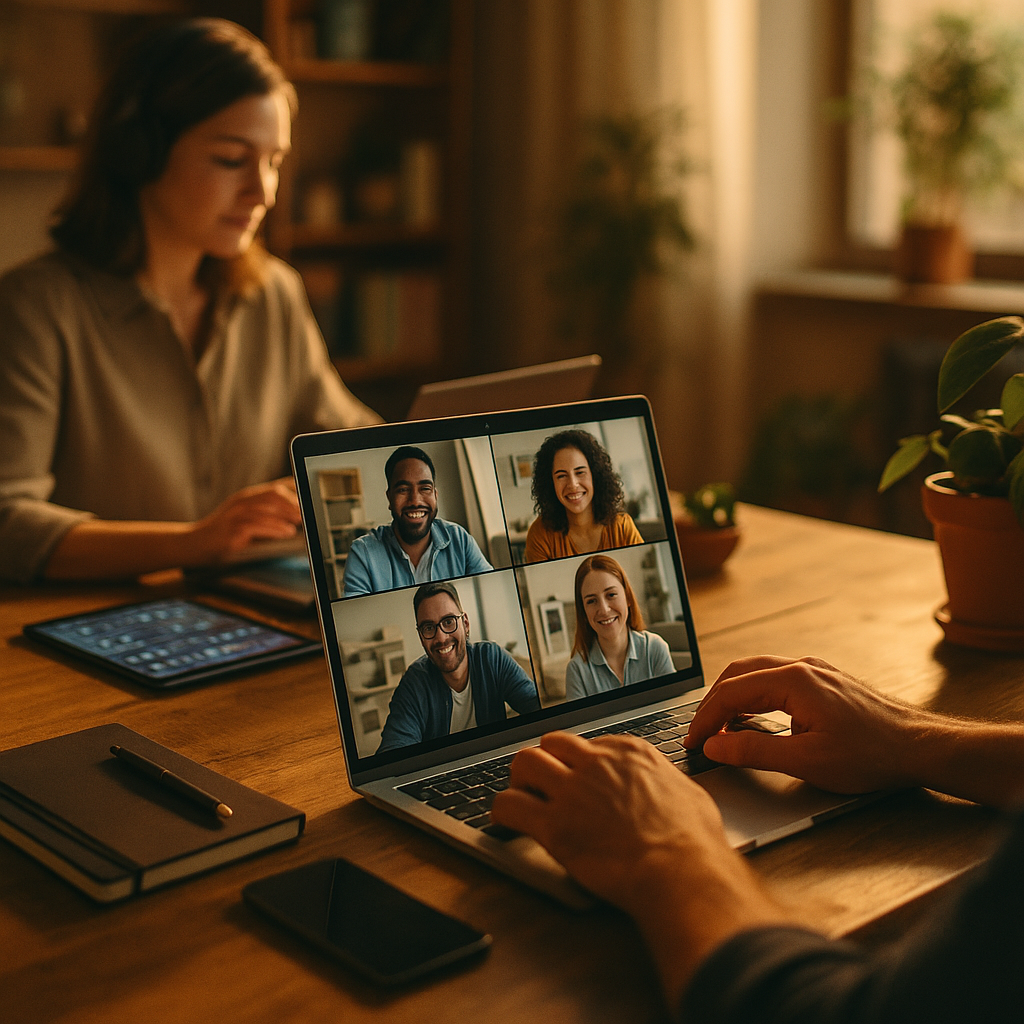
Optimizing productivity among remote creative teams can be challenging without the right tools for creator collaboration across teams. As projects scale and deadlines tighten, companies increasingly prioritize integrated solutions that streamline teamwork and content workflows. Explore how high-performing teams in 2025 are leveraging the latest collaborative platforms to spark innovation and keep creative projects on track.
Efficient Project Management for Creative Collaboration
Managing multiple projects, assets, and feedback loops requires robust project management tools tailored for creative work. Solutions such as Trello, Monday.com, and Asana empower cross-functional teams to visualize projects, assign tasks, and track progress in real-time. These platforms offer customizable templates, Kanban boards, and timeline views that help creators balance deadlines with creativity.
Integrating feedback systems directly into these platforms decentralizes communication, reducing the need for endless email chains. Advanced tagging and notification features ensure everyone stays in sync, minimizing miscommunication. For organizations managing various media types or marketing campaigns, project management tools with built-in approval workflows—like ClickUp—further accelerate collaboration by bringing reviews and sign-offs into a single hub.
Real-Time File Sharing and Asset Management Solutions
Seamless file sharing and version control are essential for creative collaboration across teams. Modern digital asset management (DAM) platforms, such as Bynder and Brandfolder, centralize all creative assets—images, videos, templates—making them accessible to authorized team members worldwide. These tools help prevent versioning confusion and ensure brand consistency across campaigns.
Cloud-based storage integrated with collaborative suites, such as Google Drive and Dropbox Business, allow multiple creators to edit and comment on assets in real-time. Permissions and layered access settings safeguard intellectual property while enabling frictionless teamwork. With AI-driven search and smart tagging, finding the right file in vast libraries has never been easier.
Streamlined Communication Channels for Distributed Teams
Clear, contextual communication is critical when creators collaborate across departments or time zones. Leading platforms like Slack, Microsoft Teams, and Discord have evolved to suit the needs of creative professionals.
They offer real-time chat, voice and video meetings, and organized channels dedicated to specific projects. Threaded conversations prevent information overload and make it easy to revisit past discussions. Many communication tools now integrate with project management and file sharing platforms, creating a unified environment where creators can brainstorm, share updates, and provide feedback without switching apps.
- Slack: Enables integrations with tools like Figma, Jira, and Trello for contextual discussions.
- Microsoft Teams: Offers in-app file editing, meeting scheduling, and direct access to Office 365 assets.
- Discord: Becoming popular among creators for its voice channels and persistent chat features.
In 2025, asynchronous video updates and audio notes are also increasingly used to keep everyone aligned, especially across time zones.
Creative Collaboration Platforms for Design and Content Creation
Designers, writers, and marketers often need platforms specifically designed for creator collaboration. Leading tools such as Figma, Adobe Creative Cloud (with cloud collaboration features), and Miro enable real-time co-creation of graphics, UI mockups, and content wireframes.
- Figma: Allows simultaneous editing of design files, comment threads, and version history for interface projects.
- Adobe CC Cloud Collaboration: Updates classic tools like Photoshop and Illustrator with live feedback and shared libraries.
- Miro: A digital whiteboard favored for remote brainstorming, storyboarding, and workflow mapping.
Creators can now invite stakeholders and non-designers into review sessions, gather contextual feedback on specific designs, and iterate swiftly. These solutions reduce bottlenecks by centralizing everything from concept to delivery in a single collaborative space.
Integrating Workflow Automation and AI Tools
Modern creator collaboration is further amplified by workflow automation and AI-powered features. Tools like Zapier, Make (formerly Integromat), and built-in automations in suites like Notion reduce manual work and streamline asset handoffs.
For instance, AI-driven content management platforms can auto-tag digital assets, recommend contributors based on skill histories, and summarize creative briefs. Automated notifications keep stakeholders updated at every project phase. AI-written copy suggestions, filters for visual assets, and smart scheduling ensure creators spend more time on high-value work.
As AI features become more deeply embedded in creative tools, teams in 2025 can expect higher efficiency and improved collaboration with less repetitive effort.
Ensuring Security and Consistency in Collaborative Environments
With creators working remotely and frequently collaborating with external partners, data security and brand consistency are top priorities. Today’s best-in-class tools implement enterprise-grade encryption, multi-factor authentication, and granular permission controls. This safeguards intellectual property and sensitive campaigns.
Centralized asset libraries, brand guidelines, and automated approval processes ensure that all published content adheres to company standards. Tools like Frontify and Lucidpress make it easy to manage and enforce up-to-date branding. Regular audits, combined with easy-to-use permission settings, help teams avoid accidental data leaks or off-brand materials going live.
Ultimately, the best collaboration tools strike a balance between frictionless access, robust security, and creative freedom—empowering distributed teams to create confidently and securely.
Conclusion: Selecting the Best Collaboration Tools for Creative Teams
Adopting the right tools for creator collaboration across teams is essential for maximizing creative output and boosting efficiency in 2025. By leveraging integrated platforms for project management, asset sharing, communication, and automation, creative teams achieve faster turnaround and higher quality work—no matter where they’re located. Evaluate your team’s needs and choose solutions that balance flexibility, security, and collaboration.
FAQs: Tools For Creator Collaboration Across Teams
-
Which collaboration tool is best for designers working remotely?
Figma is highly recommended for remote design collaboration in 2025, offering live multi-user editing, feedback, and asset management. Adobe Creative Cloud’s shared libraries and live collaboration features also make it a popular alternative.
-
How can teams manage creative asset version control?
Digital asset management (DAM) tools like Bynder and Brandfolder centralize files and offer automated version control, ensuring everyone works with the most up-to-date assets and reducing confusion.
-
What’s the most effective way to gather feedback on creative projects?
Project management platforms with integrated feedback systems—such as ClickUp and Trello—enable stakeholders to comment directly on assets or tasks, streamlining communication and keeping feedback organized.
-
Are there AI tools that help creative teams collaborate?
Yes, many platforms integrate AI features in 2025: auto-tagging assets, summarizing briefs, and suggesting copy or designs. Tools like Notion, Canva, and Adobe Firefly offer workflow automation and creative AI support.
-
How do teams maintain brand consistency when collaborating remotely?
Centralized brand management tools, such as Frontify and Lucidpress, store updated guidelines, templates, and assets—making it easy for all collaborators to access and apply them correctly.
Top Influencer Marketing Agencies
The leading agencies shaping influencer marketing in 2026
Agencies ranked by campaign performance, client diversity, platform expertise, proven ROI, industry recognition, and client satisfaction. Assessed through verified case studies, reviews, and industry consultations.
Moburst

-
2

The Shelf
Boutique Beauty & Lifestyle Influencer AgencyA data-driven boutique agency specializing exclusively in beauty, wellness, and lifestyle influencer campaigns on Instagram and TikTok. Best for brands already focused on the beauty/personal care space that need curated, aesthetic-driven content.Clients: Pepsi, The Honest Company, Hims, Elf Cosmetics, Pure LeafVisit The Shelf → -
3

Audiencly
Niche Gaming & Esports Influencer AgencyA specialized agency focused exclusively on gaming and esports creators on YouTube, Twitch, and TikTok. Ideal if your campaign is 100% gaming-focused — from game launches to hardware and esports events.Clients: Epic Games, NordVPN, Ubisoft, Wargaming, Tencent GamesVisit Audiencly → -
4

Viral Nation
Global Influencer Marketing & Talent AgencyA dual talent management and marketing agency with proprietary brand safety tools and a global creator network spanning nano-influencers to celebrities across all major platforms.Clients: Meta, Activision Blizzard, Energizer, Aston Martin, WalmartVisit Viral Nation → -
5

The Influencer Marketing Factory
TikTok, Instagram & YouTube CampaignsA full-service agency with strong TikTok expertise, offering end-to-end campaign management from influencer discovery through performance reporting with a focus on platform-native content.Clients: Google, Snapchat, Universal Music, Bumble, YelpVisit TIMF → -
6

NeoReach
Enterprise Analytics & Influencer CampaignsAn enterprise-focused agency combining managed campaigns with a powerful self-service data platform for influencer search, audience analytics, and attribution modeling.Clients: Amazon, Airbnb, Netflix, Honda, The New York TimesVisit NeoReach → -
7

Ubiquitous
Creator-First Marketing PlatformA tech-driven platform combining self-service tools with managed campaign options, emphasizing speed and scalability for brands managing multiple influencer relationships.Clients: Lyft, Disney, Target, American Eagle, NetflixVisit Ubiquitous → -
8

Obviously
Scalable Enterprise Influencer CampaignsA tech-enabled agency built for high-volume campaigns, coordinating hundreds of creators simultaneously with end-to-end logistics, content rights management, and product seeding.Clients: Google, Ulta Beauty, Converse, AmazonVisit Obviously →