


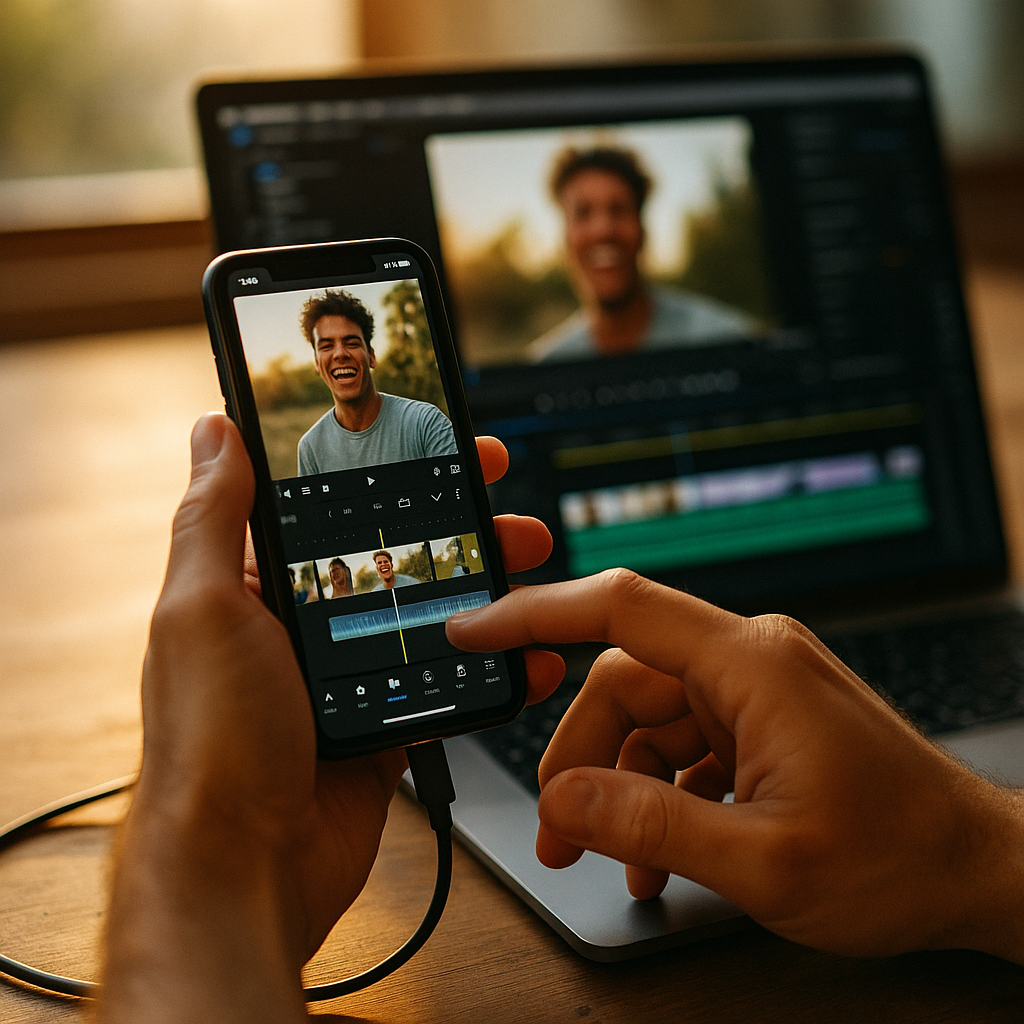
Mastering how to create creator edits that feel fast and native is essential for capturing and holding your audience’s attention. Audiences today crave dynamic, seamless content that feels intuitively crafted. If you want your edits to stand out and maximize engagement, discover proven strategies to deliver that “native” energy right from your editing timeline.
Understanding Fast and Native Creator Edits
To make creator edits that feel fast and native, you need to start by understanding what these terms mean in today’s digital ecosystem. Fast edits convey a sense of momentum, timing, and flow, emulating the quick pace of trending social media content. Native refers to edits that blend naturally with the platform they appear on—be it TikTok, Instagram Reels, or YouTube Shorts—respecting that platform’s style, quirks, and constraints.
Platforms now use algorithms that amplify content exhibiting these characteristics, rewarding creators who sync their approach with user expectations. By analyzing viral content and leveraging analytics tools, you’ll notice that top performer’s use:
- Concise jump cuts
- Clean transitions
- Native captioning and graphics
- Platform-specific pacing
Recognizing these patterns lays the groundwork for edits that engage and retain viewers.
Mastering Platform-Specific Editing Techniques
Each social platform in 2025 has its editing nuances. A creator’s ability to internalize these quirks and implement platform-specific techniques is key to native-feeling content. Platform optimization involves more than just aspect ratios. Watch for:
- TikTok & Shorts: Leverage rhythmic cuts, reaction shots, and vertical orientation. Edits should use in-app music syncs and on-screen text moments, mirroring the look of organic uploads.
- Instagram Reels: Use on-trend filters, animated stickers, and native fonts for captions. Maintain a snappy flow—most viral Reels have jump cuts every 1-3 seconds.
- YouTube: Allow slightly longer takes, but keep intros under five seconds. Jump cuts should feel invisible, aiding story clarity while keeping pace high.
Stay up-to-date on platform updates via creators’ blogs or build RSS feeds tracking changes in features. This ensures your edits maintain a “native” touch as algorithms and visuals evolve.
Utilizing Tools and AI to Speed Up the Editing Workflow
Boosting editing speed while ensuring “native” quality is easier with the right tools and AI-powered assistants. AI video editing now offers auto-cutting, beat-matching, and even suggestive scene selection, adapting your footage to popular trend structures. Top features and tools include:
- Auto-Subtitling: Instantly generates platform-native captions and stylized callouts that sync perfectly with audio.
- Template Libraries: Provides easy drag-and-drop transitions, meme effects, and SFX optimized for specific platforms.
- Rhythmic Cut Generators: Automatically align visual transitions to music beats, a must for TikTok and Reels.
- AI-Powered Color Grading: Instantly matches your video to the most popular color profiles on each platform.
Embracing these tools slashes manual work, leading to faster creation cycles and consistent, high-quality output every time.
Crafting Stories That Match Audience Expectations
Native, speedy edits start with stories designed to resonate with the audience. User engagement jumps when your edits match viewers’ viewing behaviors and context. Audiences today prefer content that jumps straight into action, minimizes dead time, and feels interactive. To tap into this:
- Hook Quickly: Open with a strong visual or audio cue in the first second.
- Structure for Skimming: Use micro-stories—short, clear beats that allow viewers to drop in at any point and grasp the value.
- Align with Trends: Monitor current memes, audio, and templates through tools like TikTok Creative Center or YouTube Trends dashboard.
- Embed Interaction: Add polls, stickers, or questions whenever supported.
The best “fast and native” edits make the viewer feel like the story was tailored for their platform and feed—because it was.
Enhancing Authenticity With Creator-First Editing Styles
Authenticity is the hallmark of native-feeling edits in 2025. Authentic creator edits don’t just mimic trends—they express your unique personality while blending seamlessly into viewers’ feeds. Building authenticity requires:
- Keeping Rough Edges: Retain a few raw moments — like flubbed words or spontaneous reactions — to humanize your edits.
- First-Person Voiceovers: Record native-sounding audio overlays, instead of generic sounds or overused voice synths.
- Personal Visual Branding: Use consistent color palettes, filter styles, and on-screen quirks (like catchphrases or gestures) that audiences can recognize instantly.
- Responsive Editing: React to comments, questions, or duets in your next edit, showing your audience you’re paying attention.
This authenticity signals to algorithms—and real viewers—that you’re a genuine, invested creator, raising both retention and shareability.
Leveraging Analytics for Continuous Improvement
Optimization doesn’t end at publishing. Content performance analytics let you see what edits truly resonate and where improvement waits. Successful creators in 2025 consistently:
- Review watch-through rates: Pinpoint drop-off moments to tighten future edits.
- Compare engagement by format: See if raw, “talking head” clips or stylized, meme-driven content yield better results.
- Test variations: A/B test hooks, pacing, and overlays to scientifically identify which versions win.
- Utilize platform beta features: Platforms often roll out new analytics tools—adopt these early to spot upcoming trends.
Approach analytics with curiosity, not attachment. Use data as your creative compass, not a creative straightjacket, for continued growth as a native-feeling editor.
FAQs
-
Q: What do “creator edits that feel fast and native” actually mean?
A: These are edits that mirror each platform’s pace, style, and cultural quirks, giving viewers an experience that feels homegrown rather than imported or forced. -
Q: How important are captions and text overlays?
A: Very important! Native captions boost accessibility and watch time, especially since a majority of users watch with sound off. Use platform-standard fonts and styles for the most impact. -
Q: Which editing tools help with native-style video?
A: Apps with AI-driven templates, auto-captioning, and platform-matching color filters are ideal. Examples include Adobe Premiere Rush, CapCut, and AI-native tools available in 2025. -
Q: Does using trending sounds or templates help edits feel more native?
A: Yes. Following current trends ensures your content aligns visually and aurally with what audiences expect in their feeds—and what algorithms boost. -
Q: How can I keep edits fast-paced without losing my unique style?
A: Focus on story clarity, consistent branding, and authentic voiceovers. Let platform trends guide your pacing but infuse each piece with your personal touch.
In summary, to create creator edits that feel fast and native in 2025, focus on platform-optimized pacing, AI-powered tools, and authentic, engaging storytelling. Continuous learning and analytics cycles will keep your technique sharp. Consistency and adaptability remain your superpowers—commit to the process, and your content will thrive across any platform.
Top Influencer Marketing Agencies
The leading agencies shaping influencer marketing in 2026
Agencies ranked by campaign performance, client diversity, platform expertise, proven ROI, industry recognition, and client satisfaction. Assessed through verified case studies, reviews, and industry consultations.
Moburst

-
2

The Shelf
Boutique Beauty & Lifestyle Influencer AgencyA data-driven boutique agency specializing exclusively in beauty, wellness, and lifestyle influencer campaigns on Instagram and TikTok. Best for brands already focused on the beauty/personal care space that need curated, aesthetic-driven content.Clients: Pepsi, The Honest Company, Hims, Elf Cosmetics, Pure LeafVisit The Shelf → -
3

Audiencly
Niche Gaming & Esports Influencer AgencyA specialized agency focused exclusively on gaming and esports creators on YouTube, Twitch, and TikTok. Ideal if your campaign is 100% gaming-focused — from game launches to hardware and esports events.Clients: Epic Games, NordVPN, Ubisoft, Wargaming, Tencent GamesVisit Audiencly → -
4

Viral Nation
Global Influencer Marketing & Talent AgencyA dual talent management and marketing agency with proprietary brand safety tools and a global creator network spanning nano-influencers to celebrities across all major platforms.Clients: Meta, Activision Blizzard, Energizer, Aston Martin, WalmartVisit Viral Nation → -
5

The Influencer Marketing Factory
TikTok, Instagram & YouTube CampaignsA full-service agency with strong TikTok expertise, offering end-to-end campaign management from influencer discovery through performance reporting with a focus on platform-native content.Clients: Google, Snapchat, Universal Music, Bumble, YelpVisit TIMF → -
6

NeoReach
Enterprise Analytics & Influencer CampaignsAn enterprise-focused agency combining managed campaigns with a powerful self-service data platform for influencer search, audience analytics, and attribution modeling.Clients: Amazon, Airbnb, Netflix, Honda, The New York TimesVisit NeoReach → -
7

Ubiquitous
Creator-First Marketing PlatformA tech-driven platform combining self-service tools with managed campaign options, emphasizing speed and scalability for brands managing multiple influencer relationships.Clients: Lyft, Disney, Target, American Eagle, NetflixVisit Ubiquitous → -
8

Obviously
Scalable Enterprise Influencer CampaignsA tech-enabled agency built for high-volume campaigns, coordinating hundreds of creators simultaneously with end-to-end logistics, content rights management, and product seeding.Clients: Google, Ulta Beauty, Converse, AmazonVisit Obviously →