


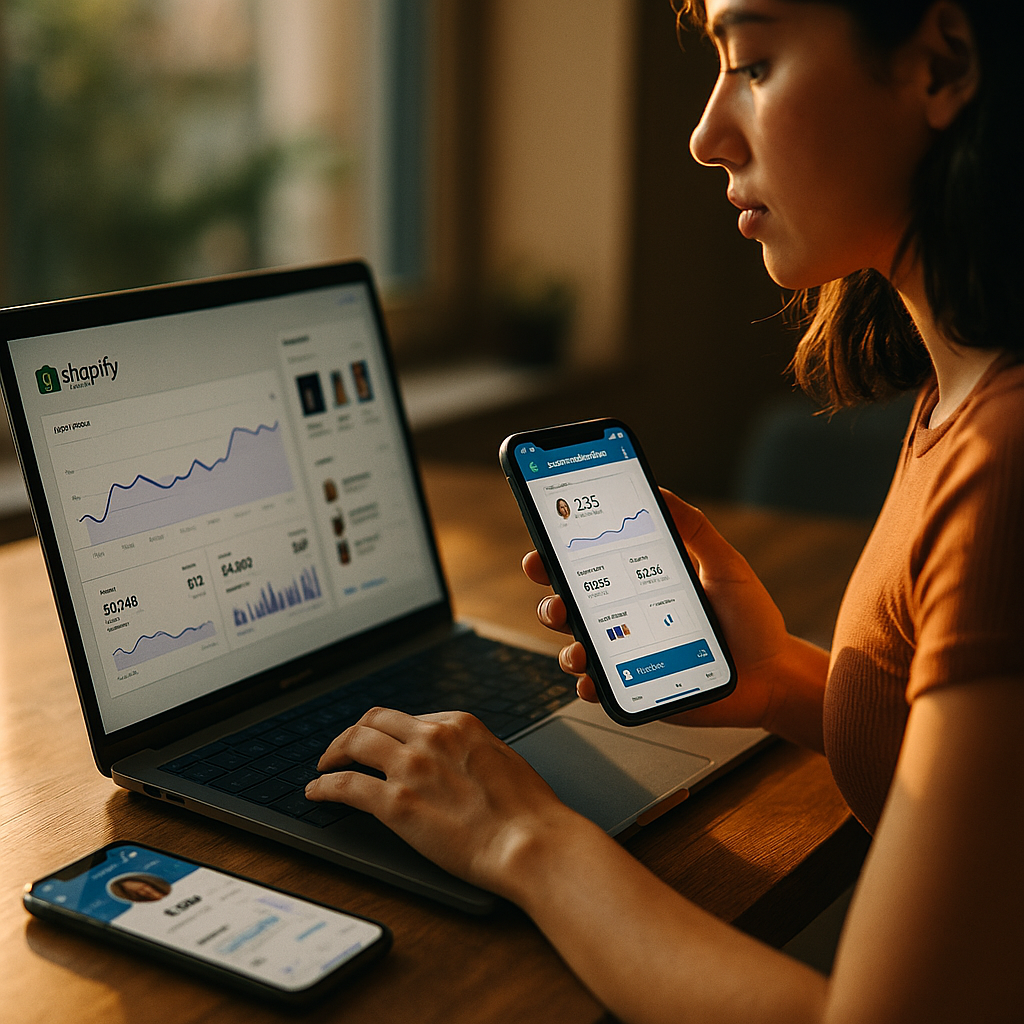
Integrating Shopify sales data with creator dashboards unlocks powerful insights for brands and influencers, enabling sharper decision-making and streamlined performance tracking. As the creator economy continues to thrive in 2025, knowing how to connect Shopify with your preferred analytics dashboards can supercharge growth. Discover why and how this integration can transform your workflow for maximum impact.
Why Sync Shopify Sales Data with Creator Dashboards?
As more influencers and brands monetize storefronts, data-driven decisions have never been more critical. Shopify sales data integration empowers creators by offering a single source of truth about revenue, customer demographics, product performance, and return on investment (ROI) from campaigns.
- Consolidated reporting: Merge metrics from Shopify and third-party platforms for holistic views.
- Automated insights: Remove manual data entry and minimize errors.
- Real-time analytics: Act instantly on sales trends and campaign performance.
- ROI clarity: Attribute sales to specific creators, campaigns, and content.
Relying on integrated analytics means faster, more accurate responses to market shifts and opportunities.
Popular Creator Dashboards for Shopify Data Integration
Choosing the right creator dashboard is essential for seamless Shopify data integration. In 2025, platforms offering the best experiences include:
- Influencer marketing platforms: Popular tools such as Aspire and Klear now offer Shopify plug-ins for automatic sales and commission reporting.
- Custom dashboards: Solutions like Google Data Studio and Looker Studio support Shopify connectors for tailored analytics.
- Affiliate dashboards: Many programs offer real-time Shopify-based sales and payout data, making it easier for creators to track commissions.
- All-in-one creator suites: Integrations like Mighty Networks and Fourthwall blend e-commerce and analytics, providing total revenue visibility.
Select your dashboard by considering ease of integration, scalability, data granularity, and privacy controls.
How to Integrate Shopify Sales Data with Your Dashboard
Integrating Shopify sales data with a creator dashboard is now simpler than ever. Most platforms use secure APIs or ready-made connectors. Here are the typical steps:
- Install the Integration: Log in to Shopify, navigate to the App Store, and search for your dashboard or a third-party integrator like Zapier or Supermetrics.
- Connect Accounts: Use OAuth or API keys to connect Shopify to your chosen dashboard. Confirm permissions for data sharing.
- Configure Reporting: Set up the metrics you want—revenue, SKU performance, customer source, or discount code tracking.
- Automate Updates: Schedule real-time or periodic data syncs for up-to-date reporting.
- Validate Data: Check reports for accuracy to ensure no sales or attribution gaps.
Dedicated technical support from most platforms ensures a smooth setup process, even for non-coders. Always use secure data sharing practices.
Data Accuracy and Privacy Considerations in 2025
As data regulations intensify and creator revenue grows, keeping sales and customer data accurate and private is crucial. EEAT (Experience, Expertise, Authoritativeness, Trustworthiness) principles demand:
- GDPR/CCPA compliance: Ensure connectors and dashboards comply with current privacy laws in your jurisdiction.
- Data minimization: Only sync necessary fields to safeguard customer identities.
- Regular audits: Review integrations quarterly to fix potential errors or unauthorized access.
- Transparent policies: Communicate data usage to creators and customers upfront.
Staying vigilant about accuracy and privacy not only builds trust but also keeps your brand or creator business safe from costly infractions.
Advanced Reporting: Turning Data into Actionable Insights
With Shopify sales data flowing into creator dashboards, creators and brands can unlock deeper insights, including:
- Content conversion analysis: See which posts, stories, or videos drive the most sales and adjust strategies accordingly.
- Customer journey mapping: Track buyer paths from creation to conversion for campaign optimization.
- Real-time affiliate payout tracking: Monitor commissions earned by each creator, speeding up accurate payouts.
- Predictive analytics: Use AI-powered dashboards to forecast sales trends based on campaign and product performance.
Sharpening strategy with these insights gives creators and brands a competitive edge in the fast-moving digital commerce space.
Scaling with Automation: Workflows for Growing Businesses
For creators and brands managing multiple campaigns or stores, automation is essential. Integrated workflows can:
- Flag anomalies: Get instant alerts if sales suddenly spike or drop.
- Auto-generate reports: Schedule weekly or monthly performance summaries.
- Automatic revenue split: Instantly calculate commissions and generate payouts for creator partners.
By automating key processes, you save hours of manual work and maintain focus on content and growth.
Conclusion
Integrating Shopify sales data with creator dashboards is a game-changer for modern brands and influencers. It streamlines analytics, strengthens data-driven decisions, and enhances collaboration across the creator economy. For anyone serious about scaling in 2025, seamless Shopify integration with your favorite dashboard is a must-have foundation for success and sustainable growth.
FAQs: Integrating Shopify Sales Data with Creator Dashboards
-
What creator dashboards support direct Shopify integration?
Popular options in 2025 include Aspire, Klear, Looker Studio, and select affiliate network dashboards. Many offer plug-and-play Shopify connectors, streamlining the integration process.
-
Is coding knowledge required to integrate Shopify data?
No, most integrations use user-friendly connectors or apps. However, advanced customization may require minimal technical knowledge or support from your dashboard provider.
-
Does Shopify integration impact store speed or customer experience?
Not when set up correctly. Data transfers occur on the backend, posing no risk to front-end store performance or customer shopping experience.
-
How do I ensure my customer data remains secure?
Choose GDPR/CCPA-compliant connectors, enable two-factor authentication, and limit data sharing to necessary fields only. Regular audits are recommended for ongoing security.
-
Can multiple creator dashboards be integrated with the same Shopify store?
Yes, although each integration should be monitored to prevent data duplication or security conflicts. Document your integrations for clarity and troubleshooting.
Top Influencer Marketing Agencies
The leading agencies shaping influencer marketing in 2026
Agencies ranked by campaign performance, client diversity, platform expertise, proven ROI, industry recognition, and client satisfaction. Assessed through verified case studies, reviews, and industry consultations.
Moburst

-
2

The Shelf
Boutique Beauty & Lifestyle Influencer AgencyA data-driven boutique agency specializing exclusively in beauty, wellness, and lifestyle influencer campaigns on Instagram and TikTok. Best for brands already focused on the beauty/personal care space that need curated, aesthetic-driven content.Clients: Pepsi, The Honest Company, Hims, Elf Cosmetics, Pure LeafVisit The Shelf → -
3

Audiencly
Niche Gaming & Esports Influencer AgencyA specialized agency focused exclusively on gaming and esports creators on YouTube, Twitch, and TikTok. Ideal if your campaign is 100% gaming-focused — from game launches to hardware and esports events.Clients: Epic Games, NordVPN, Ubisoft, Wargaming, Tencent GamesVisit Audiencly → -
4

Viral Nation
Global Influencer Marketing & Talent AgencyA dual talent management and marketing agency with proprietary brand safety tools and a global creator network spanning nano-influencers to celebrities across all major platforms.Clients: Meta, Activision Blizzard, Energizer, Aston Martin, WalmartVisit Viral Nation → -
5

The Influencer Marketing Factory
TikTok, Instagram & YouTube CampaignsA full-service agency with strong TikTok expertise, offering end-to-end campaign management from influencer discovery through performance reporting with a focus on platform-native content.Clients: Google, Snapchat, Universal Music, Bumble, YelpVisit TIMF → -
6

NeoReach
Enterprise Analytics & Influencer CampaignsAn enterprise-focused agency combining managed campaigns with a powerful self-service data platform for influencer search, audience analytics, and attribution modeling.Clients: Amazon, Airbnb, Netflix, Honda, The New York TimesVisit NeoReach → -
7

Ubiquitous
Creator-First Marketing PlatformA tech-driven platform combining self-service tools with managed campaign options, emphasizing speed and scalability for brands managing multiple influencer relationships.Clients: Lyft, Disney, Target, American Eagle, NetflixVisit Ubiquitous → -
8

Obviously
Scalable Enterprise Influencer CampaignsA tech-enabled agency built for high-volume campaigns, coordinating hundreds of creators simultaneously with end-to-end logistics, content rights management, and product seeding.Clients: Google, Ulta Beauty, Converse, AmazonVisit Obviously →