


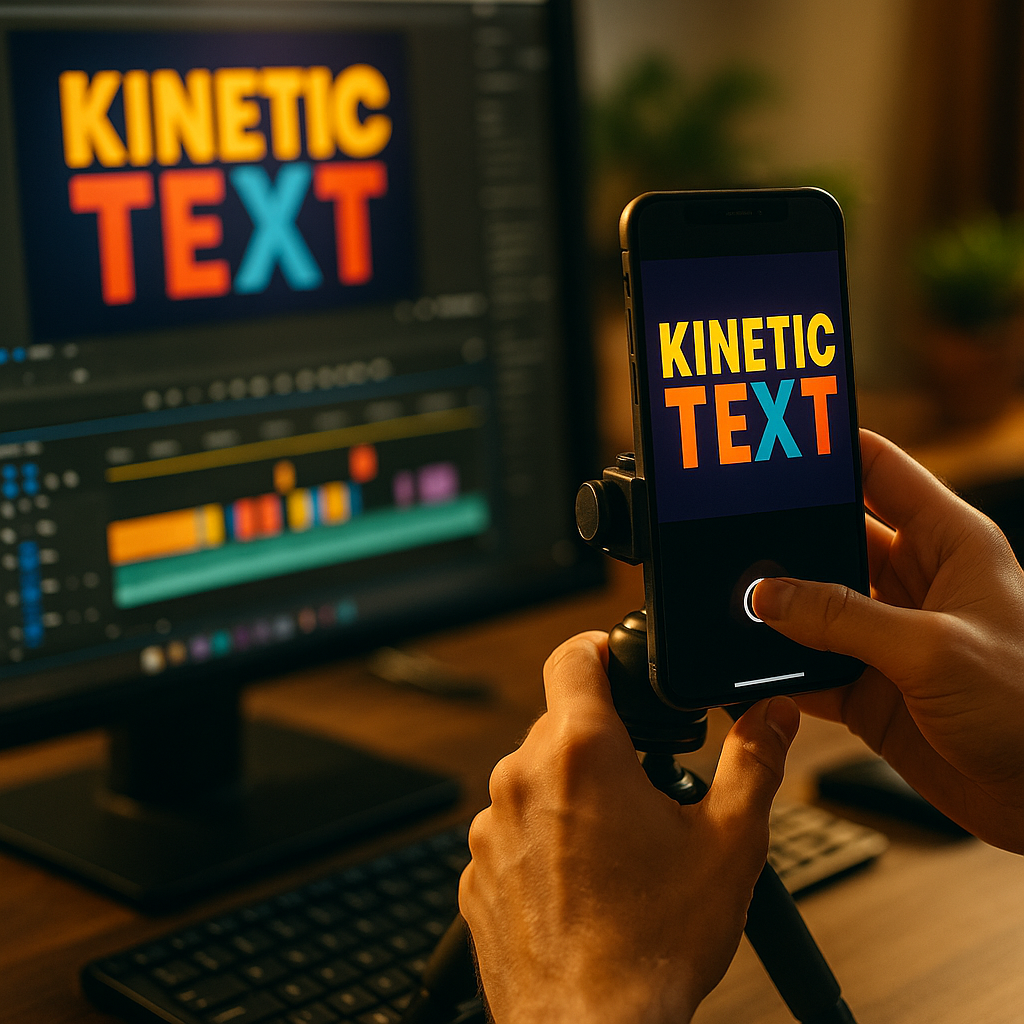
In 2025, attention is the scarce resource in vertical feeds, and creators need repeatable ways to hold it. Using Kinetic Typography to Enhance Short Form Video View Rates is one of the most practical tactics because it makes key phrases visible, memorable, and skimmable without forcing viewers to turn on sound. When done well, it guides the eye, clarifies meaning, and keeps people watching—so how do you apply it fast?
Kinetic typography for short-form video: why it lifts retention
Kinetic typography is animated text that moves with intention—timed to speech, beats, cuts, or on-screen actions. In short-form formats, it helps in three measurable ways: it reduces cognitive load, reinforces comprehension, and creates micro-pattern interrupts that keep scrolling thumbs from leaving.
Short-form audiences often watch with low audio, in distracting environments, or with partial attention. Animated text supports these realities by turning spoken value into visible value. When a viewer can instantly read the promise, the steps, or the punchline, they’re more likely to stay long enough to reach payoff.
It also improves “visual pacing.” You can use text to show structure—Problem → Insight → Steps → Result—without slowing the edit. That structure answers a common follow-up question viewers have mid-watch: “Where is this going?” When the video constantly signals progress (“Step 2/3,” “Watch this part,” “Avoid this mistake”), viewers feel oriented and keep watching.
From an EEAT standpoint, kinetic typography can communicate credibility fast: naming your method, displaying a key stat with a source note, or showing a checklist visually. This increases perceived expertise without turning the video into a lecture.
Short-form video view rates: how text impacts the first 2 seconds
Most view drop-off happens early, so kinetic typography should earn its place in the opening. Aim to make the first two seconds do three jobs: state the benefit, set context, and establish momentum. Text helps you do that even when the visuals are simple.
Use an “instant clarity” opener: one line of animated text that tells viewers exactly what they’ll get. Examples include:
- Outcome: “Fix washed-out videos in 20 seconds”
- Time to value: “3 edits that boost retention”
- Specific audience: “If you sell services, do this…”
- Contrarian insight: “Stop using this caption style”
Then match the motion to meaning. Fast, snappy entrances can signal urgency; smooth tracking can signal clarity and confidence. Avoid visual noise: too many fonts, bouncy motion for serious topics, or stacked effects that make reading harder. If viewers can’t read it instantly, it’s not helping view rates.
A practical rule: one primary message per beat. If you must show more, reveal it progressively rather than dumping multiple lines at once. This also answers the next viewer question—“What’s next?”—because each reveal becomes a reason to stay.
Animated captions best practices: timing, readability, and hierarchy
Captions are not the same as kinetic typography, but the best short-form videos blend both: captions for accessibility and comprehension, kinetic emphasis for structure and emotion. To keep the result readable and retention-friendly, focus on three fundamentals.
1) Timing that matches speech and intent
Sync text to syllables only when it improves clarity. Over-synced word-by-word bouncing can feel frantic and can distract from the message. Instead, animate by phrase, and use emphasis on the words that carry meaning: the outcome, the constraint, the warning, or the action.
2) Readability on real phones
- Use high contrast between text and background; add subtle shadow or stroke if needed.
- Keep safe margins for platform UI (bottom captions, right-side buttons).
- Limit line length; break lines where people naturally pause.
- Prefer 2–4 words per line for emphasis text, and short phrases for captions.
3) Visual hierarchy that tells viewers what to notice
Hierarchy prevents the “all text is shouting” problem. Use size, weight, and motion sparingly: one dominant element (the hook or step), one supporting element (a short clarification), and optional micro-labels (like “Step 1”). If everything animates the same way, nothing feels important. If everything is bold, nothing stands out.
Answering a common follow-up: Should you always include captions? If you’re speaking, yes—captions increase accessibility and help people watching without sound. Kinetic typography then adds selective emphasis and structure. If it’s purely visual with on-screen actions, you can rely more on kinetic labels and callouts.
Motion graphics for reels: design rules that keep viewers watching
Kinetic typography works best when it feels native to the platform and consistent with your brand. Motion graphics that look “over-produced” can reduce trust in some niches, while under-designed text can look sloppy. Use these design rules to stay credible and keep viewers engaged.
Choose one font system
Pick one primary font (clean sans-serif is common) and a complementary weight or style for emphasis. Too many fonts reads as chaotic. A consistent system builds recognition across your posts, which can increase repeat viewing.
Use motion with purpose
- Slide-in for new ideas and transitions
- Pop/scale for key takeaways and “don’t miss this” moments
- Type-on for suspense or step-by-step instructions
- Tracking/follow to label objects or match on-screen movement
Then keep motion consistent within a video. If one phrase slides, another spins, and another glitches, the style becomes the story—not your message.
Anchor text to the frame
Place primary text in a consistent zone (often upper third or center) and keep captions in the lower third, above UI. This reduces eye travel and improves comprehension. If you’re demonstrating something with your hands or showing a product, place labels near the object but avoid covering the action.
Build credibility into the visuals
EEAT is not only what you say; it’s how clearly you present it. When you state a claim, use kinetic typography to qualify it: “In my testing,” “Based on client results,” or “Common in editing workflows.” This keeps the content helpful and avoids absolute promises. If you reference a statistic, add a brief on-screen source cue (e.g., “Source: platform report”) and keep it readable without distracting from the point.
Video editing tips for TikTok and Shorts: a repeatable workflow
Creators often ask how to produce kinetic typography without doubling editing time. The key is to build a workflow that scales. Here’s a practical approach you can repeat across videos.
Step 1: Script with “text beats” in mind
Write your hook, three main points, and close. Then mark 5–8 “text beats” where typography will appear. These beats usually include: the promise, each step, one warning, and the final takeaway. Planning beats prevents over-captioning and keeps typography focused on retention.
Step 2: Create a reusable style kit
- 2 font weights (regular + bold)
- 3 brand colors (primary, accent, highlight)
- 3 motion presets (enter, emphasize, exit)
- Caption layout template (position, size, stroke/shadow)
Save these as presets in your editor. This is where most time savings come from.
Step 3: Edit for pacing first, then add text
Cut the video to remove pauses and tighten transitions. Then add captions. Only after that, add kinetic emphasis on the words that drive the story. This order matters: if you animate text before final pacing, you’ll redo work.
Step 4: Use kinetic typography to solve clarity problems
If a sentence is dense, don’t animate every word—rewrite the line and use text to simplify: “Do X, not Y,” “Step 1: …,” “Avoid: ….” Typography should reinforce clarity, not compensate for unclear scripting.
Step 5: Quality control for retention
- Watch with sound off: can you follow the story?
- Watch at 1.5× speed: does the text remain readable?
- Check safe areas: does platform UI cover critical words?
- Check consistency: do colors and motion match your style kit?
A follow-up creators often have: How much text is too much? If viewers must work to read while also watching the visuals, you’ve added friction. Keep captions concise, and use kinetic emphasis only on the words that change decisions or understanding.
Engagement metrics for vertical video: what to test and how to measure
Kinetic typography should be measured like any other retention tactic. In 2025, platforms provide strong analytics, but you still need a simple testing framework so you don’t draw conclusions from one post.
Primary metrics to watch
- Average watch time: Did typography increase viewing duration?
- Retention curve: Did drop-off decrease in the first 3–5 seconds?
- Rewatches: Did viewers replay parts with key text?
- Shares/saves: Did your on-screen steps become “save-worthy”?
What to A/B test (without changing everything)
- Hook text: promise vs. question vs. “mistake” framing
- Emphasis density: emphasize 3 words per section vs. full-phrase emphasis
- Motion style: slide-in vs. pop-in for key takeaways
- Placement: centered hook vs. upper-third hook
Keep the script, length, and topic similar across tests. Otherwise you won’t know if the typography caused the change.
Interpret results like a professional
If watch time rises but comments drop, your text might be too directive or too “salesy.” If saves increase but retention doesn’t, your video may be useful but not paced well; tighten the opening and introduce structure earlier. If viewers replay but don’t follow, your typography may be clear, but your CTA or profile path may be confusing—add a final on-screen line that tells them exactly what to do next.
Most importantly, avoid overclaiming. EEAT-friendly content treats results as context-dependent. Use phrasing like “in testing,” “often,” or “for this audience,” and focus on transparent improvements you can observe in analytics.
FAQs
What is kinetic typography in short-form videos?
Kinetic typography is animated text that appears, moves, and changes to reinforce spoken or implied messages. In short-form video, it’s used to highlight hooks, steps, warnings, and punchlines so viewers can understand and stay engaged even with low or no sound.
Do animated captions increase view rates?
They can, because captions improve comprehension and reduce friction for sound-off viewing. View rates improve most when captions are readable, well-timed, and paired with selective kinetic emphasis rather than constant motion on every word.
How many kinetic text moments should a 20–30 second video have?
A practical range is 5–8 “text beats”: one hook, 2–4 main points, one warning or contrast, and one closing takeaway. Too many animated elements can distract and lower retention.
What’s the biggest mistake creators make with kinetic typography?
Prioritizing style over clarity. If text is hard to read, appears too briefly, or uses inconsistent motion and fonts, it adds cognitive load and can reduce watch time.
Which parts of the video should get the strongest text emphasis?
The hook benefit, each step label, and the final takeaway. Emphasize words that change meaning—numbers, outcomes, constraints, and actions—rather than filler words.
How do I keep kinetic typography accessible?
Use high contrast, readable font sizes, and steady timing. Keep full captions available for spoken content, avoid rapid flashing effects, and ensure critical information isn’t conveyed only through color.
Done well, kinetic typography turns your message into a clear visual path: viewers know what’s happening, what matters, and why they should keep watching. Focus on readable captions, selective animated emphasis, and consistent motion rules that match your brand. Then measure retention, rewatches, and saves to confirm what works. Treat text as a clarity tool, and your short-form videos will earn more completed views.
Top Influencer Marketing Agencies
The leading agencies shaping influencer marketing in 2026
Agencies ranked by campaign performance, client diversity, platform expertise, proven ROI, industry recognition, and client satisfaction. Assessed through verified case studies, reviews, and industry consultations.
Moburst

-
2

The Shelf
Boutique Beauty & Lifestyle Influencer AgencyA data-driven boutique agency specializing exclusively in beauty, wellness, and lifestyle influencer campaigns on Instagram and TikTok. Best for brands already focused on the beauty/personal care space that need curated, aesthetic-driven content.Clients: Pepsi, The Honest Company, Hims, Elf Cosmetics, Pure LeafVisit The Shelf → -
3

Audiencly
Niche Gaming & Esports Influencer AgencyA specialized agency focused exclusively on gaming and esports creators on YouTube, Twitch, and TikTok. Ideal if your campaign is 100% gaming-focused — from game launches to hardware and esports events.Clients: Epic Games, NordVPN, Ubisoft, Wargaming, Tencent GamesVisit Audiencly → -
4

Viral Nation
Global Influencer Marketing & Talent AgencyA dual talent management and marketing agency with proprietary brand safety tools and a global creator network spanning nano-influencers to celebrities across all major platforms.Clients: Meta, Activision Blizzard, Energizer, Aston Martin, WalmartVisit Viral Nation → -
5

The Influencer Marketing Factory
TikTok, Instagram & YouTube CampaignsA full-service agency with strong TikTok expertise, offering end-to-end campaign management from influencer discovery through performance reporting with a focus on platform-native content.Clients: Google, Snapchat, Universal Music, Bumble, YelpVisit TIMF → -
6

NeoReach
Enterprise Analytics & Influencer CampaignsAn enterprise-focused agency combining managed campaigns with a powerful self-service data platform for influencer search, audience analytics, and attribution modeling.Clients: Amazon, Airbnb, Netflix, Honda, The New York TimesVisit NeoReach → -
7

Ubiquitous
Creator-First Marketing PlatformA tech-driven platform combining self-service tools with managed campaign options, emphasizing speed and scalability for brands managing multiple influencer relationships.Clients: Lyft, Disney, Target, American Eagle, NetflixVisit Ubiquitous → -
8

Obviously
Scalable Enterprise Influencer CampaignsA tech-enabled agency built for high-volume campaigns, coordinating hundreds of creators simultaneously with end-to-end logistics, content rights management, and product seeding.Clients: Google, Ulta Beauty, Converse, AmazonVisit Obviously →