


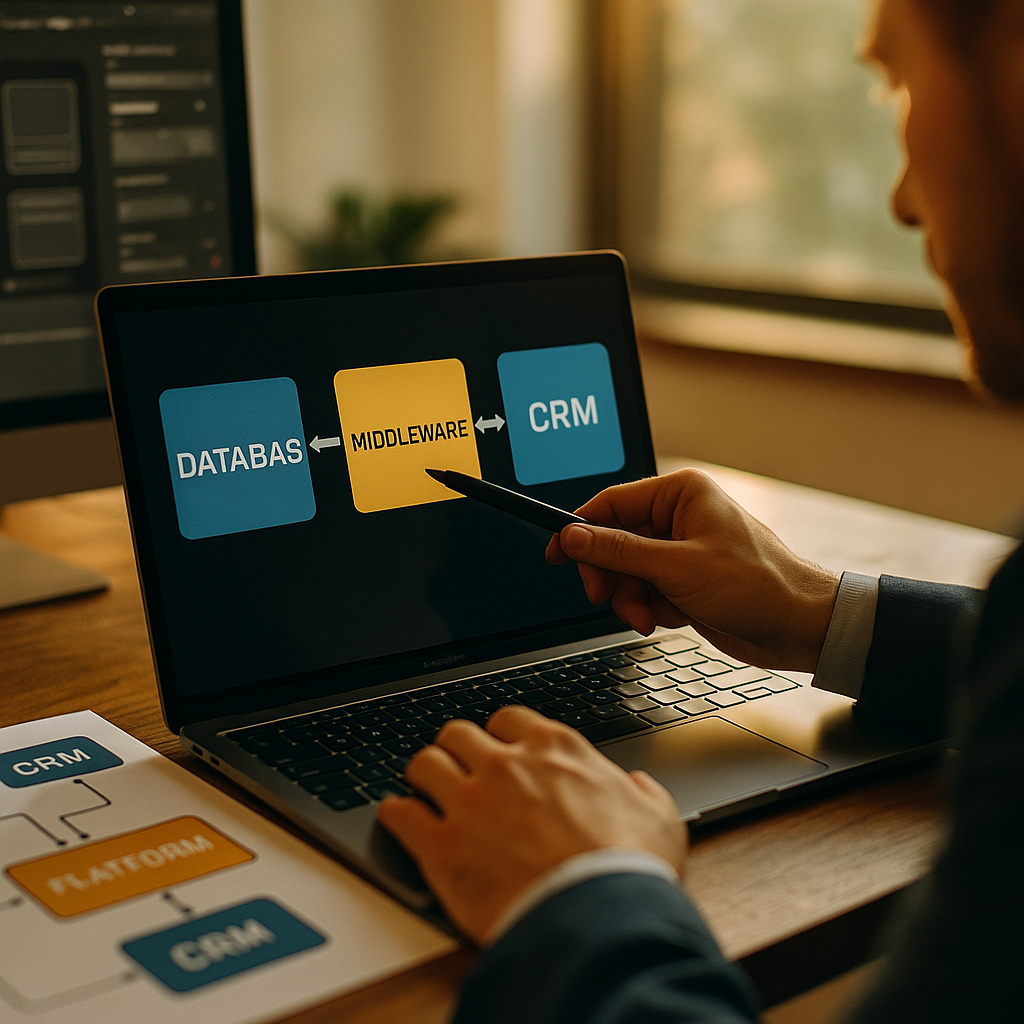
Choosing the right middleware solutions for connecting CRM to internal data can determine whether customer records stay actionable or become fragmented across teams. In 2026, companies need integrations that are secure, resilient, and easy to govern as data volumes and AI use expand. The challenge is not just moving data. It is choosing architecture that supports growth without adding hidden risk.
What to know about CRM integration middleware
CRM systems rarely operate in isolation. Sales, service, finance, product, support, and analytics teams all depend on internal data stored across ERPs, data warehouses, identity systems, billing platforms, and custom applications. CRM integration middleware sits between these systems and handles how data is mapped, transformed, routed, synchronized, and monitored.
At a practical level, middleware can solve common problems such as duplicate customer profiles, missing order history in the CRM, slow lead routing, disconnected support context, or inconsistent entitlement data. The right tool can also reduce manual work, improve data quality, and support compliance requirements by applying rules consistently across systems.
There are several main categories of middleware used for CRM connectivity:
- iPaaS platforms that provide cloud-based connectors, workflow automation, and low-code design tools.
- Enterprise service bus and integration suites that support complex, centralized integration patterns, often in larger enterprises.
- API management and API-led integration platforms that expose services in a governed, reusable way.
- ETL/ELT and data pipeline tools that focus on moving and transforming large data volumes, often for analytics and batch sync use cases.
- Custom middleware built in-house for specialized logic, performance, or security requirements.
The best choice depends on your CRM use cases. Real-time quote validation, for example, has different requirements than nightly customer master updates. Before comparing vendors, define the business processes that matter most, the systems involved, expected latency, ownership model, and security constraints.
Key criteria for data integration platforms
Many teams evaluate tools based on connector count alone. That is a mistake. A long connector list does not guarantee that a platform will handle your specific schemas, event volumes, or governance standards. Instead, compare options against a consistent set of decision criteria.
Integration pattern support should come first. Ask whether the platform handles batch, real-time, event-driven, and bidirectional synchronization. A CRM may need all four at once. New account records might sync in near real time, while historical invoice details may move in daily batches.
Transformation and orchestration matter just as much. Internal data often needs normalization before it reaches the CRM. Product hierarchies, account ownership rules, tax fields, and customer identifiers rarely align perfectly out of the box. Strong middleware should let you transform payloads, enrich records, and orchestrate multi-step workflows without brittle workarounds.
Security and compliance are non-negotiable. Look for role-based access control, secret management, encryption in transit and at rest, audit logs, environment separation, and support for data residency needs. If the CRM contains regulated or sensitive information, confirm how the platform handles masking, tokenization, and retention.
Observability often separates mature solutions from attractive demos. Can your team trace a failed sync from source to destination? Are retry policies configurable? Do alerts identify root causes quickly? Operational visibility directly affects customer-facing outcomes when integrations fail.
Total cost of ownership should include more than subscription fees. Factor in implementation time, developer effort, maintenance overhead, training, environment management, and scaling costs tied to transactions or connector usage. A cheaper platform can become expensive if every change requires specialized engineering work.
Vendor viability and support also deserve attention. Helpful content in this space should reflect real buying conditions: roadmap stability, documentation quality, implementation partner ecosystem, and support responsiveness all influence long-term success. Ask for architecture reviews, not just sales demos.
iPaaS vs custom middleware for internal data syncing
For many organizations in 2026, the central decision is whether to use an iPaaS platform or build custom middleware. Neither is universally better. The right answer depends on complexity, speed, available engineering resources, and the level of control required.
iPaaS is often the fastest route to value. These platforms typically offer prebuilt connectors for leading CRMs, databases, messaging systems, identity providers, and SaaS applications. They are attractive when teams need to launch integrations quickly, empower non-specialist users, or standardize workflows across departments. For common scenarios such as account sync, lead enrichment, ticket creation, or order updates, iPaaS usually reduces implementation time.
However, iPaaS can become limiting when your use case involves proprietary protocols, highly specialized logic, strict performance tuning, or unusual security boundaries. Some low-code environments also become hard to manage at scale if naming conventions, versioning, and deployment controls are weak.
Custom middleware gives engineering teams maximum flexibility. You can design around your exact domain model, optimize performance, integrate deeply with internal services, and build tailored monitoring. This approach often makes sense for companies with mature platform teams, unique data models, or requirements that commercial tools cannot meet cleanly.
The tradeoff is ongoing ownership. Custom code demands testing, documentation, patching, secrets management, on-call support, and continuous adaptation as source systems change. If the integration knowledge sits with a few developers, key-person risk rises quickly.
A hybrid model is common and often smart. Use iPaaS for standard SaaS-to-CRM workflows and reserve custom services for high-value, specialized processes such as pricing engines, entitlement validation, or proprietary customer-scoring logic. This balances speed with control.
When deciding, ask these questions:
- How many integrations must go live in the next 12 months?
- Do business teams need low-code control, or should all changes flow through engineering?
- Which workflows are mission-critical and latency-sensitive?
- How often do schemas and business rules change?
- Can your team support 24/7 operational monitoring internally?
If the answer points to frequent change, broad connector needs, and limited engineering bandwidth, iPaaS is usually stronger. If your environment is highly specialized and engineering maturity is high, custom middleware may be the better long-term fit.
API management tools and enterprise service bus options
Some organizations compare iPaaS against API management or enterprise service bus solutions, but these categories solve different problems. Understanding that difference prevents poor architecture decisions.
API management tools are ideal when the goal is to expose internal data and services to the CRM in a governed, reusable way. Instead of building one-off integrations, you create APIs for customer profiles, account balances, contract status, or order history. The CRM then consumes these APIs directly or through orchestration layers. This approach supports reusability, version control, traffic management, authentication, and policy enforcement.
API-led integration works especially well when multiple channels need the same business capability, not just the CRM. For example, if web apps, mobile apps, and support systems all need access to the same customer entitlement service, APIs create a cleaner foundation than point-to-point syncs.
Enterprise service bus solutions have traditionally been used in large organizations with complex internal landscapes, legacy systems, and centralized governance. They can handle protocol mediation, transformation, routing, and service orchestration across many systems. In some enterprises, they remain effective where on-premises systems and strict change controls still dominate.
That said, many modern teams prefer lighter, more modular architectures over centralized integration hubs. An ESB can introduce governance and consistency, but it can also become a bottleneck if every change depends on a central team. For CRM projects that need agility, this matters.
A practical comparison looks like this:
- Choose API management when you want reusable services, developer governance, and channel-wide access to internal data.
- Choose ESB or integration suites when you operate a large, heterogeneous enterprise environment with complex routing and legacy protocol needs.
- Choose iPaaS when speed, connector depth, and workflow automation are top priorities.
In reality, many enterprises use all three. APIs provide reusable business services, iPaaS handles application workflows, and an existing integration backbone supports legacy systems. The key is to avoid overlapping tools without clear ownership.
Security, governance, and CRM data synchronization
CRM integrations can expose customer and revenue data across multiple environments, so security and governance must be built into the architecture from the start. This is where experienced teams distinguish between a successful rollout and a future incident.
Start with data classification. Not every field should sync everywhere. Determine which records and attributes belong in the CRM, which should remain in source systems, and which should be referenced on demand through APIs. Pulling excessive internal data into the CRM increases risk, storage costs, and compliance complexity.
Next, define a system of record for each key entity. If sales edits an account in the CRM while finance maintains the legal billing entity elsewhere, your middleware must enforce precedence rules. Without clear authority, synchronization loops and conflicting updates become common.
Identity and access management should also be explicit. Service accounts need least-privilege permissions. Administrative actions should be auditable. Secrets should be rotated automatically. If the middleware platform supports customer-managed keys or private networking, assess whether those features align with your security posture.
Governance processes need equal attention. Create versioning standards for integrations, change management procedures, rollback plans, and documentation requirements. This is especially important when business users can create flows in low-code tools. Speed helps, but uncontrolled automation creates technical debt fast.
For resilient CRM data synchronization, include:
- Idempotency controls to prevent duplicate record creation during retries.
- Dead-letter queues or failure capture so bad records do not disappear silently.
- Schema validation before writes hit the CRM.
- Alerting and SLA monitoring for critical workflows like opportunity updates or case routing.
- Data quality checks for mandatory fields, formatting, and reference integrity.
These controls are not optional extras. They are part of trustworthy integration design and directly support EEAT principles by grounding recommendations in real implementation concerns, not generic product claims.
Best practices for choosing enterprise middleware in 2026
If you are narrowing down options, use a structured evaluation process. The most reliable way to compare enterprise middleware is through a business-led scorecard backed by a proof of concept.
First, shortlist your top use cases. Include one simple workflow, one high-volume sync, and one complex orchestration. This reveals whether a platform performs well beyond polished demo scenarios. Test real mappings, failure handling, authentication methods, and deployment workflows.
Second, evaluate time to maintain, not just time to launch. Ask implementation teams how they handle schema changes, sandbox refreshes, connector updates, and environment promotion. A platform that launches fast but breaks under routine change is not a strategic fit.
Third, confirm the operating model. Decide who owns the integrations after go-live: a central integration team, CRM admins, business systems analysts, or product engineering. Your middleware should match the skills of the people who will maintain it.
Fourth, check AI readiness. In 2026, many CRM programs depend on AI assistants, forecasting models, and automated customer intelligence. These tools require reliable, timely, governed internal data. Middleware should support event streams, metadata visibility, and consistent access patterns so AI outputs are grounded in accurate records.
Finally, avoid overbuying. The most feature-rich platform is not always the best one. Choose the solution that fits your architecture, security needs, support model, and growth plans with the least friction.
A clear takeaway for most organizations is this:
- Use iPaaS when speed, broad SaaS connectivity, and low-code workflows matter most.
- Use API-led integration when reusable business services and governance are priorities.
- Use custom middleware for highly specialized, performance-sensitive, or tightly controlled environments.
- Use hybrid architecture when your CRM must connect to both modern cloud apps and complex internal systems.
The strongest decisions come from aligning middleware capabilities with business processes, security standards, and ownership realities, not from chasing feature lists alone.
FAQs about CRM middleware comparison
What is the main benefit of middleware for CRM and internal data integration?
Middleware reduces manual data handling by automating how customer, account, order, support, and financial data moves between the CRM and internal systems. It improves consistency, speeds workflows, and creates better visibility across teams.
Which is better for CRM integration: iPaaS or custom middleware?
It depends on your needs. iPaaS is usually better for faster deployment, lower-code management, and common SaaS integrations. Custom middleware is better when you need full control, highly specific logic, or deep integration with proprietary internal systems.
Is API management the same as middleware?
No. API management focuses on exposing and governing reusable services. Middleware often includes orchestration, data transformation, routing, and synchronization between systems. They can complement each other in the same architecture.
How do I decide whether CRM sync should be real time or batch?
Use real time when business actions depend on immediate updates, such as lead routing, support context, or pricing validation. Use batch when latency is acceptable and volume is high, such as historical data loads or nightly reconciliations.
What security features should CRM middleware include?
Look for encryption, audit logging, role-based access control, secure secret storage, environment separation, network controls, data masking where needed, and strong monitoring for failed or suspicious transactions.
Can low-code middleware create governance problems?
Yes, if teams deploy integrations without standards. Low-code tools need naming conventions, approval workflows, version control, documentation, and clear ownership to prevent sprawl and hidden dependencies.
What is the biggest mistake companies make when comparing middleware solutions?
A common mistake is choosing based on connector lists or price alone. The better approach is to evaluate fit across architecture, governance, observability, security, maintenance effort, and your most important CRM use cases.
Comparing middleware for CRM and internal data works best when you focus on fit, not hype. The right platform should support your integration patterns, security model, and operating team while keeping customer data trustworthy. In 2026, a practical hybrid approach often delivers the strongest results: use standard tools for common workflows and reserve custom architecture for specialized, high-impact processes.
Top Influencer Marketing Agencies
The leading agencies shaping influencer marketing in 2026
Agencies ranked by campaign performance, client diversity, platform expertise, proven ROI, industry recognition, and client satisfaction. Assessed through verified case studies, reviews, and industry consultations.
Moburst

-
2

The Shelf
Boutique Beauty & Lifestyle Influencer AgencyA data-driven boutique agency specializing exclusively in beauty, wellness, and lifestyle influencer campaigns on Instagram and TikTok. Best for brands already focused on the beauty/personal care space that need curated, aesthetic-driven content.Clients: Pepsi, The Honest Company, Hims, Elf Cosmetics, Pure LeafVisit The Shelf → -
3

Audiencly
Niche Gaming & Esports Influencer AgencyA specialized agency focused exclusively on gaming and esports creators on YouTube, Twitch, and TikTok. Ideal if your campaign is 100% gaming-focused — from game launches to hardware and esports events.Clients: Epic Games, NordVPN, Ubisoft, Wargaming, Tencent GamesVisit Audiencly → -
4

Viral Nation
Global Influencer Marketing & Talent AgencyA dual talent management and marketing agency with proprietary brand safety tools and a global creator network spanning nano-influencers to celebrities across all major platforms.Clients: Meta, Activision Blizzard, Energizer, Aston Martin, WalmartVisit Viral Nation → -
5

The Influencer Marketing Factory
TikTok, Instagram & YouTube CampaignsA full-service agency with strong TikTok expertise, offering end-to-end campaign management from influencer discovery through performance reporting with a focus on platform-native content.Clients: Google, Snapchat, Universal Music, Bumble, YelpVisit TIMF → -
6

NeoReach
Enterprise Analytics & Influencer CampaignsAn enterprise-focused agency combining managed campaigns with a powerful self-service data platform for influencer search, audience analytics, and attribution modeling.Clients: Amazon, Airbnb, Netflix, Honda, The New York TimesVisit NeoReach → -
7

Ubiquitous
Creator-First Marketing PlatformA tech-driven platform combining self-service tools with managed campaign options, emphasizing speed and scalability for brands managing multiple influencer relationships.Clients: Lyft, Disney, Target, American Eagle, NetflixVisit Ubiquitous → -
8

Obviously
Scalable Enterprise Influencer CampaignsA tech-enabled agency built for high-volume campaigns, coordinating hundreds of creators simultaneously with end-to-end logistics, content rights management, and product seeding.Clients: Google, Ulta Beauty, Converse, AmazonVisit Obviously →