


Your Live Stream Died the Moment It Ended — Here’s How to Fix That
Eighty-seven percent of branded live stream content never gets repurposed. It airs once, maybe gets archived on YouTube, and vanishes from audience memory within 48 hours. That’s not a distribution failure — it’s a production design failure. The brands winning with live-to-short-form distribution strategy aren’t fixing things in post. They’re engineering their live productions from the ground up so that vertical clips practically extract themselves in real time, hit platform-specific formats instantly, and land in creator hands before the stream even wraps.
Why Post-Production Is the Bottleneck You Can’t Afford
Here’s the math that should terrify any brand event team. According to Statista’s live commerce data, short-form clips generated within the first 60 minutes of a live event receive 3.2x more engagement than those published 24 hours later. The algorithmic window is brutal: TikTok, Instagram Reels, and YouTube Shorts all prioritize recency signals. If your team is waiting two days for an editor to pull highlights, add captions, and reformat for vertical — you’ve already lost.
The traditional workflow looks like this: shoot horizontal → archive full stream → hand off to post team → wait → publish clips days later. Every hour of delay erodes relevance. Every round of approval kills momentum.
The fix isn’t faster editors. It’s a fundamentally different production architecture.
Designing the Multi-Output Live Production
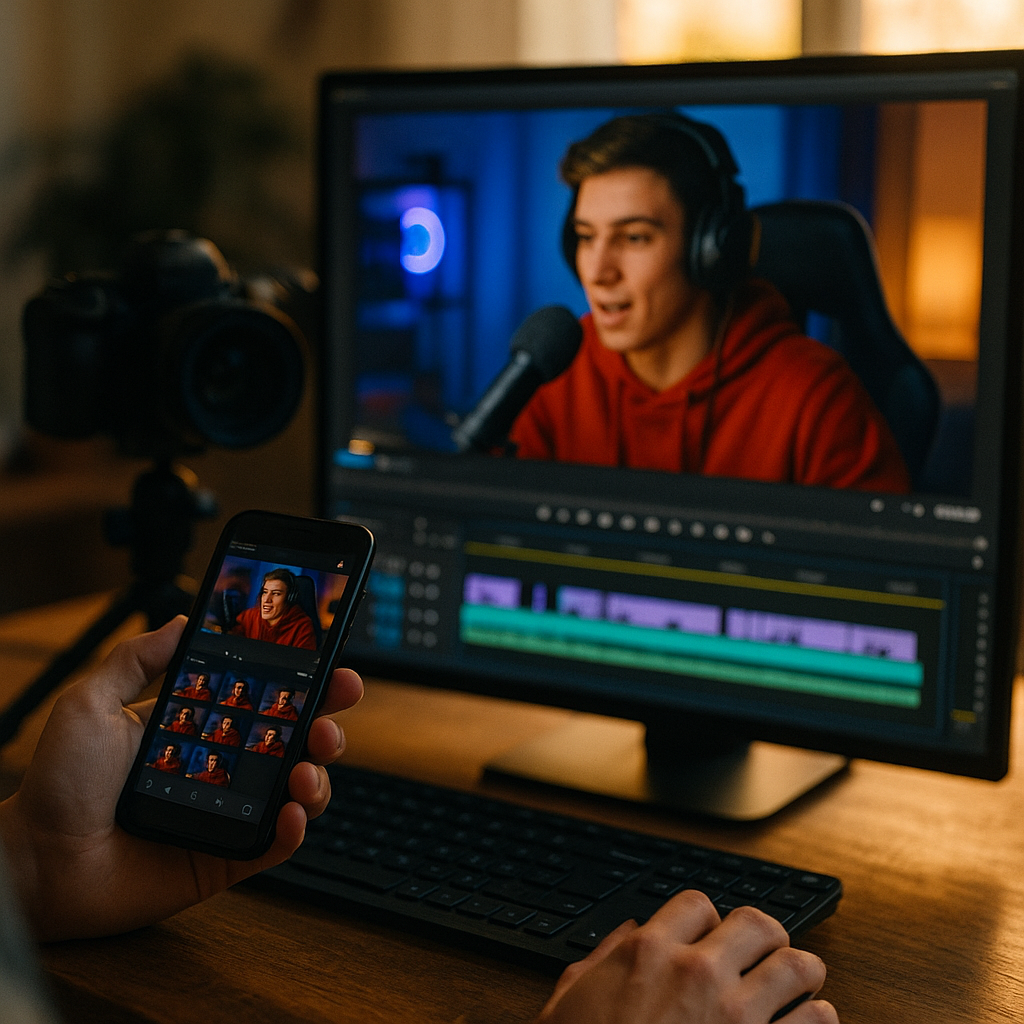
Think of your live stream not as a single broadcast but as a content factory running parallel assembly lines. This requires decisions made months before anyone goes live.
Camera architecture matters most. Run at least two dedicated vertical-frame cameras alongside your primary horizontal feed. These aren’t cropped versions of your wide shot — they’re independently operated 9:16 captures with their own framing, focus pulls, and composition logic. A speaker on stage looks compelling in horizontal wide; the same speaker needs a tight chest-up frame for vertical. Planning both simultaneously eliminates the “crop and pray” approach that produces awkward short-form content.
Some production teams are now using tools like Restream or vMix to output multiple aspect ratios simultaneously from a single switching desk. The investment is modest compared to the content yield.
The brands extracting the most value from live events are making vertical their primary format and treating horizontal as the secondary output — not the other way around.
Here’s what your pre-production checklist should include for real-time clip readiness:
- Segment-based scripting: Break your live stream into discrete 45-90 second “moments” — product reveals, creator reactions, audience Q&A beats — each designed to stand alone as a clip.
- Dedicated clip producer: Station someone whose only job is flagging and tagging clip-worthy moments in real time using timecoded markers.
- Pre-built templates: Platform-specific lower thirds, caption styles, and branded frames loaded into your editing tool before the event starts.
- Audio isolation: Ensure each speaker has a dedicated mic feed so clips can be pulled with clean audio, not ambient crowd noise.
If you’re briefing creators on vertical content, a solid vertical video creative brief template will save you significant coordination headaches.
Real-Time Extraction: The Operational Playbook
Let’s get specific about what “real-time” actually means in practice, because too many teams use the term loosely.
True real-time extraction means clips are cut, captioned, formatted, and ready for distribution within 5-15 minutes of the moment occurring on stream. Not “same day.” Not “a few hours later.” Minutes.
This requires a dedicated clip desk — a workstation running alongside your live production with direct feed access. The clip producer watches the live output, receives flags from the director, and immediately pulls segments into a rapid editing environment. Tools like Kling, Descript, or even CapCut’s desktop app can handle fast turnaround cuts with auto-captioning and template overlays.
The workflow runs like this:
- Director or segment producer flags a moment via shared comms channel (Slack, Discord, or production intercom)
- Clip producer pulls the 9:16 feed segment using timecodes
- Auto-captions are generated and spot-checked (not fully manually transcribed — speed matters)
- Platform-specific templates are applied: TikTok gets one treatment, Reels another, Shorts a third
- Clips route to an approval queue where a brand manager gives a single yes/no within 3 minutes
- Approved clips push to distribution — both brand channels and creator partners simultaneously
The data on automated vertical reformatting ROI strongly supports this approach. Brands that implemented real-time clip workflows reported up to 5x more publishable assets per event compared to traditional post-production pipelines.
Platform-Specific Reformatting Is Non-Negotiable
Posting the same clip to TikTok, Reels, and Shorts is lazy — and the algorithms punish it. Each platform has distinct requirements and audience expectations that demand intentional formatting.
TikTok favors native-feeling content with on-screen text hooks in the first 0.5 seconds. Captions should use TikTok’s own font styles when possible. The platform’s AI discovery layer rewards content that matches trending audio and format patterns — understanding TikTok’s discovery mechanics is essential here.
Instagram Reels performs better with slightly more polished aesthetics. Branded overlays are tolerated more. The cover frame matters because it lives permanently on your grid. According to Meta’s business tools documentation, Reels with custom cover images see 15-20% higher profile visit rates.
YouTube Shorts benefits from slightly longer clips (up to 60 seconds) and allows more context-setting at the top. Shorts also index for search in ways TikTok and Reels don’t, so keyword-rich on-screen text and descriptions carry more weight.
Your pre-built templates should account for all three. The clip desk applies the right template based on destination, not as an afterthought but as part of the extraction workflow itself.
Creator Amplification Without the Waiting Game
This is where most brand event teams leave staggering amounts of value on the table. You’ve got 15 creators at your live event. They’re posting their own organic content — good. But what if your clip desk was also feeding them brand-approved, perfectly formatted clips they could repost, react to, or stitch within minutes of the moment happening?
The competitive advantage isn’t just speed — it’s giving creators something worth sharing while the energy of the moment is still fresh and their audiences are paying attention.
Set up a creator distribution channel (a private Telegram group or shared Google Drive with instant notifications) where finished clips drop in real time. Include suggested captions, hashtags, and any required FTC disclosure language. Remove every possible friction point between “clip exists” and “creator posts it.”
Brands using remix features as amplifiers are seeing particularly strong results — when creators stitch or duet brand clips within the first hour, the algorithmic boost compounds across both accounts.
A few operational details that matter:
- Pre-negotiate usage rights in creator contracts so there’s zero legal ambiguity about real-time redistribution.
- Provide clips in multiple resolutions — some creators prefer raw-feeling 1080p, others want polished 4K crops.
- Brief creators before the event on the distribution cadence so they expect incoming assets and have posting time blocked.
For teams looking to drive commerce directly from these clips, building conversion-focused briefs using a shoppable content playbook ensures the amplification actually ties back to revenue.
Measuring What Matters
Your KPIs for a live-to-short-form strategy should look different from standard event metrics. Track these:
- Time-to-publish: Average minutes between on-stream moment and first clip going live. Target: under 15 minutes.
- Clip yield rate: Number of publishable clips per hour of live content. Top-performing teams hit 8-12 clips per hour.
- Creator activation rate: Percentage of attending creators who posted brand-supplied clips within 60 minutes of receiving them.
- Platform-specific engagement velocity: Engagement per minute in the first hour, tracked separately for TikTok, Reels, and Shorts.
- Content half-life extension: How many days post-event your clips continue generating meaningful impressions versus a single live stream’s decay curve.
Benchmarking against Sprout Social’s engagement data can help you contextualize whether your clip performance is competitive within your vertical.
Start With One Event, One Clip Desk, One Proof of Concept
You don’t need to overhaul your entire event production infrastructure tomorrow. Pick your next brand event, add a single dedicated clip producer with a vertical feed and pre-built templates, and measure the output difference. The data will make the case for permanent investment louder than any strategy deck ever could.
Frequently Asked Questions
What equipment do I need for real-time vertical clip extraction from a live stream?
At minimum, you need one dedicated 9:16 camera feed (or a real-time cropping solution like vMix), a separate clip editing workstation with auto-captioning software such as Descript or CapCut, pre-built platform-specific templates, and a dedicated clip producer operating independently from your main live production team. Budget roughly $2,000-$5,000 in additional equipment and software per event beyond your existing live setup.
How many clips should a brand event team aim to produce per hour of live content?
High-performing brand event teams extract 8-12 publishable short-form clips per hour of live content. This requires pre-scripted segment breaks designed around standalone moments, a real-time flagging system between the director and clip producer, and pre-approved brand templates that eliminate design decisions during production.
How do you handle FTC compliance when distributing live event clips to creators in real time?
Include pre-written FTC-compliant disclosure language with every clip you distribute to creators. Pre-negotiate usage rights and disclosure requirements in creator contracts before the event. Provide specific caption language and hashtag requirements (such as #ad or #sponsored) in the same delivery channel where clips are shared so creators can copy and paste without guesswork.
What is the ideal time window for publishing short-form clips after a live event moment occurs?
Aim for 5-15 minutes between the on-stream moment and the first published clip. Data shows clips published within 60 minutes of a live event moment receive roughly 3.2 times more engagement than those published 24 hours later, due to platform algorithms favoring recency signals and the natural attention spike surrounding live events.
Should brands post the same clip across TikTok, Instagram Reels, and YouTube Shorts?
No. Each platform rewards different formatting, pacing, and aesthetic choices. TikTok favors native-feeling content with immediate text hooks. Instagram Reels tolerates more polished branding and benefits from custom cover frames. YouTube Shorts indexes for search, so keyword-rich on-screen text matters more. Pre-build separate templates for each platform and apply them as part of your extraction workflow.
Top Influencer Marketing Agencies
The leading agencies shaping influencer marketing in 2026
Agencies ranked by campaign performance, client diversity, platform expertise, proven ROI, industry recognition, and client satisfaction. Assessed through verified case studies, reviews, and industry consultations.
Moburst

-
2

The Shelf
Boutique Beauty & Lifestyle Influencer AgencyA data-driven boutique agency specializing exclusively in beauty, wellness, and lifestyle influencer campaigns on Instagram and TikTok. Best for brands already focused on the beauty/personal care space that need curated, aesthetic-driven content.Clients: Pepsi, The Honest Company, Hims, Elf Cosmetics, Pure LeafVisit The Shelf → -
3

Audiencly
Niche Gaming & Esports Influencer AgencyA specialized agency focused exclusively on gaming and esports creators on YouTube, Twitch, and TikTok. Ideal if your campaign is 100% gaming-focused — from game launches to hardware and esports events.Clients: Epic Games, NordVPN, Ubisoft, Wargaming, Tencent GamesVisit Audiencly → -
4

Viral Nation
Global Influencer Marketing & Talent AgencyA dual talent management and marketing agency with proprietary brand safety tools and a global creator network spanning nano-influencers to celebrities across all major platforms.Clients: Meta, Activision Blizzard, Energizer, Aston Martin, WalmartVisit Viral Nation → -
5

The Influencer Marketing Factory
TikTok, Instagram & YouTube CampaignsA full-service agency with strong TikTok expertise, offering end-to-end campaign management from influencer discovery through performance reporting with a focus on platform-native content.Clients: Google, Snapchat, Universal Music, Bumble, YelpVisit TIMF → -
6

NeoReach
Enterprise Analytics & Influencer CampaignsAn enterprise-focused agency combining managed campaigns with a powerful self-service data platform for influencer search, audience analytics, and attribution modeling.Clients: Amazon, Airbnb, Netflix, Honda, The New York TimesVisit NeoReach → -
7

Ubiquitous
Creator-First Marketing PlatformA tech-driven platform combining self-service tools with managed campaign options, emphasizing speed and scalability for brands managing multiple influencer relationships.Clients: Lyft, Disney, Target, American Eagle, NetflixVisit Ubiquitous → -
8

Obviously
Scalable Enterprise Influencer CampaignsA tech-enabled agency built for high-volume campaigns, coordinating hundreds of creators simultaneously with end-to-end logistics, content rights management, and product seeding.Clients: Google, Ulta Beauty, Converse, AmazonVisit Obviously →