


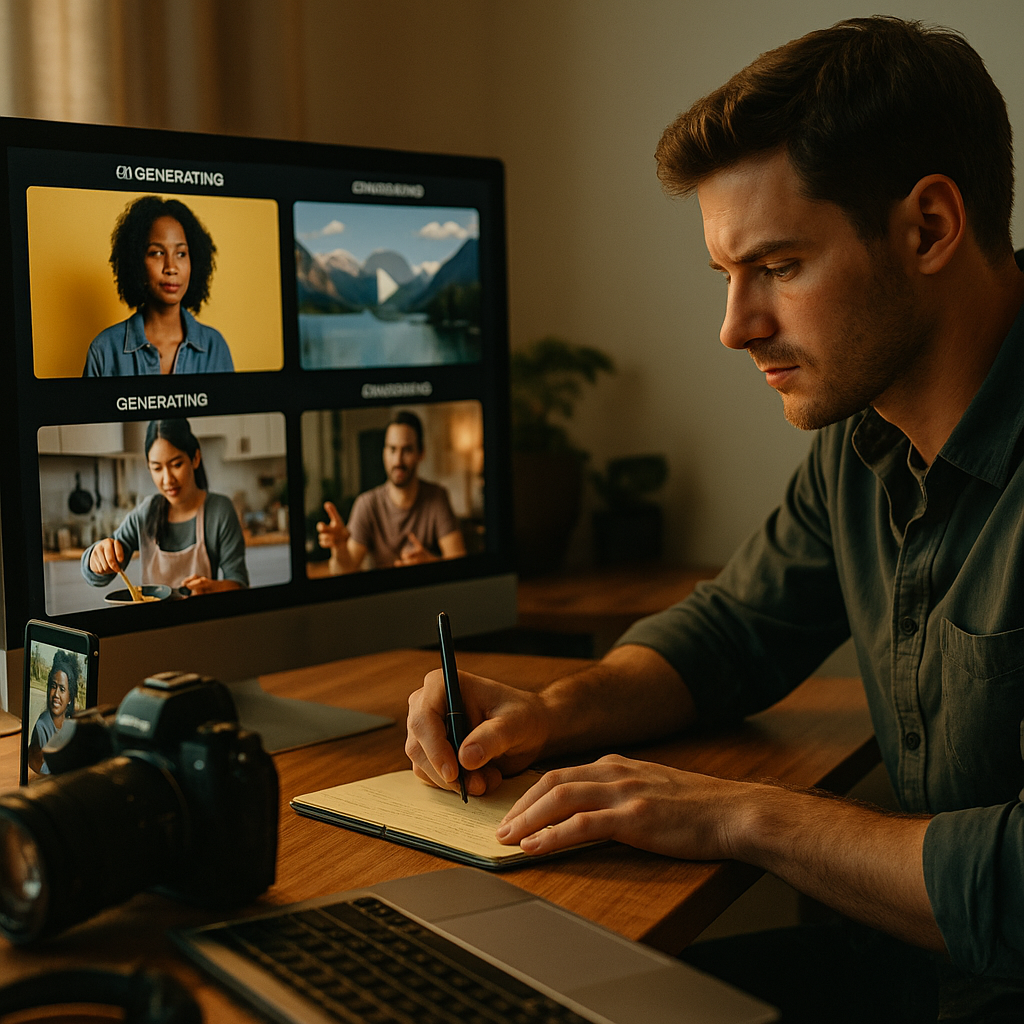
Brands that shoot once and publish once are leaving money on the table. A single creator session can now fuel six, eight, or twelve platform-ready assets — if your brief is engineered for it. AI-enabled multi-variant video production is no longer experimental; it is the operational baseline for any brand running paid and organic simultaneously across TikTok, Meta, YouTube, and connected TV.
Why Most Multi-Format Briefs Fail Before the Camera Rolls
The failure is almost always upstream. Brands commission a creator, the creator shoots naturally for their primary platform, and then the post-production team tries to retrofit that footage into other aspect ratios. The 9:16 vertical gets letterboxed into a 16:9 YouTube pre-roll. The 1:1 version gets cropped so aggressively that the product disappears into the frame edge. What looked authentic on TikTok looks amateurish on a connected TV placement.
The fix is not better editing software. The fix is a smarter brief written before anyone presses record.
The core principle: every creative decision made on set either opens or closes downstream format options. Lighting placement, the creator’s physical position in frame, where they hold the product, how much negative space exists above and below them — all of this determines whether your AI pipeline can reframe intelligently or has to approximate badly.
A brief that doesn’t account for all three aspect ratios at the shooting stage will cost you two to three times more in post-production corrections than a properly structured upfront brief would have.
The “Safe Zone” Brief: What to Give Creators Before They Shoot
Think of the brief as a compositional contract, not a creative cage. You are not restricting the creator’s authenticity — you are protecting the usability of their best moments across every format your media plan requires.
Practical elements to mandate in any multi-format brief:
- Center-weighted framing: The creator’s face, hands, and the product should occupy the center 60% of the horizontal frame. This ensures that both a 9:16 crop (which eliminates side content) and a 1:1 crop (which removes top and bottom) still capture the essential action.
- No critical text or graphics below the bottom 15% or above the top 15% of frame: Platform UI overlays (TikTok captions, Instagram stickers, YouTube subscribe buttons) consume this real estate. Any graphic burned into that zone on the source footage is permanently compromised.
- A neutral or brand-consistent background panel: For AI upscaling and canvas extension (used to fill the wider 16:9 frame from a 9:16 source), a consistent background allows tools like Adobe Firefly or Runway to generate coherent fill without introducing visual artifacts.
- Product hero moment isolated at center frame, held for at least three seconds: AI pipelines that auto-generate thumbnails and pause-frame variants need a clean, unobstructed product beat to work from.
- Verbal hook within the first four seconds: Platform algorithms across TikTok and Meta reward content that signals context immediately. For hook structures that convert, the spoken opener also anchors the AI transcript for caption and subtitle generation across formats.
For DTC brands already using AI ad pipelines, the alignment between creator-side framing and machine-side reframing is where efficiency compounds. Properly briefed footage fed into a tool like Pencil or Typeface reduces manual QA cycles from days to hours. If you haven’t mapped your creator brief directly to your AI pipeline inputs, read through DTC AI video brief frameworks before your next campaign kick-off.
How AI Pipelines Actually Handle the Three Formats
Understanding what the AI is doing mechanically will make you a better brief writer.
9:16 (Vertical — TikTok, Reels, Shorts): Most AI reframing tools treat this as the source format when the creator shoots on a phone. The challenge arises when the source is 16:9 (horizontal) and the pipeline must crop. Modern subject-tracking AI, including features native to TikTok’s Smart Creative suite, can follow a moving subject — but only if the subject stays in the center horizontal band. Erratic movement toward frame edges produces tracking lag and awkward reframes.
1:1 (Square — Meta Feed, LinkedIn): Square is a compromise format, and your brief should treat it that way. For Meta 1:1 feed formats, the AI crops from both top and bottom of a vertical source, or from both sides of a horizontal source. The brand-safe content must live in the middle third of both dimensions simultaneously — which is exactly what center-weighted framing solves.
16:9 (Horizontal — YouTube, CTV, Display): This is where AI generative fill earns its keep. When your source is 9:16, the pipeline must generate the left and right canvas extensions that a human never filmed. Tools like Runway Gen-3 and Adobe Firefly’s Generative Fill can extend backgrounds convincingly, but only when the background is simple, well-lit, and consistent. A creator who wanders in front of a cluttered kitchen set is creating a nightmare for generative fill. A creator positioned against a clean brand-color wall is giving the AI something it can replicate at scale.
For brands distributing across social, YouTube, and OTT simultaneously, the operational brief architecture matters as much as the creative brief. Cross-platform brief frameworks that account for each distribution channel’s technical constraints will save your team significant rework.
Briefing the AI Pipeline, Not Just the Creator
Here is the part most brand teams skip: the AI pipeline itself needs to be briefed, just like the human creator.
AI video tools accept configuration inputs that function exactly like a creative brief. In Runway, you set reframe anchor points. In Meta’s Advantage+ Creative, you specify which creative elements are locked versus which can be auto-adapted. In Google’s Video AI suite, you define which seconds of footage are eligible for auto-generated clips. If your team is uploading raw footage and letting the AI decide everything, you have not briefed your pipeline — you have abdicated your brand standards.
Specific inputs to configure in your AI pipeline brief:
- Anchor frame: The exact timestamp where the product hero moment occurs. Lock this as the center of any auto-generated variant.
- Brand lock zones: Logo position, lower-third text placement, and CTA button location should be defined as non-negotiable elements the AI must not reposition.
- Restricted color sampling: For generative fill and background extension, provide a hex-code-bounded palette. This prevents the AI from introducing off-brand colors in the extended canvas areas.
- Audio normalization targets: Different platforms have different loudness standards (YouTube targets -14 LUFS; TikTok skews louder in practice). Define per-format audio treatment in the pipeline config, not as an afterthought in export.
The relationship between creator briefs and AI pipeline configuration is a closed loop. Aspect-ratio-agnostic briefs designed for AI multi-format workflows treat both the human and the machine as execution partners from day one.
Brands using properly configured AI pipelines alongside structured creator briefs report 40-60% reductions in per-asset production costs compared to traditional multi-format shoots — without measurable drops in creative performance metrics.
Brand Coherence Across Formats: The Non-Negotiables
Format adaptation should be invisible to the viewer. If your 9:16 TikTok feels like a completely different brand than your 16:9 YouTube pre-roll, the pipeline has failed — regardless of how technically clean the crops are.
Three elements that must remain consistent regardless of format:
- Color grade: Apply a locked LUT (lookup table) as the first step in every format’s export pipeline, before any platform-specific compression. Platform encoding will shift color; a locked grade gives you a predictable baseline.
- Verbal brand language: The creator’s script should include specific phrases, product descriptors, or taglines that appear in every format variant. These are your audio brand anchors — the equivalent of a visual brand guideline for the spoken word.
- CTA consistency: A viewer who sees your TikTok version and then encounters your YouTube pre-roll three days later should hear a CTA that feels like the same campaign, even if the format and context differ. This is especially critical for social commerce video formats where the purchase intent you build on one platform gets converted on another.
For brands running TV and social simultaneously, the challenge scales further. Briefing creators once for TV and social requires an additional layer of brand coherence planning, particularly around talent usage rights and platform-specific compliance language.
The Operational Workflow That Makes This Repeatable
Efficiency at scale requires a repeatable process, not a heroic effort on every campaign.
The workflow that works:
- Pre-production: Issue a single brief that specifies all three aspect ratios’ compositional requirements simultaneously. Do not write three separate briefs. The creator should shoot with all formats in mind from the first take.
- Production: Shoot primary footage in 4K minimum. Higher resolution gives AI reframing tools more pixel data to work with when extending or cropping canvas. A 9:16 4K source cropped to 1:1 still outputs at full HD. A 1080p source does not survive aggressive cropping with quality intact.
- Ingestion: Upload source files with clearly named timestamps (e.g., “product_hero_00:14”, “hook_open_00:02”). Human-readable metadata speeds up AI pipeline configuration and reduces QA cycles for your team.
- Pipeline processing: Run format variants in parallel, not sequentially. Most enterprise AI video platforms (Pencil, Typeface, Quickads) support batch processing. Sequential processing doubles your turnaround time for no quality benefit.
- QA: Review each format variant on the actual device and platform context where it will be consumed. A 1:1 Meta feed ad should be reviewed in the Meta Ads Library preview, not on a desktop monitor at full resolution. What looks fine at scale looks broken at thumb-scroll speed.
If your team is still variant-testing hooks and CTAs manually across formats, AI UGC variant testing at scale offers a more systematic approach that integrates directly with multi-format production pipelines.
Start your next campaign brief by mapping each format’s compositional constraints first, then write the creative brief around those constraints. The creative will follow. The formats won’t.
FAQs
What does “AI-enabled multi-variant video production” mean for brand teams?
It means using AI tools to automatically generate multiple aspect ratio versions (9:16, 1:1, 16:9) of a single creator-filmed video session. Instead of shooting separately for each platform, brands structure one production session so that AI reframing, generative fill, and auto-cropping tools can produce platform-ready assets efficiently and without losing brand visual standards.
How do you brief a creator to shoot for multiple aspect ratios simultaneously?
The brief should specify center-weighted framing (keeping all critical action in the center 60% of the horizontal frame), no essential graphics in the top or bottom 15% of the frame, a clean and consistent background, and a product hero moment held at center frame for at least three seconds. These constraints allow AI tools to crop, extend, or reframe the footage for any aspect ratio without losing the core creative intent.
Which AI tools are commonly used for multi-format video adaptation?
Tools including Runway Gen-3, Adobe Firefly (for generative fill and canvas extension), Pencil, Typeface, and Quickads are widely used for automated reframing and variant generation. Platform-native tools like TikTok Smart Creative and Meta’s Advantage+ Creative also perform automated adaptation, though with less granular brand control than standalone pipeline tools.
How does generative fill work for creating 16:9 from a 9:16 source video?
Generative fill AI analyzes the edges of the vertical frame and synthesizes plausible background content to fill the left and right canvas areas needed to create a horizontal 16:9 format. The quality of the fill depends heavily on the simplicity and consistency of the original background. A cluttered or variable background produces artifacts; a clean, well-lit, brand-consistent background produces near-seamless extensions.
What are the biggest brand coherence risks in multi-format video production?
The primary risks are inconsistent color grading across formats (fixed by applying a locked LUT early in the export pipeline), misaligned CTAs that feel disconnected across platforms, and logo or product visibility loss due to aggressive cropping. Configuring the AI pipeline with brand lock zones for logos and CTAs, and mandating consistent verbal brand language in the creator script, mitigates most of these risks.
Is a 4K shoot mandatory for AI multi-format video?
Not mandatory, but strongly recommended. AI reframing and cropping tools require pixel data to maintain quality output when changing aspect ratios. A 4K source (3840×2160 or 2160×3840 for vertical) gives the pipeline enough resolution headroom to output all three formats at full HD quality without degradation. A 1080p source can lose significant quality when cropped aggressively for format adaptation.
Top Influencer Marketing Agencies
The leading agencies shaping influencer marketing in 2026
Agencies ranked by campaign performance, client diversity, platform expertise, proven ROI, industry recognition, and client satisfaction. Assessed through verified case studies, reviews, and industry consultations.
Moburst

-
2

The Shelf
Boutique Beauty & Lifestyle Influencer AgencyA data-driven boutique agency specializing exclusively in beauty, wellness, and lifestyle influencer campaigns on Instagram and TikTok. Best for brands already focused on the beauty/personal care space that need curated, aesthetic-driven content.Clients: Pepsi, The Honest Company, Hims, Elf Cosmetics, Pure LeafVisit The Shelf → -
3

Audiencly
Niche Gaming & Esports Influencer AgencyA specialized agency focused exclusively on gaming and esports creators on YouTube, Twitch, and TikTok. Ideal if your campaign is 100% gaming-focused — from game launches to hardware and esports events.Clients: Epic Games, NordVPN, Ubisoft, Wargaming, Tencent GamesVisit Audiencly → -
4

Viral Nation
Global Influencer Marketing & Talent AgencyA dual talent management and marketing agency with proprietary brand safety tools and a global creator network spanning nano-influencers to celebrities across all major platforms.Clients: Meta, Activision Blizzard, Energizer, Aston Martin, WalmartVisit Viral Nation → -
5

The Influencer Marketing Factory
TikTok, Instagram & YouTube CampaignsA full-service agency with strong TikTok expertise, offering end-to-end campaign management from influencer discovery through performance reporting with a focus on platform-native content.Clients: Google, Snapchat, Universal Music, Bumble, YelpVisit TIMF → -
6

NeoReach
Enterprise Analytics & Influencer CampaignsAn enterprise-focused agency combining managed campaigns with a powerful self-service data platform for influencer search, audience analytics, and attribution modeling.Clients: Amazon, Airbnb, Netflix, Honda, The New York TimesVisit NeoReach → -
7

Ubiquitous
Creator-First Marketing PlatformA tech-driven platform combining self-service tools with managed campaign options, emphasizing speed and scalability for brands managing multiple influencer relationships.Clients: Lyft, Disney, Target, American Eagle, NetflixVisit Ubiquitous → -
8

Obviously
Scalable Enterprise Influencer CampaignsA tech-enabled agency built for high-volume campaigns, coordinating hundreds of creators simultaneously with end-to-end logistics, content rights management, and product seeding.Clients: Google, Ulta Beauty, Converse, AmazonVisit Obviously →