


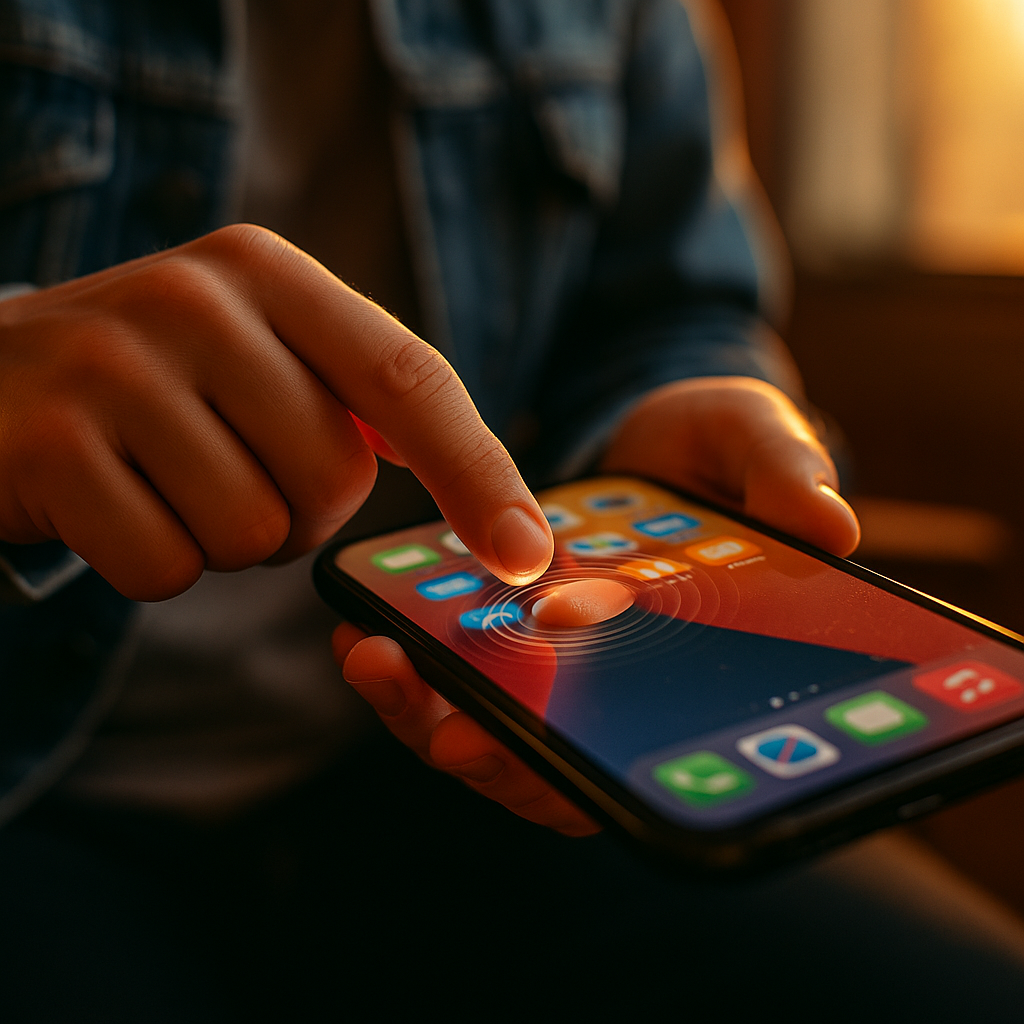
In 2025, mobile experiences compete on seconds and sensations, not just screens. The Impact Of Haptic Feedback On Future Mobile Brand Interactions is growing as brands use tactile cues to guide actions, confirm choices, and build trust. When done well, haptics reduce uncertainty and make digital moments feel real. The next differentiator won’t be another animation—it will be what users feel. Are you ready?
Haptic feedback in mobile UX: why touch is the next brand channel
Haptic feedback turns a flat interface into a sensory conversation. Instead of relying only on visual changes (like a button changing color) or audio (a click sound), a phone can deliver a precise vibration pattern that users interpret instantly. For brands, that means a new channel for recognition and reassurance: users “feel” a successful payment, a confirmed reservation, or a safety warning.
Touch matters because it shortens decision loops. When users get immediate tactile confirmation, they hesitate less and make fewer repeat taps. That reduces frustration and helps prevent errors such as duplicate purchases or accidental cancellations. In mobile UX, the most valuable haptics are not loud or constant; they are brief, purposeful, and consistent with the action’s importance.
Brands can also use haptics to improve accessibility and situational usability. In bright sunlight, in a noisy commute, or when users cannot look at the screen, tactile signals provide guidance without demanding attention. This practical benefit translates into brand perception: the app feels reliable, considerate, and easier to use.
Follow-up you might be asking: “Does this matter beyond ‘nice-to-have’?” Yes—because it reduces friction in critical moments (checkout, authentication, onboarding, error recovery). Those moments shape retention and trust more than decorative polish.
Tactile branding: creating recognizable “feel signatures” without annoying users
Tactile branding uses haptic patterns the way visual identity uses color and typography. The goal is not to invent a signature buzz for every tap; it is to design a small set of tactile cues that users learn quickly and associate with your brand’s reliability. Think of it as a system: confirmation, warning, progress, and celebration—each with a distinct intensity, duration, and rhythm.
To be effective, a haptic identity must respect user comfort. Overuse leads to desensitization and can feel intrusive. Underuse makes it pointless. The best approach is to reserve haptics for moments with clear user value:
- High-stakes confirmation: payments, transfers, identity verification, booking completion.
- Error prevention: invalid fields, destructive actions, wrong PIN attempts.
- Guided interaction: drag-and-drop, sliders, step-by-step forms, scanning flows.
- Subtle delight: milestones, streaks, achievement unlocks—used sparingly.
Brands should also avoid turning haptics into a gimmick. If a pattern feels playful during a serious action (like a medical appointment confirmation), it can undermine credibility. Match the tactile tone to brand voice and context: calm for finance and health, confident for productivity, energetic for entertainment.
Practical tip: Document haptic patterns in your design system with names, purpose, intensity guidance, and do/don’t examples. Treat haptics as first-class UI, not an afterthought.
Multisensory marketing: haptics that improve engagement and conversion
Mobile marketing increasingly happens inside product experiences—onboarding prompts, personalized offers, and in-app upsells. Haptics can support these interactions by making key steps feel more certain and less “salesy.” For example, a gentle confirmation pulse after a user successfully applies a discount code communicates completion without adding extra pop-ups.
Well-designed haptics can boost engagement by reinforcing micro-success moments. When users feel progress, they continue. This is especially effective in flows with multiple steps, such as account setup, insurance quotes, or travel bookings. Haptics also help users understand state changes: toggles, switches, and segmented controls become more intuitive when tactile feedback matches the transition.
Where haptics can backfire is when brands try to use them as attention traps. Repeated vibrations for prompts can feel like nagging. In 2025, users are more protective of focus and battery life, and operating systems continue to give users control over notifications and vibration settings. The conversion-friendly path is to use haptics to remove friction, not to demand attention.
Answering a likely follow-up: “Can haptics replace visual cues?” No. They should reinforce, not substitute. The best experiences provide layered feedback: visual clarity first, then haptics for certainty, and audio only when appropriate.
Mobile accessibility and inclusive design: tactile cues that help everyone
Inclusive design makes brand interactions usable across abilities, environments, and preferences. Haptics can improve accessibility for users with low vision, attention differences, or motor challenges by confirming actions without requiring constant visual checking. They can also reduce cognitive load: a consistent “success” pulse and a distinct “error” pulse are faster to interpret than reading a message every time.
To align with accessibility best practices, keep these principles in mind:
- Consistency: Use the same pattern for the same meaning across the app.
- Distinctiveness: Success, warning, and error patterns should be clearly different.
- User control: Respect system settings and provide in-app options when haptics are central to the experience.
- Non-reliance: Never make haptics the only way to receive critical information.
Accessibility is also about comfort. Some users find frequent vibration unpleasant or distracting. Provide settings like “minimal haptics” or “essential only,” and ensure the app still works perfectly without tactile feedback.
Brand benefit: When users feel an app adapts to them, trust increases. That trust is a long-term asset—especially for sectors like finance, health, education, and public services.
Privacy, trust, and ethics: when haptics influence behavior
Haptics can shape decisions by nudging users through subtle reinforcement. This is powerful, and it requires ethical boundaries. A “reward” pulse for accepting an upsell can cross into manipulation if it obscures cost, commitment, or user intent. In 2025, consumers expect transparency, and regulators increasingly scrutinize dark patterns. Haptics should clarify choices, not pressure them.
Trust grows when tactile feedback is honest and proportional. Use stronger feedback for irreversible actions (like confirming a transfer) and gentle feedback for low-risk interactions (like opening a menu). Avoid pairing high-arousal haptics with time-limited offers in a way that exploits urgency.
Privacy also intersects with haptics in public settings. Vibrations can signal sensitive events (a bank alert, a health reminder) that others may notice. Allow users to choose discrete patterns or disable certain haptic alerts. This small control signals respect—and respect is a competitive advantage.
EEAT note: Document your rationale and testing. If your product team can explain why each haptic exists, what user problem it solves, and how it was validated, your decisions will be more defensible and more effective.
Future mobile interactions: standards, testing, and what brands should do now
The near future of mobile brand interactions will feature richer tactile APIs, better hardware precision, and more cross-device experiences (phone, watch, earbuds, car). But the biggest gains won’t come from novelty; they will come from operational maturity: design systems, measurement, and governance.
To implement haptics responsibly and effectively, brands should act on three fronts:
- Design system integration: Define a small library of haptic tokens (success, error, warning, selection, long-press) with clear rules for when to use each.
- User testing and measurement: Test with diverse users and real tasks. Track error rates, rage taps, time-to-complete, abandonment, and customer support contacts in key flows. Add qualitative feedback: “Did this feel reassuring or distracting?”
- Engineering quality: Ensure haptics are performant, battery-conscious, and consistent across devices. Respect OS-level settings and avoid triggering haptics repeatedly during scroll or animation loops.
Brands should also prepare for cross-brand consistency in expectations. As users experience refined haptics in leading apps, they will expect similar clarity elsewhere. If your checkout feels silent and uncertain, your competitor’s “confirmed” pulse may win the moment.
What to do now: Start with two journeys that matter most—authentication and payment/booking—and add haptics only where they reduce uncertainty. Then expand carefully, guided by evidence.
FAQs about haptic feedback and mobile brand interactions
- What is haptic feedback in mobile apps?
Haptic feedback is tactile response from a device—usually vibration or force cues—that confirms actions, signals errors, or guides interactions without relying only on visuals or sound. - How can haptics strengthen brand identity?
Brands can create a small set of consistent tactile patterns that users associate with success, safety, and reliability. This “feel signature” works best when it is subtle, consistent, and tied to meaningful moments. - Do haptics improve conversions?
They can, especially in multi-step flows, by reducing uncertainty and repeat taps. Haptics should support clarity (confirmation and error prevention) rather than push users with intrusive prompts. - Are there accessibility risks with haptic feedback?
Yes if haptics are the only signal. Accessible design requires redundant cues (visual and, when appropriate, audio), distinct patterns, and user control to reduce discomfort or distraction. - Should every button have haptic feedback?
No. Overuse becomes noise and can annoy users. Reserve haptics for high-value interactions: confirmations, warnings, guided gestures, and critical state changes. - How do we test whether our haptics are effective?
Combine usability testing (task completion, errors, frustration signals) with analytics (abandonment, time-to-complete, support contacts) and user surveys focused on comfort, clarity, and trust.
Haptics now shape how users judge quality, trust, and ease of use in mobile experiences. In 2025, the brands that win will treat touch as a designed language: consistent, accessible, and ethically aligned with user intent. Start small, measure impact, and standardize what works. When users can feel certainty at key moments, they stay confident—and they stay loyal.