


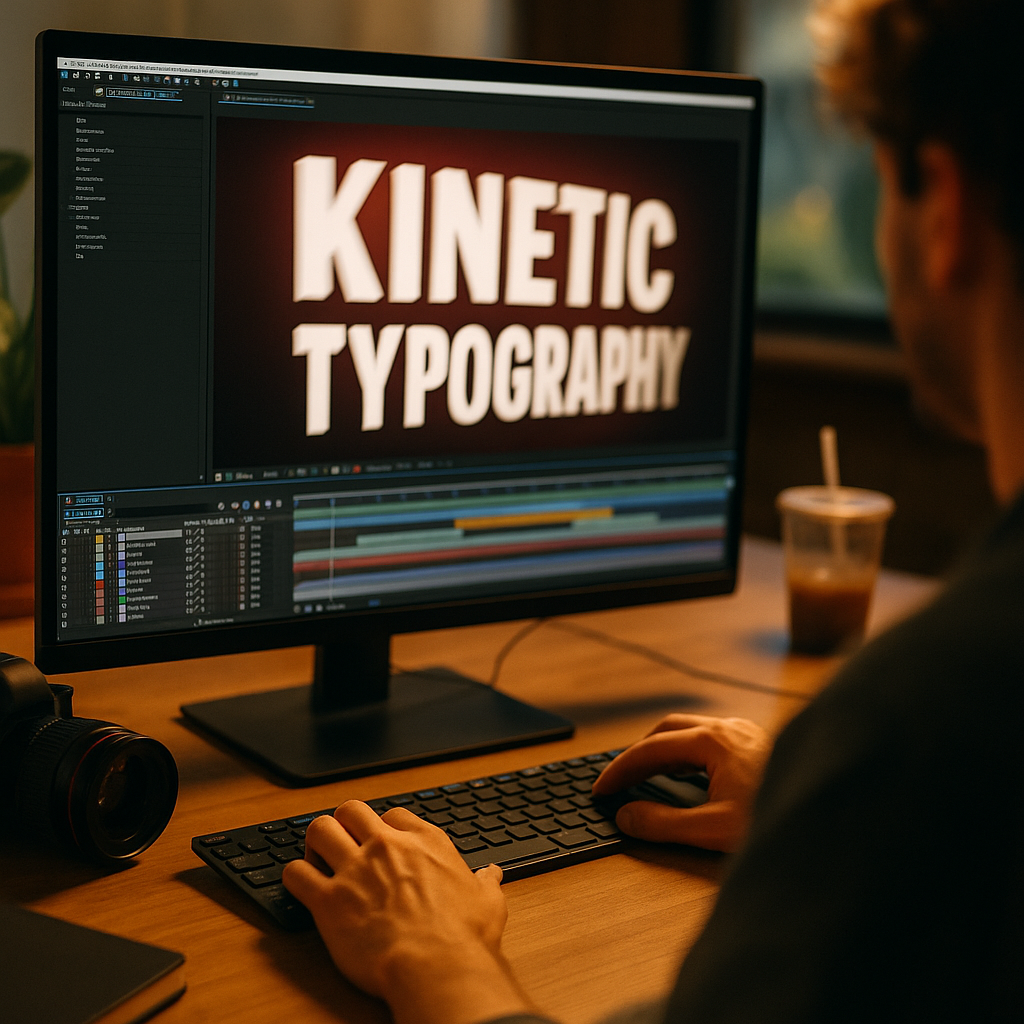
Kinetic typography keeps viewers engaged with moving text, transforming plain words into dynamic, attention-grabbing visuals. As brands and creators compete for attention in 2025, kinetic typography proves invaluable for boosting viewer retention and delivering messages memorably. Curious how this technique captivates audiences and strengthens storytelling? Discover why moving text makes all the difference.
What Is Kinetic Typography? The Art of Moving Text
Kinetic typography refers to the animation of text across a screen, giving words movement, energy, and emotion. It evolved from traditional static text design, merging animation principles with typographic detail to create messages that are as visually engaging as they are meaningful. In 2025, kinetic typography shows up everywhere: in advertising, explainer videos, websites, social media, and user interfaces.
This technique doesn’t just look good—it enhances storytelling, helping viewers digest content faster and remember information longer. From subtle fades to complex cinematic sequences, moving text can evoke mood, emphasize important details, and guide the viewer’s eye with precision. As digital attention spans shorten, kinetic typography addresses the ongoing challenge of keeping viewers engaged in every second of video content.
Why Kinetic Typography Enhances Viewer Engagement
Modern audiences crave novelty and clarity. Text animation in videos offers both by breaking visual monotony and supporting auditory information with striking graphics. According to a 2024 Video Marketing Insights report, content using animated text saw a 24% higher retention rate compared to videos with static captions.
- Visual Hierarchy: Moving text can highlight key messages, direct focus, and establish a reading order that naturally aligns with user attention.
- Improved Comprehension: Combining movement with timing makes complex ideas more digestible. Synchronizing words with actions or music also improves recall.
- Accessibility: For viewers watching without sound or those with hearing challenges, kinetic typography ensures no message goes unnoticed.
By strategically animating titles, statistics, and keywords, creators ensure their content remains both accessible and memorable. This effect is especially powerful in social media stories and short-form ads, where competition for attention is intense and every second counts.
Design Principles for Effective Animated Typography
For kinetic typography to truly engage, its animation must be purposeful, readable, and reflective of the brand’s tone. Adhering to core motion graphic design principles ensures moving text is impactful rather than distracting.
- Consistency: Use unified typefaces, colors, and motion styles to maintain brand identity and prevent confusion.
- Timing: Sync text movement with music, voiceover, or on-screen actions for coherence. Mistimed animation can frustrate or confuse viewers.
- Legibility: Avoid excessive distortion, rapid movement, or over-styled fonts. Readability should never be sacrificed for style.
- Pacing: Allow time for viewers to read; don’t rush. Use pauses strategically to let key points sink in.
- Hierarchy & Emphasis: Animate main ideas more boldly, while supporting points can move subtly or appear statically for contrast.
Successful kinetic typography always serves a purpose—whether evoking excitement, clarity, or urgency. Brands like Nike and Spotify have mastered this, giving their messages rhythm and emotion aligned with their audiences’ expectations.
Most Popular Use Cases for Kinetic Typography in 2025
Digital communication trends reveal that animated text drives results across diverse industries. As remote work and online learning remain prevalent in 2025, kinetic typography solutions scale effortlessly to meet shifting communication needs.
- Branding and Marketing: Kinetic typography elevates social ads, product unveils, and campaign clips, increasing viewer interaction and click-through rates.
- Explainer Videos: Animated infographics and instructions become more engaging and easier to follow, reducing cognitive overload.
- Mobile Apps: Onboarding flows, status updates, and prompts leverage moving text for a guided, interactive feel.
- Music Videos: Lyrics come to life, turning songs into compelling sing-along experiences on streaming platforms.
- Live Streams and Broadcasts: News tickers, lower thirds, and dynamic captions help guide audiences through real-time information.
- Website Headlines: Landing pages use motion to boost conversions by leading visitors’ eyes and emphasizing calls to action.
This versatility means kinetic typography is now a core tool not only for designers but also for marketers, educators, and entrepreneurs seeking more effective digital communication.
Best Tools and Platforms for Creating Moving Text
As demand has grown, a spectrum of kinetic typography software options has made professional animation tools more accessible than ever:
- Adobe After Effects: Industry standard for powerful type animation and integration with other creative assets.
- Canva and Kapwing: User-friendly platforms offering templated text animation for quick social content creation.
- Typito: Focused on video captioning and lower thirds, ideal for brands managing large volumes of content.
- Figma and Lottie: Bring micro-animations and interactive UI text to websites and apps with minimal coding.
- DaVinci Resolve: Advanced video editor now includes robust motion text tools, popular amongst content creators for its free tier.
Many solutions in 2025 blend AI assistance and premade assets, drastically cutting learning curves and production time. This makes kinetic typography future-proof—efficient for solo creators and scalable for global campaigns.
Integrating Kinetic Typography into Brand Strategies
Smart video storytelling strategies now prioritize moving text as a central element. Successful integration begins with identifying content goals and target audiences, tailoring animation style and complexity accordingly. It’s essential to align each animation with brand ethos—playful, elegant, or bold—reinforcing consistent brand recognition and emotional resonance.
Here are actionable steps for strategic integration:
- Analyze where viewer drop-off occurs in existing videos and introduce kinetic typography to reclaim attention.
- Test multiple animation styles and track engagement metrics using tools like YouTube Analytics and TikTok Insights.
- Maintain a style guide for animated text to strengthen brand identity across platforms and campaigns.
- Iterate frequently: Review audience feedback and performance data to refine timing, motion types, and placements.
By making kinetic typography a staple of your content workflow, you convert viewers into active participants and amplify your key messages where they’re most likely to stick.
Conclusion: The Lasting Impact of Kinetic Typography
Kinetic typography doesn’t just enhance videos—it fundamentally transforms how audiences interact with digital content. By employing moving text thoughtfully, brands and creators keep viewers engaged, informed, and inspired in 2025’s crowded media landscape. Adopt kinetic typography in your next campaign to captivate audiences and drive your message home—every word in motion leaves a stronger impression.
FAQs About Kinetic Typography and Viewer Engagement
-
What is the primary benefit of kinetic typography?
The main benefit is increased viewer engagement—moving text captures attention, supports message retention, and improves the accessibility of content across devices and platforms.
-
Is kinetic typography suitable for all types of content?
Yes, but style and timing should match your content and brand voice. It suits ads, explainer videos, live streams, and websites, but overuse or poor design can distract rather than engage.
-
Do I need design experience to use kinetic typography tools?
No. While advanced software offers maximum creative control, many 2025 tools feature intuitive templates and AI-powered guidance, making animated text accessible to non-designers.
-
How can I measure the success of kinetic typography in my videos?
Track metrics like viewer retention, engagement rates, and conversion rates before and after using moving text. Audience feedback and A/B tests can also inform design improvements.
-
How much does it cost to incorporate kinetic typography?
Costs vary widely: some cloud-based tools are free or subscription-based, while enterprise solutions and professional animation agencies require bigger budgets. Define your goals to choose a fitting option.
-
What trends are shaping kinetic typography in 2025?
Personalized animation, real-time data integration, adaptive text sizing, and seamless cross-platform use are prominent trends, enabled by AI and responsive design advancements.