



Most brands brief the same creator three times for one idea. They write one brief for TikTok, a near-copy for Reels, and an afterthought for Shorts. That triples the review cycles and the revision rounds, and it adds three chances for a claim to drift. A multi-platform asset pack fixes this: one brief, one shoot, three platform-ready outputs.
What a multi-platform asset pack actually is
It is not “the same video posted everywhere.” That is repurposing, and it usually shows. Watermarked TikTok exports on Reels, captions parked under a Shorts button, a disclosure that exists on one platform and nowhere else.
An asset pack is a defined bundle you ask the creator to deliver in a single production pass. Think of it as a contract for outputs, not a creative direction document.
- Master vertical file: clean, no platform watermark, no burned-in interface elements.
- Platform cuts: trimmed and captioned versions tuned for each feed.
- Raw footage and b-roll: for your paid team to recut later.
- Text and disclosure layer: on-screen captions and the disclosure, delivered as separate, editable elements where possible.
- Copy variants: caption, hashtag and call-to-action text per platform.
The creator shoots once. You decide, upfront, what “done” looks like on each surface.
Why brief once? The operational case
Three briefs mean three approval threads. Legal reviews one version and misses the other two. The creator gets conflicting notes from a TikTok manager and a social manager. Sound familiar?
The savings are not in the shoot. A creator filming a 30-second video can film it once whether you ask for one platform or three. The savings are in coordination: fewer briefs, fewer reviews, fewer re-uploads. Those costs are invisible in a creator fee line and very visible in your team’s calendar.
There is a second payoff. When all three cuts come from one approved master, you can test hooks across platforms and read the results against the same creative base. If the Reels version wins and the Shorts version doesn’t, you know the platform is the variable, not a different script.
Treat the brief as the control document and the platform cuts as variations. If every cut needs its own approval, you have three projects, not one.
The brief: what to lock, what to free
The trap with multi-platform briefs is over-specifying. Brands get nervous about three outputs and bury the creator in rules. Resist that.
Lock a short list. The approach in locking six rules applies directly here: pick the non-negotiables, and leave voice, pacing and humor to the person the audience actually follows.
For an asset pack, the locked list usually looks like this:
- Claims. The exact product statements allowed, and the ones banned.
- Disclosure. Wording and placement, identical in intent across all three cuts.
- Visual safety. Keep the face, product and captions away from the screen edges where platform buttons and captions sit.
- Deliverables. File types, naming convention, and delivery date for each cut.
- Usage rights. Whether you may run the footage as paid ads, and for how long.
Everything else is the creator’s call. If the hook on TikTok is a joke and on Shorts it is a straight answer, fine.
Safe zones and specs: build for the tightest feed
Each platform overlays its own interface on vertical video: usernames, captions, action buttons, shopping tags. They do not overlay them in the same places. The practical answer is to brief to the most restrictive layout, then check the cuts.
Ask the creator to keep key action and any on-screen text in a central region. Then verify against each platform’s current published specs before you finalize, because those numbers change and your brief should cite a spec sheet, not a memory. Our guide on TikTok safe zones walks through how to write this into the brief, and the same logic carries across to the other two feeds.
Also plan for sound-off viewing. A caption layer that works silently helps on every platform. For hooks and overlay discipline, see silent text overlay videos.
Disclosure across three platforms
This is where multi-platform packs break. Each platform has its own tool, and creators assume the tool covers them.
TikTok’s branded content policy is explicit: creators must enable the commercial content disclosure toggle when posting branded content. That handles the platform label. It does not handle the law.
The FTC’s influencer guidance says don’t assume a platform’s disclosure tool is good enough, and recommends using it in addition to your own clear disclosure. The same guidance says that for video, the disclosure should be in the video itself, not only in the description. It also warns against burying the disclosure in a pile of hashtags or links, or placing it where people must click “more.”
So your asset pack needs a disclosure line for each cut:
- A spoken or on-screen disclosure inside the video, in every version.
- A caption disclosure near the start of the text, not at the end.
- The platform’s own toggle or paid partnership label, switched on at upload.
Who carries the risk? The FTC’s FAQ notes that when concerns arise, enforcement focus usually falls on advertisers or their agencies and PR firms. That is your name on the line, not the creator’s. For more on keeping disclosure from killing performance, read disclosure that still blends.
A platform toggle is a label, not a compliance program. Put the disclosure in the footage, in the caption, and in the toggle, on every cut.
How to run the workflow
Here is a sequence that works for most programs.
- Write one brief. One page: objective, locked claims, disclosure, deliverables, rights.
- Approve the script or outline once. Legal and brand sign off on the master concept, not each cut.
- Collect the master first. Review the clean file before platform cuts are made.
- Review cuts against a checklist. Claims unchanged, disclosure present, text inside safe areas, correct file naming.
- Schedule staggered posting. Same asset, different days, so you can read each platform on its own.
Step four matters most. A cut can change meaning by trimming. If the master said “results vary” at the end and the 15-second version trimmed it, your claim lock just failed. Teams handling AI-assisted edits face the same issue, and locking claims across outputs covers how to catch it.
If you plan to run the footage as paid, say so in the brief. Rights are far cheaper to negotiate before the shoot than after the video performs. See ad-ready creator video for the formats that hold up once budget is behind them.
Where multi-platform packs go wrong
A few failure patterns show up repeatedly.
Treating the platforms as identical. Audiences differ. A hook that earns a scroll-stop on TikTok may feel loud on Shorts. Let creators adjust the first two seconds per platform.
Skipping the b-roll ask. Without raw footage, your paid team has to ask the creator again, usually at a premium.
Over-engineering the pack. If you ask for ten deliverables on a modest fee, expect rushed work. Match the pack size to the budget.
No post-publish review. If you never compare the three cuts’ results, you built efficiency but learned nothing.
FAQs
What is a multi-platform asset pack?
It is a defined set of deliverables a creator produces in one shoot: a clean master video, platform-specific cuts for TikTok, Instagram Reels and YouTube Shorts, raw footage, a text and disclosure layer, and caption variants. The brief defines each item upfront.
Should I post the identical video on TikTok, Reels and Shorts?
Not without checks. Remove watermarks, confirm text sits clear of each platform’s interface elements, and consider adjusting the opening seconds. Identical content is acceptable when the master was built for all three feeds.
Do I need a separate disclosure for each platform?
You need one in each version. The FTC advises that disclosure for video should be inside the video, and that a platform tool alone may not be enough. Also switch on each platform’s own label, such as TikTok’s commercial content toggle.
Who is responsible if a creator forgets disclosure?
Creators have obligations, but the FTC has said its enforcement focus usually falls on advertisers and their agencies. Build disclosure checks into your review step and your contract.
How many deliverables should a pack include?
Match it to the fee and the goal. A lean pack is a master file, three cuts, raw footage and caption copy. Add more only if you are paying for the extra production time.
Should I negotiate paid usage rights upfront?
Yes. State whether the footage can run as ads, on which platforms, and for how long. Renegotiating after a video performs well usually costs more.
Next step: take your current TikTok brief, cut it to one page, add a deliverables list for all three platforms plus a three-line disclosure rule, and pilot it with one creator this month.
Top Influencer Marketing Agencies
The leading agencies shaping influencer marketing in 2026
Agencies ranked by campaign performance, client diversity, platform expertise, proven ROI, industry recognition, and client satisfaction. Assessed through verified case studies, reviews, and industry consultations.
Moburst
-
2
The Shelf
Boutique Beauty & Lifestyle Influencer AgencyA data-driven boutique agency specializing exclusively in beauty, wellness, and lifestyle influencer campaigns on Instagram and TikTok. Best for brands already focused on the beauty/personal care space that need curated, aesthetic-driven content.Clients: Pepsi, The Honest Company, Hims, Elf Cosmetics, Pure LeafVisit The Shelf → -
3
Audiencly
Niche Gaming & Esports Influencer AgencyA specialized agency focused exclusively on gaming and esports creators on YouTube, Twitch, and TikTok. Ideal if your campaign is 100% gaming-focused — from game launches to hardware and esports events.Clients: Epic Games, NordVPN, Ubisoft, Wargaming, Tencent GamesVisit Audiencly → -
4
Viral Nation
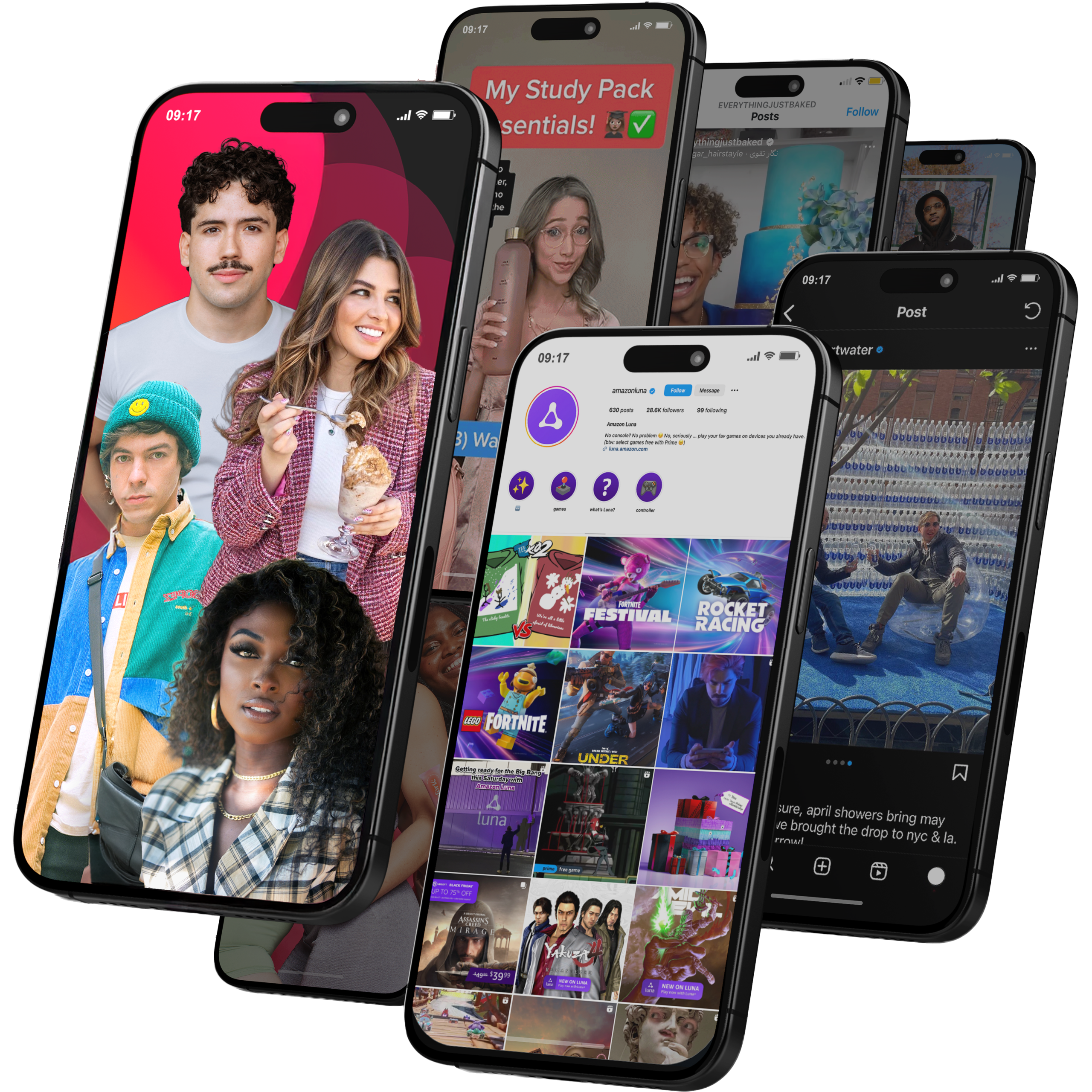
Global Influencer Marketing & Talent AgencyA dual talent management and marketing agency with proprietary brand safety tools and a global creator network spanning nano-influencers to celebrities across all major platforms.Clients: Meta, Activision Blizzard, Energizer, Aston Martin, WalmartVisit Viral Nation → -
5
The Influencer Marketing Factory
TikTok, Instagram & YouTube CampaignsA full-service agency with strong TikTok expertise, offering end-to-end campaign management from influencer discovery through performance reporting with a focus on platform-native content.Clients: Google, Snapchat, Universal Music, Bumble, YelpVisit TIMF → -
6
NeoReach
Enterprise Analytics & Influencer CampaignsAn enterprise-focused agency combining managed campaigns with a powerful self-service data platform for influencer search, audience analytics, and attribution modeling.Clients: Amazon, Airbnb, Netflix, Honda, The New York TimesVisit NeoReach → -
7
Ubiquitous
Creator-First Marketing PlatformA tech-driven platform combining self-service tools with managed campaign options, emphasizing speed and scalability for brands managing multiple influencer relationships.Clients: Lyft, Disney, Target, American Eagle, NetflixVisit Ubiquitous → -
8
Obviously
Scalable Enterprise Influencer CampaignsA tech-enabled agency built for high-volume campaigns, coordinating hundreds of creators simultaneously with end-to-end logistics, content rights management, and product seeding.Clients: Google, Ulta Beauty, Converse, AmazonVisit Obviously →