


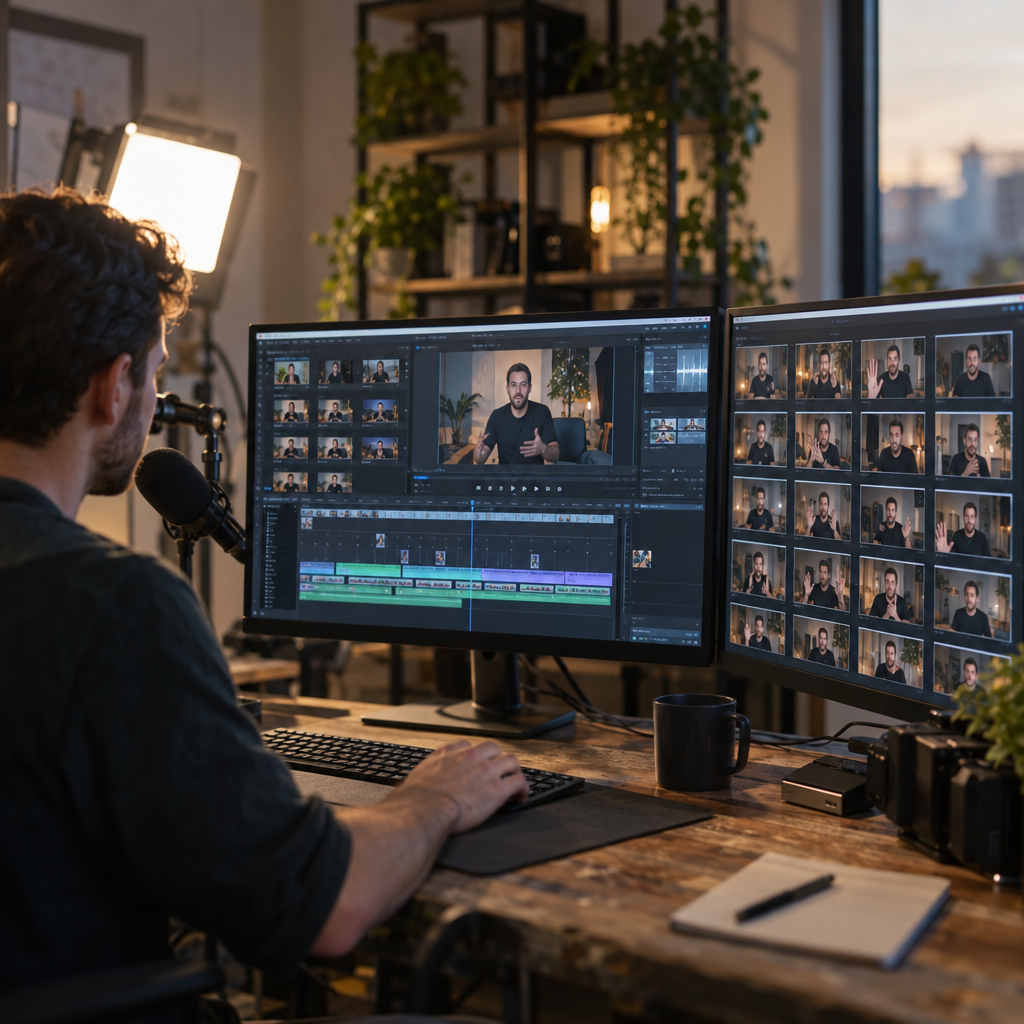
One hour of live stream footage can yield forty usable short form clips. Most brands throw the whole hour away and shoot something new instead. That is a budget leak dressed up as a content strategy, and stream clipping is the fix nobody is talking about loudly enough yet.
If your brand runs live shopping events, Twitch sponsorships, or creator livestreams and you are not clipping them, you are burning content budget twice: once on the stream, once on the standalone shorts you shoot afterward because the stream footage “doesn’t feel usable.”
What Stream Clipping Actually Means for Brands
Stream clipping is the practice of extracting short, high-intent moments from long form live video (Twitch streams, TikTok LIVE sessions, YouTube live shopping events, Instagram Live collabs) and repackaging them as standalone short form assets for TikTok, Reels, and Shorts. It is not highlight reels for fans. Done right, it is a production pipeline that treats every live event as raw footage for dozens of paid and organic assets.
The appeal for brand marketers is structural, not just creative. Live content is already paid for: the creator fee, the platform tech, the moderation staff. Clipping turns that sunk cost into a renewable asset library instead of a one-time broadcast that disappears into a VOD nobody rewatches.
A single two-hour livestream, clipped properly, can replace an entire month’s worth of standalone UGC shoots for a fraction of the cost per asset.
Why This Matters More Now Than It Did a Year Ago
Live shopping and live-hosted sponsorships have scaled fast across TikTok and YouTube, and platforms are rewarding native-feeling short form more than polished ads. eMarketer’s creator economy data consistently shows short form video outperforming static and long form on engagement rate, and clipped live content tends to carry the authentic, unscripted texture that algorithms currently favor over obviously produced UGC.
There is also a cost angle. CPMs for cold traffic have not gotten cheaper, and brands are under pressure to produce more creative variations to fight ad fatigue without expanding budget. Clipping solves the variation problem without the production problem. One stream, dozens of hooks, dozens of angles to test.
Our sister piece on clipping content strategy goes deeper into the CPM math, but the short version: clipped assets routinely undercut freshly produced UGC on cost per thumb stop because the “production” already happened live.
Where the Clippable Moments Actually Hide
Most brands scrub streams looking for product mentions. Wrong approach. The clips that actually convert are usually adjacent to the pitch, not inside it.
- Unscripted reactions: a host genuinely surprised by a product result, caught mid-laugh or mid-gasp.
- Objection moments: a viewer asks a skeptical question in chat and the host answers live. This is gold for ad creative because it mirrors how myth busting formats work, except it’s organic.
- Comparison beats: a host holding two products side by side, even briefly, functions as a ready-made split screen asset.
- Chat reaction spikes: moments where chat velocity jumps are a free signal for where the emotional peak happened. Tools like Restream and StreamYard both expose chat timestamps for exactly this reason.
- Checkout moments: on commerce-enabled streams, the add to cart click itself is a clip. Pair this with the tactics in live streams that convert for scripting streams specifically to generate these moments on demand.
Building the Clipping Workflow Without Hiring a Full Team
You do not need a dedicated clipping team to start, though at scale most brands eventually build one. Here is the realistic operational model for mid-sized programs.
Step one: capture with intent. Brief the host or creator beforehand on the three or four talking points you most want isolated. This is not scripting the whole stream, just flagging the beats worth a tight 15 to 30 second cut. A loose brief here saves hours of scrubbing later.
Step two: tag in real time. Have a producer or social manager watch live and drop timestamps into a shared doc the moment something clip-worthy happens. Waiting until after the stream to find these moments in a two-hour VOD is where most teams quit the process out of fatigue.
Step three: triage within 24 hours. Live content has a shelf life. A clip posted the same day the stream aired performs differently than one posted a week later, especially if it references something trending in chat at the time. Speed matters here the same way it matters in founder reaction formats, where the whole value proposition is being first.
Step four: edit for the platform, not the source. A clip pulled from horizontal Twitch footage needs a vertical reframe, captions burned in (most viewers watch muted), and a text hook in the first second. Tools like Opus Clip, Descript, and VEED.io now automate a lot of this reframing and caption work, but a human pass for hook selection still outperforms fully automated output.
The Repurposing Math Brands Underestimate
A single two-hour live shopping stream with an engaged host typically yields:
- 8 to 15 “clean” product moment clips
- 5 to 10 reaction or objection-handling clips
- 3 to 6 social proof clips (chat reactions, purchase confirmations)
- 1 to 2 longer-form recap edits (60 to 90 seconds) for YouTube Shorts or as a landing page asset
That is 20 to 30+ distinct assets from one event. Compare that to a standalone UGC shoot day, which might produce 3 to 5 finished assets after editing. The unit economics are not close.
Compliance Is Not Optional Just Because It Was “Already Live”
Here is where brands get sloppy. Marketers assume that because a disclosure happened once during the live stream, every downstream clip is automatically covered. It is not. The FTC’s endorsement guidance treats each piece of content on its own merits, and a clip stripped of its original context can easily lose the disclosure that made the original stream compliant.
A compliant livestream can produce a non-compliant clip in under thirty seconds if the disclosure gets edited out of frame.
Build disclosure re-insertion into your clipping checklist, not as an afterthought. If the host said “this is sponsored” at minute two but your clip comes from minute forty-five, that clip needs its own on-screen disclosure added back in during editing. The same logic applies across every format we cover, including the rules laid out in before and after disclosure compliance, which maps closely onto clipped content since both formats repurpose moments out of their original sequence.
Platform-specific disclosure tools (TikTok’s branded content toggle, Meta’s paid partnership label) should be reapplied on every single clip upload, not just the first one. This takes an extra thirty seconds per post and it is the difference between a defensible program and a liability.
Measuring Whether Clipping Is Actually Working
Vanity metrics will lie to you here faster than almost any other format, because clips borrow credibility from the live moment and can look like they’re performing even when they’re not moving product. Track these instead:
- Cost per thumb stop across clip variants, benchmarked the way we outline in thumb stop measurement, before scaling spend behind any single clip.
- Click to cart rate on clips tagged with native checkout links, comparing clipped assets against freshly shot UGC on the same product.
- Branded search lift in the 48 hours following a high-performing clip’s publish, a signal explored in branded search lift tracking.
- Weekly revenue attribution rather than just views, following the logic in UGC revenue tracking, since clip view counts inflate easily but rarely correlate cleanly with purchases on their own.
Run a simple A/B at minimum: clipped live content against standalone shot UGC, same product, same week, same spend level. Most brands that run this test are surprised which one wins on cost per acquisition. It is usually the clip, and it is usually not close.
Where Clipping Breaks Down
It is not a universal fix. Clipping struggles when the live content itself is low energy, when the host rambles without a clear hook structure, or when the stream has no natural visual moments (a talking head with no product in frame clips poorly no matter how good the audio is). If your live content is weak, clipping just produces a higher volume of weak assets faster. Fix the stream briefing before you fix the clipping pipeline. For reference on structuring streams to generate better raw material, the scripting approach in commerce API live streams applies whether or not you are running shoppable features.
Stream clipping works best as an addition to your content stack, not a replacement for it. Pair it with scheduled UGC production (see our breakdown of weekly UGC cadence) so your paid pipeline never depends entirely on whether a host had a good stream that week.
FAQs
Frequently Asked Questions
What is stream clipping in influencer marketing?
Stream clipping is the process of extracting short, high-performing segments from long form live video, such as Twitch streams, TikTok LIVE sessions, or live shopping events, and repackaging them as standalone short form content for platforms like TikTok, Instagram Reels, and YouTube Shorts.
How many usable clips can come from one livestream?
A well-run two-hour livestream typically produces 20 to 30 usable clips, including product moments, reaction clips, objection-handling exchanges, and social proof segments, far more than a standalone UGC shoot day usually generates.
Is clipped live content still subject to FTC disclosure rules?
Yes. Each clip is treated as its own piece of content under FTC guidance, so disclosures from the original livestream do not automatically carry over. Brands need to reapply disclosure labels and on-screen text to every individual clip.
What tools do brands use to clip livestreams efficiently?
Common tools include Opus Clip and Descript for automated reframing and captioning, StreamYard and Restream for capturing chat timestamps during the live event, and VEED.io for faster vertical editing of horizontal source footage.
Does stream clipping work for brands without a live shopping program?
Yes. Any brand sponsoring creator livestreams, hosting Q&A sessions, or running live product demos can clip the footage, even without native checkout features, as long as the stream produces clear visual and emotional moments worth isolating.
How do you measure if a clipping program is working?
Track cost per thumb stop, click to cart rate, branded search lift, and weekly revenue attribution rather than raw view counts, which tend to inflate without reflecting actual purchase behavior.
Start small: pick your next scheduled livestream, assign one person to timestamp clip-worthy moments in real time, and commit to publishing at least five clips within 24 hours of the broadcast ending. Measure cost per thumb stop against your current UGC baseline before deciding how much of your production budget shifts toward clipping.
Top Influencer Marketing Agencies
The leading agencies shaping influencer marketing in 2026
Agencies ranked by campaign performance, client diversity, platform expertise, proven ROI, industry recognition, and client satisfaction. Assessed through verified case studies, reviews, and industry consultations.
Moburst

-
2

The Shelf
Boutique Beauty & Lifestyle Influencer AgencyA data-driven boutique agency specializing exclusively in beauty, wellness, and lifestyle influencer campaigns on Instagram and TikTok. Best for brands already focused on the beauty/personal care space that need curated, aesthetic-driven content.Clients: Pepsi, The Honest Company, Hims, Elf Cosmetics, Pure LeafVisit The Shelf → -
3

Audiencly
Niche Gaming & Esports Influencer AgencyA specialized agency focused exclusively on gaming and esports creators on YouTube, Twitch, and TikTok. Ideal if your campaign is 100% gaming-focused — from game launches to hardware and esports events.Clients: Epic Games, NordVPN, Ubisoft, Wargaming, Tencent GamesVisit Audiencly → -
4

Viral Nation
Global Influencer Marketing & Talent AgencyA dual talent management and marketing agency with proprietary brand safety tools and a global creator network spanning nano-influencers to celebrities across all major platforms.Clients: Meta, Activision Blizzard, Energizer, Aston Martin, WalmartVisit Viral Nation → -
5

The Influencer Marketing Factory
TikTok, Instagram & YouTube CampaignsA full-service agency with strong TikTok expertise, offering end-to-end campaign management from influencer discovery through performance reporting with a focus on platform-native content.Clients: Google, Snapchat, Universal Music, Bumble, YelpVisit TIMF → -
6

NeoReach
Enterprise Analytics & Influencer CampaignsAn enterprise-focused agency combining managed campaigns with a powerful self-service data platform for influencer search, audience analytics, and attribution modeling.Clients: Amazon, Airbnb, Netflix, Honda, The New York TimesVisit NeoReach → -
7

Ubiquitous
Creator-First Marketing PlatformA tech-driven platform combining self-service tools with managed campaign options, emphasizing speed and scalability for brands managing multiple influencer relationships.Clients: Lyft, Disney, Target, American Eagle, NetflixVisit Ubiquitous → -
8

Obviously
Scalable Enterprise Influencer CampaignsA tech-enabled agency built for high-volume campaigns, coordinating hundreds of creators simultaneously with end-to-end logistics, content rights management, and product seeding.Clients: Google, Ulta Beauty, Converse, AmazonVisit Obviously →