



A creator SKU can lose sales for ten different reasons, and most brands still guess which one. TikTok Shop’s Product Diagnosis layer ends the guessing, at least partly. Inside Seller Center, it flags a falling product, splits its sales by channel, and ranks the likely causes. Here is how to turn that into a repeatable TikTok Shop product diagnosis routine for your creator-driven catalog.
What Product Diagnosis actually is (and is not)
According to PPC Land’s breakdown of TikTok’s US Academy guide, Product Diagnosis is a layer inside Product Analytics. It tells sellers which products need attention, why gross merchandise volume (GMV) moved, and what to do next. It measures key numbers against your own previous period and against top performers in the same category.
Here is the part that matters for budgeting: no new data feeds it. The guide says it is the same product analytics data, now organized around a diagnosis. So this is not a new source of truth. It is a faster way to read the one you already have.
It is also US-only for now. If you run multi-market programs, check the live Seller Center before you build workflows around it. Our look at SEA market sequencing covers why feature parity across regions should never be assumed.
The five channels hiding inside one SKU
This is the feature creator-led brands should care about most. The tool splits each product’s GMV into five scenarios: Creator LIVE, Creator Video, Seller LIVE, Seller Video, and Shop Tab and Search.
Why does that split matter? Because a single headline number for a sales drop hides very different problems. Two affiliates going quiet is a supply problem. A weak product detail page is a conversion problem. Different owners, different budgets, different fixes.
The scenario summary ranks channels by how much each contributed to the change. A scenario tab only activates if the product had activity in it during the period you selected. A disabled tab is itself information: you never built that channel for that SKU.
Treat the five-scenario split as your accountability map. Every GMV drop should be assigned to a channel owner within one working day, not discussed as a vague “TikTok Shop problem.”
How the “Need attention” flag works
The flag fires only when two conditions are both true. Real-time GMV change must be negative, and an offline diagnosis must also return a “Need attention” verdict. A one-day dip or normal variation will not trigger it.
Two practical consequences follow.
- A clean list is not a clean bill of health. The guide describes an unflagged product as having no confirmed decline, which is not the same as verified good.
- Expect lag. The offline diagnosis can trail the real-time numbers elsewhere in Seller Center, and the guide does not say by how much.
So do not wait for the flag on a hero SKU. If a launch product is sliding in your real-time dashboard on day three, start your own review. Use the flag as confirmation, not as an alarm.
Reading the factor cards: Risk first, then the gaps
Each diagnosis produces factor cards of three types, per the same guide. Risk factors are blocking issues such as listing status, stock, and violations. AA factors come from the change against your own prior period. AB factors are capability gaps against the category benchmark. The Summary shows up to 10 cards, and not every identified factor is displayed.
The order of operations is simple. Clear Risk cards first. There is no point optimizing creative for a product that is out of stock or tied to a violation. Then separate the AA cards (what changed) from the AB cards (where you trail the best in your category).
Each factor links out to the Seller Center page where the problem lives, whether that is product management, ratings, the affiliate program, or account health. Some factors, such as out-of-stock duration, describe a condition rather than a page, so they have no destination link.
A triage table in plain text
- Risk card present: fix listing, stock, or compliance before spending another dollar on creators.
- AA card (self-change): ask what you changed. Price, samples, posting cadence, creator roster.
- AB card (benchmark gap): ask what the category leaders do that you do not. This is your optimization backlog.
Five diagnostic paths mapped to creator programs
The guide lays out five playbooks. Here is how a brand or agency can translate them.
Affiliate scenarios down. The guide points to the number of active creators and content pieces, GMV per video or stream, the collaboration rate against your target, and sample availability (refundable and free). In practice: are fewer people posting, or is each post earning less? Fewer posters means a recruitment and sample problem. Lower output per post means a creative or offer problem.
Seller LIVE or Seller Video down. Start with posting cadence, then product mix, price, and stock. This one is yours to own. No creator contract can explain it away.
Shop Tab and Search down. The guide reads it like a funnel. Weak click-through rate points to the product card. Weak click-to-order rate points to the product detail page and checkout readiness. Weak average order value points to your SKU mix. If creators are warming demand and the listing cannot close it, you are paying for traffic that leaks.
Not falling, but trailing. Prioritize the factor with the biggest benchmark gap. This is the proactive path, and most teams skip it.
Where creator quality enters the diagnosis
Affiliate performance is not only about how many creators you have. TikTok Shop’s creator scoring system rates affiliate creators from 0 to 5 daily, and that score gates reach and badges. If your top affiliates drop in score, your product’s reach can suffer even when your own listing is untouched.
So when the diagnosis shows an affiliate decline, check the roster’s health, not just its size. A smaller group of high-scoring creators often beats a long tail of low-scoring ones. For deeper tactics on the live side, see our guide to live shopping conversion. TikTok also offers a sibling tool, LIVE Diagnosis, which reviews a single completed LIVE and shows risks, metric gaps, and benchmark clips. Use it when the scenario split blames a stream.
Limits you should plan around
Be honest with stakeholders about what the tool cannot tell you.
- The benchmark is fixed by TikTok. You cannot customize it, and the guide does not define how “top-performing” is chosen. Treat benchmark gaps as directional, not as a target to hit.
- Gaps on rates show in percentage points. PPC Land notes that this display can make a gap on a low-base rate look smaller than it is in relative terms. Do the relative math yourself.
- The AI assistant is a reference only. The guide says to check its output against page metrics and your business context. Never forward its summary to a client unverified.
- No guarantees. The guide states it is not a commitment of business results.
That last point deserves a plain statement in your reporting. Diagnosis tells you where to look. It does not promise the fix will work, so log every action and the result.
A weekly operating rhythm
Here is a lightweight cadence that fits an in-house team or an agency pod.
- Monday: open Product Diagnosis. With no product selected, it defaults to the largest GMV drop in your chosen period, so you start with the worst news by design. The default range is seven days.
- Tuesday: clear Risk cards and assign each AA and AB card to an owner: creator partnerships, e-commerce ops, or content.
- Midweek: push fixes. Restock, adjust samples, refresh the product card, brief creators on a new angle.
- Friday: compare against the previous period and record what moved.
Margins matter here too. Fixing a SKU by discounting can restore GMV while wrecking profit, so pair this routine with the planning in our margin prep guide. And if the diagnosis keeps pointing at stock or fulfillment, run the logistics stress test before you recruit another creator.
FAQs
Where do I find TikTok Shop Product Diagnosis?
Go to Seller Center, then Product Analytics. From the Product Performance list, select Diagnosis on any product row, or open the Product Diagnosis tab and search by product ID or name. Availability is currently limited to the US.
Does Product Diagnosis use new data?
No. TikTok Shop says it is the same product analytics data, organized around period comparison, a benchmark, and factor ranking. The value is in the structure, not in new metrics.
Why is my declining product not flagged “Need attention”?
The flag needs both a negative real-time GMV change and an offline diagnosis of Need attention. Short-term dips or normal variation will not trigger it, and the offline data can lag. Review real-time numbers yourself for important SKUs.
Can I change the benchmark group?
No. The benchmark is platform-defined and custom dimensions are not supported. Use it as a directional guide and pair it with your own category research.
How do I use it to fix underperforming creator SKUs?
Check the five-scenario split to see whether the drop comes from Creator LIVE, Creator Video, your own channels, or Shop Tab and Search. Then clear Risk factors, review creator count, output per post, and sample availability, and check the creator roster’s scores.
Can I trust the AI assistant’s recommendations?
Treat them as a starting point. TikTok’s own guide says AI-generated content is for reference and should be checked against page metrics and your business context before you act.
Next step: this week, pull your five lowest-GMV creator SKUs, record which scenario drives each drop, and assign one named owner and one fix per product before your next creator brief goes out.
Top Influencer Marketing Agencies
The leading agencies shaping influencer marketing in 2026
Agencies ranked by campaign performance, client diversity, platform expertise, proven ROI, industry recognition, and client satisfaction. Assessed through verified case studies, reviews, and industry consultations.
Moburst
-
2
The Shelf
Boutique Beauty & Lifestyle Influencer AgencyA data-driven boutique agency specializing exclusively in beauty, wellness, and lifestyle influencer campaigns on Instagram and TikTok. Best for brands already focused on the beauty/personal care space that need curated, aesthetic-driven content.Clients: Pepsi, The Honest Company, Hims, Elf Cosmetics, Pure LeafVisit The Shelf → -
3
Audiencly
Niche Gaming & Esports Influencer AgencyA specialized agency focused exclusively on gaming and esports creators on YouTube, Twitch, and TikTok. Ideal if your campaign is 100% gaming-focused — from game launches to hardware and esports events.Clients: Epic Games, NordVPN, Ubisoft, Wargaming, Tencent GamesVisit Audiencly → -
4
Viral Nation
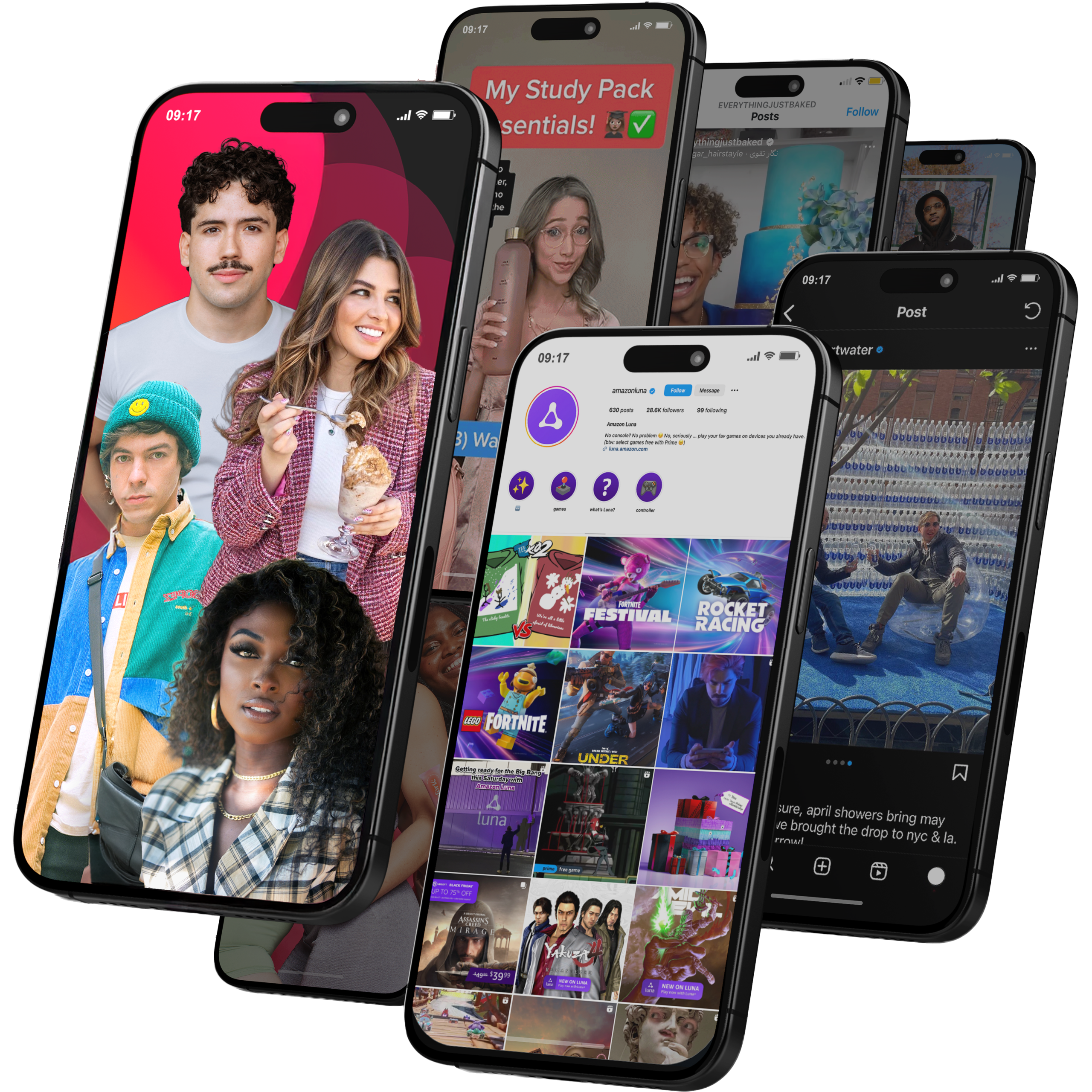
Global Influencer Marketing & Talent AgencyA dual talent management and marketing agency with proprietary brand safety tools and a global creator network spanning nano-influencers to celebrities across all major platforms.Clients: Meta, Activision Blizzard, Energizer, Aston Martin, WalmartVisit Viral Nation → -
5
The Influencer Marketing Factory
TikTok, Instagram & YouTube CampaignsA full-service agency with strong TikTok expertise, offering end-to-end campaign management from influencer discovery through performance reporting with a focus on platform-native content.Clients: Google, Snapchat, Universal Music, Bumble, YelpVisit TIMF → -
6
NeoReach
Enterprise Analytics & Influencer CampaignsAn enterprise-focused agency combining managed campaigns with a powerful self-service data platform for influencer search, audience analytics, and attribution modeling.Clients: Amazon, Airbnb, Netflix, Honda, The New York TimesVisit NeoReach → -
7
Ubiquitous
Creator-First Marketing PlatformA tech-driven platform combining self-service tools with managed campaign options, emphasizing speed and scalability for brands managing multiple influencer relationships.Clients: Lyft, Disney, Target, American Eagle, NetflixVisit Ubiquitous → -
8
Obviously
Scalable Enterprise Influencer CampaignsA tech-enabled agency built for high-volume campaigns, coordinating hundreds of creators simultaneously with end-to-end logistics, content rights management, and product seeding.Clients: Google, Ulta Beauty, Converse, AmazonVisit Obviously →