


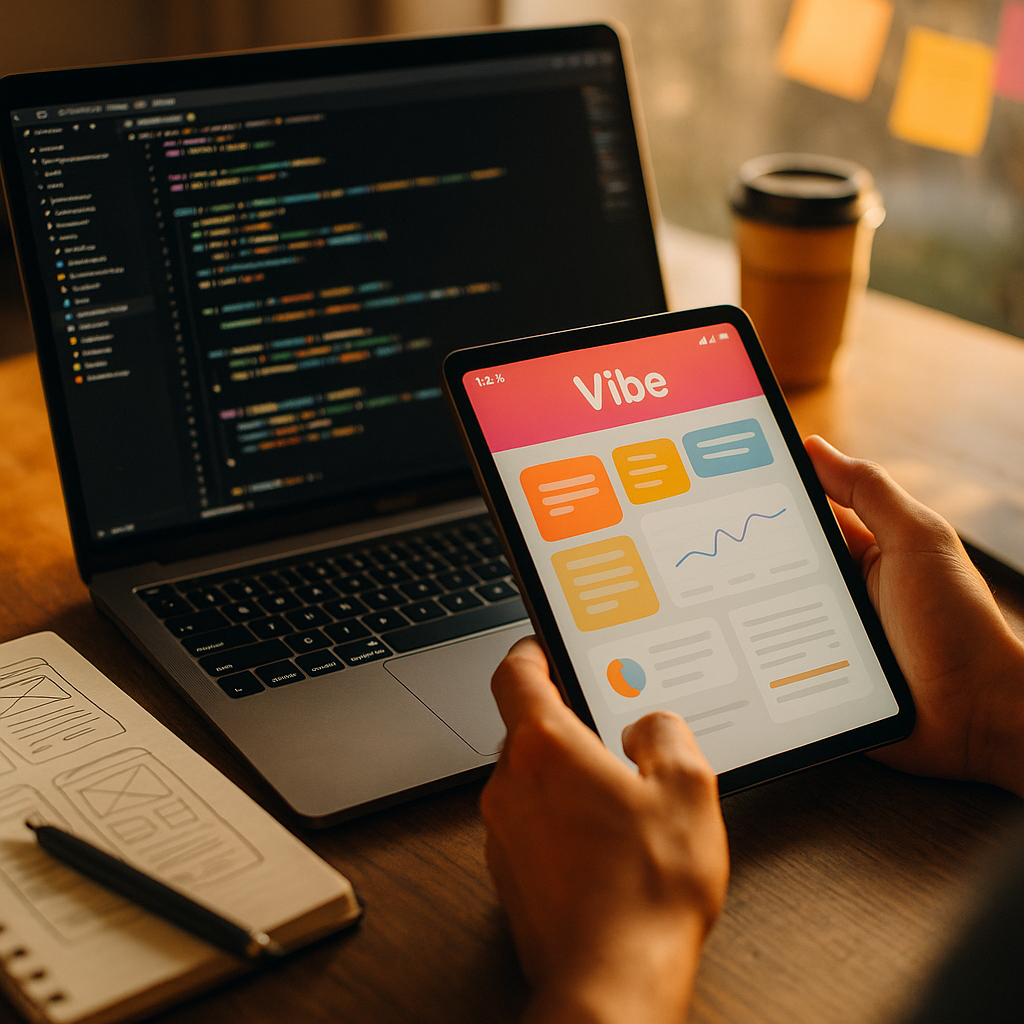
In 2025, marketing teams move fast, and prototype quality can decide whether a campaign earns budget or gets cut. This review of vibe coding tools for marketing prototypes explains what each option does well, where it breaks down, and how to choose based on real workflow needs. If you want prototypes that persuade stakeholders and convert users, read on—because speed alone isn’t enough.
What are vibe coding tools?
Vibe coding tools are AI-assisted builders that turn plain-language prompts, brand assets, and quick edits into working experiences—landing pages, interactive demos, onboarding flows, email modules, microsites, and lightweight apps. For marketing prototypes, the goal isn’t perfect architecture; it’s credible UX, consistent branding, and measurable outcomes (signup clicks, lead submissions, engagement) with minimal handoff friction.
The best tools support three prototype realities:
- Marketing prototypes must look “real” fast: design polish matters because stakeholders judge value instantly.
- Iteration beats correctness: you need to test headlines, layouts, and offers quickly without redoing everything.
- Measurement is non-negotiable: prototypes should support analytics hooks and clear event definitions.
Before choosing a tool, define your prototype’s purpose: internal buy-in, user testing, paid-traffic validation, or partner demos. That purpose determines the right balance of speed, control, and technical depth.
AI website builders for landing pages
For marketing teams, AI website builders are often the fastest path to a credible landing-page prototype. They typically combine prompt-to-layout generation with drag-and-drop editing, templates, and hosting. Their sweet spot is: “We need a page by tomorrow that matches the campaign brief and can collect leads.”
Where they shine
- Rapid first draft: prompt a structure (hero, proof, features, FAQ, CTA) and get something editable in minutes.
- Brand alignment: many let you set colors, fonts, and tone so the AI produces on-brand sections consistently.
- Production-adjacent: built-in hosting, forms, basic SEO fields, and responsive layouts make prototypes testable with real traffic.
Where they struggle
- Custom interactions: complex logic (multi-step calculators, personalization rules) may be limited or require add-ons.
- Design uniqueness: AI-generated sections can drift toward familiar patterns unless you guide with strong examples.
- Analytics nuance: some tools allow only high-level tracking unless you can inject scripts and define events precisely.
Best-fit prototype examples
- Paid social landing pages for A/B headlines and hero variants
- Lead-gen pages for webinars, reports, waitlists, and product launches
- Microsites for partnerships or event sponsorship packages
Follow-up question you’ll have: “Can we ship this as the real page?” Often yes, if your requirements are standard marketing needs: fast pages, forms, and basic tracking. If you need deep integration logic, treat it as a prototype and plan a handoff.
No-code prototype platforms for campaign flows
No-code prototype platforms excel when your “landing page” is actually a flow: quiz funnels, onboarding sequences, interactive product selectors, or multi-step lead qualification. These tools typically provide reusable components, logic blocks, databases (lightweight), and integrations.
Strengths for marketing prototypes
- Interactive journeys: build multi-step experiences without engineering, then iterate copy and branching logic quickly.
- Data capture beyond forms: store responses, segment leads, and route them to CRM or email tools.
- Reusable assets: create a library of campaign modules (testimonial blocks, pricing tables, CTAs) and reuse them.
Risks and constraints
- Governance: without rules, teams can produce inconsistent experiences and messy data definitions.
- Performance: some no-code stacks load heavier than needed for paid-traffic landing pages.
- Edge-case logic: advanced personalization may require workarounds that are hard to maintain.
What to look for in 2025
- Role-based permissions: so marketers can edit copy while ops controls integrations.
- Event tracking controls: the ability to name events consistently (e.g., “Lead_Submit,” “Quiz_Complete”).
- Export or handoff pathways: even if you don’t export code, you need documentation and predictable component behavior.
Follow-up question you’ll have: “Is no-code good for user testing?” Yes—especially for interactive flows—because you can simulate real behavior. Just confirm mobile performance and loading speed before running paid tests.
AI coding assistants for rapid UI prototypes
AI coding assistants are the strongest option when you need prototype realism with custom UI and logic—without waiting on a full engineering sprint. They work inside IDEs or as chat-based builders that generate front-end code, components, and integration stubs.
When AI coding assistants are the right choice
- High-fidelity product marketing demos: interactive feature tours, mock dashboards, or “try it” sandboxes.
- Complex logic prototypes: calculators, pricing configurators, recommendation widgets, gated content flows.
- Design-system alignment: if your org already uses a component library, assistants can scaffold with those components.
How to use them effectively (EEAT-friendly process)
- Start with a clear spec: define the goal, target audience, key screens, events, and acceptance criteria.
- Provide brand constraints: fonts, spacing rules, tone, do/don’t examples, and accessibility expectations.
- Ask for tests and analytics hooks: request event names, dataLayer patterns, and basic validation.
- Review for correctness: treat output as a draft. Validate form handling, data storage, and edge cases.
Common pitfalls
- Security shortcuts: prototypes often skip auth and input validation; don’t expose them publicly without safeguards.
- Licensing and IP ambiguity: ensure your organization’s policy covers AI-generated code use and storage.
- Hidden maintenance cost: a prototype can become “accidental production.” Decide early whether it will be rewritten.
Follow-up question you’ll have: “Can marketers use these directly?” Some can, but success usually requires a technical owner who can review code quality, ensure tracking consistency, and manage deployment.
Design-to-code workflow tools for stakeholder-ready demos
Design-to-code workflow tools help teams move from design files to clickable, realistic demos without rebuilding everything manually. They’re especially useful when brand and layout precision matter, and when you need stakeholders to approve the experience before development.
Why these tools matter for marketing prototypes
- Visual accuracy: you can maintain typography, spacing, and layout rules closer to the design intent.
- Faster collaboration: designers lead, marketers adjust copy, and developers can validate feasibility early.
- Prototype-to-build alignment: when the handoff is cleaner, campaigns launch with fewer late surprises.
What to evaluate
- Component mapping: can it map design elements to real components (buttons, forms, cards) rather than exporting static layers?
- Responsive behavior: does it generate mobile layouts intelligently, and can you override breakpoints?
- Interactivity: does it support real input, validation, and dynamic states (loading, errors, success)?
- Accessibility basics: semantic structure, focus states, and contrast checks matter even in prototypes.
Follow-up question you’ll have: “Is design-to-code faster than an AI site builder?” For simple pages, builders win. For brand-critical, UI-detailed experiences where you already have designs, design-to-code often produces a more convincing demo with fewer compromises.
Best vibe coding tools for marketing prototypes: selection criteria
This section is your practical checklist. In 2025, the “best” tool depends on workflow fit, not hype. Use these criteria to choose confidently and document the decision for stakeholders.
1) Prototype objective
- Stakeholder buy-in: prioritize visual polish, speed, and presentation mode.
- User testing: prioritize mobile performance, realistic interactions, and quick iteration.
- Paid-traffic validation: prioritize load speed, SEO controls, analytics, and reliable forms.
- Sales enablement demo: prioritize interactive fidelity and the ability to script a narrative path.
2) Analytics and measurement
- Script injection support: confirm you can add analytics tags and pixels safely.
- Event naming control: ensure consistent events across prototypes for clean reporting.
- Consent and privacy: if you operate in regulated markets, ensure consent tooling is compatible.
3) Brand consistency and governance
- Shared components: headers, footers, CTA modules, and form patterns should be reusable.
- Permissions: separate who can edit layout, copy, integrations, and publishing.
- Auditability: version history and approval flows reduce costly mistakes.
4) Integration reality
- CRM and ESP: confirm native or reliable integration for lead routing (including hidden fields and UTM capture).
- Webhooks: if you run experiments, webhooks often matter more than “hundreds of integrations.”
- Data hygiene: define required fields, validation rules, and deduplication expectations upfront.
5) Time-to-first-prototype vs time-to-iterate
- Fast start: AI builders and templates win.
- Fast iteration on complex flows: no-code logic platforms win.
- Fast iteration on custom UI: AI coding assistants win when guided by a clear spec.
Recommended decision pattern
- Start with an AI website builder for single-page campaign concepts and early offer testing.
- Move to a no-code platform when your prototype becomes a multi-step journey or needs structured data capture.
- Use an AI coding assistant for prototypes that require custom logic, realistic product UI, or deeper instrumentation.
- Use design-to-code when fidelity to design and stakeholder trust is the main risk.
FAQs about vibe coding tools for marketing prototypes
Which vibe coding tool type is best for a quick landing page?
An AI website builder is usually the fastest. It generates a solid structure from a prompt, supports on-brand styling, and can publish quickly for real traffic tests with forms and basic analytics.
Can I run A/B tests on prototypes built with vibe coding tools?
Yes, but confirm two things: you can add your experiment script (or use a native testing feature) and you can define events consistently. Without clean event tracking, A/B results become hard to trust.
How do I keep prototypes on-brand when AI generates the layout and copy?
Provide a brand kit (fonts, colors, spacing rules), examples of “good” pages, and tone guidance. Lock reusable components (header, CTA styles, buttons) so the AI and editors don’t drift across iterations.
Are vibe coding tools safe for collecting leads?
They can be, if you verify form security, spam protection, and where data is stored. Also confirm consent handling and ensure integrations send leads to your CRM with UTM parameters and required fields.
Should we convert a prototype into production or rebuild it?
Decide early. If the tool supports performance, accessibility, governance, and your required integrations, shipping it can be efficient. If the prototype uses shortcuts (weak validation, fragile logic), rebuild to avoid long-term risk.
What skills does a marketing team need to use these tools well?
Clear messaging strategy, basic UX judgment, and measurement discipline. For no-code logic or AI coding assistants, add a technical reviewer who can validate tracking, data flow, privacy requirements, and deployment safety.
Vibe coding tools can accelerate marketing prototypes in 2025, but the winning approach pairs speed with measurement, governance, and brand consistency. Choose AI website builders for fast landing pages, no-code platforms for interactive flows, AI coding assistants for custom logic, and design-to-code tools for high-fidelity demos. Build with clear analytics events and integration rules from day one—then iterate with confidence.