


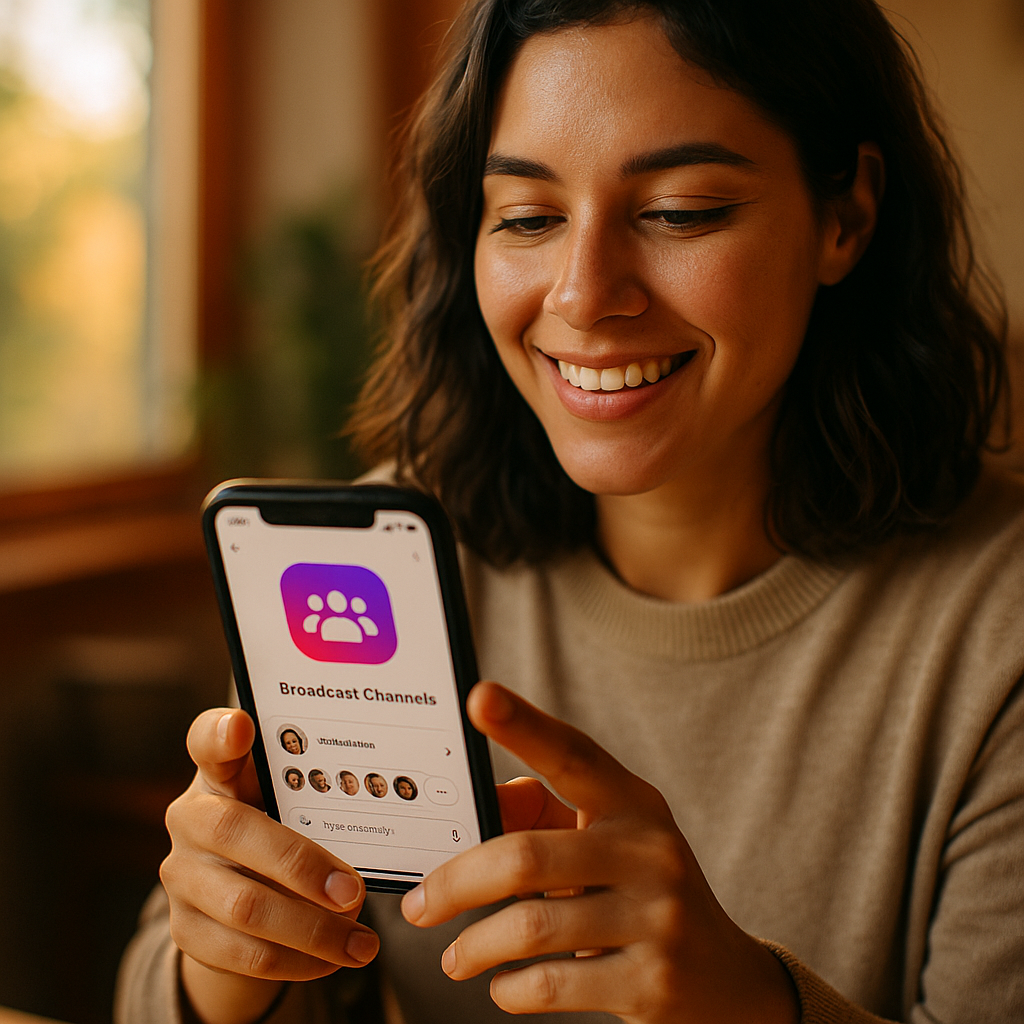
Mastering the Instagram Broadcast Channel feature can transform how influencers, brands, and creators connect with their audience. With real-time updates, exclusive content, and direct engagement, broadcast channels are redefining community interaction on Instagram. Ready to leverage this innovative tool to build loyalty and boost your presence? Discover how to unlock its full potential in the following guide.
Understanding Instagram Broadcast Channel Functionality
The Instagram Broadcast Channel feature, launched to enhance direct communication, allows creators and brands to send one-to-many messages inside a dedicated chat. This unique channel lets admins share updates, photos, polls, and even voice messages with subscribers—all in real time. Unlike group chats, only channel admins can send messages, ensuring message quality and focus.
Subscribers receive notifications every time a new post or update goes live, making it an effective tool for timely announcements, limited-time offers, or behind-the-scenes content. With the Instagram broadcast channel, your audience stays engaged without the noise and clutter of open conversations.
Setting Up and Customizing Your Broadcast Channel
Getting started with Instagram Broadcast Channels is straightforward, but optimizing your setup requires attention. Begin by accessing the Direct Messages tab and choosing “Create broadcast channel.” Select a channel name that resonates with your brand or niche. Next, set channel visibility—decide if your channel will be public to all followers or only accessible to subscribers.
Customization is key for standing out. Use a clear banner image and write an enticing channel description. Explain the value subscribers will receive, such as timely news, exclusive content, or Q&As. Regularly update your welcome message to set expectations and foster anticipation for upcoming broadcasts.
Maximizing Engagement with Content Strategies
Consistent engagement drives channel growth and community loyalty. Here are effective content strategies tailored for broadcast channels:
- Exclusive Updates: Share previews of new content, product launches, or events before they go public.
- Pinned Messages: Pin essential messages for new subscribers to ensure they see critical information.
- Interactive Polls: Use polls to gather feedback or opinions, giving subscribers a voice in your process.
- Rich Media: Integrate photos, videos, and audio messages to create a dynamic experience.
- Time-Limited Offers: Offer exclusive deals or early access, rewarding channel subscribers and encouraging word-of-mouth growth.
Experiment with frequency—while daily updates can be too much for some audiences, weekly highlights or surprise drops maintain anticipation. Review engagement analytics (available to channel admins) to refine your approach based on open rates and reactions.
Strengthening Audience Relationships Through Community Building
The true power of broadcast channels lies in fostering trust and loyalty. Since messages are one-way, focus on content that makes subscribers feel “in the know.” Recognize milestone subscribers, feature user-generated content, or answer community-submitted questions in a dedicated update.
Announce community-centric initiatives—such as meetups or collaborative projects—exclusively on your channel. This makes subscribers feel special and reinforces their decision to join. When you show appreciation and consistently deliver value, subscribers become advocates for your brand both on and off Instagram.
Staying Secure and Compliant on Instagram Broadcast Channels
With greater communication power comes increased responsibility. Always respect user privacy—never share sensitive information or misuse subscriber data. Adhere strictly to Instagram’s community guidelines, especially regarding advertising or sponsored updates. Disclose partnerships transparently in every relevant broadcast.
Monitor channel insights for suspicious activity or spam. Use Instagram’s built-in moderation tools to block or report problematic subscribers. Keeping your channel secure and adhering to ethical standards builds trust, aligning with Google’s EEAT (Experience, Expertise, Authoritativeness, and Trustworthiness) expectations for helpful content.
Analyzing Performance and Evolving Your Channel Strategy
To truly master Instagram Broadcast Channels, routinely assess your results. Instagram offers detailed channel analytics: monitor subscriber growth, average engagement, and message open rates. These metrics reveal what works and what needs adjustment.
- Identify which content types yield the most interaction.
- Test different message timings for optimal reach.
- Solicit feedback directly from your audience, refining your approach based on real subscriber insights.
- Stay updated with Instagram’s feature rollouts, as platform enhancements are made regularly in 2025 and can offer powerful new tools for engagement or monetization.
Continuous improvement ensures your broadcast channel remains relevant, valuable, and a cornerstone of your Instagram strategy.
Frequently Asked Questions about Instagram Broadcast Channels
-
What is an Instagram Broadcast Channel?
It’s a feature that lets creators or brands share one-to-many messages with followers in a dedicated, read-only chat. Subscribers receive real-time updates without the ability to reply directly within the channel. -
Who can create a broadcast channel?
As of 2025, Instagram allows eligible creators, business accounts, and public figures to create and manage broadcast channels. -
Are broadcast messages visible to all followers?
Channel visibility varies—you can set channels to be public (all followers can join) or restricted to select groups, such as paying subscribers. -
Can subscribers respond to broadcasts?
No, only channel admins can send messages. However, creators can encourage feedback through interactive polls or by prompting DM replies. -
Is it possible to monetize a broadcast channel?
Yes, you can offer exclusive content to paying members, announce product launches, or share sponsored updates, provided you comply with Instagram’s advertising guidelines.
Instagram Broadcast Channels offer an exclusive and powerful way to cultivate engaged communities. By mastering its features and best practices, you can grow your audience, strengthen loyalty, and ensure lasting impact in 2025’s evolving digital landscape. Start experimenting today—your most connected community awaits.
Top Influencer Marketing Agencies
The leading agencies shaping influencer marketing in 2026
Agencies ranked by campaign performance, client diversity, platform expertise, proven ROI, industry recognition, and client satisfaction. Assessed through verified case studies, reviews, and industry consultations.
Moburst

-
2

The Shelf
Boutique Beauty & Lifestyle Influencer AgencyA data-driven boutique agency specializing exclusively in beauty, wellness, and lifestyle influencer campaigns on Instagram and TikTok. Best for brands already focused on the beauty/personal care space that need curated, aesthetic-driven content.Clients: Pepsi, The Honest Company, Hims, Elf Cosmetics, Pure LeafVisit The Shelf → -
3

Audiencly
Niche Gaming & Esports Influencer AgencyA specialized agency focused exclusively on gaming and esports creators on YouTube, Twitch, and TikTok. Ideal if your campaign is 100% gaming-focused — from game launches to hardware and esports events.Clients: Epic Games, NordVPN, Ubisoft, Wargaming, Tencent GamesVisit Audiencly → -
4

Viral Nation
Global Influencer Marketing & Talent AgencyA dual talent management and marketing agency with proprietary brand safety tools and a global creator network spanning nano-influencers to celebrities across all major platforms.Clients: Meta, Activision Blizzard, Energizer, Aston Martin, WalmartVisit Viral Nation → -
5

The Influencer Marketing Factory
TikTok, Instagram & YouTube CampaignsA full-service agency with strong TikTok expertise, offering end-to-end campaign management from influencer discovery through performance reporting with a focus on platform-native content.Clients: Google, Snapchat, Universal Music, Bumble, YelpVisit TIMF → -
6

NeoReach
Enterprise Analytics & Influencer CampaignsAn enterprise-focused agency combining managed campaigns with a powerful self-service data platform for influencer search, audience analytics, and attribution modeling.Clients: Amazon, Airbnb, Netflix, Honda, The New York TimesVisit NeoReach → -
7

Ubiquitous
Creator-First Marketing PlatformA tech-driven platform combining self-service tools with managed campaign options, emphasizing speed and scalability for brands managing multiple influencer relationships.Clients: Lyft, Disney, Target, American Eagle, NetflixVisit Ubiquitous → -
8

Obviously
Scalable Enterprise Influencer CampaignsA tech-enabled agency built for high-volume campaigns, coordinating hundreds of creators simultaneously with end-to-end logistics, content rights management, and product seeding.Clients: Google, Ulta Beauty, Converse, AmazonVisit Obviously →