


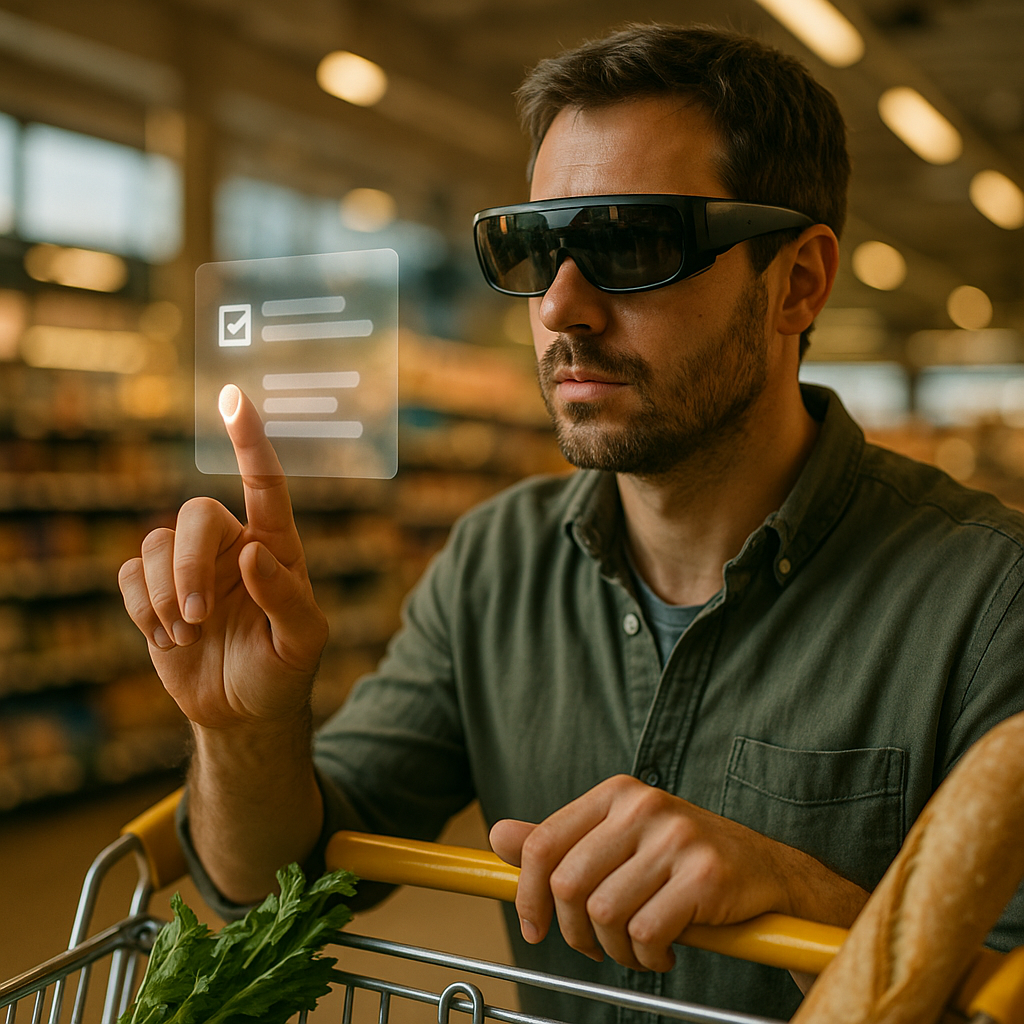
Designing immersive experiences for smart glasses is no longer a niche challenge in 2026. As wearable hardware becomes lighter, more contextual, and more capable, product teams must rethink interfaces, interaction models, and comfort from the ground up. Success depends on blending utility, spatial awareness, privacy, and delight without overwhelming users. So what separates a useful wearable experience from one people abandon?
Smart glasses UX design principles for real-world usability
Smart glasses and emerging wearables live closer to the body than phones, tablets, or laptops. That proximity changes everything. Users do not open an app and enter a separate digital session. Instead, they move through physical environments while your product competes with conversations, traffic, work, and attention demands. Strong smart glasses UX design begins with respect for that reality.
The first principle is glanceability. Information should be easy to process in seconds. If users need to stare, decipher, or navigate layered menus, the experience creates cognitive drag and physical discomfort. Designers should prioritize short text, unmistakable icons, and high-contrast visuals that remain readable in varied lighting conditions.
The second principle is context over novelty. Many wearable products fail because they showcase technology rather than solve a timely problem. A smart glasses interface should appear when it is helpful, not constantly. Navigation prompts, task reminders, live translation, guided repair steps, and hazard alerts work well because they align with what the user is already doing.
The third principle is low-friction interaction. Smart glasses are not miniature phones on a face. Tiny controls, deep settings trees, and gesture overload create abandonment. The best experiences rely on a small set of reliable interactions and make primary tasks obvious.
Teams should also design for comfort across time. A wearable may feel impressive in a five-minute demo but frustrating after thirty minutes. Consider head movement, eye fatigue, visual density, audio intrusiveness, and social acceptability. If the experience demands constant attention, users will remove the device or mute the product mentally.
Helpful design questions include:
- What is the shortest path to value?
- Can a user understand this state in under two seconds?
- Does the interface support movement and divided attention?
- Would this feature still feel useful after repeated daily use?
Products that answer these questions well usually outperform more visually ambitious competitors because they fit real behavior rather than forcing new habits too aggressively.
Augmented reality interface design that supports spatial understanding
Augmented reality interface design for smart glasses demands more than placing digital objects in a user’s field of view. The interface must cooperate with depth, motion, lighting, and real-world distractions. Spatial computing becomes immersive when it feels anchored, legible, and intentional.
A core rule is to treat the physical world as the primary canvas. Digital layers should support perception, not dominate it. For example, turn-by-turn arrows should align with the walking path instead of floating vaguely ahead. Maintenance instructions should attach to the actual machine component, not a generic screen-fixed panel.
Visual hierarchy matters even more in AR because users are interpreting two environments at once: the real one and the digital one. Keep the most important element closest to the focal point and reduce competing objects. Use scale, opacity, and motion sparingly. Constant animation may look advanced in prototypes, but it often increases fatigue in live use.
Designers should account for occlusion, depth cues, and movement stability. If a digital object appears to slide unnaturally as the user shifts position, trust breaks quickly. Likewise, interface elements that ignore surfaces, distances, or line of sight can feel confusing or even unsafe.
Audio can strengthen spatial understanding when used carefully. A subtle directional cue can help users find an object, turn toward a prompt, or confirm progress without forcing them to look at the display. However, persistent sound can become exhausting in public or professional settings, so audio should be adjustable and purpose-driven.
To create stronger AR experiences, teams should test in environments that mirror real use:
- Bright outdoor light to assess readability and contrast
- Noisy settings to evaluate whether audio instructions remain useful
- Fast movement to observe stability and timing
- Task-heavy situations where users split attention between physical and digital demands
Immersion is not just visual realism. In practice, it comes from confidence. When digital guidance appears in the right place, at the right time, with minimal friction, users trust the system and stay engaged longer.
Wearable app development strategies for performance, battery, and reliability
Even the most elegant concept will fail without disciplined wearable app development. Smart glasses operate under constraints that make engineering quality visible to users very quickly. Lag, overheating, battery drain, poor synchronization, and unreliable sensors do not feel like minor bugs on wearables. They feel like broken product promises.
Performance should be treated as a design feature. Lightweight rendering, efficient asset delivery, and responsive input handling are essential. If a heads-up notification arrives late or a visual overlay stutters during movement, the experience stops feeling immersive and starts feeling risky.
Battery optimization matters because wearables are expected to assist continuously. Developers should reduce unnecessary background activity, limit heavy processing on-device when edge or cloud support makes sense, and prioritize event-driven behavior over constant polling. This is especially important for features using computer vision, live translation, environmental sensing, or persistent spatial mapping.
Reliability across connectivity states is another priority. Many wearable use cases happen in warehouses, hospitals, field operations, transit systems, retail floors, and outdoor spaces where connection quality varies. Core functions should degrade gracefully. If the network weakens, users should still receive cached instructions, local alerts, or partial guidance rather than a dead interface.
Sensor fusion and calibration require careful validation. Smart glasses often combine cameras, microphones, inertial measurement units, eye tracking, GPS, and hand tracking. If these inputs conflict or drift, the interface may misinterpret intent. Teams should continuously test:
- Gesture recognition accuracy across body types and environments
- Voice command success rates with accents, noise, and multilingual input
- Eye tracking precision with varied lighting, eyewear, and movement
- Anchor stability during prolonged sessions
From an EEAT perspective, credibility grows when product teams document known limitations and design around them transparently. If hand tracking is less reliable in low light, say so and offer an alternative input. If live object recognition is not suitable for safety-critical decisions, make that clear in onboarding and help content. Users trust products that communicate boundaries honestly.
Spatial computing user experience and multimodal interaction models
The future of spatial computing user experience depends on multimodal interaction. No single input method works everywhere. Voice can be efficient, but not in noisy, private, or socially sensitive settings. Gestures can feel natural, but not when users carry tools or wear gloves. Gaze can speed selection, but not every user is comfortable with continuous eye-based input.
The best wearable experiences combine modes intelligently and let users switch without confusion. For example, a technician might receive a visual prompt, confirm a selection with gaze, and proceed hands-free with a voice command. A commuter might ignore voice entirely and rely on subtle touch controls plus glanceable notifications.
Good multimodal design starts by mapping each input to the task it serves best:
- Voice for commands, search, dictation, and hands-free workflows
- Gaze for focus detection, highlighting, and quick target selection
- Gestures for confirm, dismiss, scroll, and object manipulation
- Touch or companion device input for private, precise, or complex actions
- Audio feedback for confirmation when visual attention is elsewhere
Onboarding is especially important. Wearables often introduce unfamiliar interaction logic, so users need quick, confidence-building guidance. Avoid long tutorials. Teach one useful action at a time, in context. If a user first needs navigation support, teach the navigation gestures then, not every feature upfront.
Accessibility should be built into the interaction model from the start. That includes adjustable text size, captioning, alternatives to voice, alternatives to gesture, color-safe visual indicators, and reduced-motion options. Wearables are uniquely personal devices, so inclusive design has direct impact on adoption and retention.
Teams should also consider social ergonomics. Will a gesture feel awkward in a meeting? Will a voice prompt reveal sensitive information in public? Will a visible interface distract bystanders? Designing for immersion means designing for the user’s social environment, not only the device’s technical capabilities.
Privacy in wearable technology as a product design requirement
Privacy in wearable technology is not a legal checklist to address late in development. For smart glasses and new wearables, it is a primary UX issue because these devices can capture surroundings, infer intent, and remain active throughout the day. If people do not trust the device, they will not wear it long enough to benefit from it.
Designers and product leaders should make data behavior legible. Users should know when sensors are active, what is stored, what is processed locally, what is shared, and how controls can be changed quickly. Visible recording indicators, clear permission flows, and persistent privacy settings all reduce uncertainty.
It is equally important to consider bystanders. Smart glasses may create discomfort if people nearby cannot tell whether they are being recorded or analyzed. The most responsible products include external indicators, minimal data retention policies, and use-case boundaries that prevent silent overreach.
Trust also depends on restraint. Just because a wearable can collect continuous location, gaze data, ambient audio, and biometric signals does not mean it should. Data minimization improves privacy and often improves product quality by keeping systems focused on what users actually need.
Security practices should support the UX rather than complicate it. Fast authentication, secure local storage, encrypted sync, and device-level controls protect users without making the product feel cumbersome. Enterprises deploying wearables in regulated sectors should document access controls, retention rules, incident response processes, and human oversight clearly.
From an EEAT standpoint, strong privacy communication demonstrates expertise and trustworthiness. Explain your data model in plain language. Publish support content that answers realistic concerns. Make it easy for users to export, review, or delete data. Helpful content is not promotional; it is transparent, specific, and actionable.
Designing wearable technology for measurable adoption and long-term engagement
Immersion alone does not guarantee market success. Teams designing wearable technology need to prove sustained value after the first week, the first workflow, and the first novelty cycle. That requires a product strategy tied to measurable outcomes.
Start by defining success metrics that reflect real user benefit. Depending on the use case, that may include task completion time, navigation confidence, first-time fix rate, training speed, error reduction, daily active use, or session abandonment. Vanity metrics such as downloads or demo completion rates reveal little about whether a wearable experience belongs in a user’s life.
Qualitative research is equally important. Observe how people wear the device, when they remove it, which interactions they avoid, and which moments cause hesitation. In wearable testing, body language often reveals more than survey responses. A user who squints, pauses before speaking, or repeatedly adjusts the device is giving design feedback even without saying it directly.
Iterative releases should prioritize:
- Use-case depth over feature breadth
- Shorter time to first value
- Improved comfort and lower attention cost
- More reliable context awareness
- Clearer privacy and control settings
Product teams should also plan for cross-device continuity. Many smart glasses experiences work best when paired with a phone, watch, earbud, or desktop dashboard. The wearable should not attempt to do everything. Instead, it should do the most context-sensitive part of the journey exceptionally well and hand off more complex tasks to better-suited devices.
Finally, keep content fresh and relevant. If a wearable assistant repeatedly surfaces generic or poorly timed prompts, users stop paying attention. Context engines, AI assistance, and personalization must be accurate enough to feel useful, not intrusive. The long-term winners in 2026 are the teams that combine spatial intelligence with restraint.
FAQs about smart glasses and new wearables
What makes a smart glasses experience immersive?
Immersion comes from relevance, stability, and low friction. Users feel immersed when digital content is anchored correctly, appears at the right moment, and supports their real-world task without demanding too much attention.
What is the biggest UX mistake in wearable design?
The most common mistake is treating wearables like small smartphones. Smart glasses require glanceable information, short interactions, and context-aware design rather than complex app navigation.
How should designers choose between voice, gesture, and gaze input?
Match the input to the environment and the task. Voice works well for hands-free actions, gaze for quick selection, and gestures for simple controls. Strong products offer alternatives so users can switch based on privacy, noise, and comfort.
Why is privacy so important for smart glasses?
Smart glasses can collect sensitive data from both users and bystanders. Clear sensor indicators, transparent permissions, local processing where possible, and strong data controls are essential to building trust.
How do teams test wearable experiences effectively?
Test in real conditions, not only in labs. Include bright light, movement, noise, interruptions, and prolonged use. Observe behavior, fatigue, accuracy, and whether users can complete tasks while staying aware of their surroundings.
What industries benefit most from immersive wearables?
Field service, healthcare, logistics, manufacturing, retail, education, navigation, and accessibility-focused applications benefit strongly because wearables can deliver contextual guidance while keeping users mobile and hands-free.
How can teams improve adoption after launch?
Focus on one high-value use case, shorten onboarding, improve comfort, reduce false prompts, and measure outcomes that matter to users. Reliable utility drives retention more than impressive demos.
Designing for smart glasses and new wearables in 2026 demands more than visual innovation. Teams must create fast, contextual, trustworthy experiences that respect attention, environment, and privacy. The clearest takeaway is simple: immersive wearable design succeeds when technology feels useful, comfortable, and dependable in real life. Build for human context first, and the hardware becomes genuinely transformative.
Top Influencer Marketing Agencies
The leading agencies shaping influencer marketing in 2026
Agencies ranked by campaign performance, client diversity, platform expertise, proven ROI, industry recognition, and client satisfaction. Assessed through verified case studies, reviews, and industry consultations.
Moburst

-
2

The Shelf
Boutique Beauty & Lifestyle Influencer AgencyA data-driven boutique agency specializing exclusively in beauty, wellness, and lifestyle influencer campaigns on Instagram and TikTok. Best for brands already focused on the beauty/personal care space that need curated, aesthetic-driven content.Clients: Pepsi, The Honest Company, Hims, Elf Cosmetics, Pure LeafVisit The Shelf → -
3

Audiencly
Niche Gaming & Esports Influencer AgencyA specialized agency focused exclusively on gaming and esports creators on YouTube, Twitch, and TikTok. Ideal if your campaign is 100% gaming-focused — from game launches to hardware and esports events.Clients: Epic Games, NordVPN, Ubisoft, Wargaming, Tencent GamesVisit Audiencly → -
4

Viral Nation
Global Influencer Marketing & Talent AgencyA dual talent management and marketing agency with proprietary brand safety tools and a global creator network spanning nano-influencers to celebrities across all major platforms.Clients: Meta, Activision Blizzard, Energizer, Aston Martin, WalmartVisit Viral Nation → -
5

The Influencer Marketing Factory
TikTok, Instagram & YouTube CampaignsA full-service agency with strong TikTok expertise, offering end-to-end campaign management from influencer discovery through performance reporting with a focus on platform-native content.Clients: Google, Snapchat, Universal Music, Bumble, YelpVisit TIMF → -
6

NeoReach
Enterprise Analytics & Influencer CampaignsAn enterprise-focused agency combining managed campaigns with a powerful self-service data platform for influencer search, audience analytics, and attribution modeling.Clients: Amazon, Airbnb, Netflix, Honda, The New York TimesVisit NeoReach → -
7

Ubiquitous
Creator-First Marketing PlatformA tech-driven platform combining self-service tools with managed campaign options, emphasizing speed and scalability for brands managing multiple influencer relationships.Clients: Lyft, Disney, Target, American Eagle, NetflixVisit Ubiquitous → -
8

Obviously
Scalable Enterprise Influencer CampaignsA tech-enabled agency built for high-volume campaigns, coordinating hundreds of creators simultaneously with end-to-end logistics, content rights management, and product seeding.Clients: Google, Ulta Beauty, Converse, AmazonVisit Obviously →