


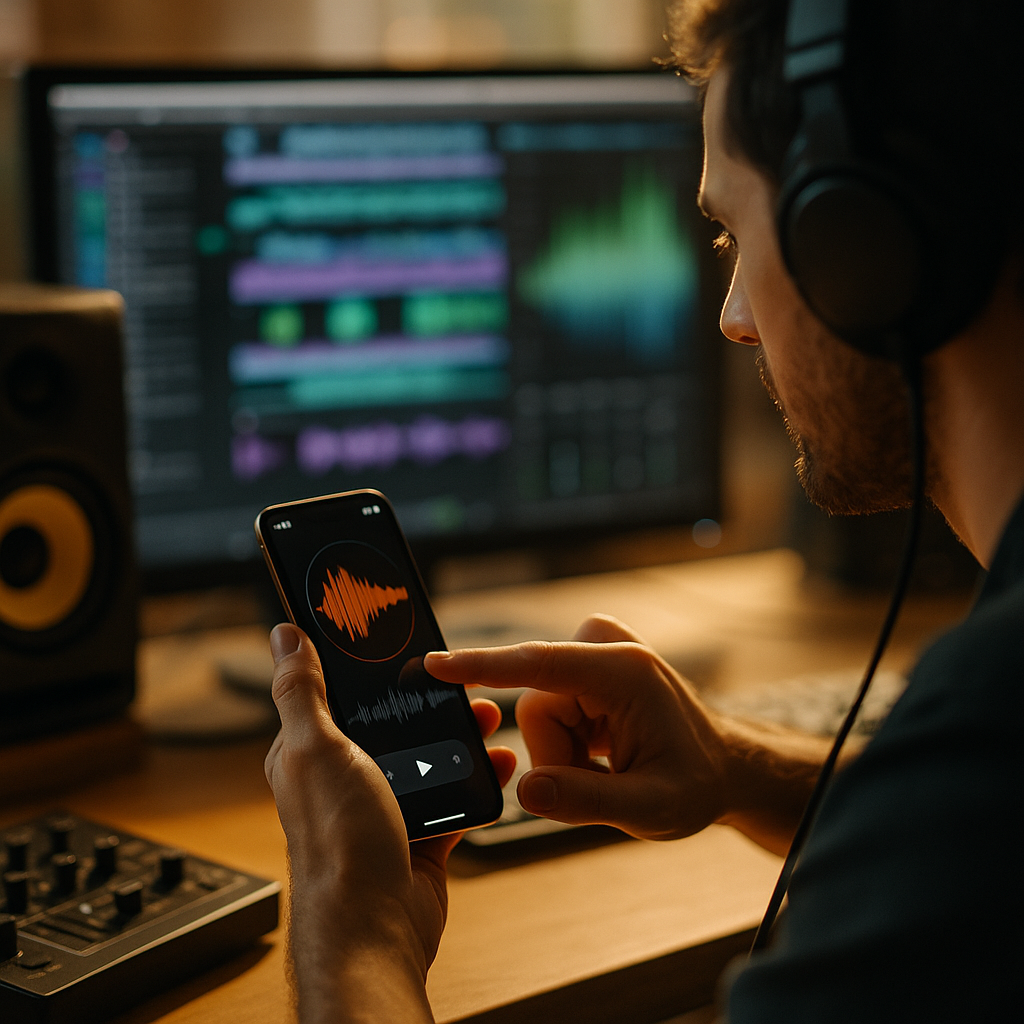
Users judge apps in milliseconds, and what they hear shapes trust as quickly as what they see. The Science of Acoustic UX explains how intentional sound design can improve comprehension, reduce friction, and make digital products feel premium. In 2026, app teams that engineer audio carefully gain a measurable advantage in retention, accessibility, and brand memory. What separates elegant sound from noise?
Acoustic UX fundamentals for modern app design
Acoustic UX is the practice of designing sound in digital products to support usability, emotion, and brand recognition. It goes beyond adding pleasant tones. It applies principles from psychoacoustics, signal processing, accessibility, and interface design to create audio that helps people complete tasks faster and with more confidence.
In apps, sound works as a micro-layer of feedback. A tap confirmation, payment success tone, error cue, voice prompt, or ambient loop all influence the user’s perception of quality. Premium products treat these moments as engineered experiences rather than afterthoughts. That means defining a consistent sonic system, testing it with real users, and tuning it across devices and environments.
The most effective acoustic UX systems share several traits:
- Clarity: Sounds communicate one meaning at a time.
- Restraint: Audio appears only when it adds value.
- Consistency: Similar actions trigger similar sonic cues.
- Accessibility: Sound complements, not replaces, visual and haptic feedback.
- Technical quality: Audio is optimized for latency, loudness, and playback across hardware.
This matters because users do not experience interfaces as isolated screens. They experience transitions, confirmations, interruptions, and outcomes. Sound can make those moments feel intuitive, calming, and polished. It can also create friction if cues are too loud, repetitive, delayed, or emotionally mismatched.
For product teams, acoustic UX should sit alongside visual design, content design, motion, and haptics in the design system. Once teams treat sound as part of the product language, they can build more coherent experiences across onboarding, transactions, messaging, gaming, health, and productivity flows.
Sound design principles that improve usability
Strong sound design principles begin with function. Before composing or licensing any audio, ask a simple question: what problem should this sound solve for the user? The answer usually falls into one of four categories: feedback, guidance, status, or emotion.
Feedback sounds confirm that an action occurred. They reduce uncertainty after taps, swipes, uploads, and submissions. In high-stakes moments such as financial transfers or health tracking, clear audio confirmation can lower cognitive load and reassure users that the system responded.
Guidance sounds direct attention. Navigation prompts, countdown cues, and voice instructions help users act without staring at the screen. This is especially useful in fitness, driving-adjacent, or smart-home contexts, where hands-free or glanceable interaction matters.
Status sounds indicate an ongoing process or state change, such as recording, syncing, or completing a scan. They are most effective when they are brief and distinct. Long loops can become irritating, especially in repeated sessions.
Emotional sounds shape brand feel. A meditation app might use sparse, low-frequency textures to create calm. A trading app may favor minimal, precise tones that signal control and trust. The emotional layer must fit the product promise. If the sound says “playful” while the app handles serious tasks, users notice the mismatch immediately.
Premium sound engineering also pays attention to psychoacoustics:
- Frequency balance: Midrange-heavy tones often cut through mobile speakers better than bass-heavy sounds.
- Attack and decay: Fast attacks increase noticeability; smoother decays feel less harsh.
- Pitch hierarchy: Higher pitches can signal alerts; lower pitches often feel stable or complete.
- Temporal spacing: Repeated cues need enough spacing to avoid fatigue.
- Loudness normalization: Sounds should feel coherent across app events and devices.
One common mistake is over-signaling. If every action has a tone, nothing feels important. Another is relying on trend-driven audio assets that sound dated or generic. A better approach is to build a small library of purposeful sonic patterns with clear usage rules. This creates familiarity without repetition fatigue.
Premium app audio and the psychology of trust
Premium app audio influences whether users perceive an app as reliable, modern, and worth returning to. People often describe polished products as “smooth” or “responsive,” and audio contributes to that impression as much as animation or typography. When sound arrives instantly and fits the moment, the interface feels alive. When it lags or clashes, trust drops.
Trust is especially important in sectors like fintech, health, mobility, and enterprise productivity. Here, sound should reduce ambiguity rather than entertain. A payment success cue, for instance, should be unmistakable, concise, and emotionally appropriate. It should not sound like a game reward. Likewise, a warning tone should prompt attention without causing panic.
Brand recognition also benefits from a disciplined sonic identity. Short signature tones can become memory anchors if they are used sparingly at critical touchpoints, such as launch, completion, or milestone moments. The key is consistency. If the app’s visual identity is premium but the audio is stock, overly bright, or compressed poorly, the experience feels unfinished.
To build trust through sound, teams should define:
- Brand attributes: Calm, precise, energetic, supportive, discreet, or authoritative.
- Sonic palette: Instrument types, tonal ranges, reverb treatment, and texture.
- Interaction classes: Success, warning, error, neutral state, progress, and celebration.
- Usage thresholds: When sound is default-on, optional, or disabled.
Privacy expectations matter too. In public settings, audio can expose personal activity. Premium apps respect context by giving users granular control, remembering preferences, and pairing sound with haptics or visual indicators rather than forcing one modality. This is not only considerate design; it is an important part of product credibility.
Audio accessibility in UX for inclusive experiences
Audio accessibility in UX is not just about supporting users who are blind or have low vision. It is about creating multimodal systems that work for people with hearing loss, auditory sensitivity, cognitive differences, language barriers, and situational limitations like noisy commutes or quiet offices.
The first rule is simple: never make sound the sole carrier of essential information. Any critical status or instruction delivered through audio should also appear through text, visual states, captions, transcripts, or haptics. Redundancy here improves usability for everyone, not just users with declared accessibility needs.
Inclusive acoustic UX includes these practices:
- Captions and transcripts for spoken prompts, guided sessions, and tutorial content.
- Customizable sound settings with separate controls for effects, voice, music, and notifications.
- Non-audio alternatives for alerts, confirmations, and time-sensitive events.
- Frequency-aware design that avoids relying only on tones some users may struggle to perceive.
- Sensory-safe defaults that avoid sudden spikes, piercing timbres, or relentless repetition.
Teams should also test in real contexts. A tone that seems clear in a quiet studio may disappear on low-quality speakers or become unpleasant through earbuds. Spoken guidance should be intelligible at common listening levels, with careful pacing and minimal background masking.
Accessibility reviews should include people with diverse sensory profiles, not only internal stakeholders. This strengthens EEAT because it grounds design decisions in observed user needs, documented testing, and accountable product standards. If the app serves regulated or high-trust industries, keeping an auditable rationale for audio choices is also wise.
Good accessibility often improves product performance. Users are more likely to keep sound enabled when it feels respectful and controllable. That makes acoustic UX more effective over time, because it earns permission rather than demanding attention.
Mobile sound engineering techniques for performance and polish
Mobile sound engineering determines whether beautiful audio survives contact with real devices, operating systems, network conditions, and battery constraints. Premium results depend as much on implementation as on composition.
Latency is a top concern. If interface sounds arrive too late after an action, users perceive the app as sluggish. Engineers should minimize trigger delay, preload essential assets, and use lightweight formats where appropriate. For dynamic or interactive audio, event timing must stay tightly synchronized with motion and haptics.
File management matters too. Large audio assets can slow downloads and increase storage use. Product teams should compress strategically without introducing artifacts that cheapen the experience. Short interface sounds often need different treatment from long-form spoken content or adaptive music.
Other core engineering considerations include:
- Loudness consistency: Normalize levels so one cue never jumps out aggressively from another.
- Device variability: Test on budget phones, premium devices, tablets, and wearables.
- Speaker limitations: Mobile speakers handle mids better than deep bass; engineer accordingly.
- Battery efficiency: Continuous playback and real-time processing should be optimized carefully.
- Environment adaptation: Consider how sound behaves in quiet rooms, traffic, gyms, and outdoors.
Voice interfaces add another layer. Teams need clean recording chains, strong noise reduction, and thoughtful localization. A premium app should not simply translate spoken content word-for-word. It should adapt pacing, pronunciation, cultural expectations, and turn-taking behavior for each audience.
Measurement closes the loop. Teams can A/B test whether sonic feedback improves completion rates, decreases repeated taps, raises retention, or changes support volume around unclear states. Qualitative interviews are equally valuable. Ask users which sounds felt useful, which felt intrusive, and what they remembered after a session. Those answers often reveal whether the sonic system is truly working.
Sonic branding strategy and how to implement acoustic UX
Sonic branding strategy turns isolated sounds into a system the organization can scale. The goal is not to flood the app with branded audio. It is to ensure every sound supports product goals, aligns with brand identity, and can be maintained over time.
A practical implementation roadmap looks like this:
- Audit the current experience. Map every sound in the app, including notifications, video, voice, and third-party content. Identify overlap, inconsistency, and dead space where audio could reduce friction.
- Define sonic roles. Decide which moments need confirmation, caution, progress indication, motivation, or silence.
- Create a sonic style guide. Document timbre, pitch ranges, duration targets, loudness standards, and accessibility rules.
- Prototype early. Test sounds in realistic user flows, not as isolated files. Context changes perception.
- Build controls and safeguards. Give users settings, mute options, and context-aware defaults.
- Measure and iterate. Track engagement, completion, opt-out rates, and qualitative sentiment.
Who should own this work? The best results come from collaboration between product designers, audio specialists, UX researchers, accessibility leads, mobile engineers, and brand stakeholders. Acoustic UX sits at the intersection of craft and systems thinking. It needs both creative judgment and technical discipline.
For smaller teams without dedicated audio talent, start narrow. Focus on the most consequential moments: onboarding guidance, transaction confirmation, input error prevention, or habit-forming progress feedback. Even a modest sound system can elevate perceived quality if it is intentionally designed and carefully tested.
In 2026, users expect apps to feel seamless across sight, touch, and sound. Companies that invest in acoustic UX are not adding decoration. They are building more understandable, inclusive, and memorable products. That is why premium sound engineering increasingly belongs in core product strategy, not at the end of the release cycle.
FAQs about acoustic UX and app sound design
What is acoustic UX in simple terms?
Acoustic UX is the intentional design of sound in digital products to improve usability, communicate status, support accessibility, and reinforce brand perception.
Why does sound matter in apps if users often keep phones muted?
Because sound still shapes key moments for many users, especially in navigation, fitness, productivity, gaming, and transaction flows. Also, designing sound well usually improves the broader multimodal system, including haptics and visual feedback.
How is acoustic UX different from sonic branding?
Acoustic UX focuses on function and interaction quality. Sonic branding focuses on recognition and brand identity. The best apps combine both, using sound that is useful first and distinctive second.
What are the most common mistakes in app sound design?
Overusing audio, choosing generic stock sounds, ignoring accessibility, creating cues that are too loud or too subtle, and failing to test latency and playback across real devices.
Can acoustic UX improve retention or conversion?
Yes, when sound reduces uncertainty, clarifies outcomes, and makes key flows feel more rewarding or trustworthy. The effect depends on context, so teams should validate with A/B testing and user research.
What industries benefit most from premium sound engineering?
Fintech, health, fitness, mobility, gaming, education, meditation, smart-home, and productivity apps often see the clearest benefits because their workflows rely on timely feedback and emotional trust.
How should teams test app audio?
Test with diverse users, different devices, various speaker qualities, headphones, and real-world environments. Evaluate clarity, comfort, timing, usefulness, and whether users can still succeed with sound off.
Should every app invest in a custom sonic system?
Not every app needs a large custom library, but almost every app benefits from intentional audio rules for critical interactions. Start with the moments where confusion or hesitation costs the most.
Acoustic UX turns sound into a product tool, not a decorative extra. When teams apply premium engineering, accessibility thinking, and brand discipline, apps become clearer, more trustworthy, and more memorable. The practical takeaway is simple: design audio with the same rigor you give visuals and motion, then test it in real contexts until every cue earns its place.
Top Influencer Marketing Agencies
The leading agencies shaping influencer marketing in 2026
Agencies ranked by campaign performance, client diversity, platform expertise, proven ROI, industry recognition, and client satisfaction. Assessed through verified case studies, reviews, and industry consultations.
Moburst

-
2

The Shelf
Boutique Beauty & Lifestyle Influencer AgencyA data-driven boutique agency specializing exclusively in beauty, wellness, and lifestyle influencer campaigns on Instagram and TikTok. Best for brands already focused on the beauty/personal care space that need curated, aesthetic-driven content.Clients: Pepsi, The Honest Company, Hims, Elf Cosmetics, Pure LeafVisit The Shelf → -
3

Audiencly
Niche Gaming & Esports Influencer AgencyA specialized agency focused exclusively on gaming and esports creators on YouTube, Twitch, and TikTok. Ideal if your campaign is 100% gaming-focused — from game launches to hardware and esports events.Clients: Epic Games, NordVPN, Ubisoft, Wargaming, Tencent GamesVisit Audiencly → -
4

Viral Nation
Global Influencer Marketing & Talent AgencyA dual talent management and marketing agency with proprietary brand safety tools and a global creator network spanning nano-influencers to celebrities across all major platforms.Clients: Meta, Activision Blizzard, Energizer, Aston Martin, WalmartVisit Viral Nation → -
5

The Influencer Marketing Factory
TikTok, Instagram & YouTube CampaignsA full-service agency with strong TikTok expertise, offering end-to-end campaign management from influencer discovery through performance reporting with a focus on platform-native content.Clients: Google, Snapchat, Universal Music, Bumble, YelpVisit TIMF → -
6

NeoReach
Enterprise Analytics & Influencer CampaignsAn enterprise-focused agency combining managed campaigns with a powerful self-service data platform for influencer search, audience analytics, and attribution modeling.Clients: Amazon, Airbnb, Netflix, Honda, The New York TimesVisit NeoReach → -
7

Ubiquitous
Creator-First Marketing PlatformA tech-driven platform combining self-service tools with managed campaign options, emphasizing speed and scalability for brands managing multiple influencer relationships.Clients: Lyft, Disney, Target, American Eagle, NetflixVisit Ubiquitous → -
8

Obviously
Scalable Enterprise Influencer CampaignsA tech-enabled agency built for high-volume campaigns, coordinating hundreds of creators simultaneously with end-to-end logistics, content rights management, and product seeding.Clients: Google, Ulta Beauty, Converse, AmazonVisit Obviously →