


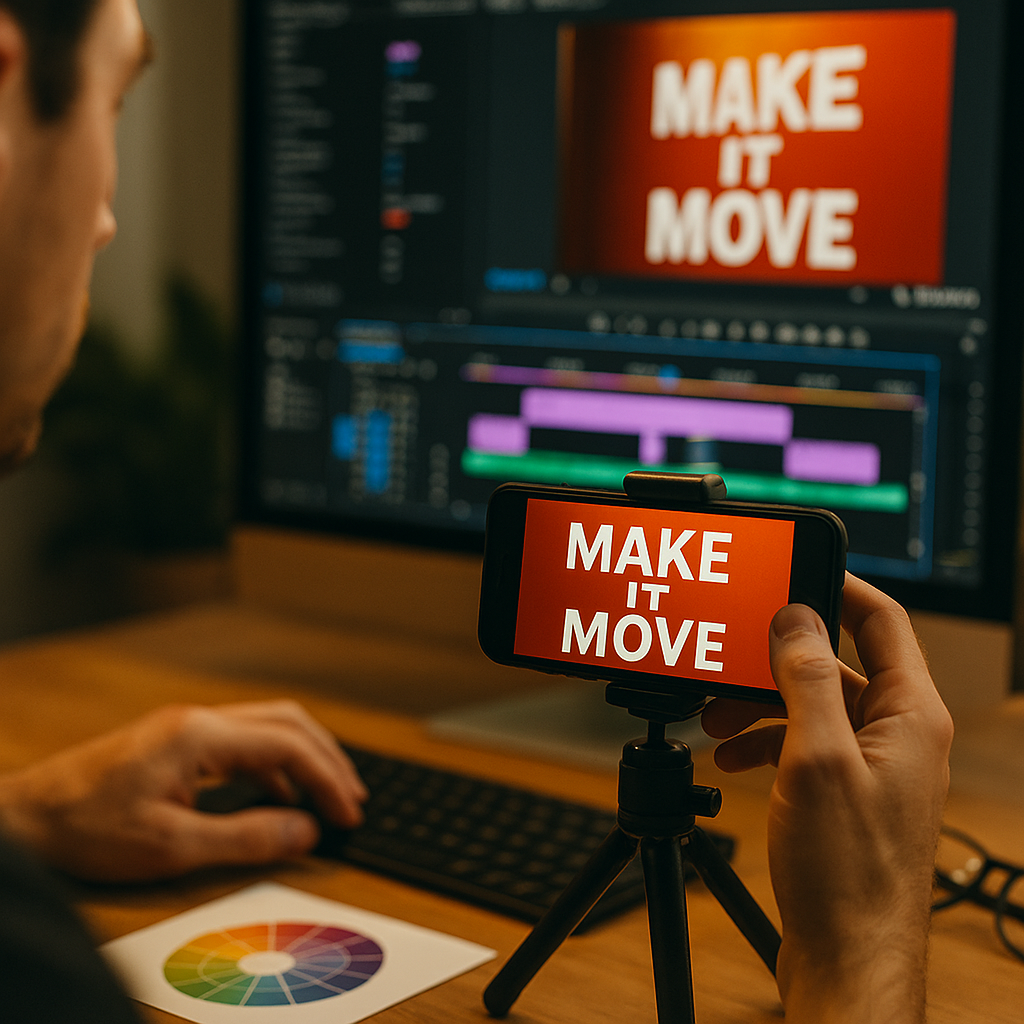
Using kinetic typography to enhance short form video view rates is no longer a stylistic extra in 2026. It is a practical attention tool that helps viewers understand, feel, and remember your message in crowded feeds. When text moves with purpose, it can stop the scroll, reinforce meaning, and lift retention. The question is not whether to use it, but how to use it well.
Why kinetic typography matters for short form video engagement
Kinetic typography is animated text that appears, moves, changes, or transforms on screen to support a message. In short form video, where creators often have only one to three seconds to earn attention, this technique can improve comprehension and help viewers stay longer.
That matters because view rate is tied to how effectively a video earns and holds attention. On fast-moving platforms, many viewers watch with sound low, muted, or competing with background distractions. Text that animates in sync with the spoken line or beat gives the audience another reason to keep watching.
From a user experience perspective, kinetic typography works best when it does three things:
- Clarifies the message by surfacing the key words viewers should remember.
- Directs attention toward the most important moment, claim, or call to action.
- Builds pacing so the video feels dynamic rather than static.
In practice, that means animated text is not just decoration. It is part of the content architecture. A product demo can use motion text to highlight benefits. A creator video can animate a strong opening statement. A testimonial can bring the most persuasive phrase on screen exactly when the speaker says it.
Brands that use kinetic typography well usually treat it as a strategic layer, not a visual afterthought. They match text movement to audience behavior, platform norms, and the actual objective of the clip. If the goal is more completed views, the text should help viewers follow the story. If the goal is click-through, it should also support the next step without overwhelming the frame.
Core principles of kinetic typography design that increase view rates
Strong kinetic typography follows a few design rules that consistently support performance. These rules are grounded in readability, cognitive load, and platform behavior rather than trend chasing.
Start with one message per scene. Short form video moves fast. If too many words animate at once, viewers spend their attention decoding the layout instead of absorbing the message. Keep each text beat focused on one idea, one benefit, or one emotional trigger.
Use hierarchy aggressively. Not every word deserves equal weight. Highlight nouns, verbs, numbers, and outcome phrases. If a line says, “Cut editing time by 50 percent,” the animated emphasis should land on “50 percent” and “editing time,” not the filler words around them.
Match motion to meaning. The animation style should fit the concept. A bold claim may punch in. A calming wellness message may fade or glide. A countdown may tick or step. Motion that reflects meaning feels natural and improves understanding.
Protect readability. Fancy movement loses value if viewers cannot read the words. Use high contrast, appropriate font size, and enough on-screen time. On mobile screens, readable text often performs better than highly stylized text. Clean sans serif fonts are usually the safest option for speed and clarity.
Design for silent viewing. Many viewers decide whether to continue watching before they enable sound, if they enable it at all. Your animated text should communicate the video’s promise even in silence. A viewer should understand the topic and key benefit within the opening seconds.
Avoid motion overload. Too many effects reduce trust and create fatigue. One or two movement styles per video often outperform five or six competing effects. Consistency makes the video feel intentional and easier to follow.
These principles align with helpful content standards because they focus on the user’s experience first. They make the information easier to consume, improve accessibility, and support a better viewing outcome without relying on manipulation.
Best short form video editing tips for kinetic text that keeps viewers watching
If your main goal is stronger view rates, implementation matters as much as concept. The most effective kinetic typography choices are often small, disciplined decisions inside the edit.
Lead with a text hook in the first second. Open with a sharp line that tells the viewer why the clip is worth attention. Examples include a problem statement, a surprising result, or a direct promise. The text should appear immediately and be easy to read before the viewer scrolls away.
Sync text to speech and cuts. Viewers are highly sensitive to timing. Text that appears slightly late or lingers too long can feel off. Align animated words with spoken emphasis, music beats, and visual transitions so the video feels cohesive.
Use progressive reveal. Instead of displaying a full sentence at once, reveal words or phrases in sequence. This creates curiosity and gives the eye a reason to continue tracking the frame. It also lowers reading effort because the viewer processes information in smaller chunks.
Reinforce key retention points. If your clip includes three main ideas, animate those ideas consistently. A repeated color, scale effect, or motion style helps the brain recognize what matters. This is especially useful for tutorials, tips, and educational content.
Keep safe zones in mind. Platform interfaces can cover captions, usernames, buttons, and other visual elements. Place kinetic text where it remains visible across placements. Test on actual devices, not just in editing software.
Build for loops. A smooth loop can increase repeat views. Kinetic typography can help by ending on a phrase or visual rhythm that naturally returns to the beginning. If a viewer replays even part of the video, average watch time can improve.
Use captions and kinetic text differently. Captions document speech. Kinetic typography emphasizes meaning. Do not make every caption animate. Instead, let your captions ensure accessibility while animated text spotlights the message that drives retention.
Teams that edit dozens of videos per month often create a text-motion system to save time and preserve quality. That can include approved fonts, motion presets, duration ranges, contrast rules, and opening hook templates. A system improves consistency and makes testing easier.
How video retention strategy improves with purposeful text animation
View rate improves when retention improves, and retention improves when viewers quickly understand what they are watching and why they should continue. Kinetic typography supports both.
First, it can reduce confusion. If a speaker talks quickly, has an accent, or introduces a niche topic, animated text can anchor the meaning. That lowers friction in the earliest seconds, where many videos lose viewers.
Second, it can create anticipation. When text reveals a claim in stages, viewers often stay to complete the thought. For example, a line like “The one change that doubled…” creates an information gap. If the next word or phrase arrives with deliberate timing, the viewer has a reason to continue.
Third, it can structure the story. Short form videos that perform well usually follow a clear sequence:
- Hook with a strong opening line.
- Context so the viewer understands the situation.
- Value through proof, tips, or demonstration.
- Payoff with a result, reveal, or next step.
Kinetic typography can support each stage. The hook gets a bold entrance. The context uses smaller support text. The value section emphasizes metrics, steps, or outcomes. The payoff lands with the strongest visual treatment.
Fourth, it can help viewers remember specific information. Memory matters because users who understand and retain the message are more likely to engage, share, or return to the account. Animated text improves recall when it highlights exactly what the audience should remember rather than crowding the screen with every word spoken.
One common follow-up question is whether text animation works equally well for every niche. The answer is no. Finance, health, education, software, ecommerce, and entertainment audiences all respond differently. However, nearly every niche benefits from text that improves clarity and pacing. The style should vary, but the user-first principle stays the same.
Measuring social video performance metrics to prove impact
To know whether kinetic typography is helping, measure the right metrics and test changes in a controlled way. Do not rely on subjective preference alone. The cleanest approach is to compare similar videos with and without specific text treatments.
Focus on these metrics:
- View rate: The percentage of people who continue watching after the impression or initial play.
- Average watch time: Useful for understanding whether text improves sustained attention.
- Completion rate: Strong for short videos where finishing the clip signals meaningful retention.
- Rewatch rate: Indicates whether pacing, loops, or layered information encouraged another view.
- Engagement rate: Likes, comments, shares, saves, and profile actions can show whether the message resonated.
- Click-through or conversion metrics: Important if the video supports a direct response goal.
When testing, change one meaningful variable at a time. For example, compare:
- A static opening title versus an animated opening hook.
- Full-sentence text versus progressive word-by-word reveal.
- Minimal emphasis versus emphasis on numbers and outcomes.
- Fast cuts with dense text versus simpler pacing with fewer animated words.
Interpret results carefully. A flashy animation might lift initial attention but hurt completion if it makes the video harder to follow. Likewise, a clean text treatment may produce slightly fewer immediate reactions but better average watch time and more conversions. Choose the version that fits the business objective, not just the most dramatic visual style.
Experience also matters here. Editors and strategists who review actual retention graphs can often spot where viewers drop and which text moments correlate with better hold. That practical feedback loop reflects strong EEAT principles: use real-world observation, transparent testing, and audience-centered reasoning instead of assumptions.
Common kinetic typography mistakes and how to avoid them
Many videos use animated text, but not all use it effectively. Avoiding common mistakes can improve both viewer trust and performance.
Mistake 1: Animating everything. If every word moves, nothing feels important. Prioritize only the words that carry meaning. Let the rest of the frame breathe.
Mistake 2: Choosing style over clarity. Complex fonts, low contrast colors, or chaotic movement make text harder to read. If a viewer cannot process the words instantly, the effect is working against you.
Mistake 3: Ignoring brand fit. The right animation style for a comedy creator may be wrong for a healthcare brand. Movement should match tone, audience expectations, and category norms.
Mistake 4: Using text that duplicates visuals without adding value. Kinetic typography should reinforce or elevate the message, not merely repeat what the viewer already sees. If the product demo already clearly shows the action, use text to add the outcome, not a redundant label.
Mistake 5: Poor pacing. Text that disappears too quickly causes frustration. Text that lingers after the point is made slows momentum. Review the edit on a phone and ask whether each phrase feels effortless to read.
Mistake 6: Forgetting accessibility. Animated text should support, not replace, accessible captions and readable design. High contrast, sensible speed, and clear language improve usability for more viewers.
Mistake 7: No testing process. Teams often copy visual trends without validating whether they help their audience. A repeatable testing workflow is more valuable than any single effect pack or editing trick.
The simplest way to avoid these problems is to ask one question during every edit: does this text movement make the message easier to understand and more compelling to watch? If the answer is no, simplify it.
FAQs about kinetic typography for short form video
What is kinetic typography in short form video?
It is animated text used inside a video to emphasize spoken words, highlight key ideas, improve pacing, and guide viewer attention. In short form content, it is often used in hooks, transitions, and key payoff moments.
Does kinetic typography really improve view rates?
It can, especially when it improves clarity, strengthens the opening hook, and supports retention. Results depend on execution, audience, and platform. The best way to confirm impact is through controlled testing against similar videos.
How much text should I put in a short form video?
Use only the text needed to support understanding and emphasis. Too much text increases cognitive load. In most cases, a few high-impact phrases perform better than dense on-screen copy.
What fonts work best for kinetic typography?
Readable sans serif fonts usually work best on mobile because they stay clear at small sizes and in fast sequences. The ideal choice depends on your brand, but legibility should come before style.
Should kinetic typography replace captions?
No. Captions and kinetic typography serve different purposes. Captions improve accessibility and represent speech. Kinetic typography emphasizes the words or ideas most likely to improve attention and recall.
What is the biggest mistake beginners make?
The most common mistake is overdesigning the text. Too many animations, too many words, and poor timing often reduce readability and hurt retention. Start simple and build from performance data.
How do I test whether my text animation is working?
Create versions with one clear variable changed, such as hook animation, text density, or reveal style. Then compare view rate, watch time, completion rate, and engagement. Review retention graphs to see where viewers drop.
Which types of short videos benefit most from kinetic typography?
Tutorials, educational clips, testimonials, product demos, UGC ads, and founder-led videos often benefit strongly because text helps viewers follow information quickly. Entertainment videos can also benefit when text supports timing or punchlines.
Can kinetic typography help when viewers watch without sound?
Yes. That is one of its biggest strengths. Well-designed animated text helps silent viewers understand the topic, key benefit, and story flow without needing audio.
How often should I use kinetic typography in my content strategy?
Use it where it genuinely improves comprehension or attention. It does not need to appear in every frame or every video. A selective, consistent approach often performs better than constant heavy animation.
Kinetic typography improves short form video view rates when it serves the viewer before it serves the style. Clear hooks, readable motion, and smart pacing help people understand the message faster and stay with it longer. In 2026, the advantage belongs to teams that animate with intention, test rigorously, and treat every moving word as part of the viewing experience.
Top Influencer Marketing Agencies
The leading agencies shaping influencer marketing in 2026
Agencies ranked by campaign performance, client diversity, platform expertise, proven ROI, industry recognition, and client satisfaction. Assessed through verified case studies, reviews, and industry consultations.
Moburst

-
2

The Shelf
Boutique Beauty & Lifestyle Influencer AgencyA data-driven boutique agency specializing exclusively in beauty, wellness, and lifestyle influencer campaigns on Instagram and TikTok. Best for brands already focused on the beauty/personal care space that need curated, aesthetic-driven content.Clients: Pepsi, The Honest Company, Hims, Elf Cosmetics, Pure LeafVisit The Shelf → -
3

Audiencly
Niche Gaming & Esports Influencer AgencyA specialized agency focused exclusively on gaming and esports creators on YouTube, Twitch, and TikTok. Ideal if your campaign is 100% gaming-focused — from game launches to hardware and esports events.Clients: Epic Games, NordVPN, Ubisoft, Wargaming, Tencent GamesVisit Audiencly → -
4

Viral Nation
Global Influencer Marketing & Talent AgencyA dual talent management and marketing agency with proprietary brand safety tools and a global creator network spanning nano-influencers to celebrities across all major platforms.Clients: Meta, Activision Blizzard, Energizer, Aston Martin, WalmartVisit Viral Nation → -
5

The Influencer Marketing Factory
TikTok, Instagram & YouTube CampaignsA full-service agency with strong TikTok expertise, offering end-to-end campaign management from influencer discovery through performance reporting with a focus on platform-native content.Clients: Google, Snapchat, Universal Music, Bumble, YelpVisit TIMF → -
6

NeoReach
Enterprise Analytics & Influencer CampaignsAn enterprise-focused agency combining managed campaigns with a powerful self-service data platform for influencer search, audience analytics, and attribution modeling.Clients: Amazon, Airbnb, Netflix, Honda, The New York TimesVisit NeoReach → -
7

Ubiquitous
Creator-First Marketing PlatformA tech-driven platform combining self-service tools with managed campaign options, emphasizing speed and scalability for brands managing multiple influencer relationships.Clients: Lyft, Disney, Target, American Eagle, NetflixVisit Ubiquitous → -
8

Obviously
Scalable Enterprise Influencer CampaignsA tech-enabled agency built for high-volume campaigns, coordinating hundreds of creators simultaneously with end-to-end logistics, content rights management, and product seeding.Clients: Google, Ulta Beauty, Converse, AmazonVisit Obviously →