


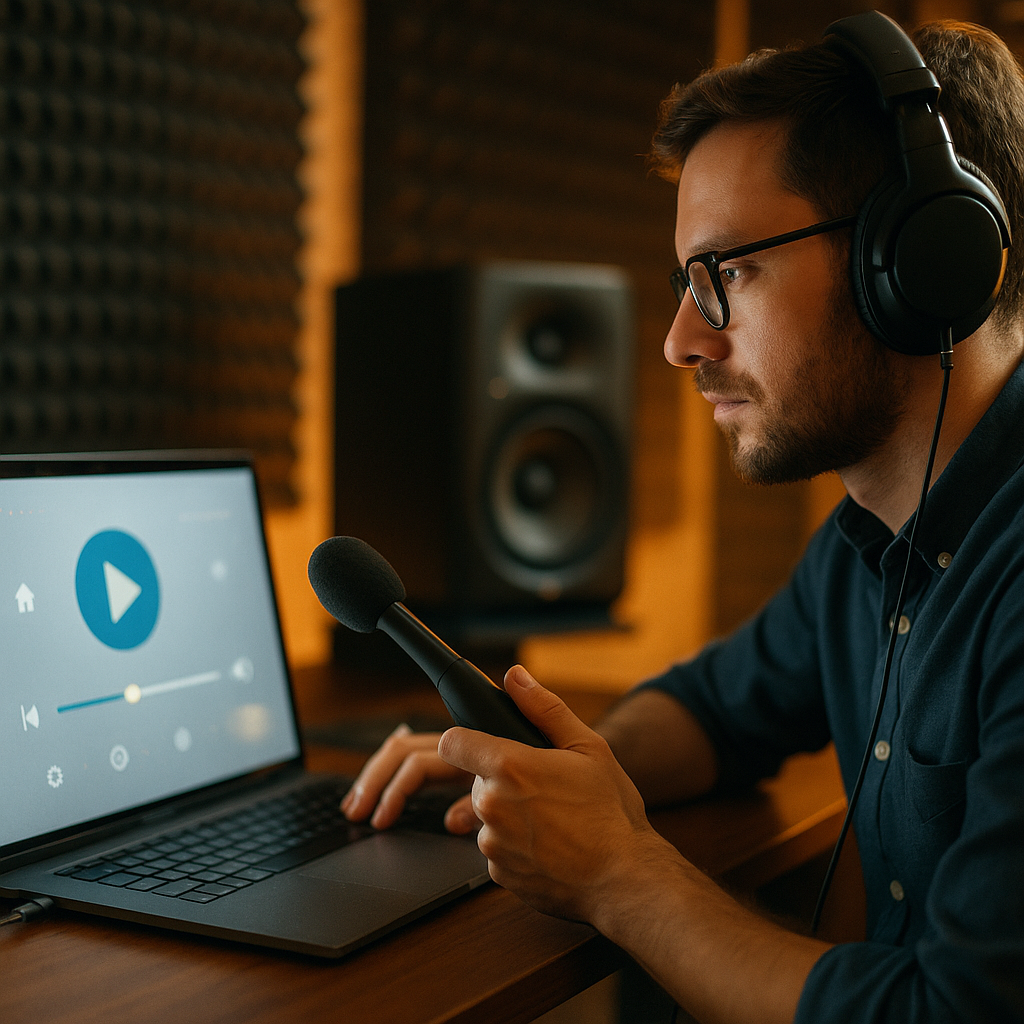
In luxury cars, the thud of a Bentley door signals precision, safety, and quality before the engine even starts. Digital products create similar first impressions through sound, motion, haptics, and response timing. Acoustic engineering offers a powerful lens for UX teams that want interfaces to feel trustworthy, premium, and effortless. What if better product perception starts with designing what users sense?
Why acoustic engineering matters in digital UX
Acoustic engineering studies how sound is produced, shaped, and perceived. In automotive design, teams tune everything from cabin resonance to the exact closing sound of a door because users interpret audio cues as evidence of build quality. In digital UX, the same principle applies: people judge a product not only by what it does, but by how it feels in the moment of interaction.
That feeling comes from multisensory signals. A button tap that responds instantly, a subtle haptic pulse on confirmation, a smooth animation that lands with clean timing, and a restrained sound cue can combine into a single perception: this product is reliable. When those signals conflict, trust drops. A beautiful screen that lags, vibrates weakly, or plays a cheap sound effect feels less polished than its visual design suggests.
UX teams often overemphasize visual consistency while underinvesting in sensory consistency. Yet users form opinions in milliseconds. They notice latency, abrupt transitions, distorted audio, and mismatched haptics even if they cannot describe the problem. The lesson from acoustic engineering is simple: perception is engineered. Premium experiences do not happen by accident.
For teams building apps, websites, connected products, and in-car interfaces in 2026, this matters more than ever. Users move between devices all day. They compare every interaction to the best one they experienced recently, not only to direct competitors. That makes sensory refinement a competitive advantage rather than an aesthetic extra.
The psychology of sound design in UX
Sound design in UX is not about adding more noise. It is about using audio intentionally to communicate state, reduce uncertainty, and reinforce brand perception. The “Bentley door” analogy works because the sound is dense, controlled, and reassuring. It communicates weight, insulation, and craftsmanship. In digital products, well-designed sound can communicate comparable qualities: stability, completion, urgency, or delight.
Users process sound quickly. A short confirmation tone can reassure them that a payment completed. A muted error cue can warn them without creating panic. A navigation click can improve orientation in environments where visual attention is split. This is especially relevant in mobile contexts, wearables, accessibility scenarios, automotive systems, gaming-adjacent products, healthcare applications, and smart home interfaces.
However, poor sound design harms UX fast. Common mistakes include:
- Overuse: too many sounds create fatigue and prompt users to mute the product entirely.
- Generic cues: stock effects can make a product feel cheap or outdated.
- Inconsistent mapping: similar sounds assigned to different actions confuse users.
- Improper loudness: sounds that spike in volume feel intrusive and unprofessional.
- No user control: failure to support muting, lowering, or customizing sounds undermines accessibility.
Strong UX sound design starts with a system, not isolated effects. Teams should define what each category of sound means. For example:
- Confirmation: brief, warm, low-complexity
- Error: noticeable but restrained, never alarming unless safety demands it
- Progress: subtle cues for long-running actions
- Navigation: light and consistent, used sparingly
- Brand moments: rare, memorable, and appropriate to context
The strongest products also test sound in real environments. What feels elegant in a quiet studio may disappear on a busy train or become irritating in a shared office. Acoustic engineering teaches designers to consider context, material response, and human perception together. UX teams should do the same.
Using multisensory UX design to create premium perception
The famous car-door thud is rarely just about the door. It results from materials, seals, hinges, damping, cavity design, and vibration control working together. The digital equivalent is multisensory UX design, where sound, visuals, motion, haptics, and timing support one another.
A premium digital interaction usually has five qualities:
- Immediate acknowledgment: the system signals that it received the user’s action.
- Coherent timing: animation, sound, and haptics occur in sync.
- Appropriate weight: transitions feel deliberate rather than floaty or abrupt.
- Controlled intensity: feedback is noticeable without becoming distracting.
- Consistency: similar actions produce similar responses across the product.
Consider a mobile banking transfer. A low-trust experience might include a spinner with no tactile response, unclear loading states, and silence after submission. A high-trust experience might acknowledge the tap instantly, animate the transition with measured pacing, deliver a discreet haptic pulse on completion, and optionally play a brief confirmation tone. The second experience feels safer, even if the underlying process time is identical.
This is not manipulation. It is communication. Users need feedback to understand system status, and premium feedback lowers cognitive load. It answers follow-up questions before users ask them: Did it work? Is it still processing? Should I tap again? Did I make a mistake?
Multisensory design also improves accessibility when done responsibly. Sound can support users with low vision. Haptics can help in noisy settings. Motion can direct attention if it respects reduced-motion preferences. The key is redundancy without overload. No single cue should carry the entire message.
How interaction feedback design builds trust
Trust is a product of repeated evidence. Every tap, swipe, submit action, and notification tells users whether the system is dependable. Interaction feedback design is where acoustic engineering principles become practical UX decisions.
Start with latency. Users are highly sensitive to delays, and delayed feedback often feels like poor quality. If a process cannot complete instantly, acknowledge the action instantly. This can be visual, auditory, haptic, or a combination. The important point is that the interface should respond immediately, even when the backend cannot.
Next, tune “feedback weight.” Heavier actions should feel heavier. Deleting an item, confirming a purchase, unlocking a feature, or completing onboarding should not all have the same response profile. Distinct interaction weight helps users understand importance. In acoustic terms, not every event deserves the same sonic mass.
Then consider material honesty. In physical products, sound reveals whether something is hollow, loose, rigid, or solid. In digital products, fake realism often fails, but honest signaling works. A minimalist productivity app may not need glossy sound effects. A fitness app may benefit from energetic haptics and sharper cues. A meditation app should avoid anything tense or metallic. Feedback must match the product’s purpose and emotional setting.
Design teams should document feedback patterns in their design system, including:
- When to use sound, haptic, motion, or visual-only feedback
- How strong each response should be
- How long transitions and cues should last
- What meaning each feedback category carries
- Which settings users can control or disable
This documentation is part of EEAT in practice. It shows rigor, repeatability, and a user-first process. Helpful content and helpful products share a trait: they reduce ambiguity through clear structure.
Measuring user perception and product quality
Teams often ask a fair question: how do you prove that sensory refinement improves UX? The answer is to measure perception directly and behavior indirectly. Acoustic engineering relies on testing, and digital UX should too.
Useful methods include moderated usability testing, preference studies, A/B tests, diary studies, accessibility reviews, and instrumentation. During testing, ask specific perception questions rather than general satisfaction prompts. For example:
- Did this interaction feel reliable?
- Did you know the action had completed?
- Was any feedback distracting or missing?
- How confident did you feel during this step?
- Did the product feel basic, polished, or premium?
Behavioral metrics can reveal whether feedback design is helping:
- Repeat taps: fewer repeats often indicate clearer acknowledgment
- Task completion: stronger completion rates can reflect lower uncertainty
- Error recovery: better cues can improve correction speed
- Feature adoption: clearer signals may increase confidence in new flows
- Retention and satisfaction: premium-feeling products often hold attention better over time
It is also important to test on real hardware. Laptop speakers, flagship phones, budget Android devices, smartwatches, and in-vehicle systems all reproduce sound and haptics differently. What feels rich on one device may be weak on another. The same applies to vibration motors, frame rates, and display refresh behavior. Sensory design must survive real-world variation.
From an EEAT perspective, transparency matters. If you claim a design pattern improves confidence or quality perception, base that claim on observed user behavior, validated research, or controlled testing. Readers and users both benefit when recommendations come from practice rather than trend-chasing.
Practical steps for premium digital product design in 2026
Applying acoustic engineering to UX does not require a luxury budget. It requires discipline. Teams can improve sensory quality with a straightforward process.
- Audit current feedback
Map all sounds, haptics, animations, and loading states across your product. Identify duplication, inconsistency, silence gaps, and overdesigned moments. - Prioritize high-stakes interactions
Focus first on login, payments, confirmations, navigation, messaging, onboarding, errors, and long-running tasks. These moments influence trust most strongly. - Create a sensory hierarchy
Define what deserves strong feedback, light feedback, or no feedback. This avoids both clutter and ambiguity. - Design for context
Assume many users will interact in public, noisy, distracted, or accessibility-dependent environments. Make sound optional, haptics meaningful, and visuals clear. - Respect user control
Offer mute options, reduced-motion support, clear notification preferences, and compatibility with system-level settings. Premium means considerate, not forceful. - Prototype with real devices
Do not rely only on design files. Test timing, vibration, and sound on the hardware people actually use. - Measure and refine
Combine user interviews, product metrics, and comparative testing. Small changes in timing and amplitude can significantly alter perception.
One common follow-up question is whether every product should include sound. No. Many products should use little or none by default. The lesson from the Bentley door is not “make everything audible.” It is “engineer perception deliberately.” In some cases, the right equivalent of a satisfying thud is a silent, perfectly timed state change paired with a precise haptic cue.
Another question is whether this approach only suits premium brands. Again, no. Utility apps, government services, healthcare tools, and enterprise software also benefit from reliable, clear feedback. Users need confidence everywhere, not only in luxury contexts. The difference is that each product should express confidence in a way that fits its purpose.
FAQs about acoustic engineering and digital UX
What does the thud of a Bentley door have to do with UX?
It is a model for engineered perception. That door sound signals quality, solidity, and care. In UX, users make similar judgments from response timing, sound cues, haptics, and animation. The principle is that sensory details shape trust.
Is sound design necessary for a good user experience?
No, but thoughtful feedback is necessary. Sound is one option alongside haptics, motion, and visuals. Some products benefit from audio; others should stay mostly silent. The goal is clear, consistent communication.
How can teams add premium feel without annoying users?
Use feedback sparingly, match it to the importance of the action, support user controls, and test in real settings. Premium experiences feel intentional, not loud. Restraint is often the difference between elegant and irritating.
What is the biggest mistake in multisensory UX design?
The biggest mistake is inconsistency. If sound, haptics, animation, and system status do not align, users feel friction even if they cannot explain it. A close second is overuse, which quickly creates fatigue.
How do you test whether sensory design is working?
Measure both perception and behavior. Ask users whether interactions feel reliable and clear, then track repeat taps, completion rates, error recovery, and satisfaction. Test on real devices because hardware changes perception.
Does this approach help accessibility?
Yes, when implemented carefully. Redundant cues can support users across different contexts and abilities. However, teams should never rely on only one channel. Offer alternatives, respect settings, and avoid sensory overload.
Can web products use these principles too?
Absolutely. Even without strong haptics, web experiences can improve perceived quality through timing, motion, microinteractions, progress indicators, and optional sound in appropriate contexts. Good feedback design is platform-agnostic.
Acoustic engineering shows that quality is often heard, felt, and inferred before it is consciously analyzed. Digital UX works the same way. When sound, motion, haptics, and timing are designed as one system, products feel more trustworthy, polished, and easy to use. The takeaway is clear: engineer perception with intent, test it in context, and let every interaction reinforce confidence.
Top Influencer Marketing Agencies
The leading agencies shaping influencer marketing in 2026
Agencies ranked by campaign performance, client diversity, platform expertise, proven ROI, industry recognition, and client satisfaction. Assessed through verified case studies, reviews, and industry consultations.
Moburst

-
2

The Shelf
Boutique Beauty & Lifestyle Influencer AgencyA data-driven boutique agency specializing exclusively in beauty, wellness, and lifestyle influencer campaigns on Instagram and TikTok. Best for brands already focused on the beauty/personal care space that need curated, aesthetic-driven content.Clients: Pepsi, The Honest Company, Hims, Elf Cosmetics, Pure LeafVisit The Shelf → -
3

Audiencly
Niche Gaming & Esports Influencer AgencyA specialized agency focused exclusively on gaming and esports creators on YouTube, Twitch, and TikTok. Ideal if your campaign is 100% gaming-focused — from game launches to hardware and esports events.Clients: Epic Games, NordVPN, Ubisoft, Wargaming, Tencent GamesVisit Audiencly → -
4

Viral Nation
Global Influencer Marketing & Talent AgencyA dual talent management and marketing agency with proprietary brand safety tools and a global creator network spanning nano-influencers to celebrities across all major platforms.Clients: Meta, Activision Blizzard, Energizer, Aston Martin, WalmartVisit Viral Nation → -
5

The Influencer Marketing Factory
TikTok, Instagram & YouTube CampaignsA full-service agency with strong TikTok expertise, offering end-to-end campaign management from influencer discovery through performance reporting with a focus on platform-native content.Clients: Google, Snapchat, Universal Music, Bumble, YelpVisit TIMF → -
6

NeoReach
Enterprise Analytics & Influencer CampaignsAn enterprise-focused agency combining managed campaigns with a powerful self-service data platform for influencer search, audience analytics, and attribution modeling.Clients: Amazon, Airbnb, Netflix, Honda, The New York TimesVisit NeoReach → -
7

Ubiquitous
Creator-First Marketing PlatformA tech-driven platform combining self-service tools with managed campaign options, emphasizing speed and scalability for brands managing multiple influencer relationships.Clients: Lyft, Disney, Target, American Eagle, NetflixVisit Ubiquitous → -
8

Obviously
Scalable Enterprise Influencer CampaignsA tech-enabled agency built for high-volume campaigns, coordinating hundreds of creators simultaneously with end-to-end logistics, content rights management, and product seeding.Clients: Google, Ulta Beauty, Converse, AmazonVisit Obviously →