


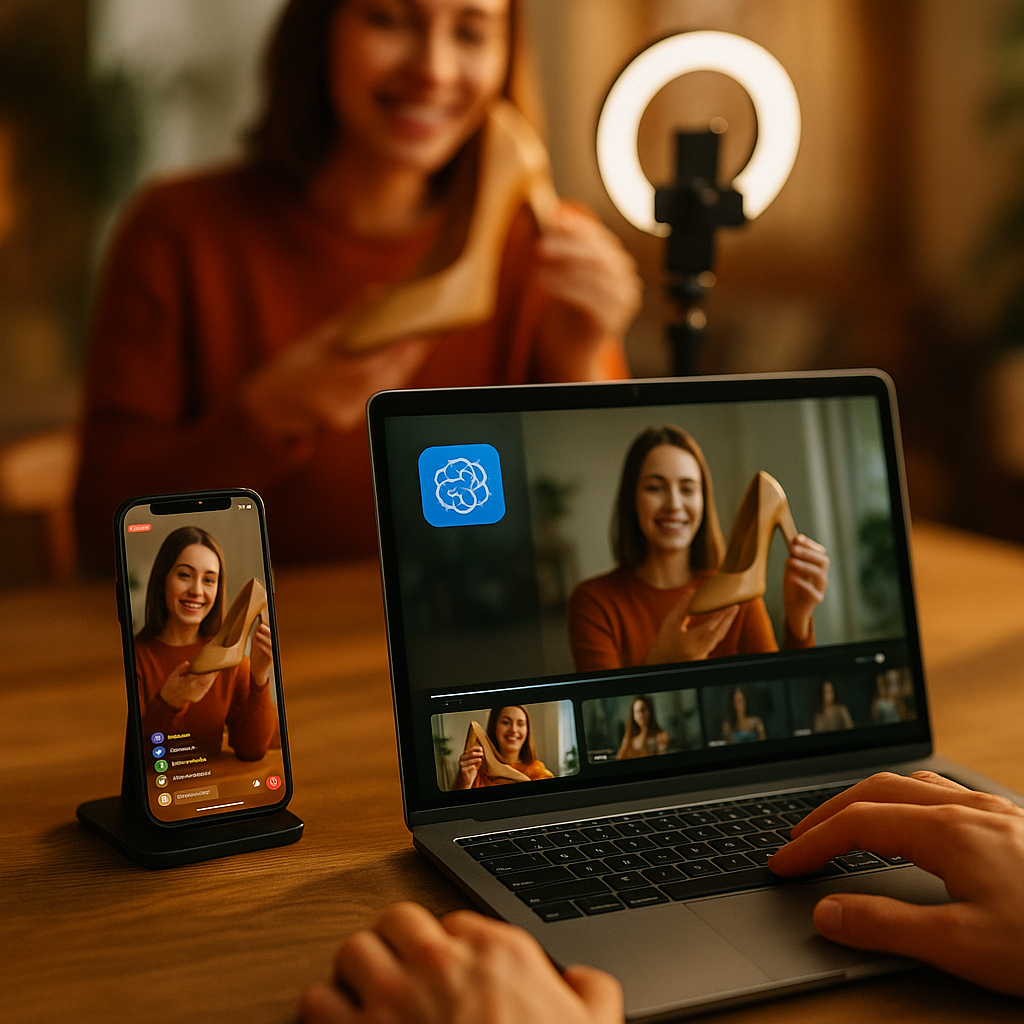
A two-hour livestream generates roughly 7,200 seconds of content. Most brand teams use about 60 of them. That gap is where revenue disappears. AI-powered repurposing workflows for live creator streams are closing it fast, and the brands running these pipelines are building short-form commerce assets at a fraction of traditional production cost.
Why Live Streams Are an Underused Commerce Asset
Live commerce is no longer experimental. Statista estimates global live commerce sales will exceed $680 billion by the end of this decade, with platforms like TikTok Shop, YouTube Shopping, and Amazon Live driving the bulk of high-intent traffic. Yet most brand teams treat a livestream as a one-time event rather than a content manufacturing line.
The structural problem is simple: live streams are long, unscripted, and unedited. Clips are buried inside them. Finding the high-conversion moments manually takes a skilled editor days of work. Meanwhile, the algorithm windows on Reels, TikToks, and Shorts are measured in hours, not days.
AI changes that equation entirely. Tools like Opus Clip, Dumme, and Adobe Premiere Pro’s AI-powered scene detection can ingest a raw VOD file and return timestamped clip candidates in under 30 minutes. The question is no longer whether you can repurpose the stream. The question is whether your team has a workflow that turns those clips into commerce-ready assets before the moment goes cold.
The brands winning in live commerce aren’t producing more streams. They’re extracting more value per stream through systematic AI-assisted repurposing pipelines built before the camera goes live.
Build the Workflow Before the Stream Starts
This is the step most teams skip. The repurposing workflow has to be architected in advance, not improvised after the fact. Before the creator goes live, your team needs four things in place:
- A timestamping protocol: Designate someone in the stream monitoring role whose only job is to log conversion moments in real time. Product reveals, price drops, “link in bio” calls to action, audience spikes, and high-engagement chat segments all get flagged with a timestamp and a one-line description.
- Pre-configured AI clip parameters: Tools like Opus Clip and Vidyo.ai let you set preferences for speaker framing, keyword triggers, and minimum engagement signals before you upload the VOD. Define these in advance so you’re not reconfiguring after every stream.
- Platform spec sheets ready: Reels, TikToks, and Shorts each have different optimal ratios, caption behaviors, and hook windows. Prepare your spec sheet before the stream so editing decisions are made against a clear template. Our guide on Reels hooks and CTAs covers the structural differences worth building into your template.
- Purchase link architecture mapped: Every clip that exits this workflow needs a purchase destination. Map your UTM parameters, affiliate link variants, and shoppable landing pages before the stream. Don’t let post-production bottleneck on link setup.
For teams managing broadcast-quality creator live events, this pre-production infrastructure is already familiar. The repurposing layer is simply an extension of it.
The AI Extraction Phase: What Actually Works
Once the stream ends and the VOD is available (typically within 30-90 minutes on most platforms), the AI extraction phase begins. Here’s the realistic sequence:
Step 1: Ingest and auto-clip. Upload the VOD to your AI clipping tool. Opus Clip uses a virality score based on retention signals and speaker engagement. Dumme is better suited for longer-form streams with multiple segments and topics. Run both if your volume justifies it. You’ll typically get 15-40 clip candidates from a two-hour stream.
Step 2: Cross-reference with your timestamp log. Your live monitor’s log is more valuable than the AI output alone. The algorithm doesn’t know that the creator just dropped a limited discount code at the 47-minute mark. You do. Flag the AI candidates that overlap with your logged moments and prioritize those for human review.
Step 3: Human review and selection. Assign an editor to watch the top 10-15 flagged clips. Their job is curation, not creation. They’re selecting the 5-7 clips that have a clear hook in the first three seconds, a legible CTA, and a product moment that links naturally to a purchase action.
Step 4: Caption, format, and link. Run selected clips through your captioning layer (Kapwing, Captions.ai, or Adobe’s auto-caption function handle this quickly). Format to spec for each platform. Attach UTM-tagged purchase links. For TikTok Shop, embed the product link directly in the clip metadata before upload. This is where your live commerce brief framework pays off, because the creator already knows which products to feature prominently.
Step 5: Distribute within the first four hours. The recency bonus on short-form platforms is real. Clips from a live event carry an implicit freshness signal that algorithms reward. Waiting until the next day is a significant missed opportunity.
Connecting Clips to Purchase Points
An entertaining clip that doesn’t convert is just content. The commerce architecture is what separates a repurposing workflow from a production workflow.
Each clip needs one clear purchase action. Not two. Not a general brand URL. One specific, product-level destination with tracking in place. TikTok’s in-stream product tagging, Instagram’s Shopping links, and YouTube’s product shelf integration all allow this natively. Use them. The friction between a viewer’s intent and the purchase moment is where conversions die.
For brands running more complex attribution, tools like Northbeam and Triple Whale can ingest the UTM data from repurposed clip traffic and attribute it correctly against your full funnel. This matters when you’re reporting ROI on live events to leadership. You need to show that the stream generated not just views, but revenue traceable to specific clip moments.
Teams already using shoppable in-stream experiences will find this layer familiar. The repurposed clip is simply a downstream distribution of the same commerce logic.
Rights, Compliance, and Creator Agreements
Before any clip leaves your workflow, rights clearance has to be confirmed. This is where teams routinely get burned. A creator’s livestream may include background music, third-party footage, or brand mentions they didn’t clear with you. The VOD is one thing; a TikTok clip with a copyrighted song underneath it is a DMCA takedown waiting to happen.
Your creator agreements need explicit language covering VOD repurposing rights, including the right to edit, reformat, and redistribute clips across paid and organic channels. If your contracts don’t have this, they need updating now. The FTC’s endorsement guidelines also apply to repurposed clips the same way they apply to original content. If the creator disclosed in the stream, that disclosure needs to carry through to the clip, either as an on-screen text element or within the caption.
For teams managing rights at scale, the UGC rights clearance automation frameworks developed for user-generated content apply directly here. The legal surface area is the same.
Scaling Across Multiple Streams
Once the workflow is proven on a single stream, the operational question becomes: how do you run this across five creators, ten streams, and three platforms simultaneously without building a full production department?
The answer is templatization. Every decision in the workflow above should be documented as a repeatable template: the clip brief, the platform spec sheet, the UTM naming convention, the caption format, the compliance checklist. When those templates exist, the AI tools do the heavy lifting and your team does the judgment work.
Teams that document their repurposing decisions as templates reduce per-clip production time by over 60% by the third stream cycle, because every judgment call has already been made once.
Multi-creator programs also benefit from building cross-platform repurposing stacks that can handle different creators, content styles, and product categories without rebuilding from scratch each time. The stack becomes the asset, not the individual clip.
For teams exploring AI video generation as a complement, Gemini Flash for localized video ads is worth reviewing alongside your repurposing pipeline. The two workflows can feed each other: repurposed clips become training data for localized ad variants at scale.
Platforms like TikTok for Business, Meta Business Suite, and YouTube Studio each publish their own best-practice documentation on shoppable content formatting. Build these into your spec sheets and review them quarterly, because platform specs change faster than most brand guidelines do.
Start with your next scheduled live event. Map the workflow against it this week, run a post-mortem on the clip output, and use that data to set a cost-per-clip benchmark before you scale.
Frequently Asked Questions
What AI tools are most effective for repurposing live streams into short-form clips?
Opus Clip and Dumme are the most widely used tools for automated clip extraction from long-form streams. Opus Clip scores clips based on virality signals and speaker framing, while Dumme handles longer streams with multiple topic segments more effectively. Adobe Premiere Pro’s AI-assisted scene detection is a strong option for teams already inside the Adobe ecosystem. Kapwing and Captions.ai handle the captioning layer. Most teams use a combination of two tools rather than relying on a single platform.
How soon after a live stream should repurposed clips be published?
Within four hours is the target window. Short-form platforms reward recency, and a clip tagged to a live event carries an implicit freshness signal that the algorithm favors. Waiting until the next day significantly reduces the organic reach potential of the clips. Building the repurposing workflow in advance, including pre-configured AI parameters and ready-to-deploy link architecture, is what makes this timeline achievable for most brand teams.
Do creator contracts need to explicitly cover stream repurposing rights?
Yes, without exception. Standard influencer agreements often cover original posts but are vague on VOD editing, reformatting, and redistribution across paid channels. Your contracts need explicit language granting the brand the right to clip, reformat, add captions, attach purchase links, and distribute repurposed content across organic and paid placements. This should also address music rights in the stream, since background audio can trigger DMCA claims on repurposed clips even when the original VOD was not flagged.
How do you track conversions from repurposed stream clips accurately?
UTM parameters are the foundation. Each clip should carry a unique UTM string that identifies the source stream, the creator, the clip number, and the platform destination. TikTok Shop, Instagram Shopping, and YouTube’s product shelf all support product-level link tagging natively. For cross-channel attribution, tools like Northbeam and Triple Whale can ingest UTM data and attribute stream-clip traffic correctly against the full purchase funnel, which is critical when reporting live commerce ROI to leadership.
How many short-form clips can realistically be extracted from a two-hour livestream?
AI tools typically surface 15-40 clip candidates from a two-hour stream. After human review and quality filtering against your commerce criteria, most brand teams select 5-8 clips for distribution. The selection criteria should prioritize clips with a clear hook in the first three seconds, a visible or audible product moment, and a natural transition point for a purchase CTA. Quality over quantity applies: five clips that convert outperform twenty clips that merely entertain.
Top Influencer Marketing Agencies
The leading agencies shaping influencer marketing in 2026
Agencies ranked by campaign performance, client diversity, platform expertise, proven ROI, industry recognition, and client satisfaction. Assessed through verified case studies, reviews, and industry consultations.
Moburst

-
2

The Shelf
Boutique Beauty & Lifestyle Influencer AgencyA data-driven boutique agency specializing exclusively in beauty, wellness, and lifestyle influencer campaigns on Instagram and TikTok. Best for brands already focused on the beauty/personal care space that need curated, aesthetic-driven content.Clients: Pepsi, The Honest Company, Hims, Elf Cosmetics, Pure LeafVisit The Shelf → -
3

Audiencly
Niche Gaming & Esports Influencer AgencyA specialized agency focused exclusively on gaming and esports creators on YouTube, Twitch, and TikTok. Ideal if your campaign is 100% gaming-focused — from game launches to hardware and esports events.Clients: Epic Games, NordVPN, Ubisoft, Wargaming, Tencent GamesVisit Audiencly → -
4

Viral Nation
Global Influencer Marketing & Talent AgencyA dual talent management and marketing agency with proprietary brand safety tools and a global creator network spanning nano-influencers to celebrities across all major platforms.Clients: Meta, Activision Blizzard, Energizer, Aston Martin, WalmartVisit Viral Nation → -
5

The Influencer Marketing Factory
TikTok, Instagram & YouTube CampaignsA full-service agency with strong TikTok expertise, offering end-to-end campaign management from influencer discovery through performance reporting with a focus on platform-native content.Clients: Google, Snapchat, Universal Music, Bumble, YelpVisit TIMF → -
6

NeoReach
Enterprise Analytics & Influencer CampaignsAn enterprise-focused agency combining managed campaigns with a powerful self-service data platform for influencer search, audience analytics, and attribution modeling.Clients: Amazon, Airbnb, Netflix, Honda, The New York TimesVisit NeoReach → -
7

Ubiquitous
Creator-First Marketing PlatformA tech-driven platform combining self-service tools with managed campaign options, emphasizing speed and scalability for brands managing multiple influencer relationships.Clients: Lyft, Disney, Target, American Eagle, NetflixVisit Ubiquitous → -
8

Obviously
Scalable Enterprise Influencer CampaignsA tech-enabled agency built for high-volume campaigns, coordinating hundreds of creators simultaneously with end-to-end logistics, content rights management, and product seeding.Clients: Google, Ulta Beauty, Converse, AmazonVisit Obviously →