


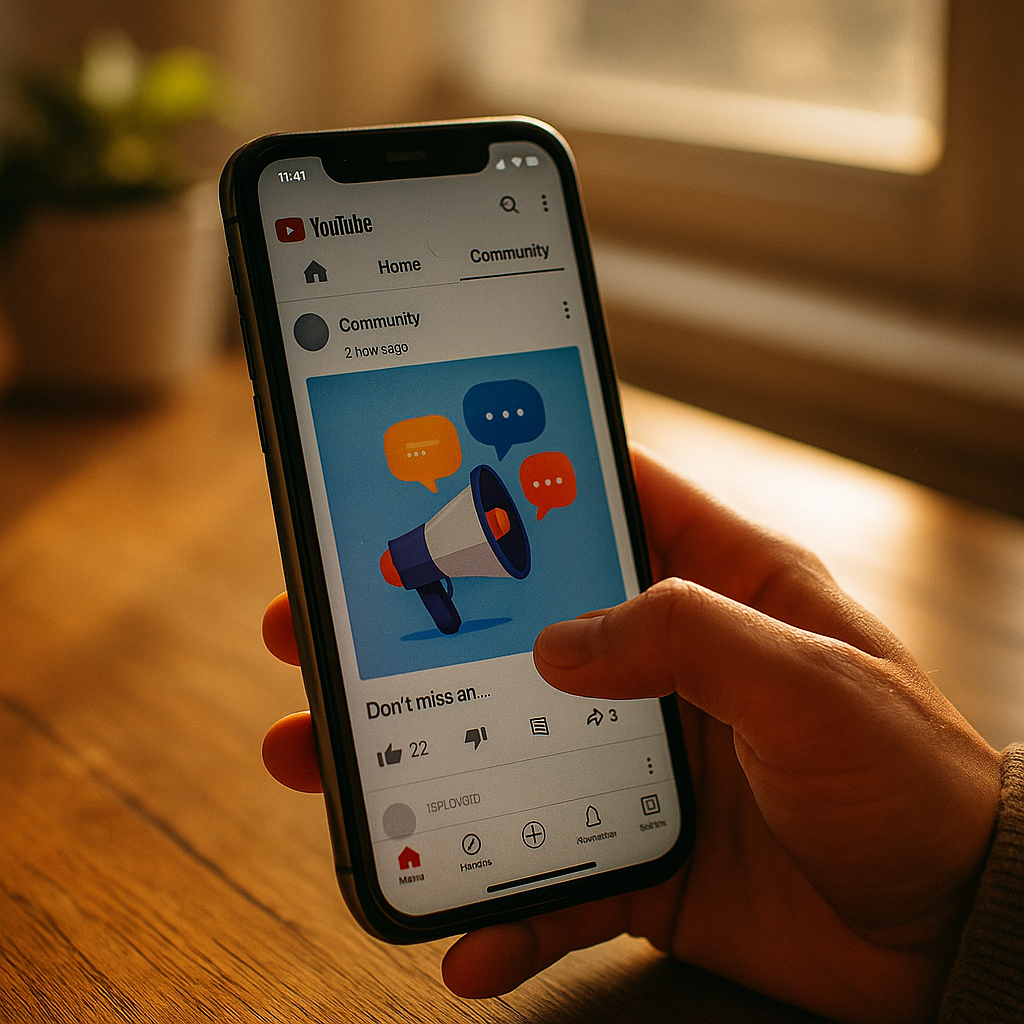
YouTube channels post new videos every nine days on average, yet subscribers check in far more often than that. That gap is where audiences drift, algorithms deprioritize you, and competitors slide into the feed you used to own. The YouTube Community Tab exists to close that gap, and most brands still treat it as an afterthought instead of a retention engine.
This playbook breaks down how to use the Community Tab to sustain engagement, protect watch time momentum, and give your channel a reason to show up in subscription feeds even when you have nothing new to upload.
Why the Gap Between Uploads Is Costing You Reach
YouTube’s recommendation system rewards consistency signals, not just upload frequency. When a channel goes quiet, click-through rate on the next video often drops because the algorithm has fewer recent engagement signals to work with. Community Tab posts, polls, images, and text updates all count as activity that keeps a channel “warm” in the eyes of the system.
Think about the mechanics. A subscriber opens YouTube, scrolls their subscription feed, and sees a poll from your brand channel asking which product they’d want reviewed next. They tap it. That interaction registers as engagement with your channel, not just a single video. It’s a small signal, but stacked across hundreds of posts a month, it adds up to meaningfully better standing when your next upload does drop.
Channels that post consistently in the Community Tab between uploads see measurably higher subscriber retention than those that go dark, because every poll, image, or update is another touchpoint the algorithm can credit to your channel’s activity score.
What the Community Tab Actually Supports
Not every channel has access, and the feature set has expanded over recent product cycles. As of now, brands with eligible channels can publish:
- Text posts with links (useful for driving traffic to landing pages or affiliate storefronts)
- Image posts (behind-the-scenes content, product teasers, quote graphics)
- Polls (fast engagement, useful for content planning input)
- GIFs and short video clips
- Quizzes (a newer format for interactive engagement)
- Premiere countdown posts tied to scheduled video drops
Eligibility typically requires a minimum subscriber threshold, so smaller or newly launched brand channels may not see the tab in their creator studio yet. If you’re not eligible, the fix is simple but unglamorous: grow the base through consistent uploads and cross-promotion until the tab unlocks.
Building a Posting Cadence That Doesn’t Feel Like Spam
The temptation with any “free” engagement surface is to overuse it. Resist that. A Community Tab flooded with five posts a day reads as noise, and subscribers will mute notifications or unfollow. The brands getting this right treat the tab like a content calendar slot, not a dumping ground.
A workable cadence for most mid-size brand channels looks like two to four posts per week, spaced around the actual upload schedule rather than crammed before a video drops. Use the days between uploads deliberately:
- Day after upload: A poll or question tied to the video’s topic, capturing residual engagement while the video is still fresh.
- Midweek: A behind-the-scenes image or quote graphic that humanizes the brand without asking for anything.
- Two days before next upload: A teaser image or short clip hinting at what’s coming.
- Day of upload: A premiere countdown post or direct link once the video goes live.
This rhythm mirrors what works on other platforms too. If your team already runs a structured content calendar for Instagram Reels, the same discipline around spacing and intent translates directly.
Polls Are Underrated Research Tools
Most brands use polls for throwaway engagement bait: “Which color do you like better?” That’s fine occasionally, but polls are also a legitimate, low-cost research channel. Ask your audience what product category to cover next, which creator collaboration they’d want to see, or what pricing tier feels fair. You get directional data in hours, not weeks, and the act of asking signals that the brand listens.
Agencies running influencer programs across multiple platforms should treat Community Tab polls as a cheap complement to formal surveys. Compare the results against engagement patterns you’re already tracking on channels like YouTube Shorts, where audience taste shows up fast and loud.
Link Posts: The Quiet Conversion Driver
Here’s something brands underuse: Community Tab link posts can drive meaningful traffic to product pages, affiliate storefronts, or landing pages without needing a dedicated video. If your channel runs affiliate links through YouTube Shopping, the Community Tab is a natural secondary surface for resurfacing those links between content drops.
Pair this with disclosure discipline. Any affiliate or sponsored link posted to the Community Tab still falls under FTC guidance on clear and conspicuous disclosure, and FTC endorsement rules apply regardless of which tab the link lives in. Brands that have already tightened disclosure practices around affiliate link disclosure should extend the same standard here rather than treating Community posts as a loophole.
Premiere Posts and the Pre-Launch Window
Scheduling a video as a Premiere and posting a countdown in the Community Tab does two things at once. It builds a live chat moment around the launch, which spikes real-time engagement signals, and it gives the algorithm a concentrated burst of activity instead of a flat upload. For brand channels launching product reveals or campaign videos, this combination consistently outperforms a standard silent upload.
The operational lift is minimal: schedule the premiere, post the countdown graphic 48 hours out, remind again at the two-hour mark, then show up in chat during the premiere window yourself. Brands that skip the “show up in chat” step lose most of the value, because the live engagement is what the algorithm actually weighs.
Measuring Whether It’s Working
YouTube Studio doesn’t give Community Tab posts the same granular analytics as videos, which frustrates performance marketers used to granular dashboards. Focus on the signals you can actually see:
- Impressions and engagement rate per post, available in the Community tab of YouTube Studio
- Subscriber growth trend during weeks with active posting versus weeks without
- Click-through on link posts, tracked via UTM parameters on the destination URL
- Comment sentiment and volume as a proxy for community health
Run a simple A/B comparison across two monthly cycles: one with disciplined Community Tab posting, one without. Hold the video upload schedule constant. If your retention metrics and next-video CTR both improve in the posting month, you have your internal business case. This is the same test-and-measure approach brands apply when validating new formats, similar to how teams benchmark watch depth strategy shifts on other platforms before committing budget.
Where It Fits in the Broader Creator Stack
The Community Tab shouldn’t operate in isolation. It works best as connective tissue between your YouTube uploads and your broader influencer and creator partnerships. If you’re running a creator network for seeding or collaboration, use the tab to spotlight creator content, cross-promote collabs, and keep the audience aware of partnerships happening elsewhere. Brands managing multi-platform creator rosters, the kind documented in guides on nano creator seeding, already understand the value of frequent, low-lift touchpoints. The Community Tab is YouTube’s version of that same principle.
Industry benchmarks from eMarketer and ongoing engagement research from Sprout Social consistently show that brands maintaining cross-format posting cadences retain audience attention longer than those relying on a single content type. YouTube’s own creator guidance, available through Google’s support documentation, echoes the same point: consistency across formats outperforms sporadic high-effort uploads.
Frequently Asked Questions
FAQs
What is the YouTube Community Tab used for?
It’s a feature that lets eligible channels post text, images, polls, GIFs, and premiere announcements directly to subscribers’ feeds without uploading a full video, helping maintain engagement between content drops.
How many subscribers do you need to unlock the Community Tab?
Eligibility thresholds have shifted over time and vary by channel standing, so brands should check their YouTube Studio dashboard directly rather than relying on outdated subscriber count figures.
How often should brands post in the Community Tab?
Two to four posts per week, spaced around the upload schedule, tends to sustain engagement without overwhelming subscribers or triggering notification fatigue.
Do Community Tab posts affect the YouTube algorithm?
They contribute engagement and activity signals that can support channel standing, though they don’t replace watch time or video-level performance as primary ranking factors.
Can brands post affiliate links in the Community Tab?
Yes, but the same FTC disclosure requirements that apply to video descriptions apply here, so any sponsored or affiliate link needs clear and conspicuous disclosure.
Is the Community Tab worth the time investment for small brand channels?
If the channel has access, yes. The time cost is low compared to video production, and the retention benefit compounds over months of consistent posting.
Next step: Audit your last 30 days of Community Tab activity (or lack of it), map two to four weekly posts against your existing upload calendar, and track next-video CTR for one full cycle before deciding if the cadence needs adjusting.
FAQs
What is the YouTube Community Tab used for?
It’s a feature that lets eligible channels post text, images, polls, GIFs, and premiere announcements directly to subscribers’ feeds without uploading a full video, helping maintain engagement between content drops.
How many subscribers do you need to unlock the Community Tab?
Eligibility thresholds have shifted over time and vary by channel standing, so brands should check their YouTube Studio dashboard directly rather than relying on outdated subscriber count figures.
How often should brands post in the Community Tab?
Two to four posts per week, spaced around the upload schedule, tends to sustain engagement without overwhelming subscribers or triggering notification fatigue.
Do Community Tab posts affect the YouTube algorithm?
They contribute engagement and activity signals that can support channel standing, though they don’t replace watch time or video-level performance as primary ranking factors.
Can brands post affiliate links in the Community Tab?
Yes, but the same FTC disclosure requirements that apply to video descriptions apply here, so any sponsored or affiliate link needs clear and conspicuous disclosure.
Is the Community Tab worth the time investment for small brand channels?
If the channel has access, yes. The time cost is low compared to video production, and the retention benefit compounds over months of consistent posting.
Top Influencer Marketing Agencies
The leading agencies shaping influencer marketing in 2026
Agencies ranked by campaign performance, client diversity, platform expertise, proven ROI, industry recognition, and client satisfaction. Assessed through verified case studies, reviews, and industry consultations.
Moburst

-
2

The Shelf
Boutique Beauty & Lifestyle Influencer AgencyA data-driven boutique agency specializing exclusively in beauty, wellness, and lifestyle influencer campaigns on Instagram and TikTok. Best for brands already focused on the beauty/personal care space that need curated, aesthetic-driven content.Clients: Pepsi, The Honest Company, Hims, Elf Cosmetics, Pure LeafVisit The Shelf → -
3

Audiencly
Niche Gaming & Esports Influencer AgencyA specialized agency focused exclusively on gaming and esports creators on YouTube, Twitch, and TikTok. Ideal if your campaign is 100% gaming-focused — from game launches to hardware and esports events.Clients: Epic Games, NordVPN, Ubisoft, Wargaming, Tencent GamesVisit Audiencly → -
4

Viral Nation
Global Influencer Marketing & Talent AgencyA dual talent management and marketing agency with proprietary brand safety tools and a global creator network spanning nano-influencers to celebrities across all major platforms.Clients: Meta, Activision Blizzard, Energizer, Aston Martin, WalmartVisit Viral Nation → -
5

The Influencer Marketing Factory
TikTok, Instagram & YouTube CampaignsA full-service agency with strong TikTok expertise, offering end-to-end campaign management from influencer discovery through performance reporting with a focus on platform-native content.Clients: Google, Snapchat, Universal Music, Bumble, YelpVisit TIMF → -
6

NeoReach
Enterprise Analytics & Influencer CampaignsAn enterprise-focused agency combining managed campaigns with a powerful self-service data platform for influencer search, audience analytics, and attribution modeling.Clients: Amazon, Airbnb, Netflix, Honda, The New York TimesVisit NeoReach → -
7

Ubiquitous
Creator-First Marketing PlatformA tech-driven platform combining self-service tools with managed campaign options, emphasizing speed and scalability for brands managing multiple influencer relationships.Clients: Lyft, Disney, Target, American Eagle, NetflixVisit Ubiquitous → -
8

Obviously
Scalable Enterprise Influencer CampaignsA tech-enabled agency built for high-volume campaigns, coordinating hundreds of creators simultaneously with end-to-end logistics, content rights management, and product seeding.Clients: Google, Ulta Beauty, Converse, AmazonVisit Obviously →