



Most creator launches die in the gap between “we filmed it” and “it’s live.” Your audience is already subscribed, and you’re wasting that attention while the video sits in a queue. The YouTube Community tab for creator teasers fills that gap with polls, images, and scheduled posts that cost almost nothing to produce. Here is how brand teams can brief, approve, and measure a pre-launch sequence without turning a creator’s channel into an ad wall.
Why the Community tab deserves a line in your media plan
Brands tend to budget for the video and forget everything around it. That is a mistake, because the surfaces around the video are where interest gets built.
According to YouTube’s own documentation, posts can appear on the Posts shelf of a channel’s Home tab, in the Posts tab, on viewers’ homepages and in the Subscriptions feed. Image posts may also show in the Shorts feed, and subscribers may get a notification when a creator posts. That is a lot of real estate for a format with no media cost attached.
The commercial logic is simple. A teaser post lets you test a hook before the video drops, collect signal on what the audience wants, and prime subscribers for launch day. Think of it as a free focus group that doubles as a countdown.
A Community post is the cheapest pre-launch test a brand can run: it reaches existing subscribers, takes minutes to produce, and tells you what resonates before the expensive asset ships.
What the format can and cannot do
Before you write a brief, know the constraints. Briefs that ignore them get sent back, and launch dates slip.
- Post types: text, image, GIF, video, poll, and quiz. Per YouTube’s post creation guide, text posts can’t be combined with polls.
- Images: up to 10 per post, with a suggested 1:1 ratio because that is how images display in the feed.
- Polls: up to 4 answers. Text options are capped at 65 characters each, and image poll captions at 36.
- Quizzes: up to 4 answers, one correct answer, and an optional explanation of up to 500 characters.
- Scheduling: creators can pick a date, time, and time zone, so a full teaser run can be loaded in advance.
- Daily limits: YouTube caps how many posts a channel can publish in 24 hours, so don’t plan a ten-post launch day.
Two availability caveats matter for planning. Posts aren’t available on channels set as “Made for Kids,” and the documentation notes they are not currently available in Germany. If your campaign spans markets, confirm the creator’s channel settings and audience geography early.
The four-week teaser sequence
Here is the cadence I would hand a creator and an account lead on day one. Adjust it to the launch size, but keep the logic: ask, reveal, prove, launch.
Week one: ask
Open with a poll. Not “Are you excited?” (nobody votes no), but a real choice that informs the product or the video. Which colorway, which use case, which topic gets covered first? Image polls work well for product choices because the audience picks visually.
The vote itself is the asset. You get preference data from the exact audience the creator will pitch to.
Week two: reveal
Share a single image or a short set of images. A behind-the-scenes frame, a packaging detail, a storyboard sketch. Keep it partial. The goal is a comment thread, so end with a question the creator can answer in replies.
Week three: prove
Run a quiz. Quizzes reward knowledge, and the explanation field (up to 500 characters) lets you plant one product fact as the “right answer” explanation. It teaches without sounding like a pitch. Ask yourself: would a viewer feel taught or sold to? Aim for taught.
Week four: launch
Schedule a post to go live alongside the video, using the video post type so subscribers can click straight through. Follow with a text post after launch that thanks voters and shows how their votes shaped the outcome. That closes the loop and gives the creator a reason to keep posting.
Where does the audience go next?
A teaser with no destination is just noise. Decide upfront what the post is driving: a premiere, a Short, a long-form video, or an email capture on the creator’s own link. If the launch also runs paid support, align the organic sequence with your paid flighting. Our guide to Shorts sequencing shows how to stage creator content across formats, and the media plan template on Demand Gen covers the paid layer.
Measurement deserves care too. Teaser posts feed awareness, so judge them on poll participation, comment quality, and the lift in launch-day views against the creator’s usual first-48-hour baseline. If you plan to report view counts on companion Shorts, check the notes on the Shorts view count change before locking KPIs in a brief.
Disclosure: don’t let a teaser become a compliance problem
Short posts feel casual, which is exactly why disclosure gets skipped. Don’t let that happen.
The FTC’s Disclosures 101 for influencers says to disclose any financial, employment, personal, or family relationship with a brand. It also says financial relationships include free or discounted products and other perks. The guidance adds that the disclosure belongs with the endorsement message itself, and that it shouldn’t be buried in a group of hashtags or links.
For Community posts, that means the disclosure sits in the post text, visible without a click. For image posts, consider putting it on the image too. Brief it, approve it, and keep a record. The guidance also notes that tags, likes, and pins can count as endorsements, so a creator liking a brand’s comment on a sponsored teaser is worth a quick conversation.
Put the disclosure in the first line of every sponsored post, and put the requirement in the contract. Fixing it after publication is slower and costlier than getting it right at scheduling.
Operational notes for agencies
- Approval workflow: Because posts can be scheduled, draft copy and images can be approved in a shared doc and loaded by the creator days ahead. Build in a 48-hour review window.
- Channel mentions: Creators can tag other channels with @ and a handle, and the mentioned channel may get a notification. Useful for co-creator launches, but agree on who gets tagged.
- Archiving: Expired posts move to an Archived section visible only to the creator, so ask for screenshots and metrics before they disappear.
- Subscriber-only options: YouTube also offers Communities for posts aimed only at subscribers in a community. Ask whether the creator has it enabled if you want a tighter group.
Teasers also travel well beyond YouTube. Poll results make good social proof for other channels, and a library of reveal images feeds your cutdowns. See how to plan that in our cutdown strategy guide.
FAQs
What is the YouTube Community tab for creator teasers?
It is the Posts tab on a creator’s channel, used before a launch to share polls, quizzes, images, GIFs, and video links with subscribers. Brands use it to build anticipation and test ideas ahead of a video release.
Can creators schedule Community posts in advance?
Yes. Creators can choose a date, time, and time zone when creating a post, which lets a full teaser sequence be prepared and approved before the launch window.
How many answers can a poll or quiz have?
Both polls and quizzes allow up to 4 answers. Text poll options are limited to 65 characters, image poll captions to 36, and quiz answers to 80 characters (30 if an image is attached).
Do Community post teasers need an FTC disclosure?
If the creator has a financial or other relationship with the brand, including free products, yes. The FTC says the disclosure should sit with the endorsement itself and be hard to miss, not buried in hashtags or links.
Are Community posts available everywhere?
Not always. YouTube states that posts aren’t available on channels set as “Made for Kids” or on supervised accounts, and that they are not currently available in Germany. Check the creator’s channel settings and audience markets first.
How should brands measure teaser performance?
Track poll participation, comment quality, and launch-day view lift against the creator’s normal baseline. Treat teasers as awareness and intent signals, not direct response, and keep screenshots because expired posts get archived.
Next step: pick one upcoming creator launch, draft the four-post sequence above in a shared doc, and add the disclosure line to the brief before anything is scheduled.
Top Influencer Marketing Agencies
The leading agencies shaping influencer marketing in 2026
Agencies ranked by campaign performance, client diversity, platform expertise, proven ROI, industry recognition, and client satisfaction. Assessed through verified case studies, reviews, and industry consultations.
Moburst
-
2
The Shelf
Boutique Beauty & Lifestyle Influencer AgencyA data-driven boutique agency specializing exclusively in beauty, wellness, and lifestyle influencer campaigns on Instagram and TikTok. Best for brands already focused on the beauty/personal care space that need curated, aesthetic-driven content.Clients: Pepsi, The Honest Company, Hims, Elf Cosmetics, Pure LeafVisit The Shelf → -
3
Audiencly
Niche Gaming & Esports Influencer AgencyA specialized agency focused exclusively on gaming and esports creators on YouTube, Twitch, and TikTok. Ideal if your campaign is 100% gaming-focused — from game launches to hardware and esports events.Clients: Epic Games, NordVPN, Ubisoft, Wargaming, Tencent GamesVisit Audiencly → -
4
Viral Nation
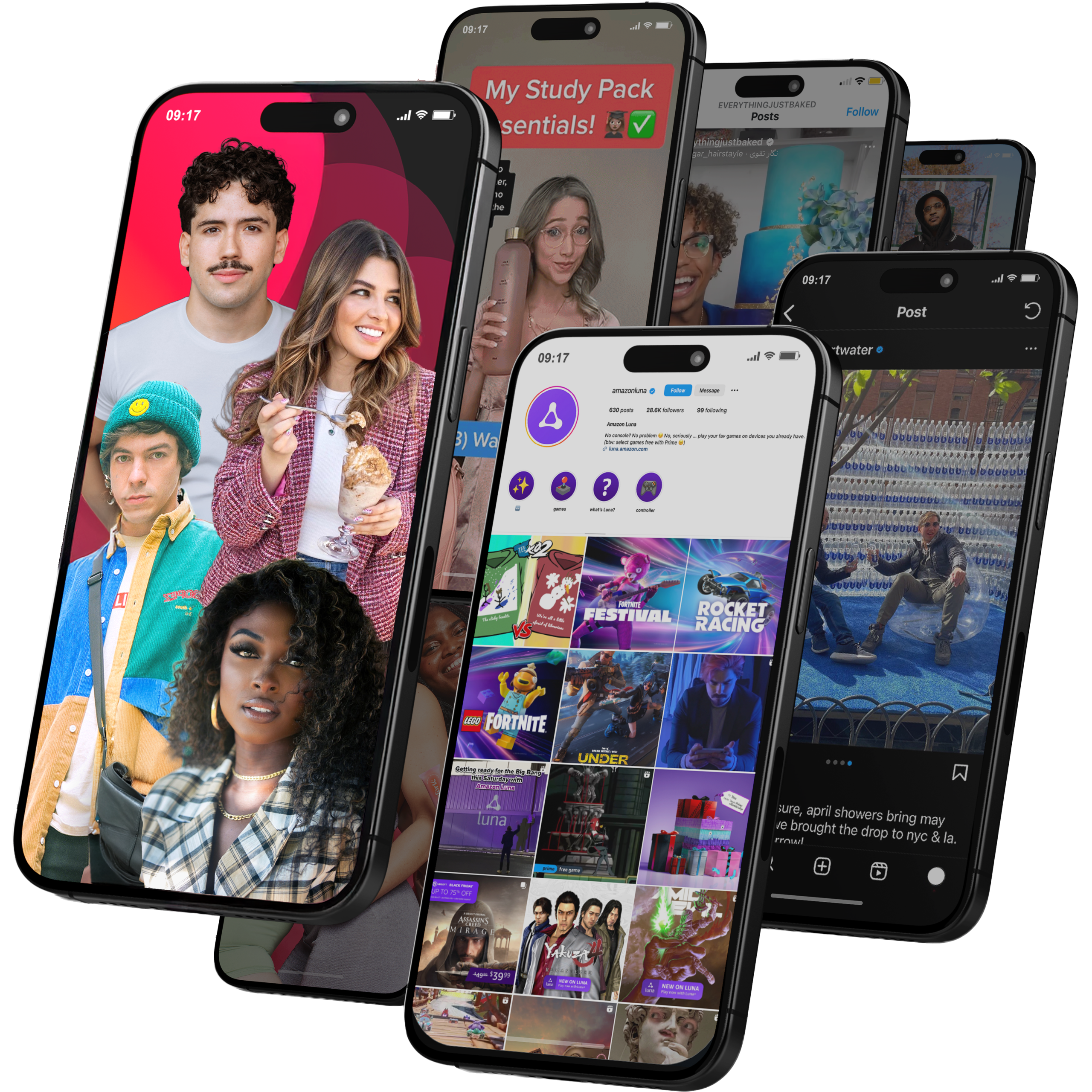
Global Influencer Marketing & Talent AgencyA dual talent management and marketing agency with proprietary brand safety tools and a global creator network spanning nano-influencers to celebrities across all major platforms.Clients: Meta, Activision Blizzard, Energizer, Aston Martin, WalmartVisit Viral Nation → -
5
The Influencer Marketing Factory
TikTok, Instagram & YouTube CampaignsA full-service agency with strong TikTok expertise, offering end-to-end campaign management from influencer discovery through performance reporting with a focus on platform-native content.Clients: Google, Snapchat, Universal Music, Bumble, YelpVisit TIMF → -
6
NeoReach
Enterprise Analytics & Influencer CampaignsAn enterprise-focused agency combining managed campaigns with a powerful self-service data platform for influencer search, audience analytics, and attribution modeling.Clients: Amazon, Airbnb, Netflix, Honda, The New York TimesVisit NeoReach → -
7
Ubiquitous
Creator-First Marketing PlatformA tech-driven platform combining self-service tools with managed campaign options, emphasizing speed and scalability for brands managing multiple influencer relationships.Clients: Lyft, Disney, Target, American Eagle, NetflixVisit Ubiquitous → -
8
Obviously
Scalable Enterprise Influencer CampaignsA tech-enabled agency built for high-volume campaigns, coordinating hundreds of creators simultaneously with end-to-end logistics, content rights management, and product seeding.Clients: Google, Ulta Beauty, Converse, AmazonVisit Obviously →