



Your creator drove 400 form fills last quarter. Which ones closed? If your CRM can’t answer that per link, you’re paying for reach and guessing at revenue. Server side click ID capture fixes the gap by binding every creator link click to the lead record it produces, before browsers, consent banners or form tools lose the thread.
Why creator leads lose their parentage
A typical path: a creator posts a link, a follower taps it, lands on a page, browses, leaves, comes back two days later and fills in a form. Somewhere in that sequence the UTM parameters vanished. The form submits. Your CRM logs “Direct” or “Website.”
Three things usually break the chain:
- Client-side storage that expires or gets blocked. JavaScript cookies are the first casualty of browser privacy rules. Our piece on GCLID and FBCLID capture covers the Safari side of this in detail.
- Forms that live on another domain. Embedded form tools and third-party landing page builders can’t read your first-party cookies.
- Human-entered fields. Anyone who relies on a rep typing “How did you hear about us?” is collecting fiction.
The result is a lead record with no parent. Finance can’t credit the creator, and the program looks like a cost center.
Two kinds of IDs, and why you need both
Platform click IDs (gclid, fbclid) tell Google and Meta which ad click produced a conversion. They matter when a creator’s content is boosted as paid media, or when you run search and social alongside the creator program. They do not identify the creator.
For that you need your own ID. Think of it as a join key you control. Here is the model I recommend:
- Creator link ID: a static ID per creator, per placement (for example, a short code for creator A, Instagram Story, spring launch).
- Click ID: a unique value minted by your server on every click. One click, one ID.
- Platform click IDs: gclid, fbclid or others, stored beside your click ID when present.
- Lead ID: the CRM record, which carries the click ID as a field.
The click ID is the glue. Everything else hangs off it.
The creator link ID says who earned the click. The click ID says which click it was. The CRM field says which lead it became. Lose any one and revenue attribution turns into opinion.
How the server-side capture works
The principle is simple: do the work on a request your server handles, not in the visitor’s browser.
Step 1: Route creator links through your own redirect
Give creators a link on your domain (a subdomain such as go.yourbrand.com works well). When the request arrives, your server reads the query string, mints a click ID, logs a row (timestamp, creator link ID, click ID, UTMs, any platform click IDs, landing URL), and redirects to the destination with the click ID appended.
Meta’s own guidance leans the same way. Its documentation says that whenever the fbclid is present, you should try to obtain it server-side from the request’s query string. It also notes the value is case sensitive, so never lowercase or otherwise modify it.
Step 2: Set a first-party cookie from the response header
Store the click ID in an HTTP cookie set in the response headers, not one written by a script. Meta recommends exactly that pattern for its own identifier, with a 90-day expiry. Reuse the approach for your click ID. Only overwrite an existing cookie when a new click arrives with a different value, so a return visit from a different creator doesn’t silently erase the earlier touch (decide your attribution rule first, and log both).
Step 3: Write the ID into the form
On the landing page, a hidden field reads the cookie and submits the click ID with the form. Google’s Salesforce documentation describes this pattern for GCLID: after the click ID sits in a cookie, add a hidden field to the lead form and write the cookie value into it. It also warns that the form must sit on the same domain as your other pages so the cookie is readable.
If your form tool is on a different domain, skip the cookie handoff. Have the server inject the click ID into the form’s hidden field at page render, or pass it through the URL.
Step 4: Map the field in the CRM
Create custom fields on the lead and contact objects: Click ID, Creator Link ID, GCLID, FBCLID, first-touch and last-touch timestamps. Make them read-only for sales reps. Mapping them on the lead object alone is a classic mistake, because conversion to contact or opportunity can orphan the data. Test the conversion flow end to end.
Where does a lead with no click ID go?
Some will arrive without one. A visitor who typed your URL after seeing a podcast mention, an ad blocker that stripped parameters, a sales-sourced lead. Don’t force these into a creator bucket.
Build a fallback ladder instead:
- Deterministic: click ID present and matched to a logged click.
- Probabilistic: no click ID, but a creator-specific promo code or vanity URL was used.
- Self-reported: a form dropdown naming the creator, labeled as lower confidence.
- Unattributed: everything else, reported honestly.
Store the confidence tier on the record. Our tiered evidence ladder approach goes deeper on how to present those tiers to finance without overclaiming.
Feeding the platforms back: offline conversions
Once the CRM holds the IDs, closed-won data can flow back to ad platforms so they optimize toward revenue rather than form fills.
For Meta, you send the click ID as the fbc parameter with Conversions API events. The format is fixed: the prefix “fb”, a subdomain index, a creation timestamp in milliseconds, then the fbclid. Meta says that if you generate the value on a server without saving a cookie, use 1 as the subdomain index, and use the time you first received the fbclid as the timestamp.
For Google, GCLID remains the anchor. Google’s guidance on enhanced conversions for leads says to include GCLIDs with uploaded events whenever possible, and that this is required if you aren’t using a tag to collect user-provided data. Hashed email is a supplement, not a replacement.
Two timing details matter operationally:
- API migration. Google states that starting June 15, 2026, offline conversion imports and enhanced conversions for leads uploads move to the Data Manager API and are blocked in the Google Ads API. If your ops team built the upload on the older API, put this on the sprint board now.
- Lookback window. Google’s legacy Salesforce guide requires a click-to-conversion cycle under 90 days, and conversions uploaded later than that won’t be imported. Long B2B cycles need a plan, such as importing earlier pipeline stages.
Governance: consent, identity and testing
Storing a click ID next to a person’s record is processing personal data in most jurisdictions. Treat it that way. Log the consent state at the time of capture, and don’t forward identifiers to ad platforms for leads who declined. We walk through the logging side in clean UTMs and a consent log.
Identity rules matter just as much. When one person fills in three forms from two creators’ links, which record owns the click? Define that before the data lands. The reasoning in identity rules before AI applies directly: decide match keys, merge precedence and what happens to the touch history on a merge.
Then test. A short QA routine catches most failures:
- Click a test creator link in Safari, Chrome and an in-app browser (Instagram and TikTok in-app browsers behave differently).
- Submit the form on the same visit, then again after clearing script-set cookies.
- Confirm the CRM lead shows the right click ID and creator link ID.
- Convert the lead and confirm the fields survive.
- Trigger the offline upload and check platform diagnostics for match errors.
Track a single health metric: the share of new leads carrying a valid click ID, split by source. Set an alert if it drops. A sudden fall usually means a form redesign or a tag change broke the hidden field.
FAQs
What is server side click ID capture?
It is the practice of reading and storing click identifiers on your own server when a visitor lands, instead of relying on browser scripts. The server logs the click, sets a first-party cookie in the HTTP response, and passes the ID into the lead form so it ends up on the CRM record.
Do creator links carry a gclid or fbclid?
Usually not. Organic creator posts don’t generate platform click IDs. Those appear when the traffic comes from an ad click, such as boosted creator content. That’s why you need your own click ID and creator link ID as the primary join key.
Which CRM fields should I create?
At minimum: Click ID, Creator Link ID, GCLID, FBCLID, UTM source, medium and campaign, first-touch timestamp, and an attribution confidence tier. Map them on lead, contact and opportunity objects so they survive conversion.
How long should I keep the click ID cookie?
Match it to your sales cycle and legal advice. Meta recommends a 90-day expiry for its own click identifier cookie, and Google’s legacy Salesforce import requires conversions within 90 days of the click, so 90 days is a sensible starting point.
Is this compliant with privacy rules?
It can be, with controls. Capture the consent state with each lead, honor opt-outs before sending data to ad platforms, document retention periods, and involve your legal team. This article is operational guidance, not legal advice.
Can I do this without a developer?
Partly. Some link tools and CRMs offer redirect and hidden-field features, but a reliable first-party redirect and cookie setup usually needs engineering time. Scope it as a small project with a QA checklist, not a tag-manager afterthought.
Next step: pick one live creator campaign, add the click ID hidden field and CRM mapping this week, then measure the percentage of new leads carrying a valid ID before you scale to the full roster.
Top Influencer Marketing Agencies
The leading agencies shaping influencer marketing in 2026
Agencies ranked by campaign performance, client diversity, platform expertise, proven ROI, industry recognition, and client satisfaction. Assessed through verified case studies, reviews, and industry consultations.
Moburst
-
2
The Shelf
Boutique Beauty & Lifestyle Influencer AgencyA data-driven boutique agency specializing exclusively in beauty, wellness, and lifestyle influencer campaigns on Instagram and TikTok. Best for brands already focused on the beauty/personal care space that need curated, aesthetic-driven content.Clients: Pepsi, The Honest Company, Hims, Elf Cosmetics, Pure LeafVisit The Shelf → -
3
Audiencly
Niche Gaming & Esports Influencer AgencyA specialized agency focused exclusively on gaming and esports creators on YouTube, Twitch, and TikTok. Ideal if your campaign is 100% gaming-focused — from game launches to hardware and esports events.Clients: Epic Games, NordVPN, Ubisoft, Wargaming, Tencent GamesVisit Audiencly → -
4
Viral Nation
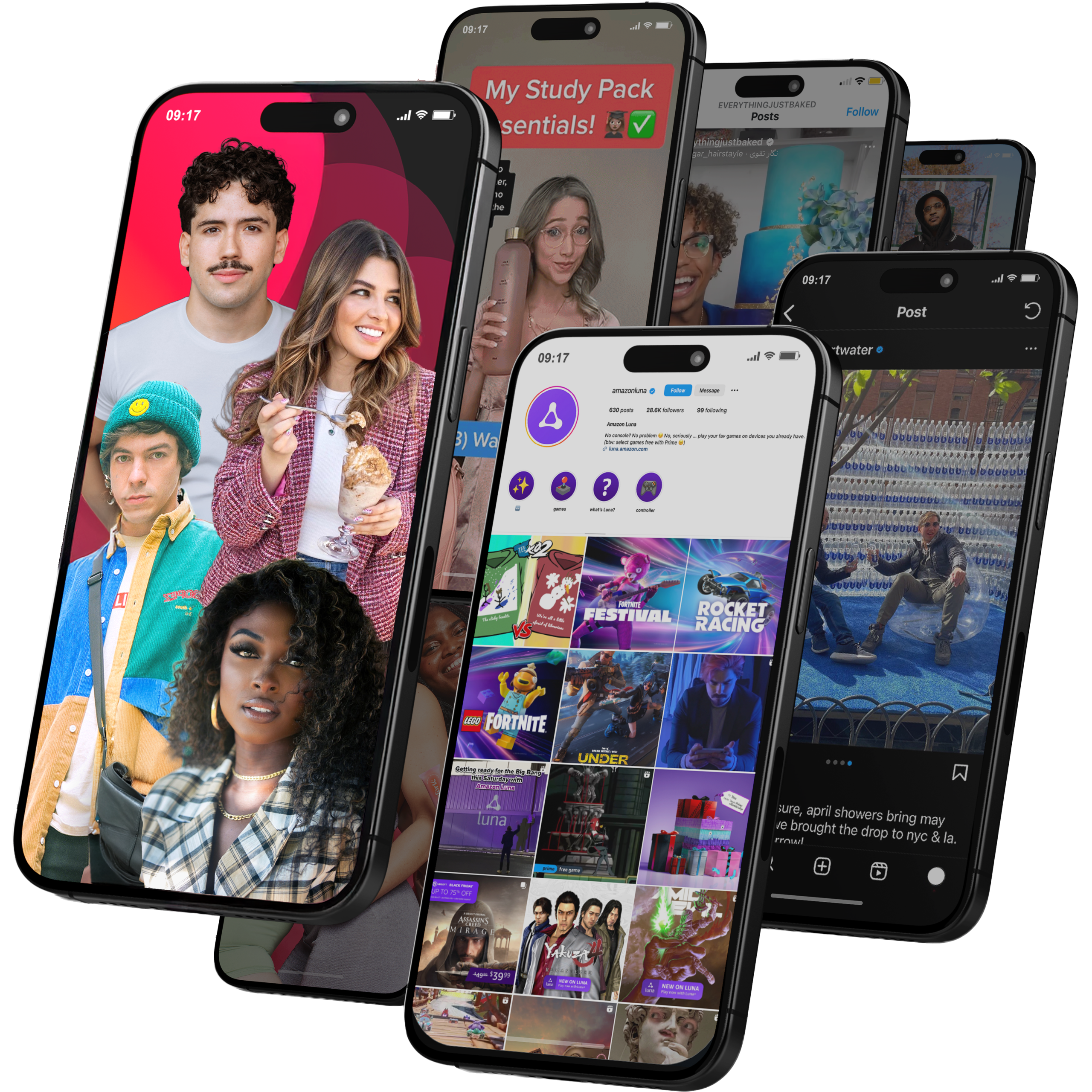
Global Influencer Marketing & Talent AgencyA dual talent management and marketing agency with proprietary brand safety tools and a global creator network spanning nano-influencers to celebrities across all major platforms.Clients: Meta, Activision Blizzard, Energizer, Aston Martin, WalmartVisit Viral Nation → -
5
The Influencer Marketing Factory
TikTok, Instagram & YouTube CampaignsA full-service agency with strong TikTok expertise, offering end-to-end campaign management from influencer discovery through performance reporting with a focus on platform-native content.Clients: Google, Snapchat, Universal Music, Bumble, YelpVisit TIMF → -
6
NeoReach
Enterprise Analytics & Influencer CampaignsAn enterprise-focused agency combining managed campaigns with a powerful self-service data platform for influencer search, audience analytics, and attribution modeling.Clients: Amazon, Airbnb, Netflix, Honda, The New York TimesVisit NeoReach → -
7
Ubiquitous
Creator-First Marketing PlatformA tech-driven platform combining self-service tools with managed campaign options, emphasizing speed and scalability for brands managing multiple influencer relationships.Clients: Lyft, Disney, Target, American Eagle, NetflixVisit Ubiquitous → -
8
Obviously
Scalable Enterprise Influencer CampaignsA tech-enabled agency built for high-volume campaigns, coordinating hundreds of creators simultaneously with end-to-end logistics, content rights management, and product seeding.Clients: Google, Ulta Beauty, Converse, AmazonVisit Obviously →