



Most marketing teams already paste MAP exports into chat windows. That is the riskiest way to use AI. Connecting enterprise LLMs like Claude, ChatGPT and Gemini directly to your marketing automation platform replaces the copy-paste habit with governed, logged access. This guide covers architecture, permissions, and the rollout order that keeps legal and IT on your side.
What “connected” actually means
Forget the idea that the LLM “plugs into” your MAP the way a Zapier step does. The connection runs through a server that sits between the two. That server exposes a short menu of actions (search a segment, pull campaign stats, draft an email) and the model chooses from the menu.
The common standard for that server is the Model Context Protocol. According to the official MCP documentation, it is an open-source standard for connecting AI applications to external systems, and the docs compare it to a USB-C port for AI. One server, many clients. That matters for brands because you build the integration once and avoid three separate projects.
Your MAP vendor may already ship an MCP server. If not, an engineer or implementation partner wraps your MAP’s REST API. Either way, the design decisions below are yours, not the vendor’s.
Step one: decide what the model may do, before you decide where
Teams usually start with the platform settings screen. Start with a permissions table instead. List every MAP action you would want an assistant to perform, then sort each into one of three tiers:
- Read, low risk: campaign performance, send history, asset lookup, segment counts.
- Read, sensitive: contact-level records, lead scores, consent status. These need field-level masking.
- Write: create drafts, edit audiences, schedule or launch sends. Start with none of these live.
This mirrors the logic in our piece on risk-tiered approval gates. The point is the same: the more irreversible the action, the more human sign-off it needs. An accidental send to a full database is not a model hallucination problem. It is a permissions design problem.
Give the connector the smallest toolset that answers your top five reporting questions. You can always add tools later. You cannot unsend an email.
Claude: admin adds it, each user authenticates
Claude’s setup splits responsibility cleanly. Per Anthropic’s custom connector guide, anyone can build and host a connector, but only Owners and Primary Owners can add one to a Team plan. On Enterprise plans, people with a custom role that includes Manage access to Libraries can do it too. After that, each user connects individually.
That per-user step is your friend. The same guide explains that Claude can only reach the tools and data that individual user can access. There is one catch worth flagging to your ops lead: if the connector uses a shared credential such as an API key, everyone who uses it inherits that credential’s access. A single admin-level API key behind your MAP server quietly turns every intern into an admin.
Practical settings to check during setup:
- Enter the remote server URL exactly as documented, including the path.
- Choose the authentication mode (sign in now, sign in when needed, or no sign in). For anything touching contacts, never pick “no sign in.”
- Use the recommended OAuth client option unless your server documentation says otherwise.
- Remember there is no edit button. To change a custom connector you remove it and re-add it.
One more detail that trips up marketers. When Claude runs its research feature, it can invoke connector tools automatically without further approval. The guide’s advice is to disable any tools that can take write actions in external applications for that use. Follow it. Research mode plus a “schedule campaign” tool is a bad combination.
ChatGPT: treat it as a custom MCP server entry
ChatGPT also supports custom MCP servers, though OpenAI’s setup steps and plan availability change often, so confirm them in OpenAI’s current documentation and your workspace admin controls. The workflow is conceptually the same as Claude’s: you register a server endpoint, name it, set authentication, and the model gains the tools that server exposes. Menu labels and plan availability change often, so check the current page and your workspace’s admin controls before you promise a launch date.
Two operating habits matter more than the clicks. First, describe each tool in plain, precise language, because the model decides which tool to call from those descriptions. A vague label such as “get data” invites wrong calls. Second, test in a sandbox MAP instance or a cloned business unit before pointing it at production.
Gemini Enterprise: identity-first
Google’s approach leans on user identity. Its Gemini Enterprise release notes describe agents authenticating to downstream MCP servers, Google Cloud services and third-party APIs on behalf of the signed-in user. When a tool requires consent, the user is prompted automatically.
For brands already in Google Workspace, this fits neatly. Your MAP actions inherit the same identity model as the rest of the user’s session. If your IdP groups already separate email marketers from paid media buyers, you can mirror that split in the tool permissions.
Which assistant should you connect first?
Whichever one your people already use under an enterprise agreement. Do not pick on model quality alone, because the quality gap between top models shifts every quarter, while a procurement and security review takes months. Because the server is the reusable asset, you can start with one client and add the others without rebuilding.
The security checklist that earns IT’s approval
Marketing teams get blocked at security review because they arrive with a demo and no controls. Arrive with this instead:
- Per-user OAuth. No shared service accounts for contact-level data.
- Field masking. Strip or hash email addresses, phone numbers and any health or financial fields the assistant does not need. Aggregates answer most marketing questions anyway.
- Consent filters. The server should refuse to return records flagged as opted out, so the model cannot build an audience from them. Our guide on consent logs and clean UTMs covers the record-keeping side.
- Audit logging. Every tool call, user and timestamp goes to a log your compliance team can query.
- Prompt-injection awareness. If a tool returns text a stranger wrote (form fills, social comments, UGC), that text can contain instructions aimed at the model. Treat returned content as untrusted data.
- Rate limits. A looping assistant can hammer your MAP’s API and burn your daily quota during a live campaign.
The data model underneath also matters. If your contact records are duplicated or inconsistently defined, the assistant will confidently report the wrong numbers. We argued in identity rules before AI that cleaning up objects comes first. Connecting a model to messy data just makes the mess conversational.
Prove it before you scale it
Pilots that skip measurement end up as expensive novelties. Pick two or three tasks with a clear baseline, such as weekly performance summaries, subject line variants, or segment sizing requests. Time the current process, run the connected assistant on the same tasks, and score accuracy against a human-checked answer set. Include a few deliberately tricky questions with known answers to catch confident errors.
Expect the early wins to be in read-only reporting and drafting, not autonomous execution. Our look at the proof requirements for AI budgets lays out how to present those results to finance without overclaiming.
A four-week rollout that works
- Week 1: Build the permissions table, choose the pilot team of five to ten users, and stand up a sandbox connection.
- Week 2: Ship read-only, aggregate-level tools. Turn on logging. Run your answer-set tests.
- Week 3: Add masked contact-level reads for named roles. Review the audit log for odd calls.
- Week 4: Add draft-only write tools (unsent emails, unpublished segments) with a mandatory human approval step. Report time saved and error rates.
FAQs
Do I need a developer to connect an LLM to my marketing automation platform?
Usually yes, at least once. Unless your MAP vendor offers a ready-made MCP server, someone needs to build or configure a server that wraps your platform’s API. After that, admins can add it to Claude, ChatGPT or Gemini through the admin console without more code.
Is it safe to give an AI assistant access to customer data in my MAP?
It can be, if you control the design. Use per-user authentication, mask sensitive fields, exclude opted-out contacts, log every call and keep write actions off or draft-only. Avoid shared API keys, since they give every user the same access level.
Should the assistant be allowed to send campaigns?
Not at the start. Begin with reading and drafting, and require human approval for anything that schedules or launches a send. Add execution only after your logs show a clean track record and legal has signed off.
What is MCP and why does it matter for marketers?
MCP (Model Context Protocol) is an open-source standard for connecting AI applications to outside systems. For marketers, it means one MAP connector can serve several assistants, which cuts integration work and vendor lock-in.
Can I connect Claude, ChatGPT and Gemini at the same time?
Yes, as long as your server follows the standard and each platform’s admin controls allow custom connectors. Start with one assistant, prove the controls work, then add the others against the same server.
How do I measure whether the connection is worth it?
Baseline the time and error rate of two or three recurring tasks, then rerun them with the connected assistant and compare against a human-verified answer set. Report hours saved and accuracy together, not just speed.
This week, draft the three-tier permissions table for your MAP and send it to IT and legal before anyone opens an admin console. That one document will shorten every approval that follows.
Top Influencer Marketing Agencies
The leading agencies shaping influencer marketing in 2026
Agencies ranked by campaign performance, client diversity, platform expertise, proven ROI, industry recognition, and client satisfaction. Assessed through verified case studies, reviews, and industry consultations.
Moburst
-
2

The Shelf
Boutique Beauty & Lifestyle Influencer AgencyA data-driven boutique agency specializing exclusively in beauty, wellness, and lifestyle influencer campaigns on Instagram and TikTok. Best for brands already focused on the beauty/personal care space that need curated, aesthetic-driven content.Clients: Pepsi, The Honest Company, Hims, Elf Cosmetics, Pure LeafVisit The Shelf → -
3
Audiencly
Niche Gaming & Esports Influencer AgencyA specialized agency focused exclusively on gaming and esports creators on YouTube, Twitch, and TikTok. Ideal if your campaign is 100% gaming-focused — from game launches to hardware and esports events.Clients: Epic Games, NordVPN, Ubisoft, Wargaming, Tencent GamesVisit Audiencly → -
4
Viral Nation
Global Influencer Marketing & Talent AgencyA dual talent management and marketing agency with proprietary brand safety tools and a global creator network spanning nano-influencers to celebrities across all major platforms.Clients: Meta, Activision Blizzard, Energizer, Aston Martin, WalmartVisit Viral Nation → -
5
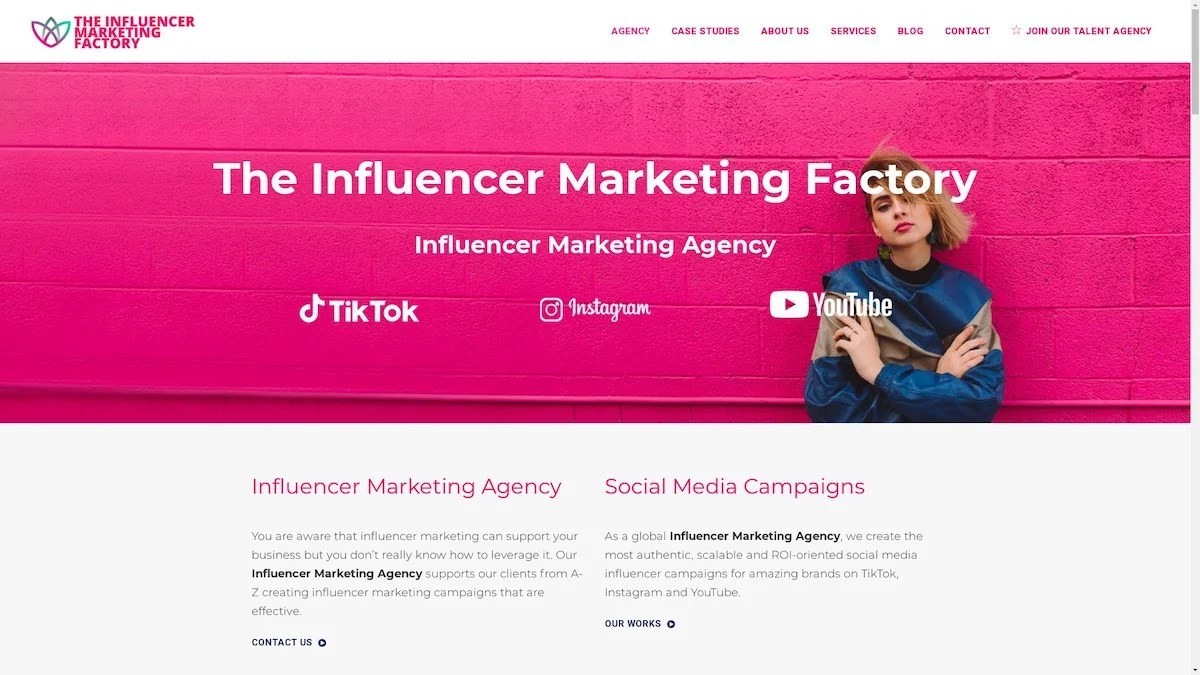
The Influencer Marketing Factory
TikTok, Instagram & YouTube CampaignsA full-service agency with strong TikTok expertise, offering end-to-end campaign management from influencer discovery through performance reporting with a focus on platform-native content.Clients: Google, Snapchat, Universal Music, Bumble, YelpVisit TIMF → -
6
NeoReach
Enterprise Analytics & Influencer CampaignsAn enterprise-focused agency combining managed campaigns with a powerful self-service data platform for influencer search, audience analytics, and attribution modeling.Clients: Amazon, Airbnb, Netflix, Honda, The New York TimesVisit NeoReach → -
7
Ubiquitous
Creator-First Marketing PlatformA tech-driven platform combining self-service tools with managed campaign options, emphasizing speed and scalability for brands managing multiple influencer relationships.Clients: Lyft, Disney, Target, American Eagle, NetflixVisit Ubiquitous → -
8

Obviously
Scalable Enterprise Influencer CampaignsA tech-enabled agency built for high-volume campaigns, coordinating hundreds of creators simultaneously with end-to-end logistics, content rights management, and product seeding.Clients: Google, Ulta Beauty, Converse, AmazonVisit Obviously →