


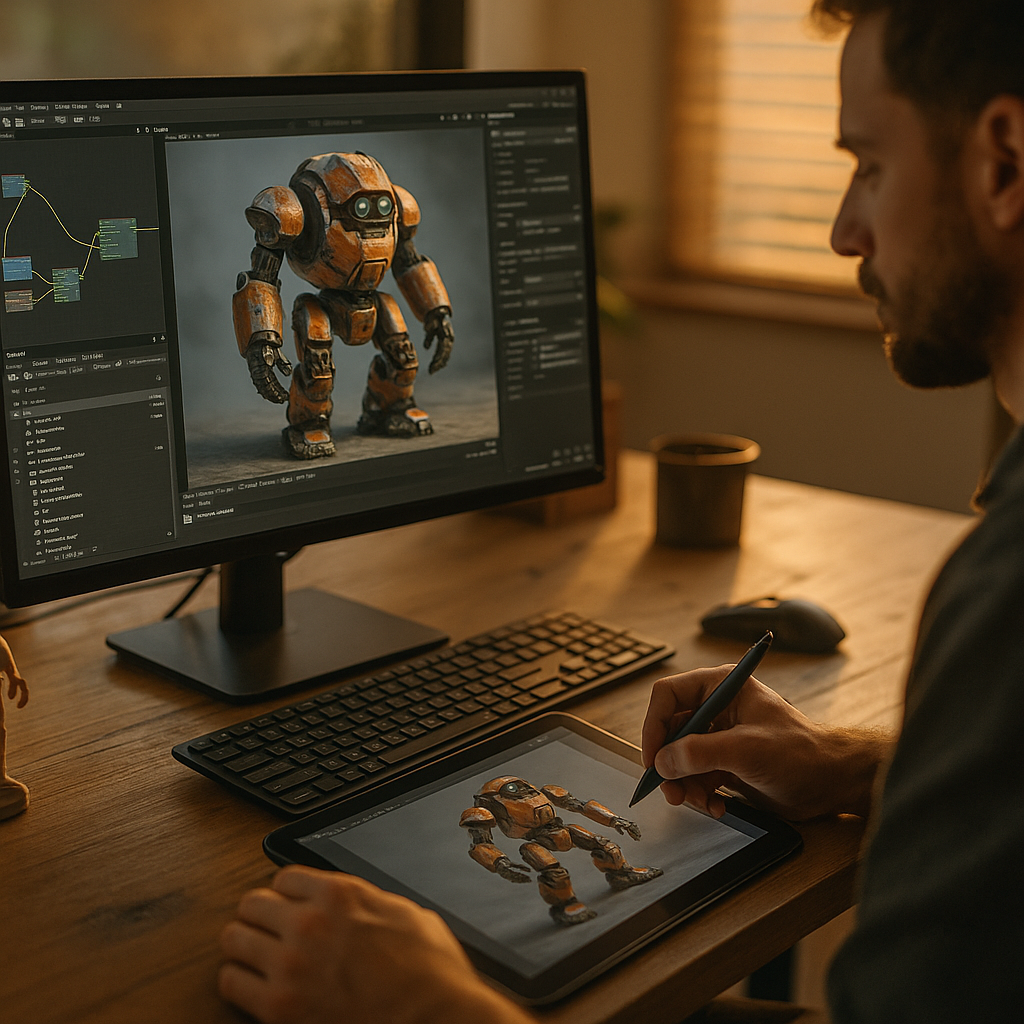
In 2025, buyers expect to explore products online with the same confidence they’d have in a showroom. Using AI to Design Interactive 3D Product Demos at Scale helps teams generate, personalize, and optimize immersive experiences faster than traditional pipelines allow. When done well, it cuts production bottlenecks while improving conversion and reducing returns. Here’s how to build it responsibly—without sacrificing quality, trust, or performance.
AI-powered 3D modeling for faster demo production
Interactive demos live or die by asset quality. The fastest way to scale is to standardize how assets are created, named, validated, and delivered—then let AI accelerate the repeatable parts while specialists maintain creative control.
Where AI helps most in 3D demo production
- 3D asset generation and cleanup: AI-assisted retopology, UV suggestions, texture upscaling, normal-map generation, and automatic seam fixes reduce manual rework.
- Photogrammetry and CAD-to-web conversion: AI can help denoise scans, repair holes, simplify meshes, and propose LODs (levels of detail) for web performance.
- Variant creation: For colorways, finishes, materials, and accessories, AI can automate material swaps and render-consistent textures based on a controlled library.
- Quality checks: Automated validation flags broken normals, excessive poly counts, missing maps, inconsistent scale, and non-compliant naming.
How to keep quality high while moving fast
- Start with a reference “gold asset” standard: Define polygon budgets per device tier, texture limits, and PBR material rules. AI works best when it targets clear constraints.
- Use a materials and lighting style guide: If every product line shares calibrated materials, your demos look consistent across categories and markets.
- Human review gates for brand-critical SKUs: Automate 80% of the pipeline, then reserve expert time for hero products, launches, and premium lines.
Readers often ask whether this replaces 3D artists. In practice, teams that scale successfully use AI to remove repetitive labor and expand output, while artists focus on look development, storytelling, and edge cases that automation can’t reliably solve.
Generative design automation for interactive experiences
Scaling 3D assets is only half the job. The real leverage comes from automating the experience layer: camera paths, hotspots, annotations, exploded views, and guided tours. AI can generate structured interactions from product data so each demo stays informative and on-brand.
High-impact interactions AI can generate
- Smart hotspots: Suggest hotspot placement by detecting functional components (buttons, ports, seams) and aligning labels to avoid occlusion.
- Guided product tours: Build step-by-step flows (rotate, zoom, open, swap part) with concise captions derived from specs and manuals.
- Feature comparisons: Generate side-by-side states that highlight differences (e.g., standard vs. pro) with synchronized camera and lighting.
- Exploded and sectional views: Propose part separation vectors and safe distances based on geometry, then allow a reviewer to approve.
Answering the practical follow-up: where does the product info come from? The most reliable approach is to connect AI to your existing sources of truth: PIM entries, CAD metadata, assembly hierarchies (BOM), support documentation, and approved marketing claims. You want AI to compose demos from verified content rather than inventing benefits.
Guardrails that protect accuracy
- Claim whitelists: Only allow generated copy that maps to approved feature statements.
- Traceability: Every annotation should link back to a data field or document section so reviewers can audit quickly.
- Localization controls: Generate translations, but require in-market review for regulated categories and technical terms.
Done right, automation makes demos easier to maintain. When specs change, the demo updates from the same product record rather than triggering a full re-authoring cycle.
Real-time 3D rendering and WebXR readiness
Interactive 3D needs to load quickly, run smoothly, and look credible under real-time lighting—especially on mobile devices. AI supports performance engineering by predicting bottlenecks, optimizing assets for different devices, and tuning scenes for consistent frame rates.
Performance targets you should set before scaling
- Device tiers: Define at least three tiers (low, mid, high) with maximum triangles, texture sizes, and shader complexity per tier.
- Load strategy: Use progressive loading (a lightweight preview first, then higher detail) so users can interact immediately.
- Interaction latency: Hotspots and UI should respond instantly; heavy effects should degrade gracefully.
How AI improves real-time delivery
- Automated LOD generation: Create multiple mesh resolutions and test them against visual thresholds.
- Texture and material optimization: Recommend compression settings per device/browser, detect wasteful maps, and consolidate materials to reduce draw calls.
- Scene validation: Simulate performance across common GPUs and browsers and flag risky configurations before release.
WebXR and AR considerations
If you plan to support AR product previews, treat AR as a constrained mode: lighting and scale must stay consistent, and the model must remain lightweight. AI can help generate AR-friendly variants and ensure correct physical dimensions from CAD, but you still need a calibration pass for materials so they remain believable in varied lighting.
Personalization and commerce analytics at scale
Scaling isn’t only about producing more demos; it’s about producing the right demo for each shopper, channel, and use case. AI enables personalization, while analytics turns interaction data into measurable revenue impact.
Personalization strategies that stay useful (not gimmicky)
- Audience-based starting states: Contractors might see an exploded view first; consumers might start with a lifestyle angle and basic controls.
- Configuration-driven visuals: Tie the demo to your configurator so selected options update the 3D model, pricing, and availability.
- Context-aware guidance: If users repeatedly zoom on a component, surface relevant specs, compatibility notes, or installation tips.
What to measure beyond “time on demo”
- Feature engagement: Which hotspots get used, and in what sequence?
- Configuration completion: Do users finish building a valid SKU, and how long does it take?
- Commerce outcomes: Add-to-cart rate, conversion rate, attachment rate for accessories, and return reasons for products with demos vs. without.
- Support deflection: Reduced “what’s included” and “will it fit” inquiries when the demo includes clear dimensional overlays and compatibility info.
Answering the follow-up: how do you prove ROI? Run controlled tests. Launch demos on a subset of PDPs or traffic, keep everything else constant, and measure lift. Use consistent attribution rules, and track downstream outcomes like returns and support contacts, not just conversions.
Digital twin pipelines for enterprise product catalogs
Enterprises don’t struggle with one demo—they struggle with hundreds or thousands across multiple brands, regions, and channels. A digital twin pipeline turns product data into reusable, versioned 3D experiences that can be deployed everywhere with consistent governance.
Core components of a scalable pipeline
- Source-of-truth integration: Connect CAD/PDM, PIM, DAM, and commerce platforms so geometry and content stay synchronized.
- Asset registry and versioning: Track every mesh, texture, material, and interaction script with clear lineage and approval status.
- Template-based demo “recipes”: Define reusable patterns (e.g., “electronics PDP demo,” “furniture AR preview,” “industrial exploded view”) that AI populates with product-specific data.
- Automated compliance checks: Enforce naming conventions, brand rules, accessibility requirements, and claim approval before publishing.
Governance that supports speed
- Role-based approvals: Let engineering approve dimensional accuracy, marketing approve claims, and brand teams approve look and tone.
- Change management: When a spec changes, the system identifies impacted demos and regenerates only the affected components.
- Vendor interoperability: Use open, web-friendly delivery formats and clear SLAs so you can swap tools without rebuilding your catalog.
This is where AI produces compounding benefits: once the pipeline exists, each new SKU becomes a data ingestion problem—not a bespoke creative project.
Trust, safety, and EEAT for AI-generated product visuals
Interactive demos influence purchase decisions, so credibility matters. In 2025, teams that win with AI treat trust as a product feature: they document provenance, prevent misleading visuals, and make experiences accessible and secure.
EEAT practices that strengthen credibility
- Expert review and sign-off: Establish who verifies dimensions, materials, claims, and safety-related information before publishing.
- Provenance and traceability: Maintain records of input sources (CAD versions, product specs, approved copy) and the transformations applied.
- Clear user communication: If a visualization is representational (e.g., internal components shown for education), label it as such and avoid implying included accessories unless they are included.
- Accessibility: Provide keyboard navigation, readable labels, and alternative content for key product information so the demo supports all users.
- Security and privacy: Minimize collected data, avoid sensitive inference, and protect analytics endpoints. If personalization uses behavioral data, ensure consent and transparent policies.
Common risk: “AI polish” that hides inaccuracies
AI can make surfaces look premium even when geometry is wrong. Counter this with dimensional validation against CAD, automated scale checks, and review workflows that prioritize accuracy before aesthetics—especially for products where fit, safety, and compliance drive returns.
FAQs
What is the best starting point for using AI in interactive 3D product demos?
Start with one repeatable product family and build a template-driven pipeline: define asset standards, connect to your product data, and automate optimization plus hotspot generation. Prove performance and ROI on a small set of PDPs before expanding.
Do AI-generated 3D demos work without CAD files?
Yes, but CAD improves accuracy. Without CAD, you can use photogrammetry or existing imagery to build models, then apply AI cleanup and optimization. For products where dimensions matter, add a measurement verification step to avoid misleading fit or scale.
How do we keep AI from inventing product features in annotations?
Use retrieval from approved sources (PIM fields, manuals, approved marketing copy) and restrict outputs to a claim whitelist. Require traceability so every label links to a verified data field, and add human approval for regulated categories.
What formats and platforms are best for web-based interactive 3D?
Use web-friendly, optimized asset delivery and a real-time engine or viewer that supports progressive loading, analytics hooks, and device-tier fallbacks. Prioritize fast startup time and predictable performance on mobile browsers.
How do we measure success for interactive 3D demos?
Measure feature engagement, configuration completion, add-to-cart and conversion lift, return-rate changes, and support deflection. Use controlled experiments where possible, and segment results by device and traffic source to find where the demo helps most.
Can AI help localize 3D demos for multiple markets?
Yes. AI can translate labels and generate market-specific guided tours, but you should lock technical terminology, enforce approved claims, and use in-market review for regulated products and safety statements.
AI can scale interactive 3D product demos when it’s applied to the full system: asset creation, interaction design, performance optimization, and governed publishing. In 2025, the winning approach pairs automation with expert review, traceable data sources, and analytics that tie engagement to revenue and returns. Build templates, connect your product data, and ship faster—without sacrificing accuracy or trust.