


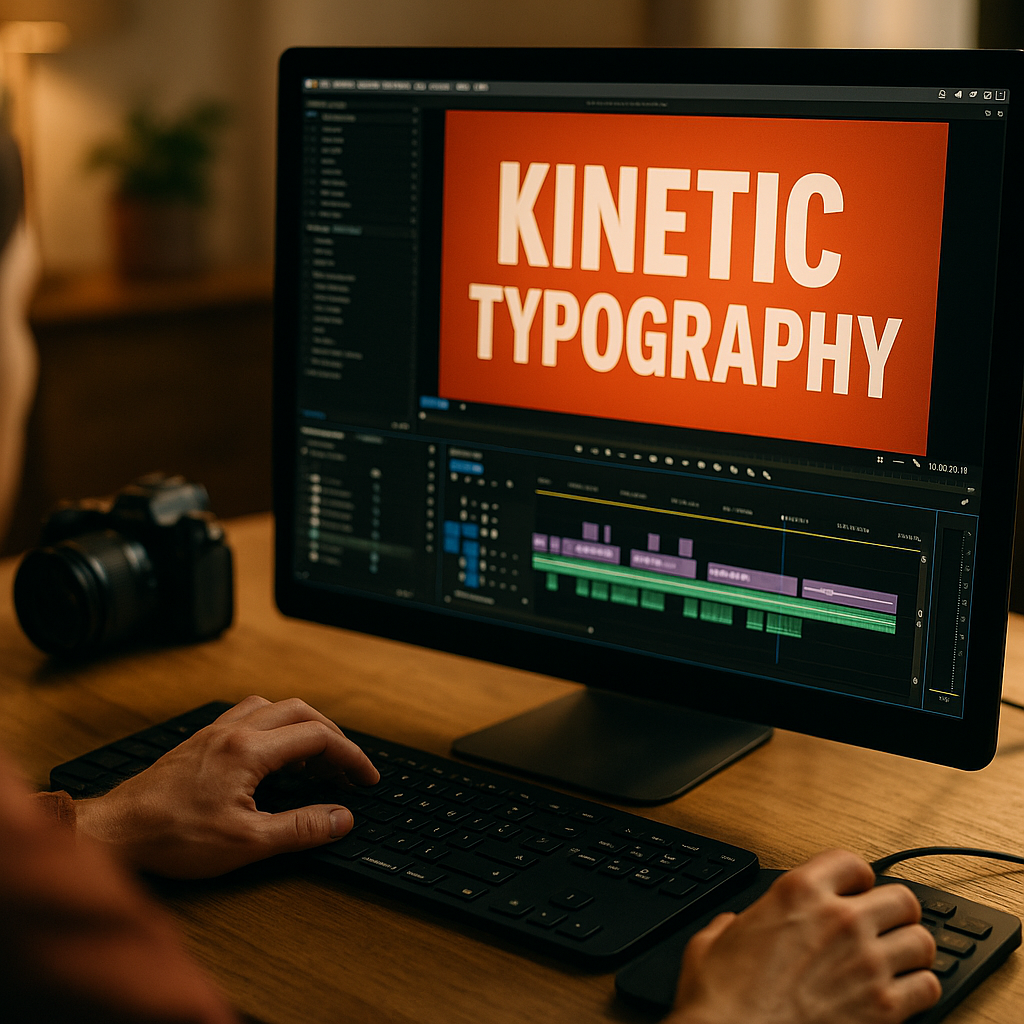
In 2026, short-form platforms reward instant clarity, and kinetic typography gives creators a fast way to stop scrolling, communicate meaning, and hold attention without relying only on sound. When words move with purpose, viewers process the message faster, remember it longer, and stay engaged through key moments. The result is simple but powerful: better view rates begin with better motion.
Why Kinetic Typography Improves Short Form Video Engagement
Kinetic typography is the animation of text to reinforce speech, emotion, rhythm, and meaning. In short-form video, where creators often have less than two seconds to earn attention, animated text does more than decorate the frame. It guides the eye, clarifies the message, and creates momentum that keeps viewers watching.
This matters because view rate is closely tied to the first impression. If a viewer understands the premise immediately, they are more likely to continue. If they need to guess what the video is about, they often swipe away. Kinetic typography solves that problem by making the message visible at the same time it is spoken or implied.
It also supports common real-world viewing behavior. Many people watch social videos with the sound low or off, especially in public or at work. Static captions can help, but well-designed moving text performs better when the goal is not just accessibility but retention. Motion adds hierarchy. It tells viewers which words matter, when they matter, and why they matter now.
From an experience-based perspective, the strongest short-form edits usually use text in one of three ways:
- Hook reinforcement: the first line appears with movement that matches the tone of the opening claim.
- Information pacing: key phrases arrive in sequence to prevent overload.
- Emotional emphasis: size, speed, and timing increase the impact of surprising or persuasive moments.
When text is synced to narrative beats, viewers feel guided rather than interrupted. That is why kinetic typography consistently supports higher short form video engagement when used intentionally.
Best Kinetic Typography Techniques for Video Retention
Not every animated text style improves retention. Some effects look impressive but distract from the content. The best kinetic typography techniques support understanding first and style second.
Start with text hierarchy. Your primary message should be the largest and easiest to read. Supporting words can be smaller, lighter, or delayed. If every word enters with the same intensity, nothing feels important. Viewers process the frame more slowly, which hurts retention.
Next, match motion to meaning. A strong claim might punch in quickly. A thoughtful point may fade or slide with controlled pacing. A humorous reveal often benefits from delayed entrance. The animation should feel like an extension of the script, not a separate layer added afterward.
Creators who want practical rules can use this framework:
- Keep text brief. Use phrases, not paragraphs. Most short-form viewers will not pause to read.
- Animate key words, not everything. Over-animation creates fatigue and makes the edit feel noisy.
- Use high contrast. Text must remain readable on small screens in bright environments.
- Respect safe zones. Platform interfaces can cover edges, especially on mobile.
- Sync to spoken cadence. Text that lags behind audio weakens comprehension.
- Limit typefaces. One or two fonts usually outperform a mixed set in short videos.
One common follow-up question is whether subtitles count as kinetic typography. The answer is: sometimes. Standard captions are primarily functional. Kinetic typography becomes strategic when text movement actively shapes viewer attention, storytelling, and emotional emphasis.
Another question is whether creators should use brand colors in every video. Usually, subtle consistency works better than aggressive branding. If the text style is recognizable but does not overpower the message, viewers gain familiarity without feeling they are watching an ad.
Short Form Video View Rates and the First Three Seconds
If you want to improve short form video view rates, the first three seconds deserve the most attention. This is where kinetic typography has the highest leverage because it can instantly answer the viewer’s silent question: “Why should I keep watching?”
A strong opening usually combines three elements:
- A clear promise that tells the viewer what value they will get
- A visual pattern interrupt that stands out in the feed
- Fast text clarity that removes ambiguity immediately
For example, a creator sharing a marketing tip may open with a spoken line such as “This one edit doubled retention.” If the words doubled retention animate onto the screen with crisp timing and bold contrast, the claim lands faster than voice alone. The viewer understands the stake instantly.
This does not mean every opening should be loud. Some of the best-performing hooks are precise and understated. The key is relevance. Text motion should point directly to the idea that matters most, not just create movement for its own sake.
From a practical testing standpoint, creators often see stronger results when they front-load the benefit instead of introducing context first. Kinetic typography helps because it allows the benefit to appear as a visual headline before the explanation begins. That can reduce drop-off in the opening seconds.
If your videos have strong average watch time but weak initial view rate, your text treatment may be too slow or too vague. If viewers make it past the hook but leave in the middle, your typography may be competing with the message instead of supporting it. The fix is not more animation. It is better alignment between script, pacing, and motion.
Social Media Video Design Principles That Make Text Work
Good social media video design is built for mobile viewing conditions. Kinetic typography succeeds when it considers screen size, interface clutter, visual load, and viewer speed. In other words, text has to work in the real environment where users consume content.
Readability comes first. Use clean fonts, strong spacing, and clear contrast with the background. Avoid thin weights over busy footage unless you add a solid backing or shadow with restraint. If viewers need effort to decode a word, the moment is already lost.
Pacing also matters. Many creators make the mistake of animating text too quickly because they are editing on large monitors and know the script by heart. On a phone, in a feed, for a first-time viewer, the same timing can feel rushed. Review edits on mobile before publishing. If a phrase cannot be understood on first glance, slow it down or simplify it.
The strongest design systems also create consistency across a series. Repeating specific entrance styles, text placements, or emphasis colors can train the audience to follow your content more easily. That supports both recognition and comprehension over time.
Here are the design principles that usually produce the best results:
- One idea per text moment: do not stack multiple messages on screen at once.
- Consistent placement: viewers track content faster when text appears in predictable zones.
- Motion restraint: use scale, opacity, and position with purpose instead of layering effects.
- Visual breathing room: crowded compositions reduce both clarity and perceived quality.
- Platform awareness: account for captions, buttons, and profile elements that may block text.
These are not just style preferences. They reflect how people process information under speed and distraction. Helpful content respects cognitive load. That is a core EEAT principle in practice: make the material easier to understand, not harder to admire.
How Motion Graphics for Reels and Shorts Support Accessibility
Motion graphics for Reels and Shorts are often discussed as a performance tactic, but they also support accessibility and user experience. That is important for creators and brands that want sustainable results rather than short-lived spikes.
Accessible communication improves reach because it serves more viewing situations and more audience needs. Kinetic typography helps viewers who watch without sound, non-native speakers who benefit from on-screen reinforcement, and fast scrollers who need immediate context. It can also support comprehension for audiences who process spoken information better when it is paired with text.
That said, accessibility is not automatic. Poor text animation can create barriers. Excessive flashing, chaotic movement, and low-contrast type reduce usability. Helpful motion graphics prioritize legibility, stability, and timing. They support the message instead of overwhelming the senses.
A good rule is to treat kinetic typography as guided reading. The text should appear long enough to be understood comfortably and move in a way that feels natural. If the animation distracts from the voiceover or forces the viewer to chase words around the screen, it is not serving the audience.
Creators often ask whether they should choose captions or expressive animated text. In most cases, the answer is both, but with hierarchy. Functional captions can carry the full spoken content, while kinetic typography highlights the critical takeaway, objection, benefit, or reveal. This layered approach helps viewers who need complete context and those who just need the key point fast.
Used this way, motion becomes a clarity tool, not just a creative one. That is a more durable strategy for improving view rates because it aligns with how audiences actually consume short-form content in 2026.
Video Hook Optimization Through Testing and Iteration
Video hook optimization is where kinetic typography becomes measurable. Instead of debating whether animated text looks better, test whether it changes behavior. The most reliable way to improve view rates is to compare versions of the same idea with different hook treatments.
Focus your experiments on variables that influence attention quickly:
- Opening phrase: compare a benefit-led headline against a curiosity-led headline.
- Text entrance speed: test immediate appearance versus a short delayed reveal.
- Emphasis style: compare bold scale changes against subtle fades.
- Word selection: animate the most valuable phrase rather than the full sentence.
- Screen placement: test center-weighted hooks against upper-third placement.
Keep the rest of the video as constant as possible so you can attribute changes accurately. Then review the metrics that matter most for your objective: hold rate in the opening seconds, average watch time, completion rate, and rewatch behavior when available.
EEAT also matters here. Experience-based improvement means learning from actual publishing patterns, not just creative instinct. If a certain text style repeatedly lifts retention for educational clips but underperforms for humor, that insight should shape your editing system. Real expertise comes from applying observed audience response, documenting what works, and refining with discipline.
For teams, it helps to build a simple internal playbook. Record your highest-performing hook types, text sizes, pacing choices, and background treatments by content category. Over time, your kinetic typography decisions become faster and more evidence-based.
The ultimate goal is not flashy text. It is efficient communication. When viewers instantly understand the value of the clip and feel guided through it, view rates improve for the right reason: the content became easier and more rewarding to consume.
FAQs about Kinetic Typography for Short Form Video
What is kinetic typography in short-form video?
Kinetic typography is animated text used to support the message, pacing, and emotion of a video. In short-form content, it helps capture attention, improve comprehension, and reinforce key points quickly.
Does kinetic typography really increase view rates?
It can, especially when it improves the hook, clarifies the promise of the video, and supports silent viewing. It works best when the motion is tied to meaning rather than used as decoration.
How many words should appear on screen at once?
Usually, fewer is better. Short phrases or a small number of key words are easier to process on mobile screens. Dense text blocks often hurt retention because they slow comprehension.
Is kinetic typography better than standard captions?
They serve different purposes. Standard captions provide full spoken context. Kinetic typography emphasizes the most important words or moments. Many effective videos use both together.
What fonts work best for kinetic typography?
Clean, readable sans-serif fonts often perform best on mobile. The priority is clarity at small sizes, strong contrast, and consistent hierarchy across videos.
How do I avoid overusing animated text?
Animate only the words that carry the main value, conflict, or payoff. If every line moves dramatically, viewers stop noticing what matters and may feel visually overloaded.
Should every short video use kinetic typography?
No. Some formats work better with minimal or no animated text, especially if the visual action is already clear. Use it when it improves understanding, attention, or accessibility.
What is the biggest mistake creators make with kinetic typography?
The most common mistake is prioritizing style over readability. If viewers cannot read the words instantly or the animation distracts from the message, performance usually suffers.
Kinetic typography improves short-form performance when it makes videos clearer, faster to understand, and easier to watch without sound. The best results come from disciplined use: strong hooks, readable design, purposeful motion, and ongoing testing. Treat animated text as a communication tool rather than decoration, and your view rates are far more likely to rise for lasting, measurable reasons.