


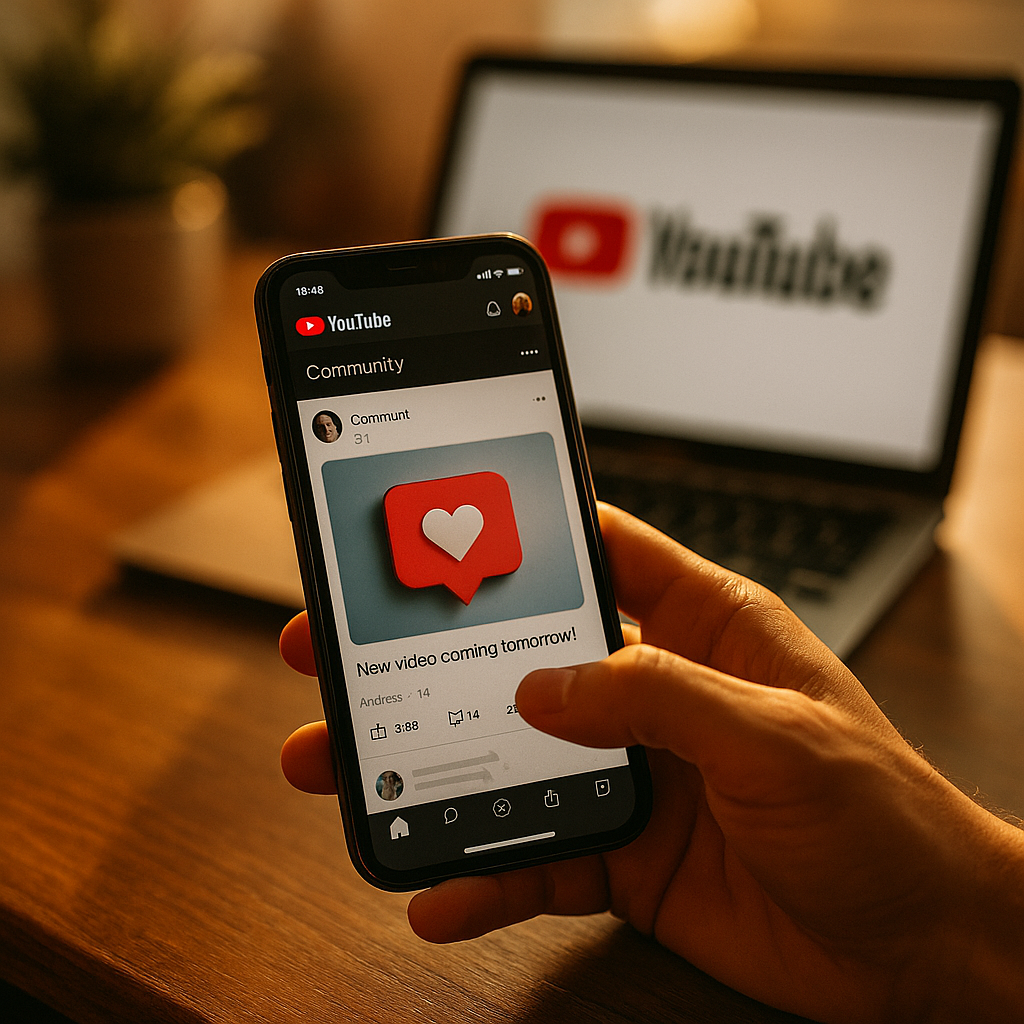
YouTube Community Posts offer a dynamic tool for creators to drive engagement between videos, keeping audiences invested even when there’s no new upload. By leveraging this social feature, channels can build stronger relationships and boost viewer retention. Discover practical strategies for maximizing Community Posts and why they’re essential for sustainable channel growth in 2025 and beyond.
Understanding YouTube Community Posts: Features and Benefits
YouTube Community Posts are social updates that allow creators to share text, images, GIFs, polls, and video clips directly with subscribers and channel viewers. Introduced to foster interaction beyond traditional video uploads, these posts appear in subscribers’ feeds and the Community tab of your channel. Community Posts bridge gaps between uploads and encourage two-way communication with your audience.
The benefit is clear: they transform a passive viewing experience into an interactive community. As YouTube’s algorithms increasingly prioritize engagement signals, active use of Community Posts can complement your upload schedule, amplify your content reach, and deepen audience loyalty.
Maximizing Audience Interaction with Polls and Questions
Polls and questions are standout engagement drivers within Community Posts. They invite subscribers to participate actively rather than just react. Creators report up to a 60% increase in post interactions when using polls compared to standard text posts (Google Creator Insider, 2025).
- Polls: Use them to gather opinions on upcoming video topics, favorite moments, or preferred upload times. Poll data fuels content decisions and gives viewers a sense of ownership in your channel.
- Open-ended Questions: Prompt conversation and invite story sharing in the comments. This not only boosts engagement metrics but often provides new video inspiration directly from your audience.
Polled engagement increases the likelihood that your future posts—and videos—will surface in subscriber feeds.
Integrating Multimedia for Richer Community Engagement
Including images, GIFs, short video clips, and previews in Community Posts taps into your audience’s visual instincts. Multi-format content consistently performs better: creators who utilize images and video snippets in their posts see up to 40% higher engagement rates (YouTube Analytics, 2025).
- Tease Upcoming Content: Share thumbnails, behind-the-scenes shots, or quick clips to build anticipation.
- Highlight Past Videos: Use images or short videos to remind viewers of evergreen content, driving more views between uploads.
- Share Memes or Reactions: Keep things light-hearted and relatable. This can encourage shares and foster a sense of community identity.
Rich media makes your posts stand out in a busy subscriber feed, catching the eye and inviting more interaction.
Strategy: Timing and Frequency for Consistent Community Growth
Post timing is crucial for maximizing reach. YouTube’s analytics tools allow creators to see when their audience is most active. Posting Community updates during these high-traffic windows can lift engagement significantly. In 2025, creators who posted 2-4 Community Posts per week saw better channel activity than those posting less frequently, according to a recent internal study by YouTube.
- Consistency is key: Develop a weekly schedule, much like you do for video uploads, to set viewer expectations and maintain relevance in their feeds.
- Avoid spam: Too many posts can overwhelm or annoy subscribers. Focus on quality, making each post valuable and purpose-driven.
Experiment with different post times and monitor performance in YouTube Analytics to refine your approach.
Best Practices: Authentic Voice and Audience-Centric Content
YouTube rewards creators who demonstrate expertise, authenticity, and trustworthiness. Community Posts are a chance to share your knowledge, opinions, and even vulnerabilities that connect with your audience on a human level.
- Be transparent: Share updates about your creative process, challenges, or changes to your upload schedule.
- Spotlight your community: Feature fan art, highlight top commenters, or ask for feedback, giving your viewers recognition and a sense of belonging.
- Provide value: Offer quick tips, resources, or exclusive previews available only through Community Posts.
By reflecting your unique voice and genuinely inviting participation, Community Posts reinforce the “community” in YouTube, helping your channel thrive beyond just video uploads.
Measuring Success: Analytics for Community Post Engagement
Tracking the impact of Community Posts is vital for ongoing improvement. YouTube Analytics in 2025 offers dedicated insights for Community engagement, enabling you to see post reach, likes, comments, and click-throughs. These data points reveal what content types consistently resonate with your audience.
- Monitor trends: Track which post formats and topics drive the most engagement and replicate their success.
- Adjust strategies: Use A/B testing for post formats and posting times to refine your community-building approach.
Regular analytical reviews ensure that your Community Posts support both engagement and broader channel growth objectives.
Conclusion: Make Community Posts a Keystone in Your Engagement Strategy
YouTube Community Posts are more than filler; they’re a critical driver of engagement and audience retention between videos. By blending authentic interaction, multimedia, and data-driven strategies, you’ll build a thriving channel community in 2025. Start integrating and optimizing Community Posts today to keep your audience connected and invested—no matter how often you upload new videos.
FAQs: YouTube Community Posts for Engagement
-
Who can use YouTube Community Posts in 2025?
Channels with at least 500 subscribers can access Community Posts. This threshold ensures that creators have an engaged audience ready to participate in community-driven content.
-
How often should I post on the YouTube Community tab?
Posting 2-4 times per week is optimal for most channels. Monitor your analytics to see what frequency resonates best without overwhelming your subscribers.
-
What types of Community Posts drive the most engagement?
Polls, image-based updates, and open-ended questions consistently achieve higher engagement. Posts that ask for opinions or share exclusive content are especially effective.
-
Do Community Posts increase video views?
Yes. By keeping your audience engaged between uploads and promoting new or evergreen videos through posts, you can drive more consistent channel traffic and video watch time.
-
Can I schedule Community Posts on YouTube?
Yes, YouTube allows scheduling of Community Posts. This feature is useful for maintaining consistency and targeting times when your audience is most active.
Top Influencer Marketing Agencies
The leading agencies shaping influencer marketing in 2026
Agencies ranked by campaign performance, client diversity, platform expertise, proven ROI, industry recognition, and client satisfaction. Assessed through verified case studies, reviews, and industry consultations.
Moburst

-
2

The Shelf
Boutique Beauty & Lifestyle Influencer AgencyA data-driven boutique agency specializing exclusively in beauty, wellness, and lifestyle influencer campaigns on Instagram and TikTok. Best for brands already focused on the beauty/personal care space that need curated, aesthetic-driven content.Clients: Pepsi, The Honest Company, Hims, Elf Cosmetics, Pure LeafVisit The Shelf → -
3

Audiencly
Niche Gaming & Esports Influencer AgencyA specialized agency focused exclusively on gaming and esports creators on YouTube, Twitch, and TikTok. Ideal if your campaign is 100% gaming-focused — from game launches to hardware and esports events.Clients: Epic Games, NordVPN, Ubisoft, Wargaming, Tencent GamesVisit Audiencly → -
4

Viral Nation
Global Influencer Marketing & Talent AgencyA dual talent management and marketing agency with proprietary brand safety tools and a global creator network spanning nano-influencers to celebrities across all major platforms.Clients: Meta, Activision Blizzard, Energizer, Aston Martin, WalmartVisit Viral Nation → -
5

The Influencer Marketing Factory
TikTok, Instagram & YouTube CampaignsA full-service agency with strong TikTok expertise, offering end-to-end campaign management from influencer discovery through performance reporting with a focus on platform-native content.Clients: Google, Snapchat, Universal Music, Bumble, YelpVisit TIMF → -
6

NeoReach
Enterprise Analytics & Influencer CampaignsAn enterprise-focused agency combining managed campaigns with a powerful self-service data platform for influencer search, audience analytics, and attribution modeling.Clients: Amazon, Airbnb, Netflix, Honda, The New York TimesVisit NeoReach → -
7

Ubiquitous
Creator-First Marketing PlatformA tech-driven platform combining self-service tools with managed campaign options, emphasizing speed and scalability for brands managing multiple influencer relationships.Clients: Lyft, Disney, Target, American Eagle, NetflixVisit Ubiquitous → -
8

Obviously
Scalable Enterprise Influencer CampaignsA tech-enabled agency built for high-volume campaigns, coordinating hundreds of creators simultaneously with end-to-end logistics, content rights management, and product seeding.Clients: Google, Ulta Beauty, Converse, AmazonVisit Obviously →