


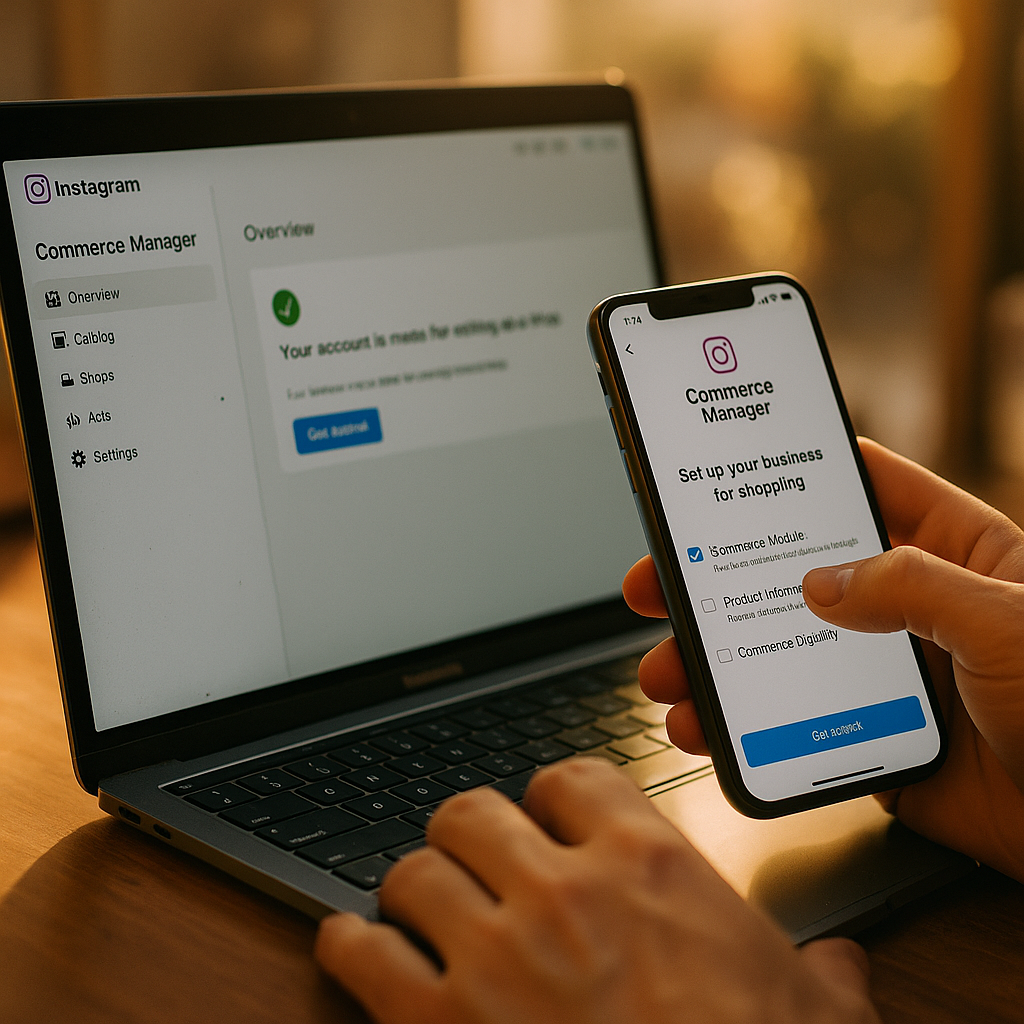
Meta rejects roughly a third of new commerce accounts on the first submission attempt, mostly over Page linkage errors and catalog mismatches. If your brand is still fumbling through Instagram Commerce Manager setup like it’s 2021, you’re bleeding weeks off your shop launch timeline for problems that are entirely avoidable.
Shop activation isn’t hard. It’s tedious, and tedium is exactly where compliance mistakes happen. Get the sequencing wrong — Page before Business Manager, catalog before domain verification — and Meta’s review queue will bounce you back to square one. This playbook walks through the setup order that actually gets approved, plus the traps that stall brands for weeks.
Why This Still Trips Up Experienced Marketing Teams
You’d think by now most brand teams could set up a shop in an afternoon. They can’t, and it’s not because the interface is confusing. It’s because Commerce Manager sits at the intersection of three separate systems — Facebook Pages, Business Manager, and the product catalog — each with its own permissions model. Miss one handshake between them and the whole thing fails silently.
Meta doesn’t always tell you why a shop was rejected. Sometimes you get a vague “doesn’t meet our commerce policies” notice with no line-item explanation. That opacity is why agencies charge real money just to babysit shop setups. It’s also why getting the sequence right the first time matters more than most teams assume.
A rejected shop application doesn’t just cost time — it resets your review queue position, sometimes adding 10 to 14 days back onto your launch timeline.
Step One: Get Your Facebook Page and Business Manager Aligned
Before you touch Commerce Manager, confirm three things. First, your Facebook Page must be owned by the same Business Manager account you’ll use for the shop. Second, whoever is running setup needs Admin access on both the Page and the Business Manager — not Editor, not Advertiser. Admin only. Third, the Page needs a completed profile: category set to a commerce-eligible type, contact info filled in, and no unresolved policy strikes.
That last point trips up more brands than you’d expect. A Page with a pending copyright claim or an unresolved ad account restriction will often pass basic checks but fail commerce eligibility silently. Check your Page’s “Page Quality” section in Meta Business Suite before you start anything else.
- Confirm Business Manager owns (not just manages) the Page
- Verify Admin-level access for your commerce setup lead
- Resolve any outstanding Page restrictions or policy flags
- Set Page category to a retail or commerce-aligned classification
Skipping this step is the single most common reason shop applications stall. Meta’s commerce eligibility check runs against Page health first, catalog second. If the Page fails, the catalog review never even starts.
Domain Verification Isn’t Optional Anymore
If you’re selling through a website integration alongside native Instagram checkout, domain verification in Business Manager is mandatory. This became stricter after Meta tightened its Business Manager security requirements to curb catalog spoofing and unauthorized product listings. Add the DNS TXT record or upload the HTML file Meta gives you, verify it, and don’t move forward until that domain shows a green checkmark. Attempting catalog linkage before domain verification completes is a reliable way to trigger a “pending” state that never resolves on its own.
Building the Product Catalog Without Creating Compliance Debt
Here’s where most setup guides get lazy. They tell you to “upload your catalog” like it’s a drag-and-drop job. It’s not, especially if you’re running influencer-driven product tagging or affiliate-linked SKUs downstream.
Your catalog structure determines what creators can tag, what shows up in Shop tabs, and what gets flagged during Meta’s automated product review. Build it wrong and you’ll spend months fixing tagging errors instead of running campaigns.
Use Catalog Manager, not a manual CSV dump, if you have more than 50 SKUs. Manual uploads are fine for small catalogs but become an operational liability at scale because every price or availability change requires a re-upload. Instead:
- Connect your ecommerce platform (Shopify, WooCommerce, BigCommerce) via native integration where possible
- Set up a scheduled feed so pricing and inventory sync automatically, ideally every 24 hours or less
- Map required fields correctly: GTIN/MPN, availability status, condition, and shipping weight are the fields that most often fail validation
- Segment your catalog into product sets by category so you can control which items are eligible for creator tagging versus paid shopping ads
Product data quality directly affects whether Meta’s automated review approves your catalog on the first pass. Missing GTINs or mismatched currency formatting are the top two rejection reasons according to Meta’s own commerce documentation. Don’t guess at field formatting — pull it straight from Meta’s Commerce Manager help center and match it exactly.
Restricted and Regulated Categories Need Extra Documentation
Selling supplements, cosmetics, or anything health-adjacent? Meta requires additional documentation for regulated categories, and this is where a lot of DTC brands get stuck for weeks. If your catalog includes ingestibles or medical-adjacent claims, expect a manual review layer on top of the automated one. Build in time for that. It’s not unusual for supplement brands running influencer campaigns to see catalog review stretch past 20 business days if documentation isn’t submitted proactively. That’s a real problem when your supplement brand trust-building strategy depends on timed creator content going live alongside a functioning shop tag.
Linking the Catalog to Your Instagram Shop
Once your Page and catalog both pass their independent checks, the actual linkage inside Commerce Manager is mercifully simple. Navigate to Commerce Manager, select “Add Catalog,” and choose the catalog tied to your Business Manager. Instagram will then ask you to confirm checkout method: on-platform checkout (where available), or checkout on your website. This choice matters more than it looks.
On-platform checkout keeps the entire purchase journey inside Instagram, which reduces drop-off but adds Meta as a transaction intermediary, complete with its own fee structure and return policy overlay. Checkout via website redirects users out of the app but gives you full control over the cart and payment processor. Most established DTC brands still choose website checkout for margin and data-ownership reasons. Newer or lower-AOV brands often benefit more from native checkout’s reduced friction. There’s no universally correct answer, and we’ve covered how this decision plays out against other platforms’ commerce tools in our Instagram Checkout vs TikTok and YouTube comparison.
Brands that choose website checkout report higher average order values but lower conversion rates than native in-app checkout, according to multiple eMarketer ecommerce benchmarking reports on social commerce friction.
What Compliance Review Actually Checks For
Meta’s shop review isn’t a rubber stamp. It’s checking for things that, frankly, most brand teams don’t think about until they get rejected:
- Merchant eligibility: your business must sell physical goods directly to consumers, not services or digital goods, to qualify for full Shop features
- Commerce Policy alignment: product descriptions can’t make unsubstantiated health claims, and pricing must match what’s shown at checkout
- Return and refund policy visibility: a working, linked return policy page is mandatory, not optional
- Ownership verification: the business submitting the shop must match the domain-verified entity, no exceptions for agency-run accounts unless properly delegated
Agencies managing shop setup on behalf of clients need to use Business Manager’s partner access feature rather than logging in directly with client credentials. This isn’t just cleaner operationally, it’s what Meta’s review process expects to see, and mismatched ownership signals are a fast way to get flagged for manual review.
Tagging Creator Content Once the Shop Goes Live
The whole point of getting Commerce Manager right is usually downstream: enabling creators to tag your products directly in Reels and posts. Once your shop is approved, you’ll need to grant tagging permission through the same Business Manager, either by adding creators as partners or issuing tagging access through the Instagram Shopping Partner tool.
This is also where a lot of the earlier setup work pays off. If your catalog was properly segmented into product sets, you can restrict creator tagging to specific SKUs, useful if you’re running influencer programs for a subset of your catalog rather than the entire product line. Combine this with strong save-driven content formats, since saves and shares now influence Reels distribution more than raw like counts, and shoppable tags become a genuine discovery lever rather than a static catalog dump.
If you’re also running highlight-based product showcases without pushing every item through a full Story cycle, it’s worth pairing this setup with the tactics in our Reels-first highlights playbook, which covers how to keep evergreen shop content visible without constant re-posting.
The Timeline You Should Actually Plan For
Set expectations internally before you start. Page and Business Manager alignment: a day, assuming no restrictions exist. Domain verification: one to three days depending on DNS propagation. Catalog build and initial validation: three to seven days for a mid-size catalog with clean data. Commerce review itself: anywhere from 24 hours to three weeks, with regulated categories on the longer end.
That’s a realistic range of one to five weeks total. Anyone promising same-day shop approval for a new Business Manager account is either working with an already-established account history or setting you up for disappointment.
For brands running influencer programs across multiple platforms, it’s worth benchmarking this timeline against comparable setups elsewhere. TikTok Shop’s seller onboarding, for instance, carries its own compliance verification requirements that run on a different clock entirely, so don’t assume parity across platforms when planning launch dates.
Next Step
Audit your Page health and domain verification status today, before you touch the catalog. Fixing those two things first is what separates a two-week shop launch from a two-month one.
FAQs
How long does Instagram Commerce Manager approval typically take?
Most brands see approval within one to three weeks, assuming Page health, domain verification, and catalog data are all clean before submission. Regulated categories like supplements or cosmetics often take longer due to added manual review.
Can I link multiple Facebook Pages to one product catalog?
Yes, Meta allows multiple Pages within the same Business Manager to share a single catalog, which is common for multi-brand portfolios running separate Instagram accounts off one central inventory feed.
Why does my shop keep getting rejected without a clear reason?
Vague rejections are usually tied to Page eligibility issues, missing catalog fields like GTIN, or mismatched ownership between the domain-verified entity and the Business Manager submitting the shop.
Do I need domain verification if I’m only using native Instagram checkout?
Domain verification is required for website checkout integrations and recommended even for native checkout setups, since it protects against unauthorized catalog use and is increasingly checked during commerce eligibility review.
What’s the difference between checkout on Instagram and checkout on website?
Native checkout keeps the transaction inside Instagram and typically reduces drop-off, while website checkout redirects buyers to your own site, giving you full control over payment processing and customer data.
FAQs
How long does Instagram Commerce Manager approval typically take?
Most brands see approval within one to three weeks, assuming Page health, domain verification, and catalog data are all clean before submission. Regulated categories like supplements or cosmetics often take longer due to added manual review.
Can I link multiple Facebook Pages to one product catalog?
Yes, Meta allows multiple Pages within the same Business Manager to share a single catalog, which is common for multi-brand portfolios running separate Instagram accounts off one central inventory feed.
Why does my shop keep getting rejected without a clear reason?
Vague rejections are usually tied to Page eligibility issues, missing catalog fields like GTIN, or mismatched ownership between the domain-verified entity and the Business Manager submitting the shop.
Do I need domain verification if I’m only using native Instagram checkout?
Domain verification is required for website checkout integrations and recommended even for native checkout setups, since it protects against unauthorized catalog use and is increasingly checked during commerce eligibility review.
What’s the difference between checkout on Instagram and checkout on website?
Native checkout keeps the transaction inside Instagram and typically reduces drop-off, while website checkout redirects buyers to your own site, giving you full control over payment processing and customer data.
Top Influencer Marketing Agencies
The leading agencies shaping influencer marketing in 2026
Agencies ranked by campaign performance, client diversity, platform expertise, proven ROI, industry recognition, and client satisfaction. Assessed through verified case studies, reviews, and industry consultations.
Moburst

-
2

The Shelf
Boutique Beauty & Lifestyle Influencer AgencyA data-driven boutique agency specializing exclusively in beauty, wellness, and lifestyle influencer campaigns on Instagram and TikTok. Best for brands already focused on the beauty/personal care space that need curated, aesthetic-driven content.Clients: Pepsi, The Honest Company, Hims, Elf Cosmetics, Pure LeafVisit The Shelf → -
3

Audiencly
Niche Gaming & Esports Influencer AgencyA specialized agency focused exclusively on gaming and esports creators on YouTube, Twitch, and TikTok. Ideal if your campaign is 100% gaming-focused — from game launches to hardware and esports events.Clients: Epic Games, NordVPN, Ubisoft, Wargaming, Tencent GamesVisit Audiencly → -
4

Viral Nation
Global Influencer Marketing & Talent AgencyA dual talent management and marketing agency with proprietary brand safety tools and a global creator network spanning nano-influencers to celebrities across all major platforms.Clients: Meta, Activision Blizzard, Energizer, Aston Martin, WalmartVisit Viral Nation → -
5

The Influencer Marketing Factory
TikTok, Instagram & YouTube CampaignsA full-service agency with strong TikTok expertise, offering end-to-end campaign management from influencer discovery through performance reporting with a focus on platform-native content.Clients: Google, Snapchat, Universal Music, Bumble, YelpVisit TIMF → -
6

NeoReach
Enterprise Analytics & Influencer CampaignsAn enterprise-focused agency combining managed campaigns with a powerful self-service data platform for influencer search, audience analytics, and attribution modeling.Clients: Amazon, Airbnb, Netflix, Honda, The New York TimesVisit NeoReach → -
7

Ubiquitous
Creator-First Marketing PlatformA tech-driven platform combining self-service tools with managed campaign options, emphasizing speed and scalability for brands managing multiple influencer relationships.Clients: Lyft, Disney, Target, American Eagle, NetflixVisit Ubiquitous → -
8

Obviously
Scalable Enterprise Influencer CampaignsA tech-enabled agency built for high-volume campaigns, coordinating hundreds of creators simultaneously with end-to-end logistics, content rights management, and product seeding.Clients: Google, Ulta Beauty, Converse, AmazonVisit Obviously →