


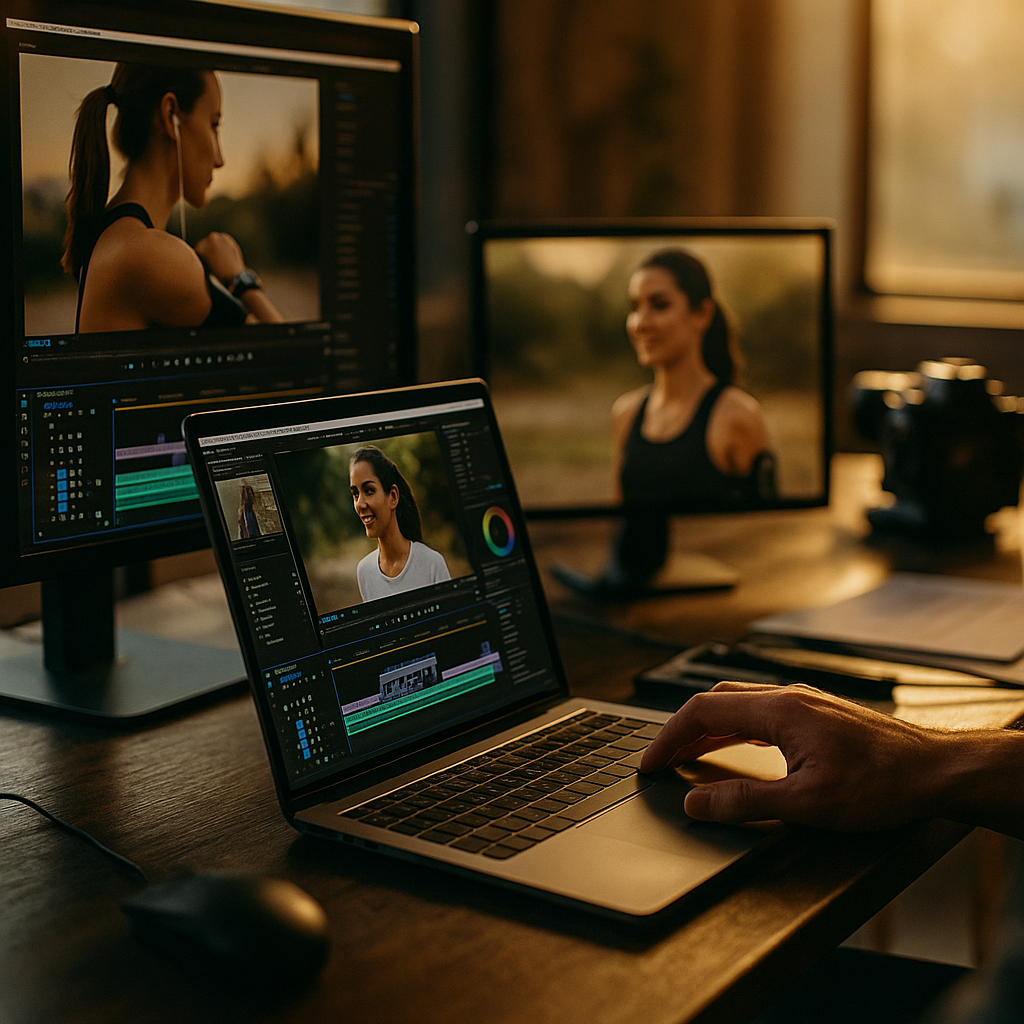
One shoot. Five platforms. Zero reshoots. That’s the math brands are chasing as production budgets shrink and platform demands multiply. Teams that master a multi platform master edit workflow are pulling five to seven finished assets from a single half-day shoot, while everyone else is still booking a new crew for every channel. The gap in cost per asset isn’t small. It’s the difference between a sustainable content engine and a budget that bleeds out by Q2.
Why One Shoot Should Never Mean One Video
Most brand teams still think in campaigns, not systems. They book a shoot for a hero video, get one polished 60 second spot, and call it done. Then someone in the meeting asks, “what about TikTok, what about YouTube Shorts, what about the CTV buy,” and suddenly there’s a scramble for a second shoot day that was never budgeted.
The fix isn’t more shoots. It’s better planning around the one you already have. A single session, shot with reformatting in mind, can supply a vertical short, a horizontal long form piece, a silent-caption cutdown, a livestream teaser, and a CTV spot. That’s five distinct jobs from one call sheet.
Brands running a master edit workflow report cutting per-asset production costs by roughly 40 to 60 percent compared to platform-by-platform shoots, according to production teams surveyed by eMarketer.
That kind of efficiency doesn’t happen by accident. It happens because someone designed the shoot backward from the deliverables, not forward from a single script.
The Master Edit: Your Source of Truth
Think of the master edit as raw material, not a finished product. It’s the long, unpolished, fully logged version of everything you captured: A-roll, B-roll, alternate takes, ambient sound, extra reaction shots. Nobody outside the edit bay ever sees this cut. Its only job is to feed the five (or more) platform-specific versions downstream.
A strong master edit needs three things to actually function as a source of truth:
- Full timestamp logging. Every usable moment tagged and searchable, so editors aren’t scrubbing through 40 minutes of footage to find one reaction shot.
- Modular audio and visual layers. Dialogue, music, and SFX kept separate so any cut can be remixed for silent viewing or CTV sound design without starting over.
- Aspect-ratio-agnostic framing on set. If the camera operator only shoots tight 16:9, there’s no vertical crop that will save you later.
This is where the workflow lives or dies. Teams that skip proper logging end up rebuilding context from memory every time a new platform request lands, which defeats the entire purpose of shooting once. Tools like HubSpot‘s content calendar integrations and shared asset libraries help keep the master edit tied to a production timeline instead of floating in someone’s personal drive.
Five Cuts, Five Jobs
Here’s where the “five cuts” part earns its name. Each platform cut isn’t a resize, it’s a rebuild with a distinct job to do.
- The vertical short (TikTok, Reels, Shorts). Fast hook in the first two seconds, captions burned in, no reliance on sound. This is your discovery engine.
- The horizontal long form (YouTube). Full context, chapters, room for the product story to breathe. This is where trust gets built, and it pairs well with a timestamp chaptering approach for search and AI snippet visibility.
- The silent-caption cutdown (LinkedIn, muted autoplay feeds). Built for sound-off consumption, which now accounts for a large share of feed views according to Sprout Social platform data.
- The livestream or shoppable teaser. A 10 to 15 second loop designed to drive traffic into a live commerce moment, similar to the approach in shoppable livestream cutdowns.
- The CTV reformat. Bigger canvas, slower pacing, no captions needed since living rooms watch with sound on. This one follows the logic in the CTV reformat playbook.
Five cuts, five different jobs, one shoot. That’s the entire value proposition of this workflow, and it’s why the planning has to happen before anyone touches a camera.
Building the Workflow: From Shot List to Delivery
Where does this actually break down into a process a team can run every week? Start with the shot list, not the script. A traditional script assumes one final output. A multi platform shot list assumes five.
Practically, that means:
- Pre-production: Map every planned deliverable to its platform spec before the shoot day. Know your aspect ratios, your caption needs, your run times.
- On set: Capture wide safety frames so vertical crops don’t clip faces or product shots. Grab extra “cutaway” B-roll specifically for the silent and CTV versions.
- Post-production: Build the master edit first, then branch into platform cuts using templated project files. This is where CapCut speed edit templates earn their keep, cutting turnaround from days to hours for the vertical and cutdown formats.
- QA and testing: Before full deployment, run split test thumbnails on the top two or three cuts to catch underperformers before ad spend gets committed.
A production team that runs this loop consistently isn’t reinventing the process every campaign. They’re running a repeatable system, which is the whole point.
The workflow only pays off if the shot list is built around five outputs from day one. Retrofitting a single-purpose shoot into five cuts after the fact rarely works.
What Breaks This Workflow?
A few things reliably sink this approach, and they’re worth naming so you can budget around them.
Talent contracts that don’t cover multi platform usage. If your creator agreement only licenses “one piece of content for Instagram,” you can’t legally repurpose that footage for YouTube, CTV, or paid social without renegotiating. Review usage rights before the shoot, not after the edit is done. The FTC also expects disclosure consistency across every reformatted version, so a disclosure that works on one platform needs to carry through to all five cuts, not just the original.
Inconsistent branding across formats. A logo bug that works on a vertical short can disappear entirely in a CTV crop. Build safe zones into your master edit templates so nothing critical gets cut off downstream.
No owner for the workflow. Someone has to be responsible for tagging the master edit and briefing each platform editor. Without a named owner, this process quietly reverts to five separate one-off requests, which is exactly the inefficiency you were trying to eliminate.
Compliance and rights management aside, the biggest risk is treating the master edit as disposable. Archive it properly. Six months later, a new campaign angle or a shoppable video overlay opportunity might pull fresh cuts from footage you already paid for.
Making the Case Internally
If you’re pitching this workflow to a budget owner who’s skeptical of process overhead, lead with the math, not the methodology. One shoot day at typical mid-market rates might run $8,000 to $15,000 fully loaded. Five separate single-purpose shoots at that same rate could run $40,000 to $75,000. The master edit workflow isn’t a nice-to-have production philosophy. It’s a direct line item reduction that finance teams understand immediately.
It also shortens time to market. Instead of waiting weeks for five separate production cycles, a well-run master edit process can deliver all five cuts within days of the original shoot, letting campaigns launch across channels in a coordinated wave rather than a staggered trickle.
Frequently Asked Questions
What is a master edit in video production?
A master edit is the fully logged, unpolished long-form cut of raw footage from a shoot. It serves as the source file that platform-specific edits are built from, rather than a finished piece meant for public release.
How many platform cuts should come from one shoot?
Five is a practical baseline covering vertical short-form, horizontal long-form, silent-caption cutdowns, livestream teasers, and CTV reformats, but teams with more channels can extend the model to seven or eight cuts if the shoot is planned for it.
Does this workflow require expensive equipment?
No. It requires planning discipline more than gear. Shooting in wide safety frames, logging footage properly, and separating audio layers matter far more than camera specs.
How do usage rights affect multi platform repurposing?
Creator and talent contracts need to explicitly cover reformatting across channels. Without multi platform usage rights built into the agreement, brands risk compliance issues when reposting the same footage on additional platforms.
What tools speed up the platform-specific editing stage?
Template-based editors like CapCut, along with shared project files and asset libraries, significantly reduce the manual work of resizing, recaptioning, and retiming each cut.
Start your next shoot with a five-cut deliverable map instead of a single script, brief your editors on the master edit structure before day one, and track cost per asset across a full quarter to prove the ROI in numbers finance actually cares about.
FAQs
What is a master edit in video production?
A master edit is the fully logged, unpolished long-form cut of raw footage from a shoot. It serves as the source file that platform-specific edits are built from, rather than a finished piece meant for public release.
How many platform cuts should come from one shoot?
Five is a practical baseline covering vertical short-form, horizontal long-form, silent-caption cutdowns, livestream teasers, and CTV reformats, but teams with more channels can extend the model to seven or eight cuts if the shoot is planned for it.
Does this workflow require expensive equipment?
No. It requires planning discipline more than gear. Shooting in wide safety frames, logging footage properly, and separating audio layers matter far more than camera specs.
How do usage rights affect multi platform repurposing?
Creator and talent contracts need to explicitly cover reformatting across channels. Without multi platform usage rights built into the agreement, brands risk compliance issues when reposting the same footage on additional platforms.
What tools speed up the platform-specific editing stage?
Template-based editors like CapCut, along with shared project files and asset libraries, significantly reduce the manual work of resizing, recaptioning, and retiming each cut.
Top Influencer Marketing Agencies
The leading agencies shaping influencer marketing in 2026
Agencies ranked by campaign performance, client diversity, platform expertise, proven ROI, industry recognition, and client satisfaction. Assessed through verified case studies, reviews, and industry consultations.
Moburst

-
2

The Shelf
Boutique Beauty & Lifestyle Influencer AgencyA data-driven boutique agency specializing exclusively in beauty, wellness, and lifestyle influencer campaigns on Instagram and TikTok. Best for brands already focused on the beauty/personal care space that need curated, aesthetic-driven content.Clients: Pepsi, The Honest Company, Hims, Elf Cosmetics, Pure LeafVisit The Shelf → -
3

Audiencly
Niche Gaming & Esports Influencer AgencyA specialized agency focused exclusively on gaming and esports creators on YouTube, Twitch, and TikTok. Ideal if your campaign is 100% gaming-focused — from game launches to hardware and esports events.Clients: Epic Games, NordVPN, Ubisoft, Wargaming, Tencent GamesVisit Audiencly → -
4

Viral Nation
Global Influencer Marketing & Talent AgencyA dual talent management and marketing agency with proprietary brand safety tools and a global creator network spanning nano-influencers to celebrities across all major platforms.Clients: Meta, Activision Blizzard, Energizer, Aston Martin, WalmartVisit Viral Nation → -
5

The Influencer Marketing Factory
TikTok, Instagram & YouTube CampaignsA full-service agency with strong TikTok expertise, offering end-to-end campaign management from influencer discovery through performance reporting with a focus on platform-native content.Clients: Google, Snapchat, Universal Music, Bumble, YelpVisit TIMF → -
6

NeoReach
Enterprise Analytics & Influencer CampaignsAn enterprise-focused agency combining managed campaigns with a powerful self-service data platform for influencer search, audience analytics, and attribution modeling.Clients: Amazon, Airbnb, Netflix, Honda, The New York TimesVisit NeoReach → -
7

Ubiquitous
Creator-First Marketing PlatformA tech-driven platform combining self-service tools with managed campaign options, emphasizing speed and scalability for brands managing multiple influencer relationships.Clients: Lyft, Disney, Target, American Eagle, NetflixVisit Ubiquitous → -
8

Obviously
Scalable Enterprise Influencer CampaignsA tech-enabled agency built for high-volume campaigns, coordinating hundreds of creators simultaneously with end-to-end logistics, content rights management, and product seeding.Clients: Google, Ulta Beauty, Converse, AmazonVisit Obviously →