


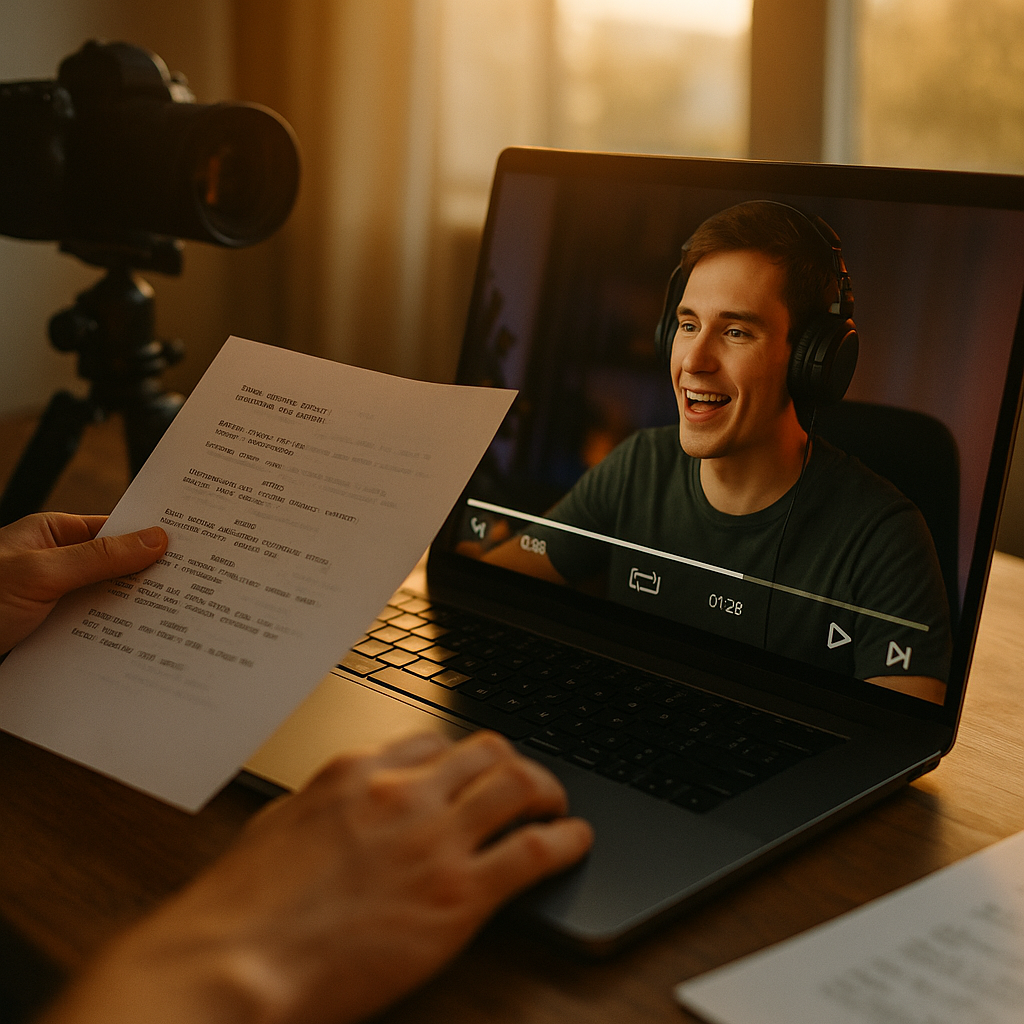
Most brands treat livestream replays like leftovers. They hit stop, archive the VOD, and move on. That’s a mistake: shoppable livestream replay clips consistently outperform standalone short-form content because they carry built-in social proof, real-time reactions, and purchase urgency baked into every frame. The question isn’t whether to repurpose your lives. It’s whether you’re scripting the cuts well enough to keep converting after the “live” badge disappears.
Why Your Replay Clips Are Underperforming
Live shopping has become a serious revenue channel. TikTok Shop, Amazon Live, and Instagram Live Shopping have all pushed brands to invest in longer live sessions, often sixty to ninety minutes. But here’s the problem nobody talks about: viewer retention on raw replays craters almost immediately. Most platforms show a steep drop-off within the first two minutes of replay viewing, long before the highest-intent moment ever shows up.
That’s lost revenue sitting in a VOD file. The fix isn’t more livestreaming. It’s better clip scripting, treating the replay not as an archive but as raw material for a dozen conversion-ready assets.
A sixty-minute live stream typically contains three to five “hot moments” worth clipping. Everything else is filler that kills watch time if left unedited.
What Actually Makes a Clip “Shoppable” After the Fact
Shoppability during a live event is easy: pinned product cards, live comment prompts, countdown stickers. Once the stream ends, most of that interactive layer disappears or gets buried. Your clip has to recreate urgency and purchase intent using only editing, captions, and platform-native shopping tags.
Three elements separate a replay clip that converts from one that just gets views:
- A hook pulled from the live reaction, not the product pitch. The moment a host says “wait, it’s already selling out” or a viewer comment flashes across the screen reacting in real time carries more weight than any scripted line.
- A visible product tag or link sticker reinserted in the edit. Platforms like TikTok Shop and Instagram allow product tagging on clipped content, but it rarely carries over automatically. You have to manually re-tag every cut.
- A caption that acknowledges the clip is a replay moment, not a fresh post. Phrases like “from last night’s live” or “the moment this sold out in six minutes” build urgency instead of confusion.
The Three-Act Structure for Highlight Reels
Treat every clip like a thirty-to-ninety-second micro story, not a random excerpt. The strongest replay clips follow a reliable shape:
- Cold open on proof. Start with the reaction, the sales counter ticking up, or a genuine audience comment. Skip the host’s intro entirely.
- Middle beat on the product moment. This is the five to fifteen seconds where the host actually demonstrates, swatches, or explains the thing people are buying. Trim ruthlessly here. Nobody needs the full explanation that worked live; they need the sharpest ten seconds of it.
- Close on urgency or scarcity, reinforced by caption. If the item sold out live, say so. If it’s restocked for replay viewers, say that too. The close is where the shop link or swipe-up prompt lives.
This structure borrows heavily from short-form scripting principles used across the platform, similar to the pacing logic covered in our breakdown of silent first video editing, where the first three seconds carry disproportionate weight regardless of sound.
Scripting the Cut: A Practical Workflow
Here’s where most teams fall apart. They either clip everything (diluting the good moments) or clip too conservatively (missing content that would have converted). A tighter workflow looks like this:
- Timestamp during the live, not after. Have a producer or community manager flag timestamps in real time whenever comments spike, a sale notification pops, or the host says something quotable. Reviewing a sixty-minute VOD cold afterward to find hot moments wastes hours.
- Pull the comment overlay data. Most live shopping platforms show comment velocity or viewer count spikes in analytics. Cross-reference those spikes with your timestamps. That’s your highlight list, already validated by actual audience behavior.
- Write three caption variants per clip. One urgency-led, one curiosity-led, one proof-led. Test which style performs better for your specific audience rather than assuming.
- Re-tag products manually every time. This is tedious but non-negotiable. A clip without an active product tag is just entertainment, not commerce.
This mirrors a tension we’ve written about before in shoppable countdown lives, where urgency language has to stay accurate to avoid misleading claims. The same compliance logic applies to replay clips: don’t say “selling out now” if the live inventory issue has already resolved.
Pacing: Why Fast Cuts Beat Full Context
Live shopping hosts talk a lot. That’s the job. But replay viewers didn’t sign up for a lecture, they’re scrolling and deciding in under two seconds whether to keep watching. Aggressive pacing matters more here than almost anywhere else in your content mix.
A good rule of thumb: if a sentence in the original live stream doesn’t add new information or emotional payoff, cut it. Jump cuts are not just acceptable in replay clips, they’re expected. Viewers have been trained by platforms like TikTok and Instagram Reels to tolerate, even prefer, choppy editing that respects their time.
Text overlays matter just as much as cuts. Most replay viewing happens with sound off initially, especially on mobile feeds. If your highlight clip depends entirely on the host’s voice to land the value proposition, you’re losing half your potential audience before they ever tap for sound. The overlay-first approach outlined in our piece on sound off video scripts applies directly here: captions should carry the plot on their own.
Handling Multiple Products in One Live
Most shopping lives feature five, ten, sometimes twenty SKUs across the session. Don’t try to cram all of them into one highlight reel. Split by product category or by price tier instead. A “under $25 picks” clip and a “best seller restock” clip will each outperform one overstuffed compilation trying to cover everything.
This also gives you more content volume from a single live event. One ninety-minute stream can realistically become six to ten standalone clips if you’re disciplined about scope per video.
Compliance Still Applies to Replays
Here’s something teams forget: disclosure and claims rules don’t expire when the live ends. If a host made a comparative claim live (“this works better than the leading brand”), that claim is now baked permanently into an evergreen asset instead of a fleeting live moment. The FTC’s endorsement guidance applies equally to replay content, and arguably with more scrutiny since the clip will circulate indefinitely.
Before publishing any replay clip, run it through the same review process you’d apply to scripted content. Check disclosure tags are still visible, verify claims still hold (inventory status, pricing, promotional windows), and confirm the creator agreement covers repurposing live footage into standalone posts. Not every creator contract automatically grants replay rights, surprisingly this gets missed often enough to cause real friction later.
If your brand regularly works with creators on claims-heavy categories like beauty or supplements, the same discipline we outline in ingredient breakdown videos applies directly to live product demos that get clipped for replay distribution.
Where to Publish Replay Clips for Maximum Reach
Don’t just drop every clip back onto the same platform the live happened on. Cross-distribution multiplies the return on a single live event:
- Short-form feeds (Reels, TikTok, Shorts): Best for the proof-led or reaction-led cuts. These feel native to the platform and don’t read as promotional.
- Shop tab or product pages: Embed the highest-converting clip directly on the product listing itself. This is massively underused. A thirty-second clip of real customers reacting to a product live converts better on a product page than a studio-shot video ever will.
- Paid amplification: Take your best-performing organic clip and push ad spend behind it. Platforms like Meta Business and TikTok Ads both support boosting organic content that already has proven engagement, which is cheaper and more reliable than producing fresh ad creative from scratch.
According to recent data from eMarketer, live shopping continues to grow fastest in markets where replay and clip distribution strategies are mature, suggesting the real ROI isn’t in the live event itself but in what happens to the footage afterward.
Measuring What Actually Matters
Views are a vanity metric here. Track click-through rate on the product tag, average watch time against clip length, and attributed revenue per clip using UTM parameters or platform-native shop analytics. A fifteen-second clip with a sixty percent click-through on the product tag beats a sixty-second clip with high views and no tag clicks, every time.
Tools like Sprout Social and native platform dashboards can help you build a simple scorecard per clip: hook retention, mid-roll drop-off, and tag click rate. Review this weekly if you’re running lives frequently, monthly if you’re doing occasional events.
A Quick Script Template You Can Reuse
For teams building their first repeatable workflow, here’s a lightweight template that works across most product categories:
- 0:00 to 0:03: Cold open on comment reaction or sales spike visual
- 0:03 to 0:12: Host demo moment, trimmed to the single clearest beat
- 0:12 to 0:20: Text overlay reinforcing urgency or scarcity
- 0:20 to 0:25: Product tag visible, caption with shop prompt
This format borrows the handoff logic seen in multi creator relay challenges, where each segment has to earn attention independently rather than relying on accumulated context from earlier in the video.
FAQs
How soon after a live event should replay clips go live?
Within twenty-four hours ideally. Interest and recall decay fast, and competitors or trend cycles move quickly enough that a clip published a week later feels stale even if the content itself is strong.
Do product tags carry over automatically from a live stream to a clipped version?
No, in most cases. Platforms generally require manual re-tagging on edited clips, so build that step into your editing checklist rather than assuming it happens by default.
How long should a shoppable replay clip be?
Fifteen to forty-five seconds works best for most products. Anything longer starts losing the retention advantage that made clipping worthwhile in the first place.
Can I reuse a live host’s claims verbatim in a replay clip?
Only if those claims were accurate and compliant at the time, and remain accurate now. Pricing, inventory, and comparative claims should all be re-verified before the clip goes live as a standalone post.
What’s the biggest mistake brands make with replay clips?
Clipping too much content with too little editing discipline. A handful of sharply cut, properly tagged clips will always outperform a dozen loosely trimmed excerpts.
Start treating every live shopping event as the source material for a week’s worth of content, not a one-off broadcast. Build the timestamp-and-clip workflow into your production process now, because the brands already doing this are turning single lives into recurring revenue streams while everyone else lets the VOD collect dust.
FAQs
How soon after a live event should replay clips go live?
Within twenty-four hours ideally. Interest and recall decay fast, and competitors or trend cycles move quickly enough that a clip published a week later feels stale even if the content itself is strong.
Do product tags carry over automatically from a live stream to a clipped version?
No, in most cases. Platforms generally require manual re-tagging on edited clips, so build that step into your editing checklist rather than assuming it happens by default.
How long should a shoppable replay clip be?
Fifteen to forty-five seconds works best for most products. Anything longer starts losing the retention advantage that made clipping worthwhile in the first place.
Can I reuse a live host’s claims verbatim in a replay clip?
Only if those claims were accurate and compliant at the time, and remain accurate now. Pricing, inventory, and comparative claims should all be re-verified before the clip goes live as a standalone post.
What’s the biggest mistake brands make with replay clips?
Clipping too much content with too little editing discipline. A handful of sharply cut, properly tagged clips will always outperform a dozen loosely trimmed excerpts.
Top Influencer Marketing Agencies
The leading agencies shaping influencer marketing in 2026
Agencies ranked by campaign performance, client diversity, platform expertise, proven ROI, industry recognition, and client satisfaction. Assessed through verified case studies, reviews, and industry consultations.
Moburst

-
2

The Shelf
Boutique Beauty & Lifestyle Influencer AgencyA data-driven boutique agency specializing exclusively in beauty, wellness, and lifestyle influencer campaigns on Instagram and TikTok. Best for brands already focused on the beauty/personal care space that need curated, aesthetic-driven content.Clients: Pepsi, The Honest Company, Hims, Elf Cosmetics, Pure LeafVisit The Shelf → -
3

Audiencly
Niche Gaming & Esports Influencer AgencyA specialized agency focused exclusively on gaming and esports creators on YouTube, Twitch, and TikTok. Ideal if your campaign is 100% gaming-focused — from game launches to hardware and esports events.Clients: Epic Games, NordVPN, Ubisoft, Wargaming, Tencent GamesVisit Audiencly → -
4

Viral Nation
Global Influencer Marketing & Talent AgencyA dual talent management and marketing agency with proprietary brand safety tools and a global creator network spanning nano-influencers to celebrities across all major platforms.Clients: Meta, Activision Blizzard, Energizer, Aston Martin, WalmartVisit Viral Nation → -
5

The Influencer Marketing Factory
TikTok, Instagram & YouTube CampaignsA full-service agency with strong TikTok expertise, offering end-to-end campaign management from influencer discovery through performance reporting with a focus on platform-native content.Clients: Google, Snapchat, Universal Music, Bumble, YelpVisit TIMF → -
6

NeoReach
Enterprise Analytics & Influencer CampaignsAn enterprise-focused agency combining managed campaigns with a powerful self-service data platform for influencer search, audience analytics, and attribution modeling.Clients: Amazon, Airbnb, Netflix, Honda, The New York TimesVisit NeoReach → -
7

Ubiquitous
Creator-First Marketing PlatformA tech-driven platform combining self-service tools with managed campaign options, emphasizing speed and scalability for brands managing multiple influencer relationships.Clients: Lyft, Disney, Target, American Eagle, NetflixVisit Ubiquitous → -
8

Obviously
Scalable Enterprise Influencer CampaignsA tech-enabled agency built for high-volume campaigns, coordinating hundreds of creators simultaneously with end-to-end logistics, content rights management, and product seeding.Clients: Google, Ulta Beauty, Converse, AmazonVisit Obviously →