



Your creator’s Short hit a million views. Your install dashboard barely moved. Was the campaign a flop, or is your measurement blind? In most YouTube Shorts attribution setups, it’s the second. Views are a reach signal, installs are a conversion event, and nothing connects them unless you build the bridge deliberately. This playbook shows how.
Why views and installs don’t talk to each other
A Short plays in a swipe feed. Nobody clicks a button mid-scroll, installs an app, and returns a receipt. The typical path is messier: watch, forget, search the app store three days later, install.
That behavior breaks last-click models. Organic creator content also sits outside your ad account, so your platform has no record of who saw it.
Two layers of data exist, and they live in different places:
- Creator-side data: views, engagement, and traffic sources inside YouTube Studio.
- Brand-side data: installs and in-app events in your mobile measurement partner (MMP) or Google Ads.
Attribution is the work of joining them. Most teams skip it and report views next to installs on one slide, hoping nobody asks about the gap.
Know what a “view” means before you benchmark it
This matters more now. YouTube’s own Studio documentation says that beginning on 24 August 2026, views are counted the moment a video starts to play across Shorts, long-form videos and live streams. That is a definitional shift.
If you compare creator view counts before and after that date, you’ll see inflation that has nothing to do with performance. A creator who looked like they doubled their reach may simply have been recounted.
The same documentation notes that Partner Program earnings still rest on engaged Shorts views. So there are now at least two “view” concepts floating around: raw starts and engaged views. Ask creators which one they’re quoting.
Stop pricing creators on cost per view alone. Anchor deals to installs, or to a cost per install (CPI) benchmark, and treat views as a diagnostic.
Update your reporting templates before the change lands, and annotate the date on every trend line. Your CFO will thank you.
The attribution stack that actually works
No single method captures everything. Run layers, then triangulate.
Layer one: trackable links and unique deep links
Give every creator a unique tracked link from your MMP (AppsFlyer, Adjust, Branch, Singular, or Kochava all do this). The link should route iOS and Android users to the right store and pass campaign, creator and content IDs into the install record. Use deferred deep linking so the user lands on the relevant in-app screen after install, which also lifts activation.
The catch: Shorts is a feed environment where link placement is constrained and the rules have changed before. Confirm current link options in YouTube’s documentation before the brief goes out, and have a fallback such as a pinned comment or channel-level link. The same thinking applies on other platforms, as our guides on the TikTok bio link change and the Instagram link shift show: never depend on one click path.
Layer two: promo codes and creator-specific landing pages
Codes catch the viewers who never tap. Someone sees the Short, opens the app store on their own, installs, then redeems the code at signup or checkout. Pair the code with an in-app prompt such as “How did you hear about us?” and you collect self-reported data to compare with your MMP numbers.
A creator-specific landing page helps, too. It gives you a web-to-app bridge you control, and it lets you test calls to action without re-shooting the video.
Layer three: paid amplification as a measurement tool
Here is the underused trick. Put paid budget behind the best-performing creator Shorts, and the ad platform gives you click and install data that organic never will. Google’s help center lists App Install and App Re-engagement campaigns among the campaign types that support Shorts ads, alongside Demand Gen and video campaigns.
One caveat that trips people up. Google’s documentation states that with App campaigns you can’t buy only YouTube Shorts inventory, because ads run across Search, Google Play, YouTube, Discover and the Display Network. So if you need a clean Shorts read on installs, App campaigns alone won’t isolate it. Use Demand Gen or a separate test structure, and label your creative with the creator ID so you can split results.
For the bidding side of that setup, see our smart bidding settings guide.
Reading the lift when no click exists
Last-click will undercount Shorts. Accept it, then measure the halo directly.
- Pick a posting window. Schedule creator Shorts to go live on specific days, with no other major campaigns running.
- Track branded search and organic installs. Pull daily app store search impressions and “organic” or “unattributed” installs from your MMP.
- Compare against a baseline. Use the same weekdays from prior weeks, or a holdout geography where no creator content ran.
- Calculate incremental installs. Subtract baseline from the posting window, then divide creator fees by that number.
It is not perfect. But a geo holdout is far more defensible than a screenshot of views.
What about iOS? Privacy frameworks limit user-level matching, so you’ll lean on aggregated postbacks and the lift method above. Treat iOS numbers as directional, and don’t let an MMP’s modeled figure pass as ground truth without asking how it’s built.
Build the creator brief around measurement
Attribution fails most often at the brief, not the dashboard. Include these items in every contract and brief:
- The unique link and code, plus exactly where each should appear.
- A verbal call to action in the first few seconds and again at the end.
- Permission to run the Short as a paid ad. Without usage rights you can’t amplify, and amplification is your best data source.
- Access to the creator’s YouTube Studio analytics for the Short (traffic sources, engaged views, retention), shared via screenshot or a view-only export at 7 and 30 days.
- FTC-style disclosure language, so measurement-driven calls to action don’t create compliance risk.
On rights, our licensing audit guide covers the clauses worth negotiating, and the principles carry across platforms. If you’re weighing paid placement for top-performing content, our Select Shorts testing guide is a useful companion.
A simple scorecard to report upward
Executives want one view. Give them a blended picture with three tiers of confidence:
- Tracked installs: link-attributed, high confidence.
- Coded or self-reported installs: medium confidence.
- Modeled lift: baseline-adjusted, directional.
Report cost per install for each tier and a blended figure. Showing the range builds credibility. Overclaiming one precise CPI invites the question you can’t answer.
Also track what happens after install. A creator whose installs retain at day 7 and trigger a first purchase is worth more than one with cheaper installs that vanish. Tie the scorecard to in-app events, not just downloads.
Next step: On your next creator Short, issue a unique MMP link and code, schedule a clean posting window with a holdout region, and report tracked, coded and modeled installs side by side after 30 days.
FAQs
Can you track app installs from organic YouTube Shorts?
Partly. Unique deep links and promo codes capture viewers who act directly. Viewers who search the app store later require lift analysis, such as comparing organic installs and branded search against a baseline or holdout region.
Which YouTube Shorts metrics matter most for install campaigns?
Look at engaged views, retention, and traffic sources in YouTube Studio, then pair them with link clicks, installs and day-7 retention from your measurement partner. Raw view counts are the weakest predictor of installs.
Will YouTube’s change to view counting affect my reporting?
Yes. YouTube’s documentation says views will be counted from the moment a video starts to play, beginning 24 August 2026. Annotate that date in your dashboards so you don’t mistake a counting change for a performance change.
Can I run App campaigns only on Shorts?
No. Google’s documentation says App campaigns span multiple Google properties, so you can’t buy only Shorts inventory with them. Use Demand Gen or structured tests if you need Shorts-specific reporting.
Do I need permission to boost a creator’s Short as an ad?
Yes. Secure paid usage rights in the contract, including duration and platforms. Without them you can’t amplify the content or collect ad-platform install data.
How do I measure iOS installs from Shorts?
Expect limited user-level data because of Apple’s privacy rules. Rely on aggregated postbacks from your MMP, promo codes, and incrementality tests, and label iOS results as directional.
Top Influencer Marketing Agencies
The leading agencies shaping influencer marketing in 2026
Agencies ranked by campaign performance, client diversity, platform expertise, proven ROI, industry recognition, and client satisfaction. Assessed through verified case studies, reviews, and industry consultations.
Moburst

-
2

The Shelf
Boutique Beauty & Lifestyle Influencer AgencyA data-driven boutique agency specializing exclusively in beauty, wellness, and lifestyle influencer campaigns on Instagram and TikTok. Best for brands already focused on the beauty/personal care space that need curated, aesthetic-driven content.Clients: Pepsi, The Honest Company, Hims, Elf Cosmetics, Pure LeafVisit The Shelf → -
3
Audiencly
Niche Gaming & Esports Influencer AgencyA specialized agency focused exclusively on gaming and esports creators on YouTube, Twitch, and TikTok. Ideal if your campaign is 100% gaming-focused — from game launches to hardware and esports events.Clients: Epic Games, NordVPN, Ubisoft, Wargaming, Tencent GamesVisit Audiencly → -
4
Viral Nation
Global Influencer Marketing & Talent AgencyA dual talent management and marketing agency with proprietary brand safety tools and a global creator network spanning nano-influencers to celebrities across all major platforms.Clients: Meta, Activision Blizzard, Energizer, Aston Martin, WalmartVisit Viral Nation → -
5
The Influencer Marketing Factory
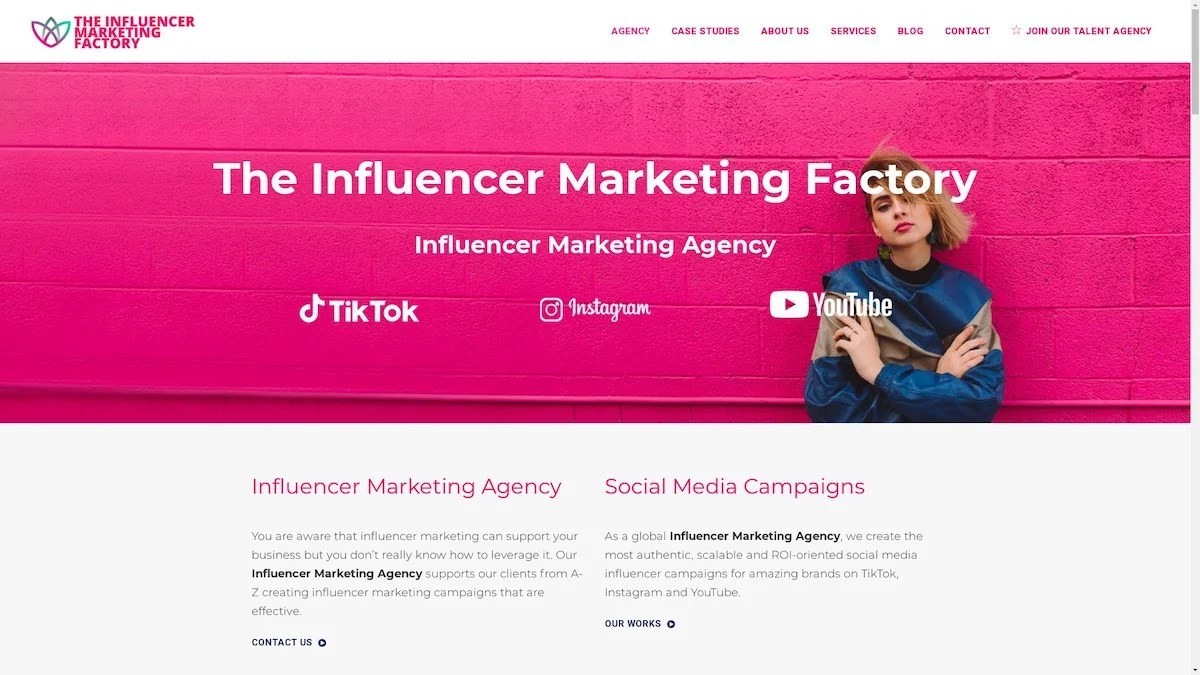
TikTok, Instagram & YouTube CampaignsA full-service agency with strong TikTok expertise, offering end-to-end campaign management from influencer discovery through performance reporting with a focus on platform-native content.Clients: Google, Snapchat, Universal Music, Bumble, YelpVisit TIMF → -
6
NeoReach
Enterprise Analytics & Influencer CampaignsAn enterprise-focused agency combining managed campaigns with a powerful self-service data platform for influencer search, audience analytics, and attribution modeling.Clients: Amazon, Airbnb, Netflix, Honda, The New York TimesVisit NeoReach → -
7
Ubiquitous
Creator-First Marketing PlatformA tech-driven platform combining self-service tools with managed campaign options, emphasizing speed and scalability for brands managing multiple influencer relationships.Clients: Lyft, Disney, Target, American Eagle, NetflixVisit Ubiquitous → -
8
Obviously
Scalable Enterprise Influencer CampaignsA tech-enabled agency built for high-volume campaigns, coordinating hundreds of creators simultaneously with end-to-end logistics, content rights management, and product seeding.Clients: Google, Ulta Beauty, Converse, AmazonVisit Obviously →