


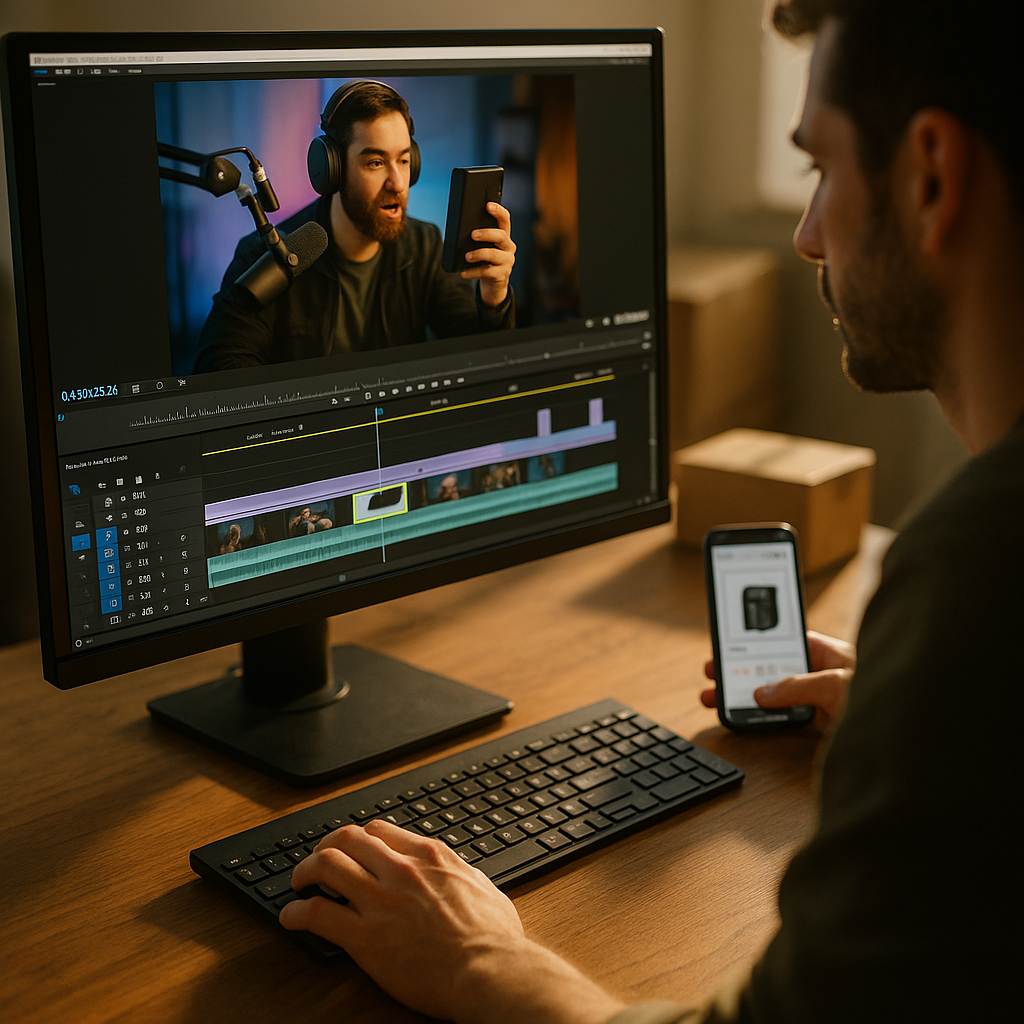
Most brands hit “end stream” and walk away from 90% of their content’s value. A single two-hour shopping stream generates enough raw footage for 15 to 20 short clips, yet the majority of that replay sits untouched in a dashboard, watched by almost nobody. Livestream replay clipping fixes that math, and it’s becoming the difference between live commerce programs that scale and ones that quietly get cut from next quarter’s budget.
Why Replays Are the Most Wasted Asset in Live Commerce
Live shopping events are expensive. There’s host talent, production coordination, platform fees, and often a promotional push to drive viewers to tune in live. Once the stream ends, most teams treat the replay as an archive, not an asset. That’s a mistake with real financial consequences.
Consider the traffic pattern of a typical shopping stream: viewership spikes in the first ten minutes, dips through the middle, and spikes again near a big reveal or discount drop. The middle stretch, often 40 to 60% of total runtime, is where hosts answer routine questions, restate product details, or fill dead air. That’s not wasted footage though. It’s raw material for dozens of standalone clips that never needed the live context to work.
Brands that systematically clip replays report getting three to five times the total watch time from a single stream compared to live viewership alone, according to platform data from TikTok Shop and internal case studies shared by live commerce agencies.
This isn’t a new idea in short-form video generally. Editors have been mining podcast and webinar recordings for viral moments for years. What’s different with shopping streams is the direct commercial intent embedded in the footage. Every clip is a potential sales moment, not just an engagement play.
The Four Clip Types Every Shopping Stream Produces
Not all replay footage deserves the same treatment. Before you hand raw video to an editor, sort it into these categories.
- The hook moment: The first 15 to 30 seconds where the host establishes the offer, the product, or a surprising claim. This is your top-of-funnel clip, built for cold audiences on TikTok or Reels.
- The demo beat: A focused product demonstration, ideally under 60 seconds, that stands alone without needing the surrounding chat context.
- The objection response: Moments where the host addresses a real viewer question about sizing, shipping, ingredients, or returns. These perform surprisingly well as standalone clips because they mirror what a hesitant shopper is already searching for.
- The social proof spike: Comment call-outs, sold-out announcements, or reaction shots when a cart count climbs. These create urgency cues that work even outside the live context.
Each type maps to a different placement in the funnel. Hook moments go wide as cold-audience ads. Objection responses do well as retargeting content, since they answer the exact hesitation keeping someone from checking out. If you’re already building objection-handling content into your live scripts, it’s worth reviewing how Q&A beats reduce cart abandonment so your clipping team knows exactly which timestamps to prioritize.
Building a Clipping Workflow That Doesn’t Eat Your Week
Here’s where most teams get stuck: they know clipping matters, but nobody owns the process, and it becomes an afterthought squeezed in between other deliverables. A working system needs three components.
First, timestamp during the stream, not after. Assign a producer or community manager to log timestamps in real time whenever something clip-worthy happens: a strong reaction, a clear demo, a spike in chat activity. This single habit cuts post-production review time by more than half, because your editor isn’t scrubbing through two hours of footage cold.
Second, standardize your cut list. Every stream should yield a predictable set of outputs: one hook clip, two to three demo clips, one or two Q&A clips, and a highlight reel for owned channels. Treat this like a checklist, not a creative brainstorm every time.
Third, reformat for platform before publishing. Shopping stream footage is almost always shot for the platform it aired on, which means aspect ratio, captions, and pacing often need adjustment before the clip works elsewhere. This is where the multi-platform master edit approach earns its keep, letting one clipping pass generate versions for TikTok, Instagram, and YouTube Shorts without re-shooting anything.
Sound Design Matters More Than You Think
Live shopping streams are messy audio environments. Hosts talk over background music, notification chimes, and sometimes each other. When you clip that footage for feeds where most viewers watch muted, the original audio mix often falls apart. Applying the principles from sound-off editing techniques to replay clips, meaning bold captions, visual emphasis on key claims, and音less-dependent pacing, keeps the clip functional even when nobody’s turned the volume up.
What Makes a Clip Worth Publishing, and What Doesn’t
Not every interesting moment in a livestream deserves a second life as a clip. Ask three questions before greenlighting one.
- Does it make sense without context? If a clip requires the viewer to already know what happened five minutes earlier, it’s not ready. Trim wider or drop it.
- Is there a clear next action? A clip without a visible product, price, or call to action is entertainment, not commerce. Fine for brand awareness, but track it separately from conversion goals.
- Would this clip work as a cold-start ad? If yes, it’s a strong candidate for paid amplification, not just organic posting. This is the same evaluation lens used in hook testing before ad spend, and applying it to replay clips avoids wasting budget on footage that never had scroll-stopping potential.
The instinct to clip everything is understandable but counterproductive. A feed full of low-value clips trains the algorithm to deprioritize your account, and it trains your audience to scroll past. Quality filtering matters more than volume here.
Measuring ROI: What to Actually Track
Clipping only earns its place in the workflow if you can prove it moves numbers that matter to whoever signs off on the budget. Vanity metrics like views are fine for a status update, but they won’t survive a budget review.
Track these instead:
- Cost per clip versus cost per original asset. A single shopping stream might cost several thousand dollars to produce. If it yields 15 usable clips, your effective cost per asset drops dramatically compared to shooting each piece of content individually.
- Click-through rate from clip to product page. This tells you whether the clip is doing commercial work or just generating passive views.
- Attributed revenue by clip type. Over a few streams, patterns emerge. Maybe objection-response clips convert better than hook clips for your category. Let the data redirect where your editors spend time.
- Replay watch time versus live watch time. If replay-derived content is outperforming the live event itself, that’s a signal to shift budget from live production polish toward post-stream distribution.
Platforms like Statista and eMarketer regularly publish live commerce growth data worth benchmarking against, particularly for understanding how live shopping adoption trends are shifting across regions and age groups. If your internal numbers lag industry averages, that’s a workflow problem before it’s a content problem.
Teams that track clip-level revenue attribution, not just aggregate stream revenue, consistently find that two or three clip types drive 70% or more of downstream sales, which means the rest of the clipping effort can be scaled back without losing performance.
Compliance and Disclosure Don’t Disappear After the Stream Ends
This is the part teams forget most often. If a shopping stream included sponsored placements, affiliate links, or paid partnership disclosures, those obligations travel with the clip when you repurpose it. A disclosure that appeared once at the start of a two-hour stream won’t satisfy FTC endorsement guidelines if it’s stripped out of a 30-second clip published separately on another platform.
Build a compliance check into your clipping checklist: does this clip need its own disclosure overlay? Does the creator’s contract cover repurposing rights for clipped content, or only the original stream? Teams managing multiple creators across shopping events should have this documented before the first clip goes out, not after a legal team flags it. The UGC rights registry workflow is a useful model for tracking exactly what usage rights apply to each piece of footage, including replay-derived clips.
Where This Fits in a Broader Live Commerce Strategy
Clipping shouldn’t be treated as a standalone tactic bolted onto the end of a live event. It works best when the original stream is scripted with clipping in mind from the start, meaning hosts deliver clean, self-contained beats rather than a meandering two-hour conversation. Brands already using structured formats, like the ones outlined in beat sheet scripting for shoppable streams, tend to produce cleaner replay footage because the live content was already organized into clip-sized segments.
It also connects to distribution beyond social feeds. Some brands now push high-performing clips into connected TV placements, following the reformatting guidance in CTV reformatting playbooks, turning a single live shopping event into assets spanning social, paid, and streaming inventory. That kind of cross-platform reach is only possible if the clipping workflow is built to produce platform-ready outputs from day one, not as a rushed afterthought once the stream ends.
Frequently Asked Questions
How soon after a shopping stream should clips go live?
Within 24 to 48 hours, ideally. Momentum from the live event, including any social buzz or urgency around a limited-time offer, fades quickly. Clips published while the stream is still fresh in the audience’s mind tend to outperform ones released a week later.
How many clips should we get from a single stream?
Most teams find 10 to 20 usable clips from a two-hour shopping stream, though this depends heavily on how structured the original content was. Streams scripted in clear segments yield more clean, standalone clips than freeform, conversational formats.
Do replay clips need the same disclosures as the original stream?
Yes. Any sponsored content, affiliate links, or paid partnership disclosures present in the original stream need to carry over into clips derived from it. Check the FTC’s endorsement guidance and confirm creator contracts explicitly cover repurposing rights.
Should clipped content run as organic posts or paid ads?
Both, depending on the clip type. Hook moments and strong demo clips often perform well as paid ads targeting cold audiences. Objection-response clips tend to work better in retargeting campaigns aimed at people who already showed purchase intent.
What’s the biggest mistake brands make when clipping replays?
Clipping without context. Pulling a moment that only makes sense if the viewer already watched the surrounding stream almost always underperforms. Every clip needs to stand alone, with its own hook, payoff, and call to action.
Visible FAQ
The final step here isn’t complicated: pick one upcoming shopping stream, assign a timestamp logger before it starts, and commit to publishing at least five clips within 48 hours of the replay going live. Measure clip-level conversion against your live event’s baseline, and let that comparison decide how much of next quarter’s production budget shifts from live polish to post-stream repurposing.
Top Influencer Marketing Agencies
The leading agencies shaping influencer marketing in 2026
Agencies ranked by campaign performance, client diversity, platform expertise, proven ROI, industry recognition, and client satisfaction. Assessed through verified case studies, reviews, and industry consultations.
Moburst

-
2

The Shelf
Boutique Beauty & Lifestyle Influencer AgencyA data-driven boutique agency specializing exclusively in beauty, wellness, and lifestyle influencer campaigns on Instagram and TikTok. Best for brands already focused on the beauty/personal care space that need curated, aesthetic-driven content.Clients: Pepsi, The Honest Company, Hims, Elf Cosmetics, Pure LeafVisit The Shelf → -
3

Audiencly
Niche Gaming & Esports Influencer AgencyA specialized agency focused exclusively on gaming and esports creators on YouTube, Twitch, and TikTok. Ideal if your campaign is 100% gaming-focused — from game launches to hardware and esports events.Clients: Epic Games, NordVPN, Ubisoft, Wargaming, Tencent GamesVisit Audiencly → -
4

Viral Nation
Global Influencer Marketing & Talent AgencyA dual talent management and marketing agency with proprietary brand safety tools and a global creator network spanning nano-influencers to celebrities across all major platforms.Clients: Meta, Activision Blizzard, Energizer, Aston Martin, WalmartVisit Viral Nation → -
5

The Influencer Marketing Factory
TikTok, Instagram & YouTube CampaignsA full-service agency with strong TikTok expertise, offering end-to-end campaign management from influencer discovery through performance reporting with a focus on platform-native content.Clients: Google, Snapchat, Universal Music, Bumble, YelpVisit TIMF → -
6

NeoReach
Enterprise Analytics & Influencer CampaignsAn enterprise-focused agency combining managed campaigns with a powerful self-service data platform for influencer search, audience analytics, and attribution modeling.Clients: Amazon, Airbnb, Netflix, Honda, The New York TimesVisit NeoReach → -
7

Ubiquitous
Creator-First Marketing PlatformA tech-driven platform combining self-service tools with managed campaign options, emphasizing speed and scalability for brands managing multiple influencer relationships.Clients: Lyft, Disney, Target, American Eagle, NetflixVisit Ubiquitous → -
8

Obviously
Scalable Enterprise Influencer CampaignsA tech-enabled agency built for high-volume campaigns, coordinating hundreds of creators simultaneously with end-to-end logistics, content rights management, and product seeding.Clients: Google, Ulta Beauty, Converse, AmazonVisit Obviously →